

Discover how to help puppies stay calm around noise with this helpful app.
 4.5
4.5
Smart controls for your Ember Smart Mugs
4.10
Duo Watch Face (animated)
4.1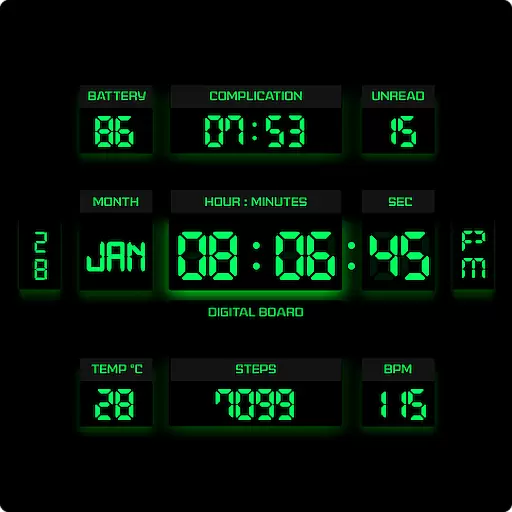
This minimalist yet classic board design brings a futuristic twist to your wrist
4.20
Made To Order Faves
4.70
Creativity and savings for kids, beginners and experts in arts and crafts
3.50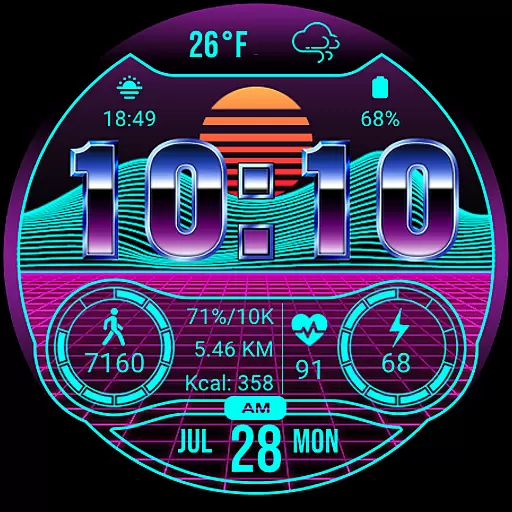
Digital smart watch face made for Wear OS.
4.70
Mixing Colors for Menswear
4.20
Remotely monitor the time and temperature of food cooking on your grill.
4.60
Earn money & gift cards when you take surveys, play games, scan receipts & more.
4.50
The all-new Cync app. The simple, connected app for Cync and C by GE.
4.50
Earn points with every purchase with Moe Rewards.
4.20
Spiritus Ghost Box is an Audio and Visual ITC tool for paranormal research.
4.00
Spirit Communicator is a real paranormal ghost hunting app with many fun modes.
3.90
Design and brew great homebrewing beer, mead, cider and wine recipes on the go!
3.60
The Miracle Box includes methods used by Steve Huff of Huff Paranormal.
3.20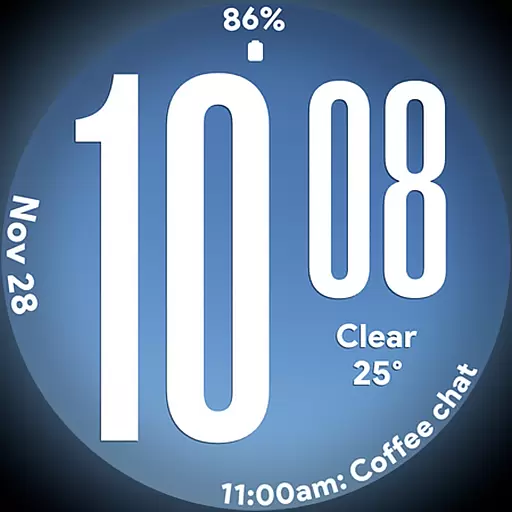
Big bold weather watch face with dynamic backgrounds and 3 complications
4.5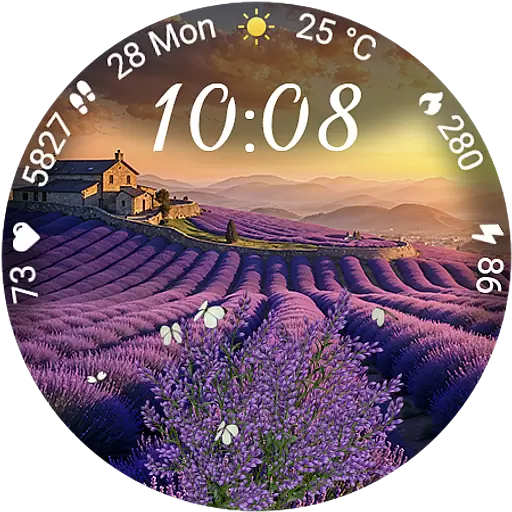
Immerse yourself in the serenity of lavender fields and white butterflies
4.0
Customize your Wear OS watch with festive Christmas figures and colors!
4.3


