

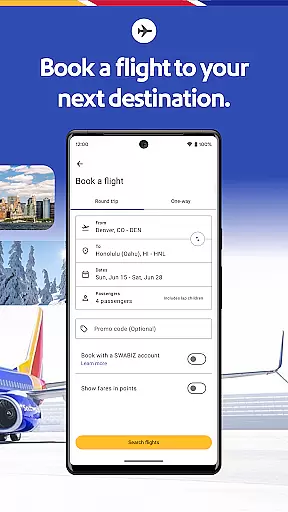
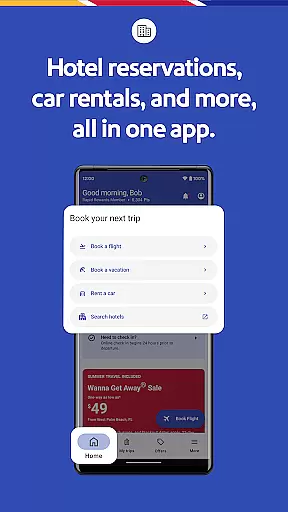



Southwest Airlines offers a complete travel solution through its mobile application, designed specifically for seamless trip planning and management. As a leading travel app in its category, it provides users with the ability to book flights, hotels, rental cars, and even full vacation packages. The app stands out by consolidating all essential travel features into one platform, making it easier than ever to manage every aspect of your journey.
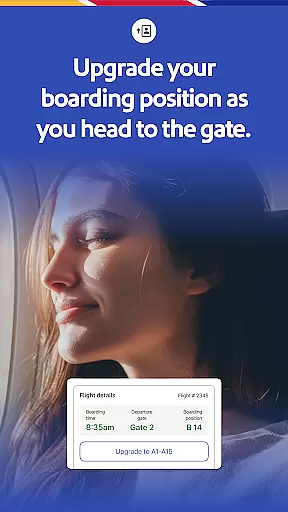
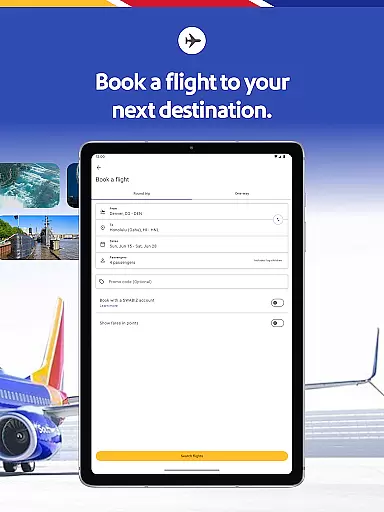
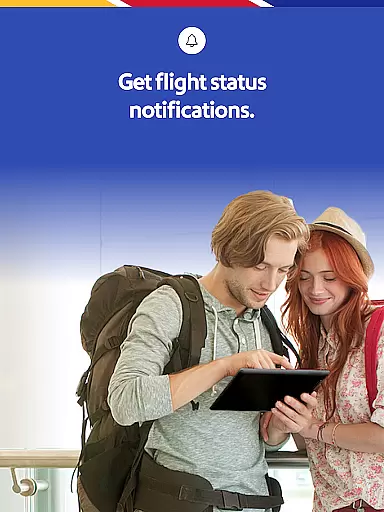
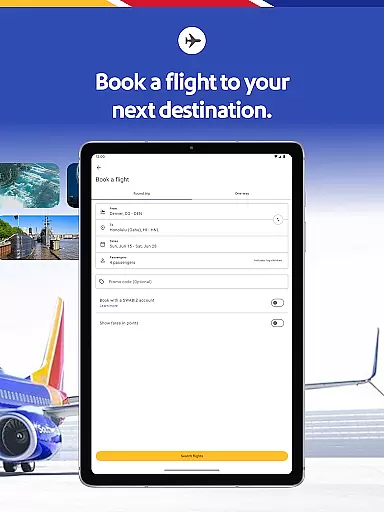
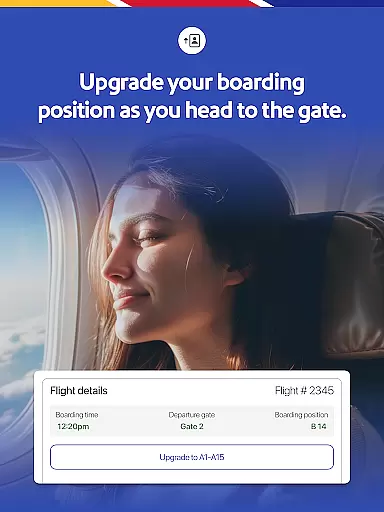
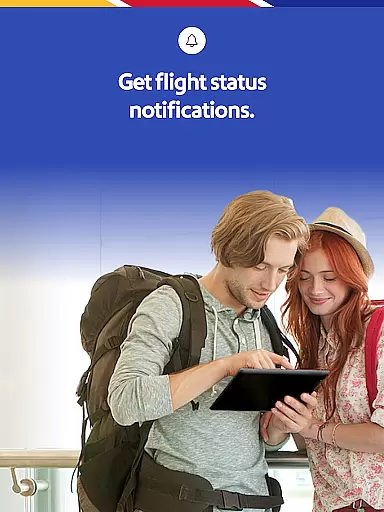
The app's core functionality revolves around simplifying the entire travel process. Users can effortlessly search for flights, make reservations, check in, and modify travel plans as needed. Additionally, the app provides real-time updates on gate information, boarding positions, and flight statuses, ensuring travelers are always informed. Whether you're planning a trip weeks in advance or need to book a last-minute flight, Southwest Airlines has you covered with its intuitive interface and robust feature set.
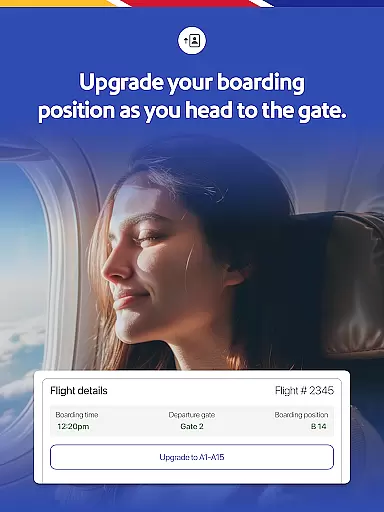
Beyond basic booking capabilities, the app enhances the travel experience by offering additional services such as EarlyBird Check-In® and Upgraded Boarding options. These premium features help travelers secure better seating positions and enjoy a smoother airport experience. With everything from flight booking to hotel reservations available at your fingertips, Southwest Airlines proves to be an invaluable tool for both frequent flyers and occasional travelers alike.
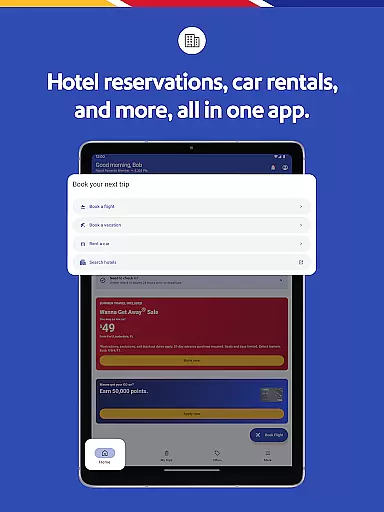
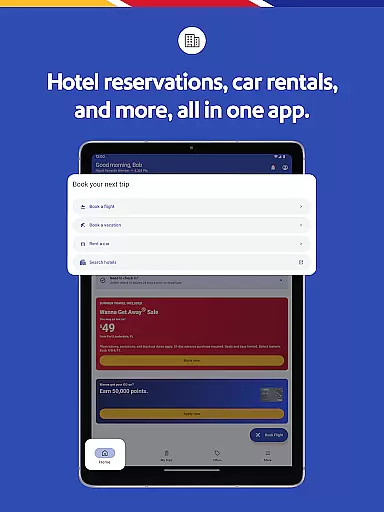
Southwest Airlines app distinguishes itself through a comprehensive suite of features tailored to meet the needs of modern travelers. One of its standout capabilities is the ability to book and manage various travel components including flights, hotels, car rentals, and vacation packages. This all-in-one approach eliminates the need for multiple apps or websites, streamlining the entire travel planning process. The app's intuitive design ensures that users can easily navigate through different sections to find exactly what they need.
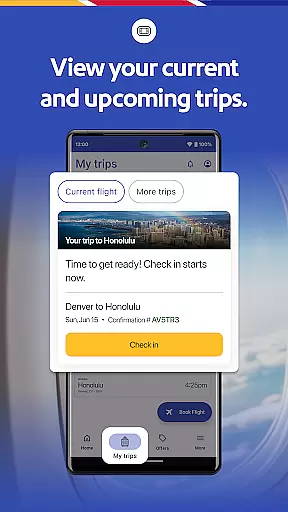
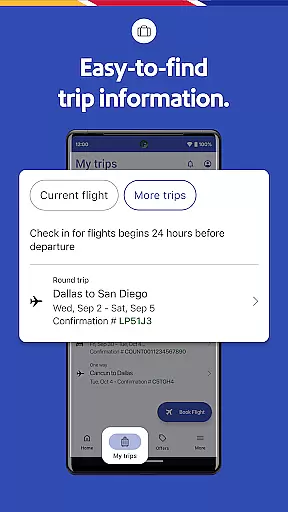
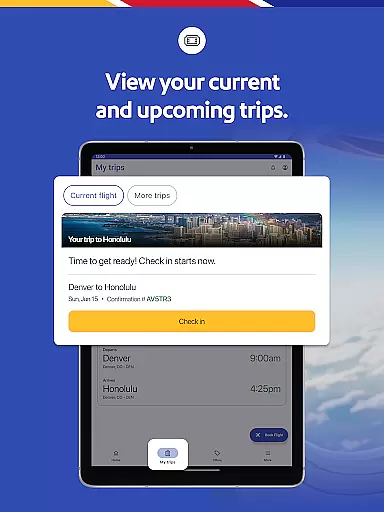
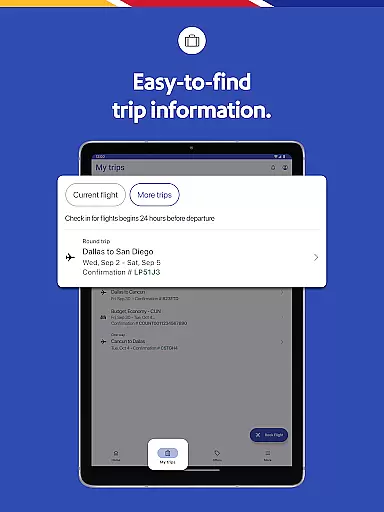
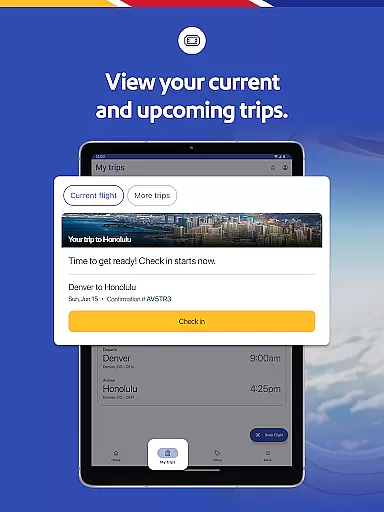
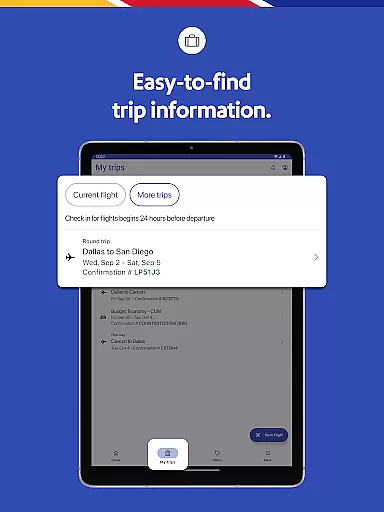
A key feature of the app is its robust 'My Trips' tab, which serves as a centralized hub for all travel-related information. Here, users can view their gate details, boarding positions, and real-time flight statuses. This level of transparency helps reduce travel anxiety and allows passengers to make informed decisions about their journeys. Furthermore, the app supports mobile boarding passes, enabling travelers to store all necessary documentation digitally. This not only reduces paper waste but also provides added convenience when moving through airport security checkpoints.
In addition to these core functionalities, Southwest Airlines app offers several innovative features that enhance the overall travel experience. For instance, users can access the Inflight Entertainment Portal directly from their devices, enjoying free live TV and on-demand content during flights. The app also facilitates ground transportation arrangements through partnerships with services like Lyft®, allowing passengers to seamlessly transition from air travel to their final destinations. These thoughtful additions demonstrate Southwest's commitment to providing a truly integrated travel solution that caters to diverse traveler needs.
Booking authenticity is a crucial aspect of any travel application, ensuring that all reservations made through the platform are legitimate and confirmed. The Southwestu00ae app excels in this area by providing users with reliable booking processes for flights, hotels, cars, cruises, or vacation packages.
When using the Southwest app, travelers can easily search, book, and manage their flights with confidence. Each booking is verified and comes with essential details such as gate information, boarding position, and flight status available in the 'My Trips' tab. This transparency reassures passengers about the legitimacy of their bookings.
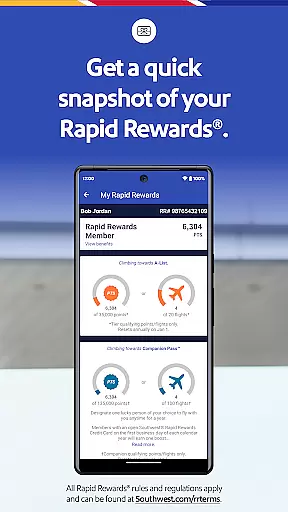
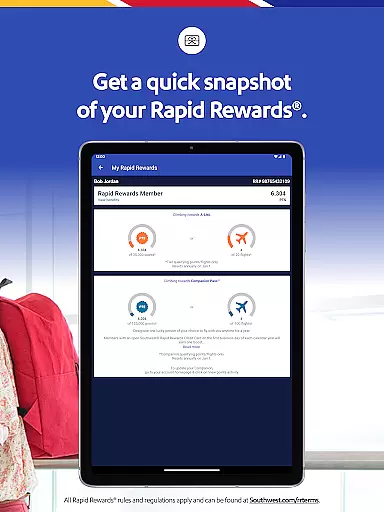
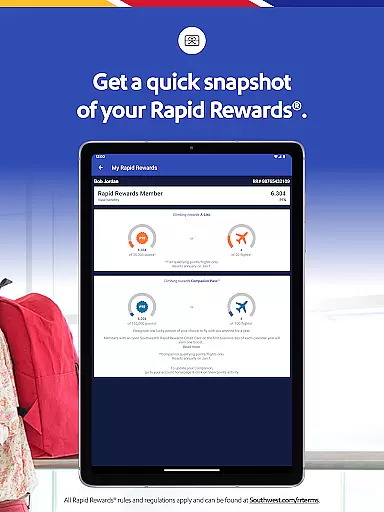
Moreover, the app allows customers to redeem Rapid Rewardsu00ae points for qualifying Southwest purchases and flights, adding another layer of trust. With clear terms and conditions provided at Southwest.com/rrterms, users can understand how their rewards are applied, further enhancing the authenticity of their transactions.
Price transparency in travel apps ensures that users have a clear understanding of the costs associated with their bookings. The Southwestu00ae app provides comprehensive pricing details, allowing travelers to make informed decisions when planning their trips.
Through the app, users can explore various payment methods including PayPalu00ae, Flex Pay, credit/debit cards, and Southwest LUV Vouchersu00ae. This flexibility enables passengers to choose the most convenient option while being fully aware of the financial commitments involved.
Additionally, the app facilitates the use of unused flight credits and gift cards during the booking or modification process. By displaying available credits under the 'Travel Funds' section in 'My Account', the Southwest app promotes openness regarding additional cost-saving opportunities, thus maintaining high standards of price transparency.
User-friendly interface
Comprehensive travel options
Real-time flight updates
Mobile boarding passes
Reward points system
Limited international features
Occasional bugs reported
Ads in free version
Some features require WiFi
Complex pricing structure

View delays, closures, and weather-related conditions on Missouri state roads.
 3.30
3.30
Iowa 511 is the Iowa Department of Transportation's traveler information app.
3.80
Discover the power of one-way location tracking. Share your location securely.
4.50
GPS Live Satellite Earth to find route navigation and current location map
4.00
Real-time flight tracking with live maps and flight status updates.
3.70
The official app of Allegiant Travel & Allegiant Airlines
3.30
Streamline your U.S. entry
4.90
Vacationing on CARNIVAL? Maximize your fun on board with the ultimate cruise app
4.60
Get Moving Made Easier® with the official U-Haul® Moving & Storage app.
3.40
It drives. You ride.
4.90
Guest how you guest when you book one of our 6,800+ hotels and earn rewards.
4.90
Rent the perfect car for wherever you’re going
4.90
Stay at Motel 6 for less - book fast, save more with MY6 app!
4.70
Book now to save with exclusive travel deals on hotels, flights, cars & packages
4.70
Get exclusive travel deals and enjoy the award-winning customer service!
4.60
Travel light with our easy-to-use mobile app, the perfect flying companion.
4.40
Listen live to pilots and air traffic controllers around the world
3.80
Examine the planet
3.80
View US public land boundary maps on your device.
3.70
Honest Expedia app review based on real user experiences—customer service problems, booking issues, One Key rewards, and comparisons.



User Reviews