
Chat, meet genuine singles in your area. Real connections start with being real.
 4.30
4.30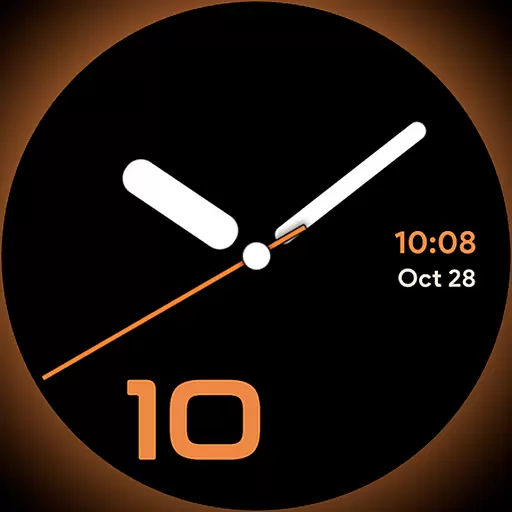
Unique Dark Analog style for Wear OS watches.
4.4
Stay connected with your loved ones & vehicles | Share live GPS location updates
4.60
BILT interactive 3D instructions help you get the job done right
3.50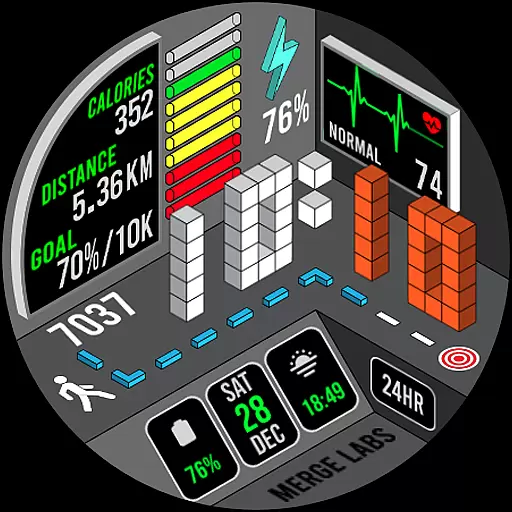
A uniquely designed isometric digital watch face made for Wear OS
4.4
The go to app for taking unlimited notes!
4.50
Play. Earn. Repeat. Get rewarded for playing mobile games. Welcome to Mobius!
4.80
See wait times and check into a hair salon ahead of time with Online Check-In.
4.80
Smart home security protection
3.20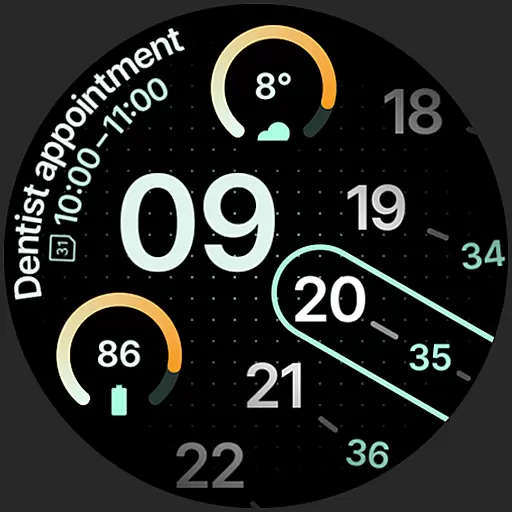
A unique and customizable watch face which rotates its layout every minute.
4.80
Kasa Smart is your portal to your TP-LINK Smart Home.
4.70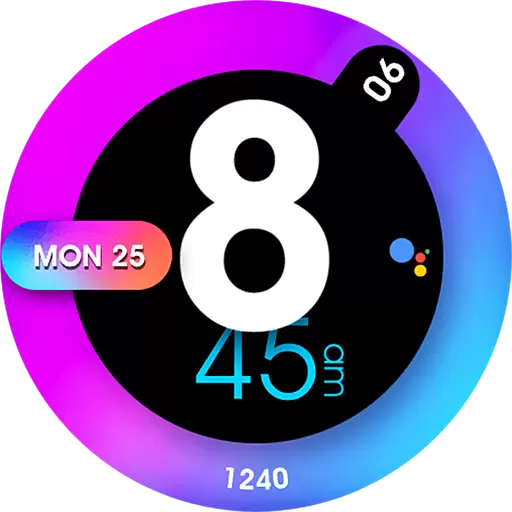
Colorful minimal digital watch face for Wear OS
4.60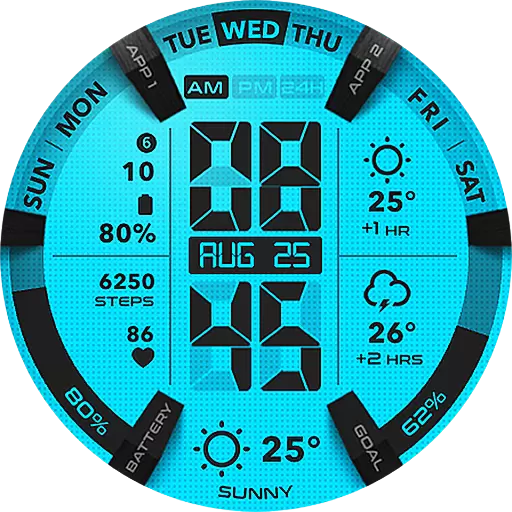
Retro animated weather with hourly forecast Watch Face for Wear OS
4.60
The App can control Roborock vacuum cleaners from anywhere with rich features.
4.60
Earn money & gift cards when you take surveys, play games, scan receipts & more.
4.50
Play fun games, complete quick surveys, and earn money. It's fun and easy!
4.40
SmartHQ: Your Connected Home Command Center
4.10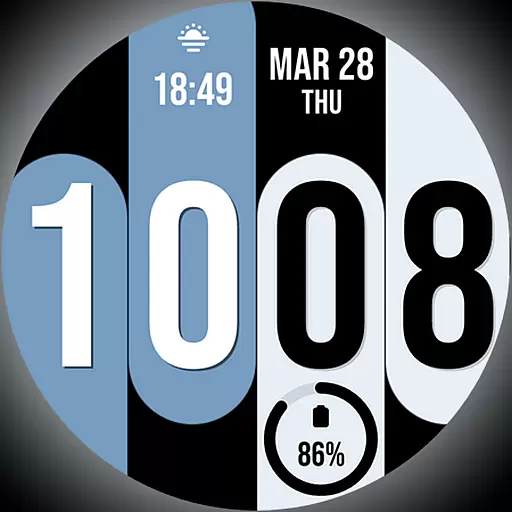
Unique Dual Colors with 6 Custom Complications for Wear OS watches!
3.40
View over 160,000 line dance stepsheets from the CopperKnob website.
3.30


