
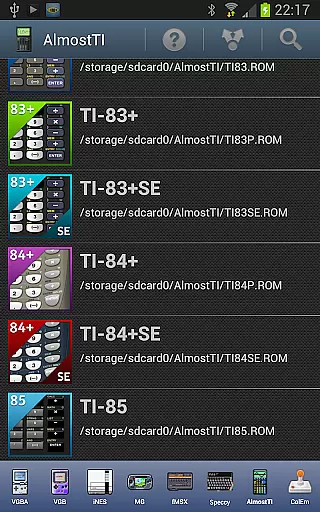
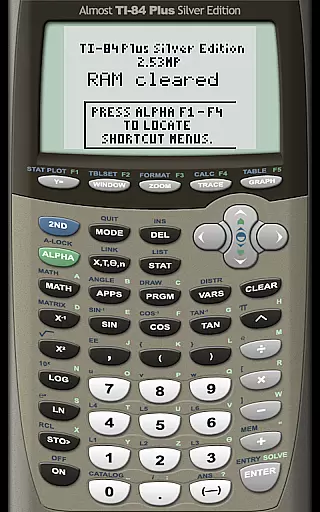
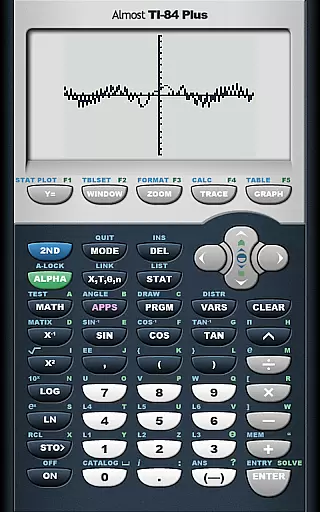
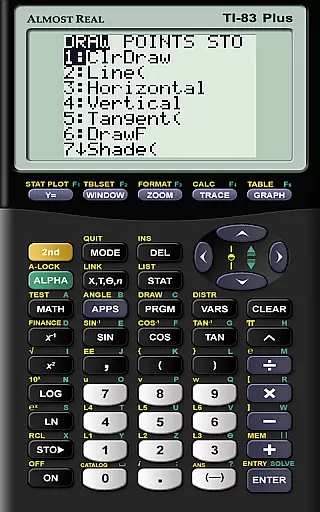
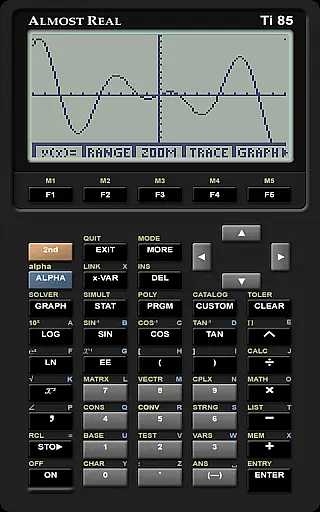
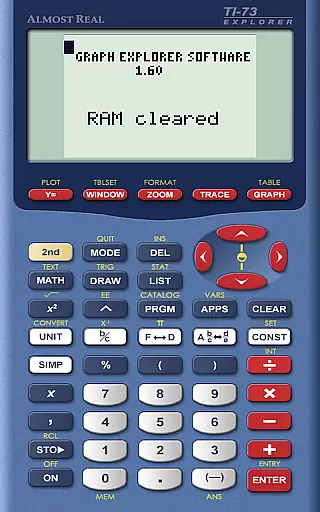
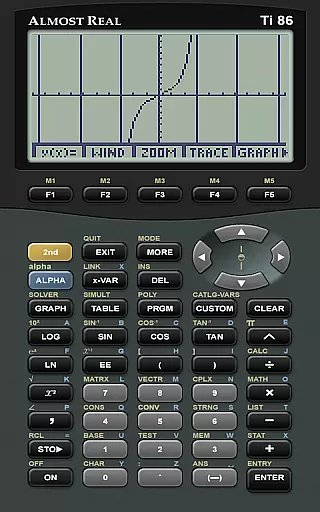
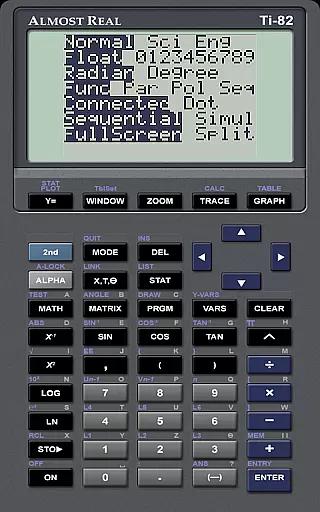
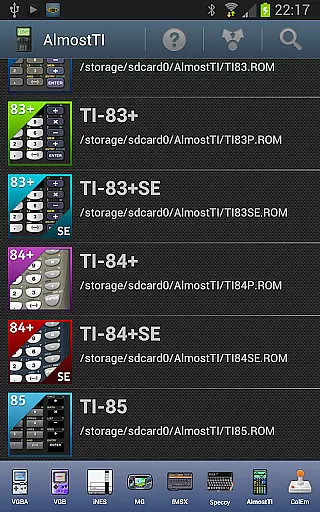
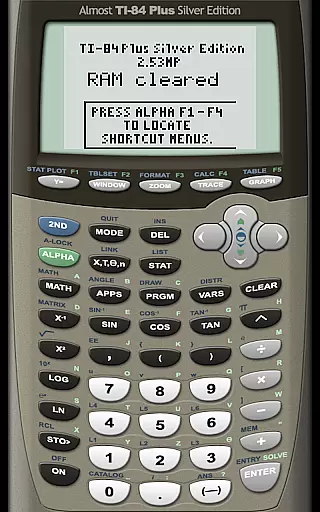
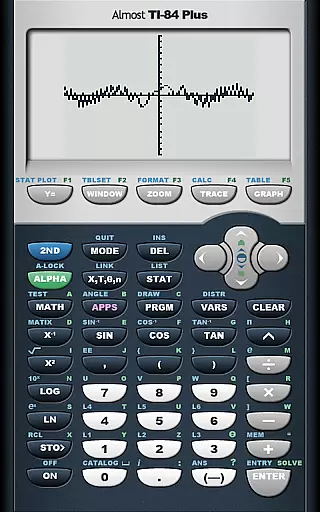
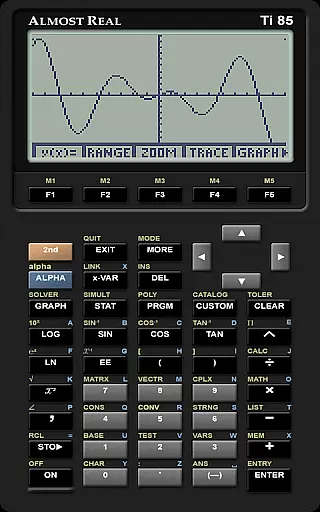
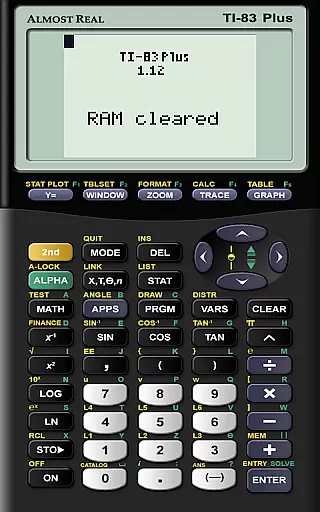
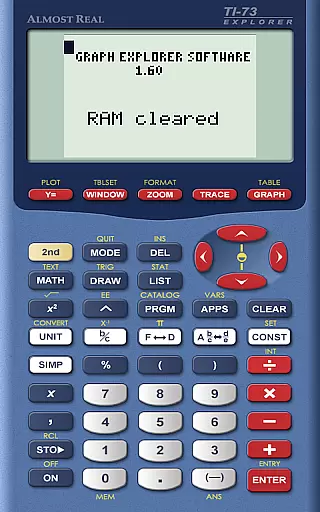
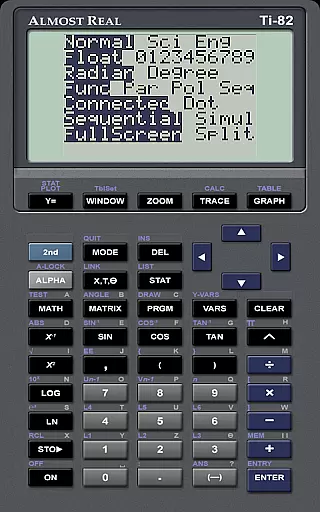
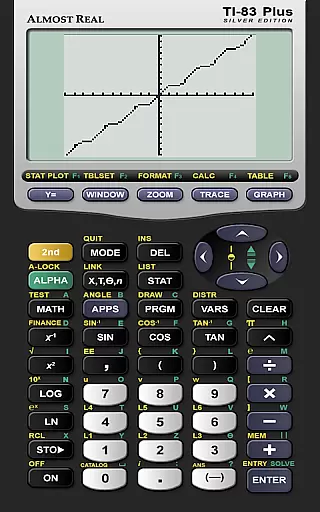
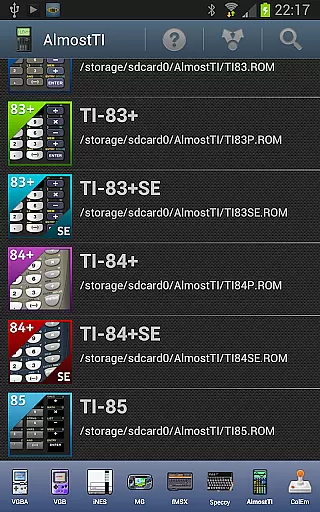
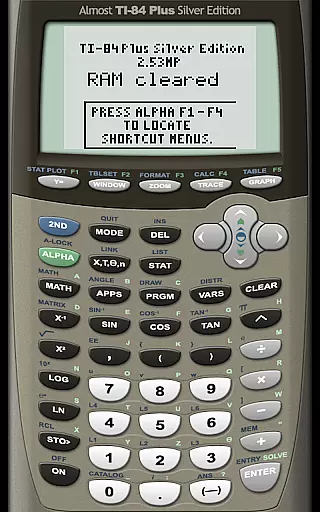
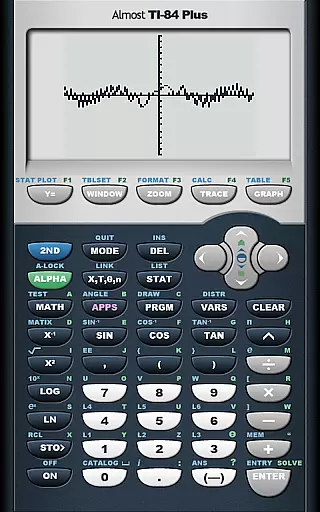
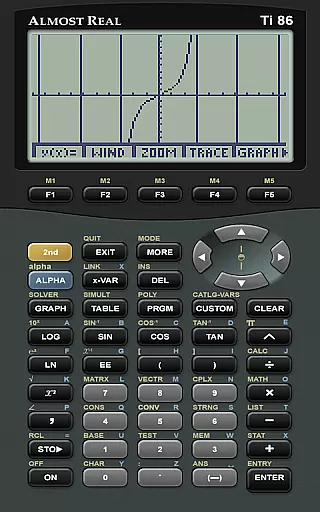
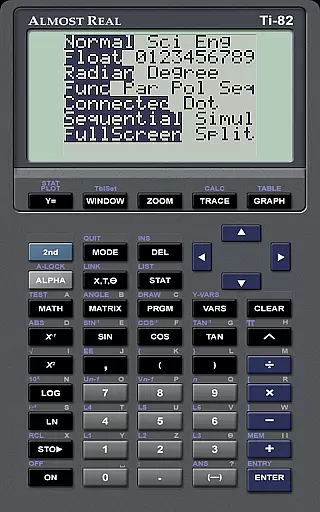
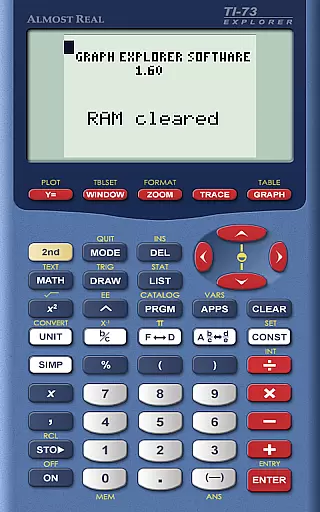
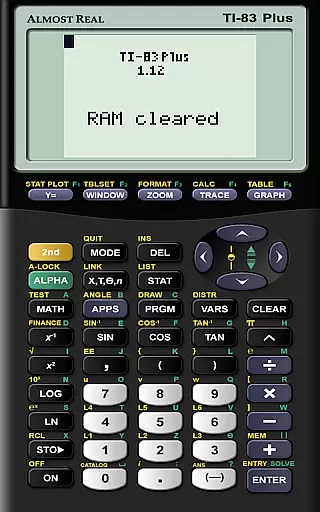
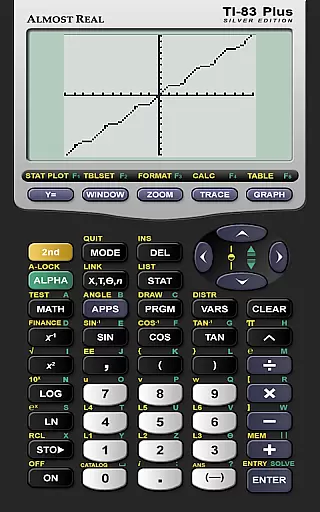
AlmostTI is an advanced educational application that transforms your Android device into a fully functional Texas Instruments graphing calculator. The app meticulously emulates a range of TI calculators including the TI-84+, TI-83+, and TI-82 series, making it an invaluable tool for students and educators alike. With its ability to save calculations and switch between tasks, AlmostTI offers both flexibility and convenience in mathematical problem-solving.
The emulator supports various calculator models, allowing users to choose the interface they are most familiar with. Whether you need to perform complex calculus or basic arithmetic, this app provides an authentic calculator experience on your mobile device. Its compatibility with tablets even allows for an enlarged display, enhancing visibility and usability during classroom demonstrations or personal study sessions.
AlmostTI stands out with its comprehensive emulation capabilities of multiple Texas Instruments calculator models. Users can seamlessly transition between different calculator interfaces, each offering the exact functionality of the original hardware. This versatility makes the app suitable for a wide range of mathematical applications, from high school algebra to college-level engineering courses.
A key feature is the ability to save and manage calculation states, enabling users to work on several math problems simultaneously without losing progress. The app also supports external ROM files, allowing users to customize their calculator experience by uploading specific calculator ROMs. This ensures compatibility with the user's preferred calculator model while maintaining legal compliance regarding intellectual property.
Additionally, AlmostTI provides extensive resources for users, including detailed guides on ROM dumping and Android-specific help documentation. These resources empower users to maximize the app's potential while fostering a community of support through dedicated discussion groups.
When it comes to educational tools like AlmostTI, content accuracy is paramount. The app provides a faithful emulation of Texas Instruments graphing calculators, including models TI-84+, TI-83, and more. This precision ensures that students and educators can rely on the app for their calculations, just as they would on a physical calculator.
The authority of AlmostTI's content stems from its requirement for original calculator ROMs. Users must supply their own ROM files, which preserves the integrity and authenticity of the emulated calculator functions. This approach guarantees that the computations performed are true to those of the original devices.
By allowing users to save their calculations and switch between tasks, AlmostTI supports accurate and organized learning. Students can revisit their work, check for errors, and learn from their processes, enhancing their understanding of mathematical concepts.
AlmostTI facilitates personalized learning by enabling users to emulate different Texas Instruments calculator models. Depending on the user's educational level or specific math problem requirements, they can choose an emulation that best suits their needs, creating a tailored learning experience.
The ability to save and retrieve calculations allows learners to create their own step-by-step solutions. This feature encourages self-paced learning, where students can progress at their speed while tackling complex problems or mastering new mathematical skills.
Moreover, AlmostTI's reliance on user-provided ROMs means that learners have control over their educational resources. They can select the exact model they need to practice with, ensuring that their learning path is both relevant and customized to their curriculum or personal goals.
User-friendly interface
Wide range of calculator models
Save and resume calculations
Tablet support for larger display
Active user community
Requires external ROM files
No built-in calculator ROMs
Complex setup process
Limited offline documentation
Potential compatibility issues

Test prep for Indiana students
 4.5
4.5
One of the most engaging and innovative ABC apps on the market.
4.30
Skelly is a fully poseable, anatomically correct reference skeleton for artists.
4.10
Hasbro's Classic Board Game - Make Cavity Sam better or get the buzzer!
3.50
MONOPOLY JUNIOR brings Hasbro's classic the board game to life.
3.00
Learn to make peaceful contact with extraterrestrial civilizations
4.10
Learn & Speak New Languages
4.70
Make your own game and world. Draw and animate characters
3.70
Your Arts+Culture Guide
4.00
Age-Related Child Developmental Milestones
4.80
Learn Words Daily in Just Minutes - Boost Your Language Skills Fast!
4.60
Prepare for the BCBA / BCaBA exam. Study ABA with the ABA Wizard app.
4.60
A fast and fun way to learn guitar - works with any guitar.
4.60
Build math skills in: addition, subtraction, multiplication and division.
4.10
Break Language Barriers with AI—Learn Language Anytime, Anywhere!
4.00
Deal Craps (Practice Craps Payouts)
3.80
Quiz App to help case managers studying for CCMC Certification, 200+ Questions
3.40
Enrich the experience of your visit to the Pantheon with our audiotour.
1.60
Grazing Risk Monitoring Service
4.3


User Reviews