

This application is for the Luvme Hair official website: shop.luvmehair.com .
 4.30
4.30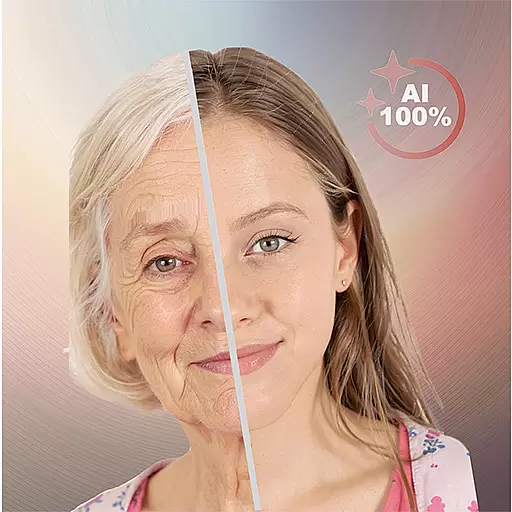
Your future self face age old or young from camera selfie into beautify videos
4.2
Use your phone as a makeup mirror, shaving mirror. Magnifying mirror with light!
4.80
Create, design and dress up your own beautiful characters in cute fashion styles
3.50
Beauty Mirror - True mirror app with light, shaving mirror, makeup mirror app
4.50
Salon appointment booking and scheduling software for beauty pros and barbers.
4.80
AI Stylist, Try On Millions Of Clothes In Any Brand & Style, AI Clothes Changer
4.70
For businesses, Booksy Biz allows you to manage your schedule & more on the go.
4.60
DSLR Hd camera capture high quality 4k hd picture with filters and blur editor
4.50
Manage your daily skin care beauty regimen & track your skin's progress.
4.70
Photo enhancer 360, image enhancement, restore old photos, colorize photo ai
4.70
HD Camera, Selfie Camera, Camera filters, is a fully featured 4K camera
4.60
Beauty camera to take nature selfie with photo filter. Photo makeup face editor.
4.50
Hair style app, Face shape finder, Face shape, Hair style, Face shape detector
4.30
Shop Smarter, Dress Better, and Shine Brighter!
4.10
Snap stunning selfies with AI from the Sweet Beauty Camera editor
4.10
Intelligent Beauty calculator tool! Face scale and face symmetry in one app!
3.80
Edit Your Photos and Videos with Beauty Filters & Get Makeup Artist Tutorials
3.60
Color haircut changer style on
3.30


