
Realtime Charts is a plugin for the Torque Pro App (OBD 2 & Car)
 4.20
4.20
App Mirroring for Tesla Car's Browser
2.80
Boost profits and hit your goals faster with GigU's amazing tools for gigworkers
4.00
By enthusiasts, for enthusiasts
4.00
Lexus app currently supports 2010 or newer vehicles (2018 or newer for Hawaii).
4.80
Automotive Electrical Wiring Diagrams
4.40
Monitor your behind-the-wheel behavior to become a safer driver and save.
4.10
MySubaru: Download. Connect. Love.
4.70
Shop, finance, or sell today.
4.80
Take Control of Your Car
4.80
Buy and sell your boat
4.70
1M+ high-quality auto parts at your fingertips. Fitment guaranteed.
4.70
On the CarShield app, you can view contracts, make payments, & request roadside.
4.40
A smarter way to park and reserve your spot ahead of time.
4.40
Your car is talking. Start listening.
4.30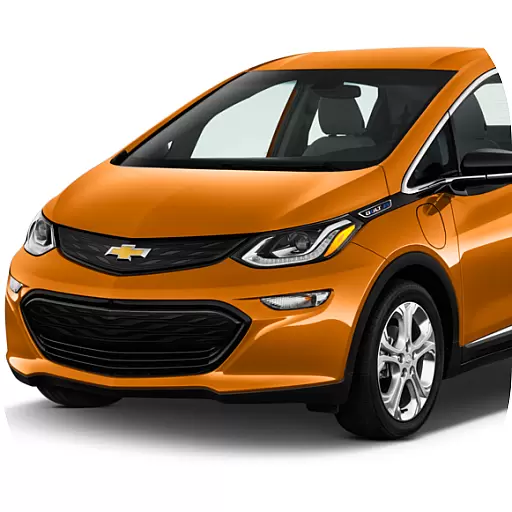
ODB2 based monitoring application for the Chevy Bolt (2017-2021)
4.00
BlueDriver® is a Premium Diagnostic OBD2 Scan Tool. www.BlueDriver.com
3.90
Monitor specific TOYOTA parameters by adding this plugin to Torque Pro.
2.00
Attention! This is the theme for the Car Launcher app
4.4


