
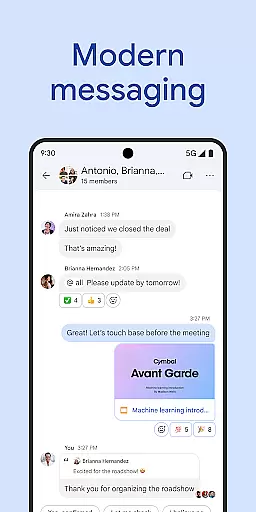
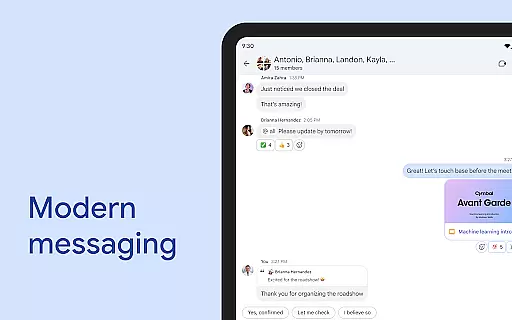
Google Chat is a powerful communication and collaboration tool designed specifically for teams using Google Workspace. This AI-first messaging platform, enhanced by Gemini, offers features like automatic message translation across 120+ languages, AI-powered search, and conversation summaries that help teams stay organized and informed.
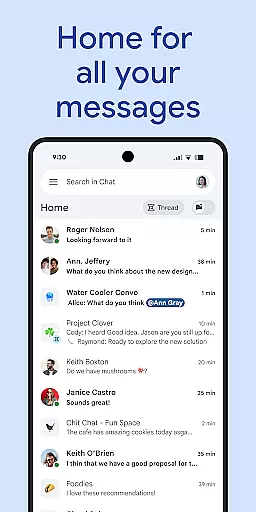
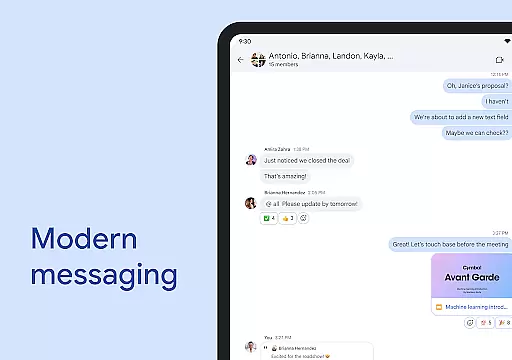
The app provides everything teams need to connect and collaborate effectively. Users can start chats with individuals or groups, share updates through audio and video messages, and use real-time huddles for instant communication. With integrated smart chips linking to Workspace apps like Gmail and Drive, it streamlines teamwork and boosts productivity.
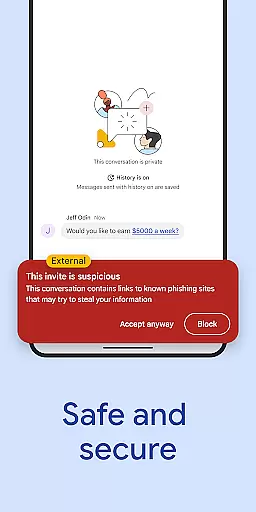
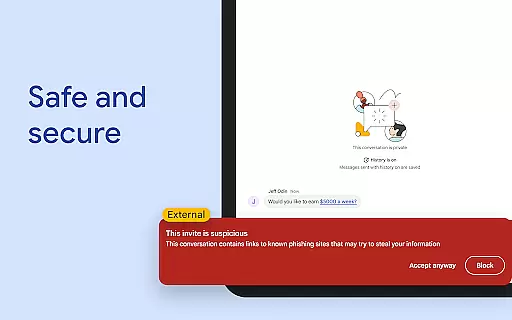
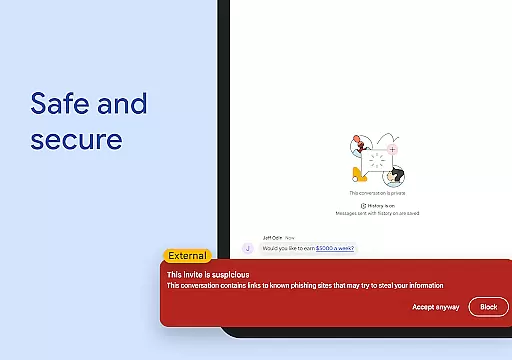
Security is a top priority, with Google's zero-trust architecture ensuring enterprise-grade protection. The app requires no desktop installations and keeps no data on end-user devices, while AI-powered data loss prevention and threat detection keep your information safe. Available as part of Google Workspace, it serves consumer, education, and business customers, with premium features accessible through paid subscriptions.
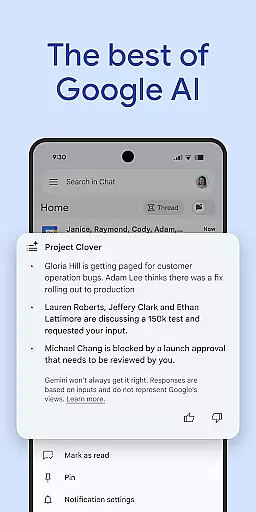
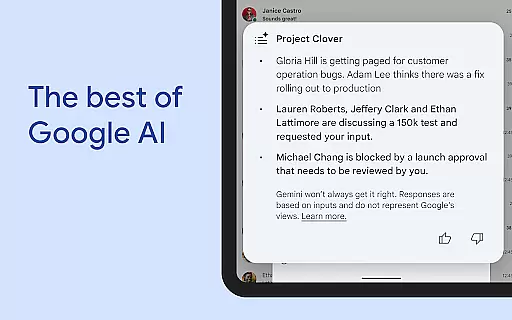
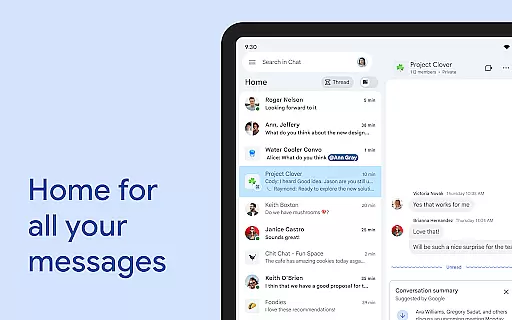
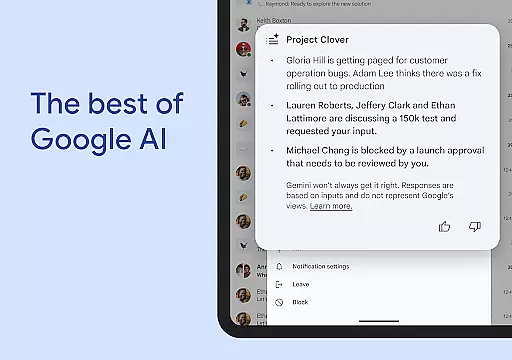
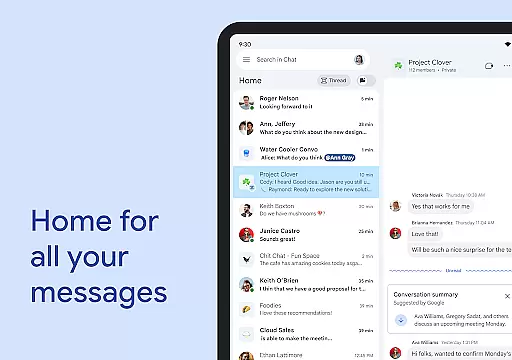
Google Chat stands out with its innovative AI-driven features that transform team collaboration. The app's conversation summaries automatically condense lengthy discussions into concise overviews, helping users quickly catch up on important points. Its multilingual capabilities allow seamless communication across global teams through automatic translations in over 120 languages.
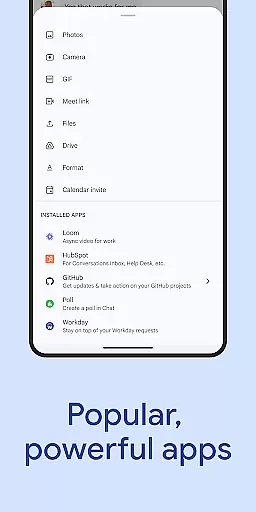
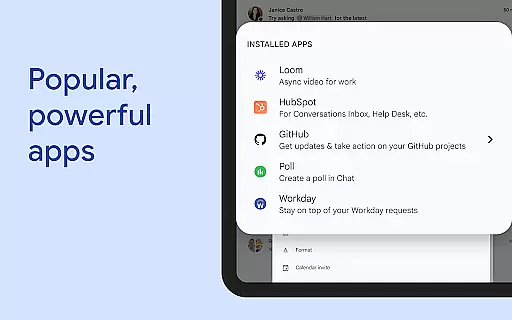
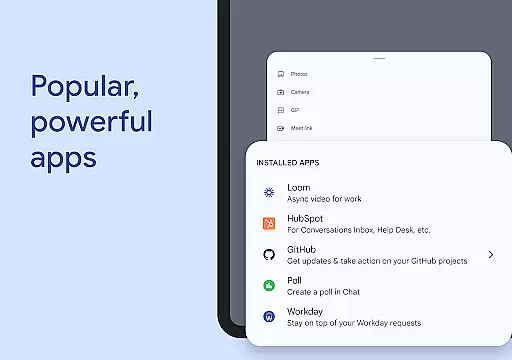
The platform integrates deeply with other Google Workspace apps, creating a unified ecosystem for productivity. Smart chips enable users to easily reference files, people, and spaces within conversations. Real-time collaboration tools like huddles and status updates ensure teams can connect instantly when needed. Additionally, the app marketplace extends functionality with popular integrations such as PagerDuty and Jira.
For developers and administrators, Google Chat offers flexible customization options through Chat APIs. These tools support no-code, low-code, and professional development approaches for building custom applications. The app also includes robust security features, including AI-powered data loss prevention and malware protection, making it suitable for enterprise environments requiring strict compliance and data protection standards.
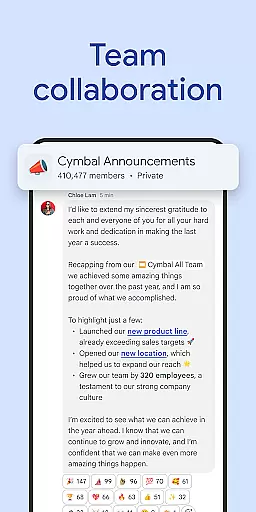
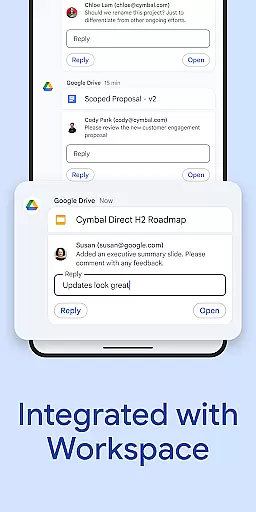
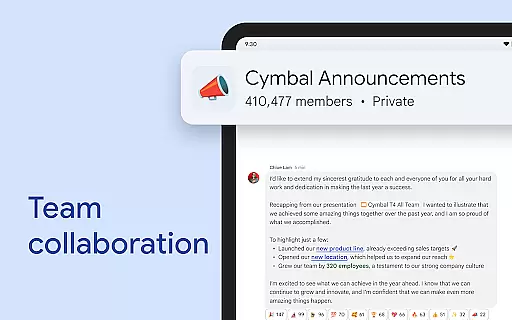
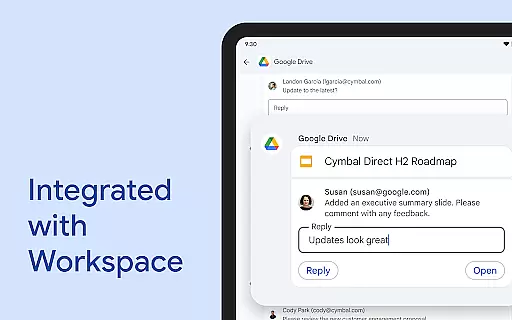
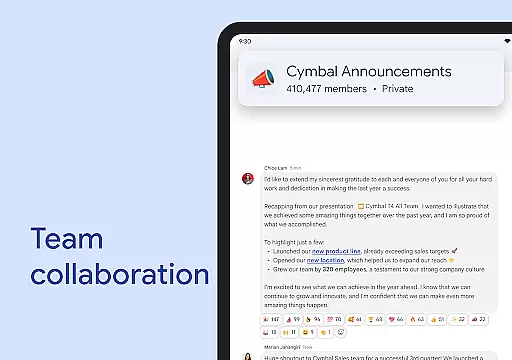
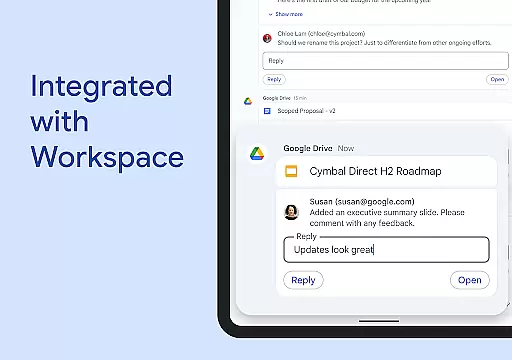
Google Chat revolutionizes team collaboration by integrating seamlessly with Workspace apps like Gmail, Calendar, and Drive. This integration allows teams to connect and collaborate efficiently without switching between multiple platforms.
The app offers smart chips that streamline teamwork by linking files, people, and spaces directly within conversations. These smart chips ensure that all necessary resources are readily accessible, enhancing productivity and reducing the time spent searching for information.
Real-time communication is facilitated through features like huddles, enabling spontaneous meetings and discussions. Users can also share detailed updates via audio and video messages, ensuring comprehensive and clear communication across the team.
With personalized status updates, team members can inform others when they are focused on tasks or available for collaboration. This transparency helps in managing expectations and optimizing workflow within teams.
Task management in Google Chat is transformed with AI-powered tools designed to keep teams organized and informed. The app captures action items automatically, ensuring that every team member is aware of their responsibilities and deadlines.
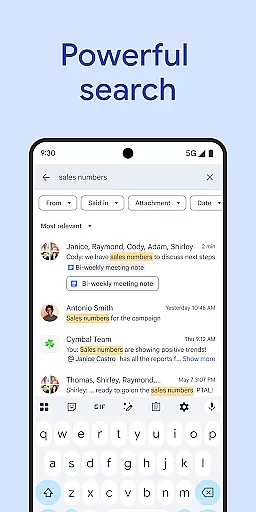
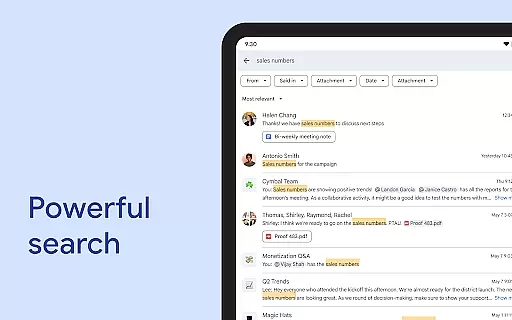
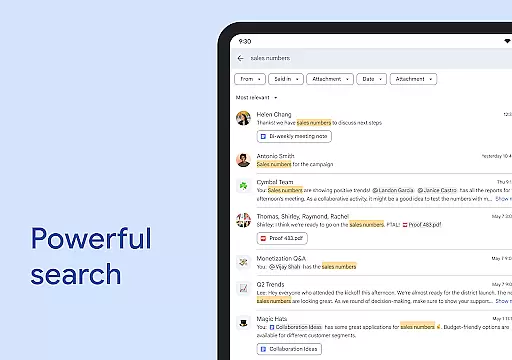
AI-driven search capabilities allow users to quickly find specific messages, files, or tasks within the chat history. This feature saves valuable time and ensures that important information is never lost in lengthy conversations.
Conversation summaries provide concise overviews of discussions, helping users stay on top of things without having to read through entire threads. These summaries are particularly useful for catching up after absences or reviewing past decisions.
Integration with Google Drive enhances task management further by streamlining requests, comments, and approvals directly within the chat interface. Teams can install powerful third-party apps such as PagerDuty, Jira, GitHub, and Workday to customize their workflow and boost efficiency.
AI-powered features
Seamless Workspace integration
Enterprise-grade security
Multilingual support
Flexible API options
Premium features locked
Workspace dependency
Limited offline access
Learning curve present
Occasional sync issues

Find jobs and make money fast with JobStack.
 4.60
4.60
Quickly open and manage PDF files on your device.
3.80
The Penny Puss app with DG penny finder
4.10
Scan Business Cards & Conference Badges - Capture Leads at Events & Tradeshows
4.20
Earn crypto with secure cloud mining. Monitor, track & withdraw easily
4.40
BuildCalc - the easiest AND the most advanced construction calculator app.
4.80
Earn free swag, G-Cards & food • Enter sweepstakes • Find stores • So much more.
4.70
enjoy effortless PDF reading anytime, anywhere
3.90
Delivery Track App - Tracking with Fedex, USPS, UPS, DHL. Monitor your Orders.
3.20
FaxCover - Create fax cover pages. Works with any app or fax machine.
4.90
Create curriculum vitae, a professional cover letter creator and resume designer
4.80
The MyWalmart App is available for all associates in stores.
4.70
Manage Your Shop
4.70
All your team communication in one place
4.70
Access to Paylocity, empowering employees with information they need 24/7.
4.70
We help people get jobs
4.70
Ask Accio anything about business. Alibaba-backed, built by experts, not just AI
4.60
Windows App allows you to connect to remote PCs and virtual apps.
3.70
Take the stress out of storage with the all-in-one app to manage your space.
3.70


User Reviews