
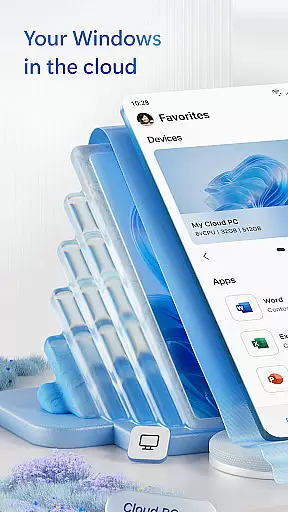
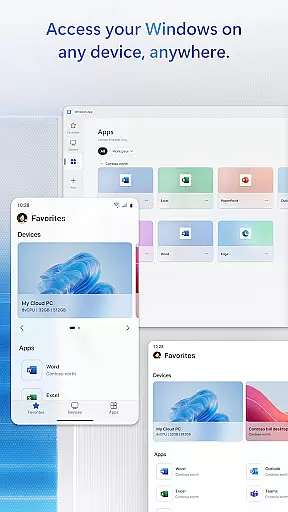
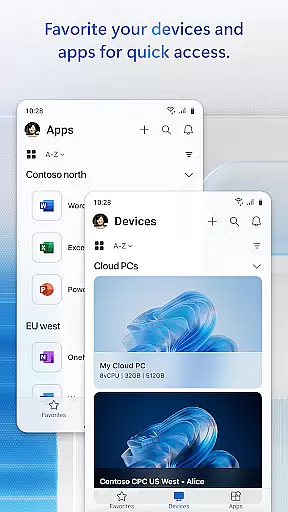
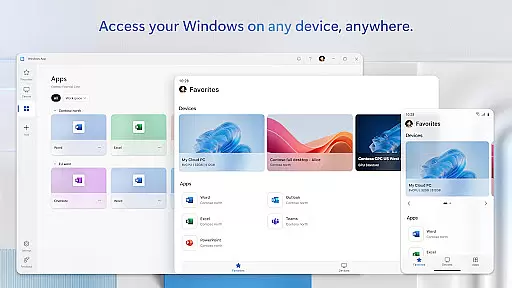
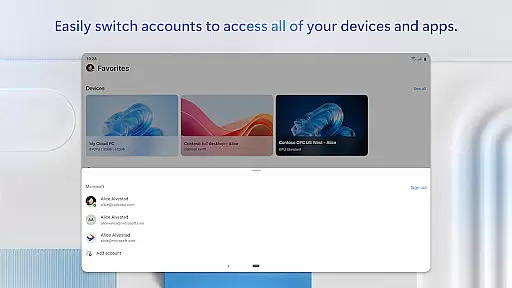
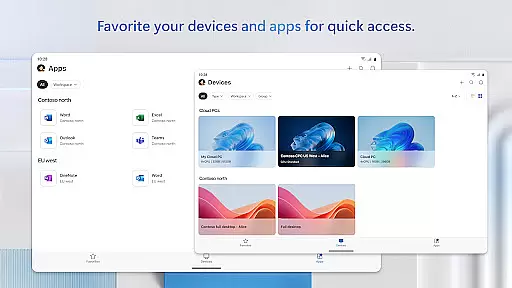
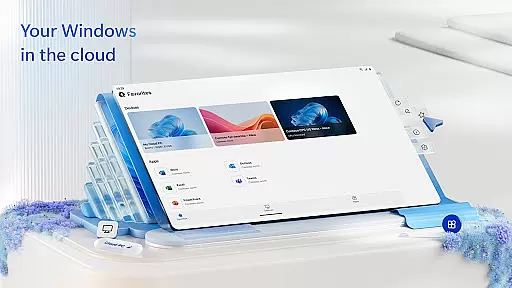
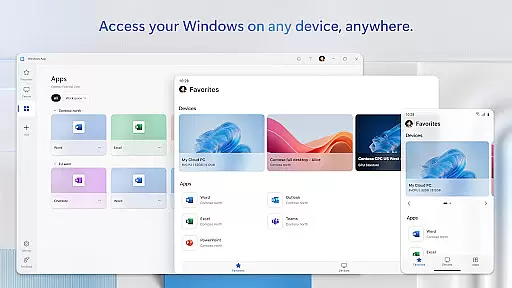
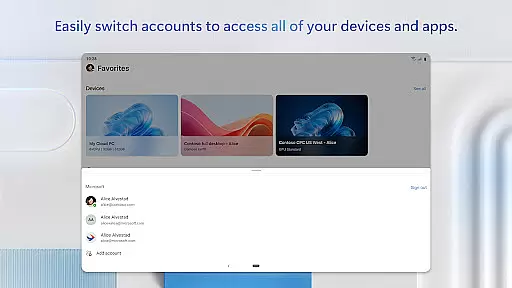
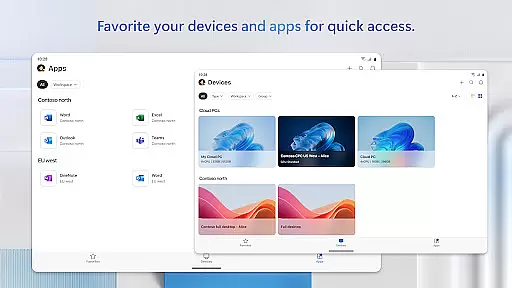
Windows App is a powerful business tool that enables secure remote connections to various Windows environments. It supports access to Azure Virtual Desktop, Windows 365, Microsoft Dev Box, Remote Desktop Services, and remote PCs. This makes it an essential application for professionals who require reliable access to their work systems from anywhere.
The app is optimized for Android devices running version 11 and above, including tablets, smartphones, VR headsets, and Chromebooks. With its comprehensive feature set, users can maintain productivity while working remotely, ensuring seamless integration with their professional workflows.
Windows App offers a range of features designed to enhance remote work capabilities. One key feature is the ability to connect securely to multiple remote Windows services, providing flexibility and convenience for users. The app ensures high performance and security standards, making it suitable for enterprise use.
Additionally, the app supports a wide array of Android devices, ensuring broad compatibility. Users can customize their connection settings, manage different profiles, and access detailed session information. These features collectively contribute to a robust and versatile remote desktop experience, empowering users to work efficiently from any location.
Collaborative work features are essential for modern business applications, enabling teams to work together efficiently regardless of location. Windows App excels in this area by providing secure connections to various remote Windows services.
The application supports seamless integration with Azure Virtual Desktop, Windows 365, and other Microsoft services, allowing users to access their desktop environments from Android devices. This ensures that team members can collaborate in real-time, accessing the same resources and tools as if they were in the office.
With support for multiple device types including tablets, smartphones, and Chromebooks, Windows App ensures that collaboration is not limited by hardware. Users can connect to remote PCs and services from anywhere, facilitating flexible work arrangements and improving productivity.
By leveraging these collaborative features, businesses can maintain operational continuity and ensure that employees have the necessary tools to work effectively, no matter where they are located.
Effective task management is crucial for maintaining productivity and ensuring that projects progress smoothly. Windows App offers robust task management capabilities through its connection to various remote Windows services.
Users can organize and prioritize their tasks by accessing full desktop environments on their Android devices. This allows them to use familiar tools and applications for task management, such as Microsoft Office and project management software, directly from their mobile devices.
The app's compatibility with different Android devices, including tablets and smartphones, provides flexibility in how and where tasks are managed. Whether in the office or on the go, users can stay on top of their responsibilities without being tied to a specific workstation.
By integrating with Microsoft's ecosystem, Windows App ensures that task management is streamlined and efficient, empowering users to manage their workloads effectively and meet deadlines consistently.
Secure remote connections
Wide device compatibility
High performance standards
Customizable settings
Comprehensive feature set
Limited to Android 11+
No iOS support
Requires stable internet
Complex setup for beginners
Subscription may be needed

viewing and sharing of PDFs
 3.60
3.60
Ask Accio anything about business. Alibaba-backed, built by experts, not just AI
4.60
The MyWalmart App is available for all associates in stores.
4.70
Take the stress out of storage with the all-in-one app to manage your space.
3.70
Find work, shifts and gigs near you. Jobs lasting a few hours to a few months.
4.30
Mobile POS for any business: sales, invoices, retail, restaurants & appointments
4.60
From Gone to Back Again — In Just a Few Taps
4.50
Access All PDF Files
3.40
Chat, meet, and collaborate to achieve more together, all in one place on Teams
4.60
FaxCover - Create fax cover pages. Works with any app or fax machine.
4.90 4.70
4.70
Recover what matters — quickly and easily.
4.70
USPS Mobile®Access USPS.com’s most popular tools on-the-go.
4.70
AI-powered document scanner with auto enhance for perfect PDFs.
4.60
No more passwords, easier sign-in, and greater protection for your accounts.
4.60
Manage work life on the go
4.50
ADP Mobile Solutions is an employee self service app
4.50
Scan Business Cards & Conference Badges - Capture Leads at Events & Tradeshows
4.20
enjoy effortless PDF reading anytime, anywhere
3.90


User Reviews