



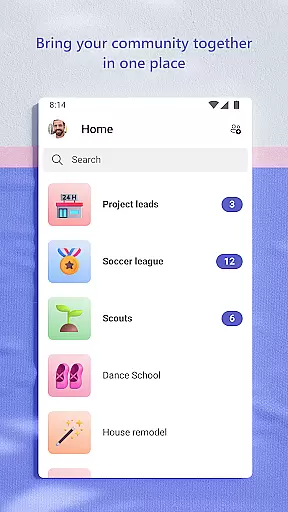
Microsoft Teams is a comprehensive business communication platform that integrates multiple collaboration tools into a single interface. The app enables users to connect with their community, colleagues, or family members through various channels such as chats, audio and video calls, and dedicated communities for specific topics. It provides secure meeting options, cloud storage for file sharing, and task management features to help teams stay organized and productive.
The platform's strength lies in its ability to centralize all essential business communication tools. Users can seamlessly transition from Skype to Teams, organize conversations by topics, and collaborate on documents in real-time. With built-in security measures and enterprise-level compliance, Microsoft Teams ensures safe and controlled data sharing, making it suitable for both personal and professional use cases.
Whether managing a remote team or coordinating a family event, Microsoft Teams' unified workspace allows users to accomplish tasks efficiently while maintaining control over information access. Its versatility makes it an ideal solution for businesses looking to streamline their communication processes and improve overall productivity.
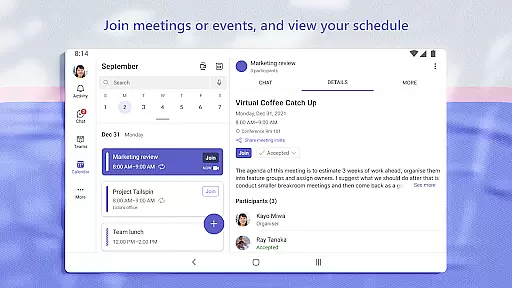
Microsoft Teams stands out with its unique combination of communication and collaboration features. The integration of Skype provides continuity for chat histories and contact lists, while the ability to create dedicated communities allows focused discussions on specific topics. Users can initiate secure meetings within seconds using simple link sharing or calendar invites, ensuring quick and easy connection setup.
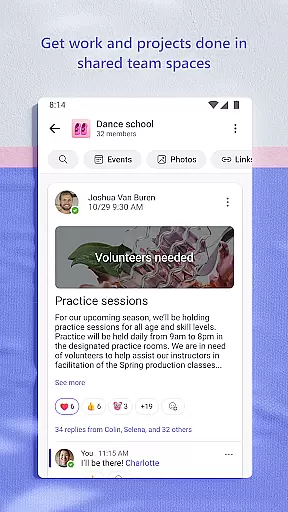
The application's content management system enables efficient organization of shared materials including events, photos, and documents. Through its virtual meeting enhancements like screen sharing and breakout rooms, teams can maximize their collaborative sessions. The task management feature helps keep projects on track with assignable tasks, due dates, and progress tracking, ensuring everyone remains aligned with project goals.
Security features are deeply integrated into Microsoft Teams' architecture. Administrators maintain control over community safety through content moderation tools, while enterprise-grade security protocols provide peace of mind for commercial users. These robust security measures, combined with intuitive user experience design, make Microsoft Teams a reliable choice for both individual and corporate communication needs.
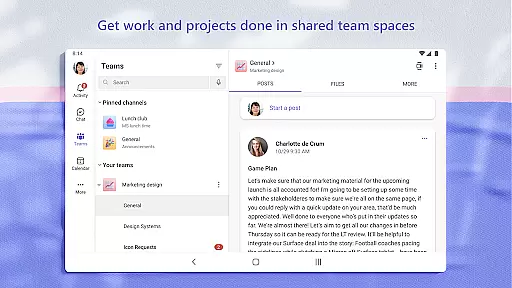
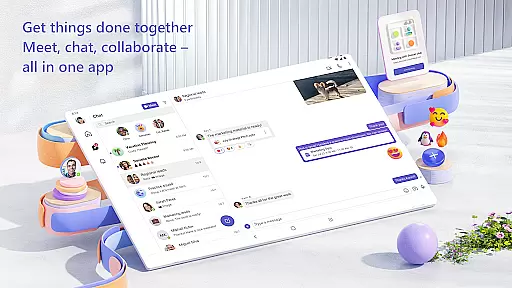
Microsoft Teams excels in collaborative work features, offering a comprehensive suite that integrates communities, events, chats, channels, meetings, storage, tasks, and calendars into one platform. This integration ensures seamless connectivity and access to information for users.
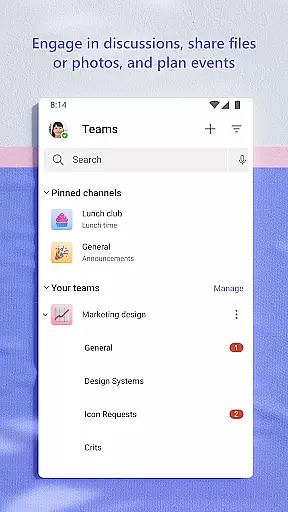
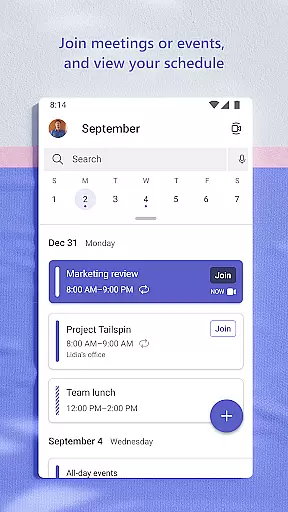
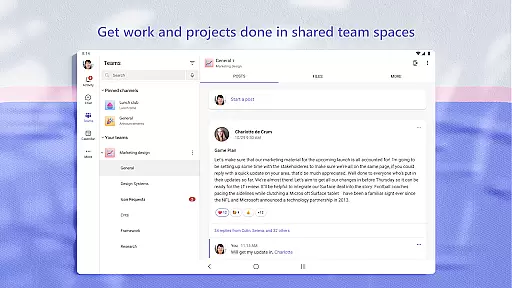
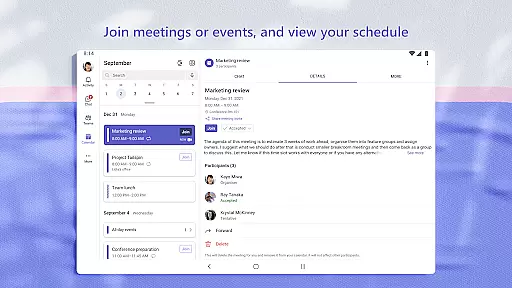
The app allows users to meet securely with different groups, set up meetings quickly, and invite participants via links or calendar invites. It supports organized conversations through teams and channels, ensuring discussions remain focused on specific topics or projects, which enhances productivity and clarity.
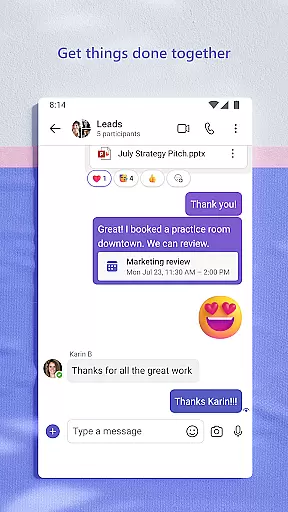
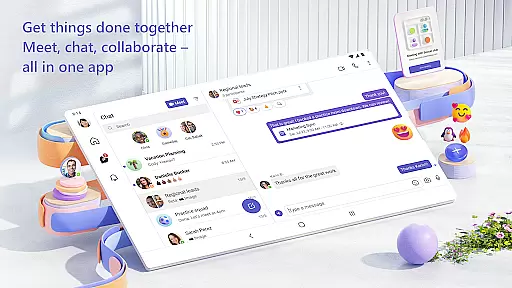
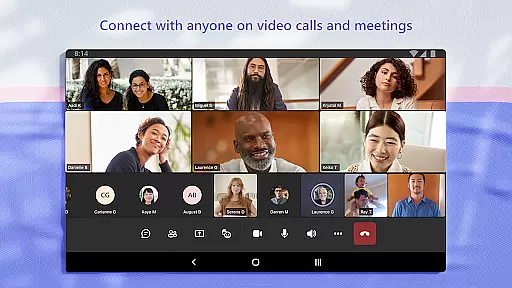
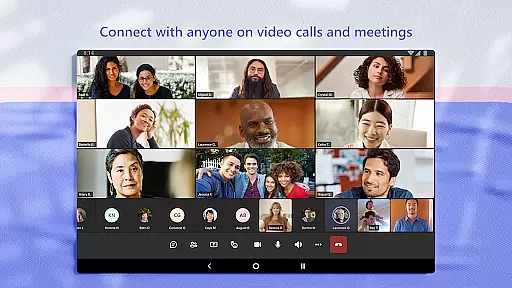
Additionally, Microsoft Teams facilitates direct video or audio calls within the app, even allowing group chats to be converted instantly into calls. This flexibility in communication methods ensures that collaboration can happen in real-time, adapting to the needs of various projects and teams.
Task management in Microsoft Teams is robust, providing users with tools to stay on top of projects and plans effectively. The ability to assign tasks, set due dates, and track progress ensures that everyone involved is aligned and informed.
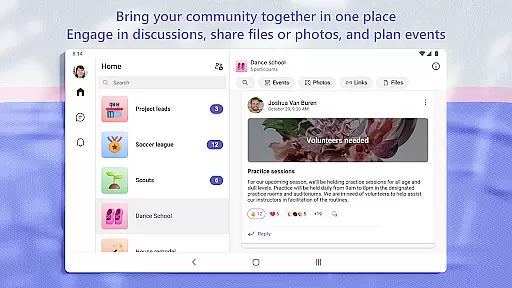
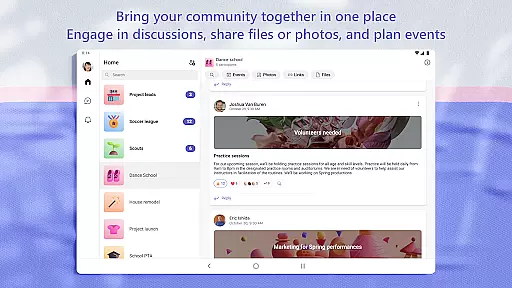
Users can organize shared content within communities, including events, photos, links, and files, reducing the time spent searching for important information. This organization feature helps maintain focus on accomplishing goals rather than getting bogged down by administrative tasks.
Furthermore, Microsoft Teams offers enterprise-level security and compliance, giving users peace of mind while collaborating. Owners can manage access to sensitive information and ensure that only authorized individuals have the necessary permissions, maintaining data integrity and confidentiality throughout the project lifecycle.
User-friendly interface
Integrated toolset
Strong security measures
Real-time collaboration
Customizable workspaces
Requires subscription
Steep learning curve
Resource intensive
Limited free features
Occasional bugs

VSD Viewer - Visio Drawings Viewer for Android Preview VSD, VDX, VSDX drawings
 4.10
4.10
BuildCalc - the easiest AND the most advanced construction calculator app.
4.80
Find the right fit, faster.
4.70
Employee Management Made Easy
4.80
Paychex Flex - Save Time and Stay Connected
4.60
One marketplace. Hundreds of services. Unlimited possibilities. All on Fiverr.
4.40
USPS Mobile®Access USPS.com’s most popular tools on-the-go.
4.70
Smarter career moves start here. AI job alerts, insights & the right tools.
4.20
Make money as a delivery driver with DoorDash and work when you want as a Dasher
4.30
GoTo Mobile is a simple & secure calling, messaging & meetings solution
4.80
Permission Guard is a security app that helps you manage app permissions.
4.80
Master crypto trading with real-time simulations and exciting challenges!
4.50
Find jobs near you and temp work in minutes, from your phone.
4.50
From Gone to Back Again — In Just a Few Taps
4.50
A secure, all-in-one team collaboration app
4.30
Deliver and earn money
4.30
Shop, deliver, and earn with the Spark Driver™ App
4.10
Roadie connects people with stuff to send with drivers already going that way.
3.50
Find part-time earning opportunities near you that pay within days.
3.20


User Reviews