
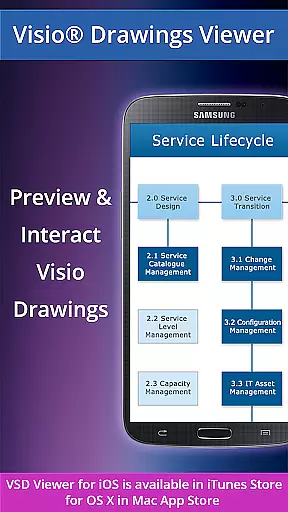
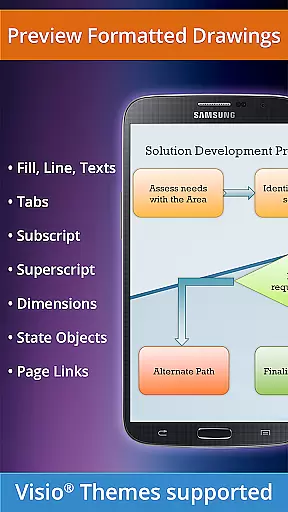
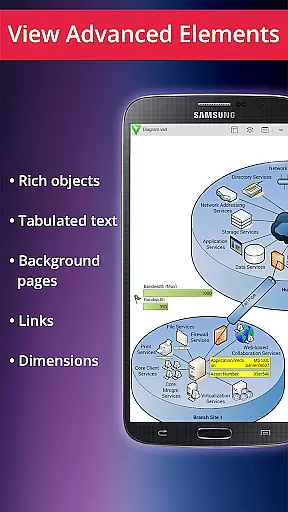
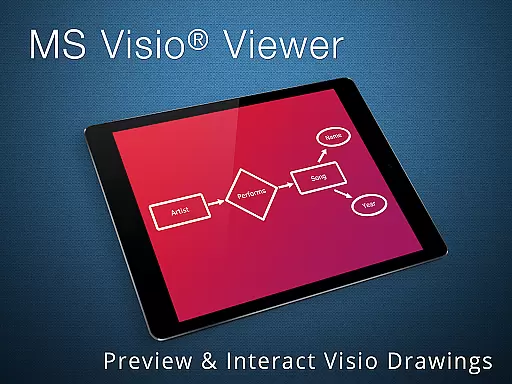
VSD Viewer for Visio Drawings is a professional Android application designed specifically for viewing MS Visio drawings. This app supports multiple file formats including VSD, VDX, and VSDX, making it versatile for users who work with different versions of Visio files from 2000 to 2013.
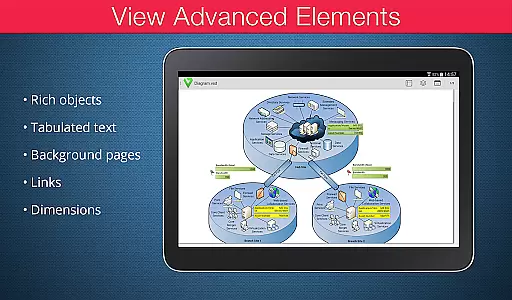
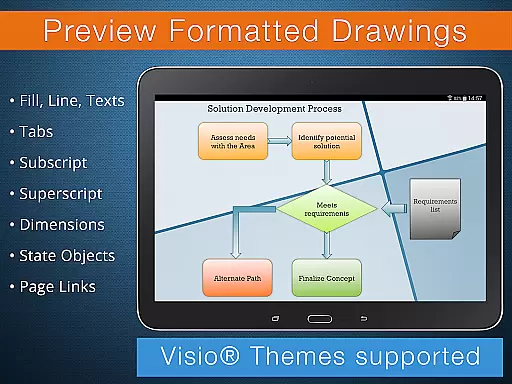
With its comprehensive feature set, VSD Viewer allows users to open, preview, scroll, zoom, and navigate multi-page documents seamlessly. It also supports advanced functionalities such as viewing complex formatted objects, switching document guides visibility, and handling hidden layers and objects placed outside page boundaries.
Whether you're a business professional managing technical diagrams or an engineer working on detailed designs, VSD Viewer provides the tools necessary to efficiently review and interact with your Visio drawings on the go.
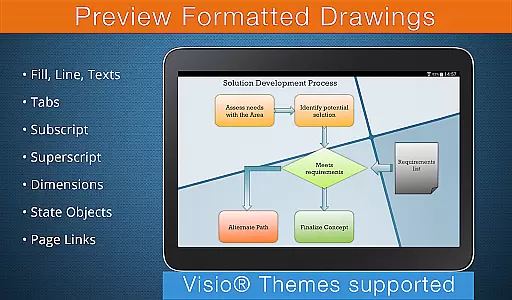
VSD Viewer offers a robust set of features tailored for professionals who need to view and interact with MS Visio drawings on their Android devices. The basic options include opening and previewing any MS Visio 2000-2013 VSD drawing, scrolling, zooming, navigating multipage documents, copying drawing texts, and viewing complex formatted objects.
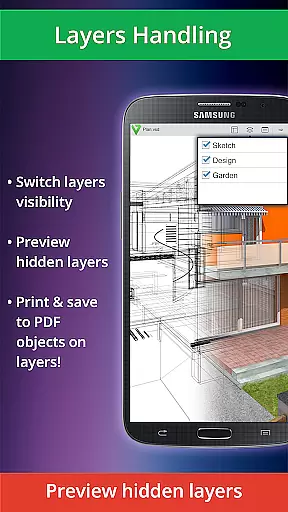
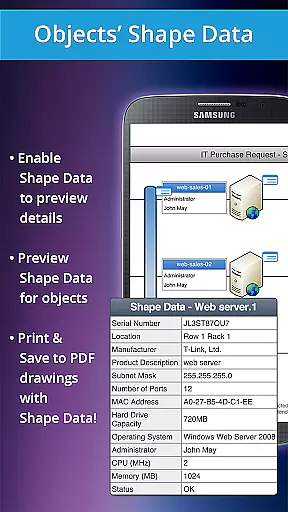
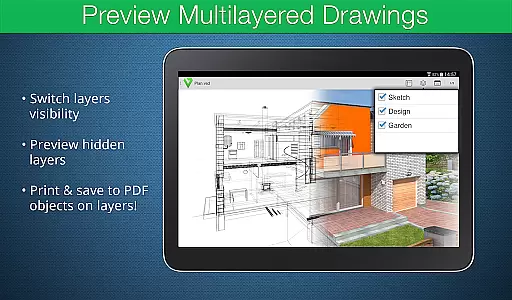
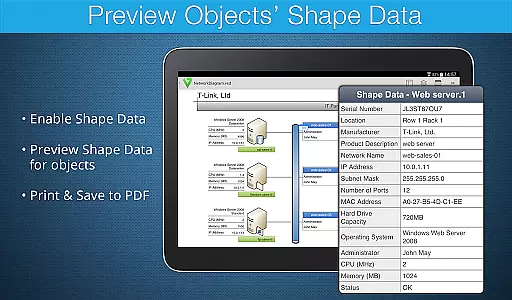
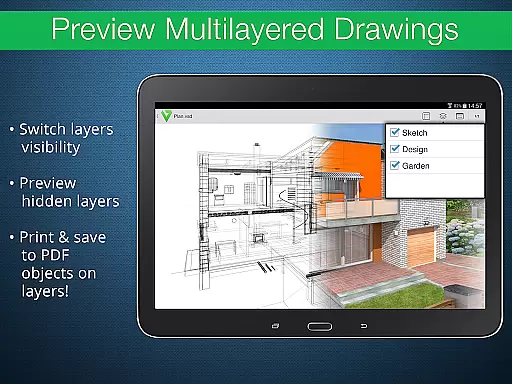
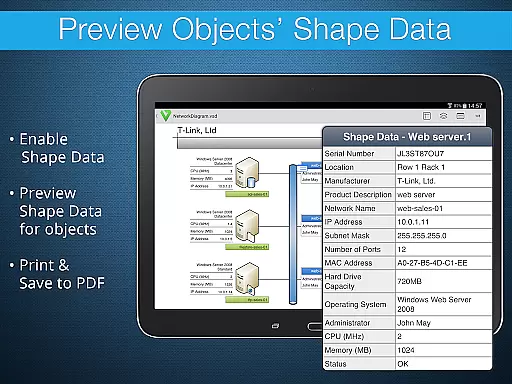
Advanced options enhance the user experience by allowing the preview of hidden layers, switching layer visibility, and previewing object shape data. These features are particularly useful for technical diagrams that require detailed inspection and manipulation.
The app also supports built-in metafiles, page numbering, and MS Visio 2013 themes, ensuring compatibility and consistency across various document types. While there are some restrictions, such as the need for an internet connection for rendering certain metafiles, VSD Viewer remains a powerful tool for mobile Visio document management.
Collaborative work features are essential for any business application designed to enhance team productivity. VSD Viewer supports this by enabling users to view complex formatted objects, such as lines, fill, color, gradients, and text formatting, which ensures that all team members can access the documents in their intended format.
The app allows teams to open and preview any MS Visio 2000-2013 VSD drawing, making it a versatile tool for collaborative environments where Visio files are frequently shared and reviewed. With capabilities to scroll, zoom, and navigate multipage documents, team collaboration is seamless and efficient.
VSD Viewer also offers advanced options like previewing hidden layers and switching layer visibility, which are crucial for teams working on detailed technical diagrams. These features ensure that every team member has the ability to understand and contribute to the project, regardless of their physical location.
Moreover, the ability to copy drawings' texts and view objects placed outside page boundaries provides additional flexibility for teams. This functionality aids in accurate communication and feedback, allowing teams to work together effectively even when they are not in the same room.
Task management within VSD Viewer is streamlined through its intuitive interface and robust feature set, which caters specifically to handling MS Visio drawings. The app's support for various file formats, including VSD, VDX, and VSDX, ensures that users can manage tasks related to different types of Visio documents without compatibility issues.
One of the key aspects of task management is the ability to efficiently navigate through documents. VSD Viewer excels in this area by providing smooth scrolling, zooming, and multipage navigation, which helps users quickly find and review specific sections of their Visio drawings. This efficiency is vital for managing time-sensitive tasks and meeting project deadlines.
In addition to basic navigation, VSD Viewer offers advanced functionalities such as viewing complex formatted objects and switching document guides visibility. These features allow users to manage tasks with precision, ensuring that every detail of the Visio drawings is accounted for during reviews or modifications.
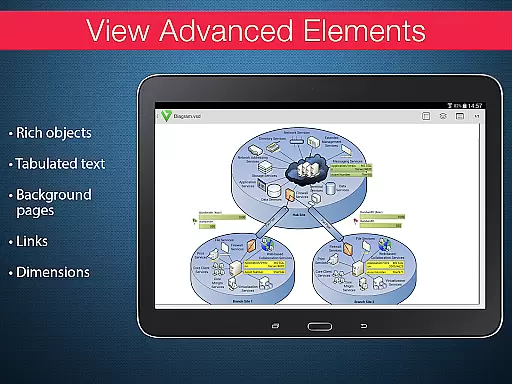
Furthermore, the app's capability to preview objects shape data and handle tabulated texts adds another layer of task management sophistication. Users can delve into the specifics of each object within their drawings, making it easier to track progress, assign tasks, and maintain an organized workflow across the team.
User-friendly interface
Wide format support
Advanced layer management
Efficient navigation tools
High-quality rendering
Requires internet for some features
Large files may load slowly
Limited editing capabilities
No offline metafile rendering
Occasional bugs reported

Ask Accio anything about business. Alibaba-backed, built by experts, not just AI
 4.60
4.60
Find flexible, hourly jobs hiring near you in restaurant, retail & hospitality!
4.00
TurboScan turns your phone into a full-featured PDF document scanner.
4.80
Manage work life on the go
4.50
Employee Management Made Easy
4.80
Find work, shifts and gigs near you. Jobs lasting a few hours to a few months.
4.30
All document reader, pdf viewer app, read docs & excel files
3.80
Permission Guard is a security app that helps you manage app permissions.
4.80
Say hello to the mobile work experience built to help you thrive at work.
4.30
Ship, Track, Find a Location or Get a Quote with UPS. Anytime. Anywhere.
4.60
Grow your business and connect with more people with Meta Business Suite.
4.60
ADP Mobile Solutions is an employee self service app
4.50
The revolutionary flexible staffing platform
4.40
Build a store in minutes with our full suite of AI tools. Start for free!
4.20
enjoy effortless PDF reading anytime, anywhere
3.90
Quickly open and manage PDF files on your device.
3.80
view, manage, and share every PDF file you have
3.60
Access All PDF Files
3.40
Convert Your Lovable.dev Website into a Mobile App Instantly!
4.0


User Reviews