
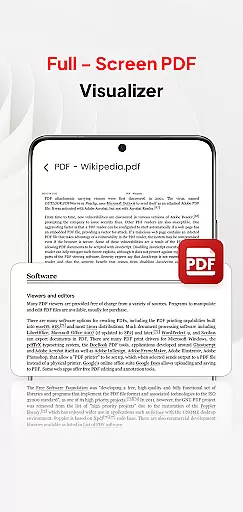
PDF Pro-View PDF is a comprehensive business application designed to streamline PDF management for professionals and casual users alike. This app offers instant access to PDF files with its one-click reading feature, eliminating frustrating wait times. The sleek, intuitive interface ensures smooth navigation while providing complete file accessibility, organizing all your PDF documents in one convenient location.
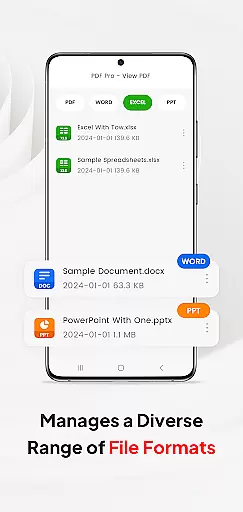
Beyond basic PDF viewing, the app supports multiple document formats including Doc, PPT, and Excel files. This versatility enables users to manage various file types within a single platform. The app's enhanced page navigation system allows for quick document browsing, making it ideal for business presentations and document reviews. With seamless sharing capabilities, PDF Pro-View PDF becomes an essential tool for modern workplaces where efficient document handling is crucial.
PDF Pro-View PDF distinguishes itself through several key features that enhance document management. The Instant PDF Access function allows users to open files with a single click, significantly improving workflow efficiency. Its robust file organization system provides complete accessibility to all PDF documents stored on the device, eliminating the need for manual directory searches.
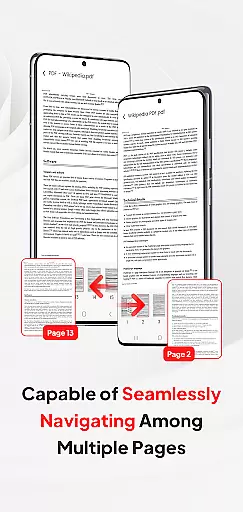
The app's Multiple Document Compatibility sets it apart from competitors, supporting not only PDFs but also Word documents, PowerPoint presentations, and Excel spreadsheets. This cross-format functionality streamlines document management across different file types. Additionally, the Smooth Page Navigation feature enables rapid page flipping, enhancing the reading experience while maintaining precise control over document positioning. For Android 11+ users, the app's implementation of MANAGE_EXTERNAL_STORAGE permission ensures reliable offline access and background management capabilities.
In today's interconnected work environments, the ability to collaborate efficiently is paramount. PDF Pro-View PDF offers a streamlined solution for teams and professionals who need to handle PDF documents collaboratively. The app supports not only viewing but also managing and sharing PDF files, which is essential for collaborative projects.
One of the standout features of this application is its support for multiple document formats beyond PDFs, including Doc, PPT, and Excel files. This versatility ensures that team members can share and edit different types of documents without needing multiple applications, thus centralizing workflow and enhancing productivity.
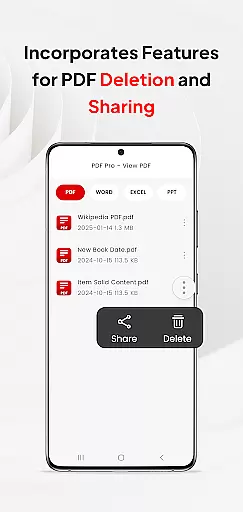
Furthermore, the app facilitates seamless sharing of PDF files with others, making it an invaluable tool for collaborative work. Whether you're sending a report to a colleague or distributing meeting notes, PDF Pro-View PDF ensures that your documents are easily accessible to all relevant parties, regardless of their location.
Effective task management is crucial for maintaining productivity, especially when dealing with numerous PDF documents. PDF Pro-View PDF excels in organizing and providing quick access to all your PDF files, ensuring that you can manage your tasks efficiently. With just one click, users can start reading their PDF files, eliminating any waiting time and allowing for swift task transitions.
The app's complete file accessibility feature means that all your PDF documents are neatly organized in one place. This eliminates the need to search through multiple directories, saving valuable time and reducing stress. For those who handle a large volume of documents, this organizational efficiency is a game-changer.
Additionally, the smooth page navigation enhances the reading experience by allowing rapid page flipping. This feature is particularly beneficial for task management as it enables users to quickly locate specific sections within lengthy documents, ensuring that they can find the information they need without delay.
User-friendly interface
Multi-format support
Quick document access
Efficient file organization
Seamless sharing options
Requires special permissions
Limited native editing
Premium features locked
Occasional loading delays
Storage-intensive

Completed Course Lectures on how to use IBM Maximo in Maintenance issues
 4.0
4.0
Manage work life on the go
4.50
viewing and sharing PDFs and other files—anytime, anywhere!
4.0
Finance, Investing, Stocks, Trading and Stock news
4.60
Master crypto trading with real-time simulations and exciting challenges!
4.50
Mobile POS for any business: sales, invoices, retail, restaurants & appointments
4.60
Find part-time earning opportunities near you that pay within days.
3.20
Ship, Track, Find a Location or Get a Quote with UPS. Anytime. Anywhere.
4.60
No more passwords, easier sign-in, and greater protection for your accounts.
4.60
Job search app that finds jobs for you! Takes the work out of looking for a job!
4.90
Create curriculum vitae, a professional cover letter creator and resume designer
4.80
Access to Paylocity, empowering employees with information they need 24/7.
4.70
We help people get jobs
4.70
Earn money with the driver & delivery partner app for Uber, UberEats & Postmates
4.60
Chat, meet, and collaborate to achieve more together, all in one place on Teams
4.60
Scan Business Cards & Conference Badges - Capture Leads at Events & Tradeshows
4.20
VSD Viewer - Visio Drawings Viewer for Android Preview VSD, VDX, VSDX drawings
4.10
Shop, deliver, and earn with the Spark Driver™ App
4.10
Roadie connects people with stuff to send with drivers already going that way.
3.50


User Reviews