
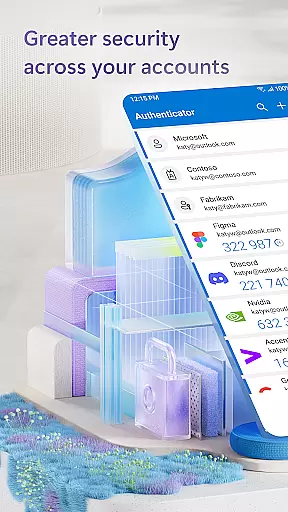
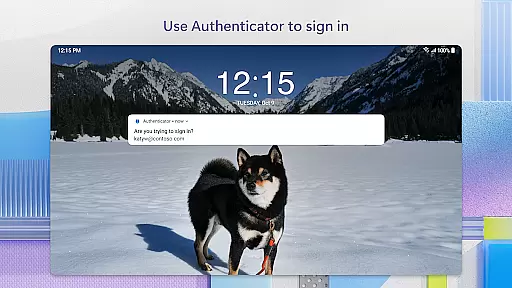
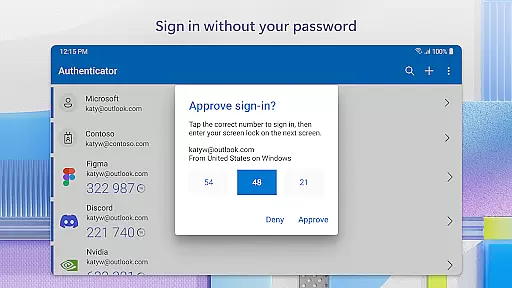
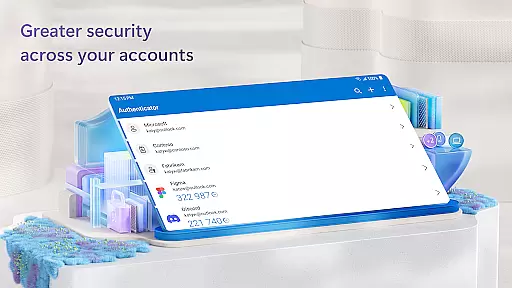
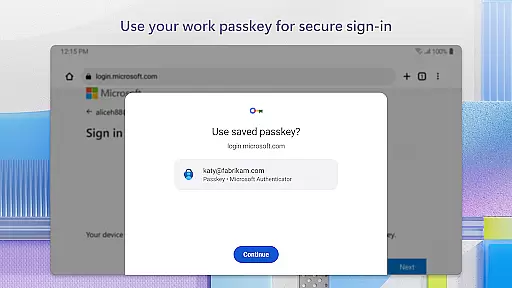
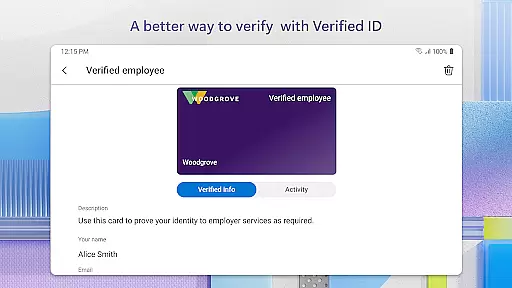
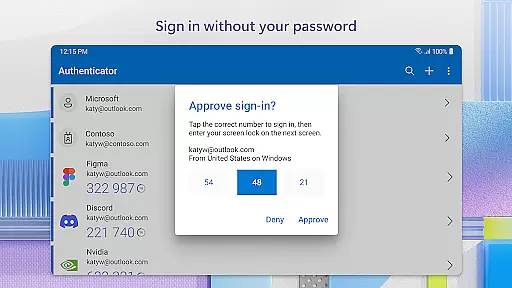
Microsoft Authenticator is a business-focused security application that provides multi-factor authentication (MFA), passwordless login, and account management for Microsoft and non-Microsoft accounts. The app ensures secure access to online accounts by requiring additional verification beyond passwords, such as one-time passwords (OTP) or biometric authentication.
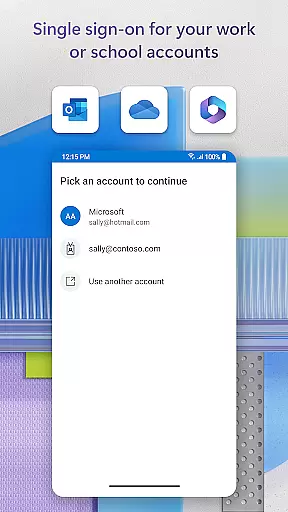
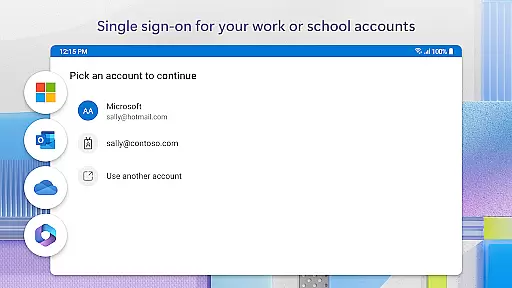
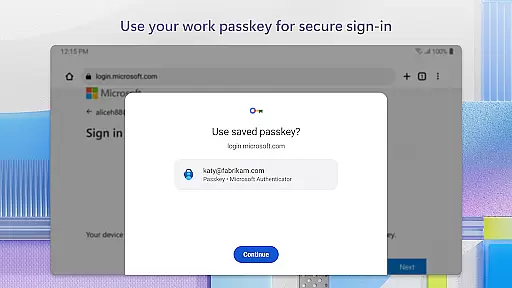
The app supports two-factor authentication (2FA) with OTP codes that refresh every 30 seconds, ensuring enhanced security without relying on network connectivity. It also allows users to log in using their phone through fingerprint, face ID, or PIN, eliminating the need for traditional passwords. Additionally, it offers single sign-on capabilities for Microsoft products like Outlook and OneDrive, making it an essential tool for businesses managing multiple accounts securely.
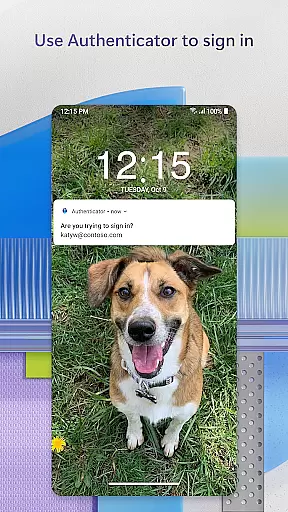
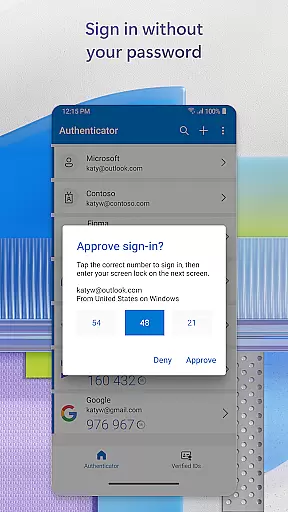
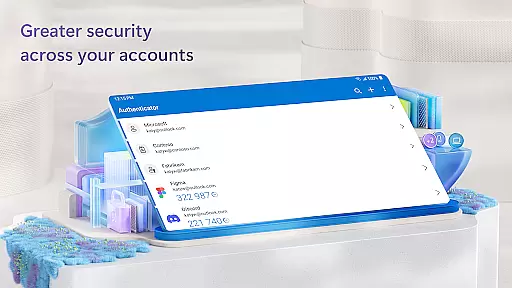
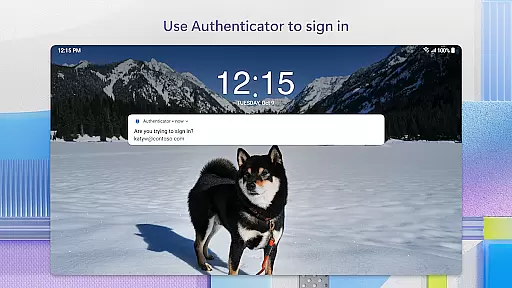
Microsoft Authenticator's key features include multi-factor authentication (MFA) and passwordless login options. MFA adds a second layer of security by requiring users to approve notifications or enter time-based OTP codes generated within the app. These codes automatically refresh every 30 seconds, ensuring unique verification for each login attempt.
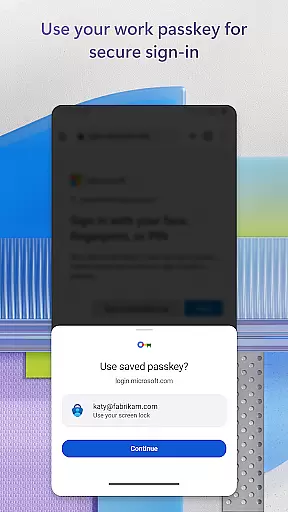
The app also supports passwordless login via biometric verification methods such as fingerprint or face ID. This feature streamlines the login process while maintaining high-security standards. Furthermore, the app integrates with both personal and organizational Microsoft accounts, enabling certificate-based authentication for trusted devices. With support for single sign-on, users can seamlessly access multiple Microsoft services after a single verification step.
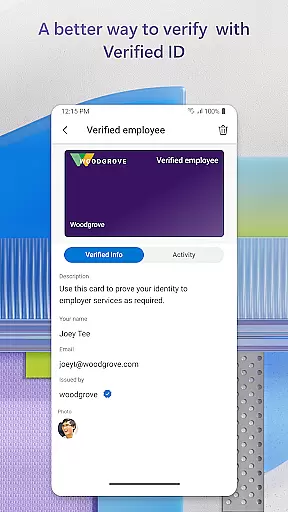
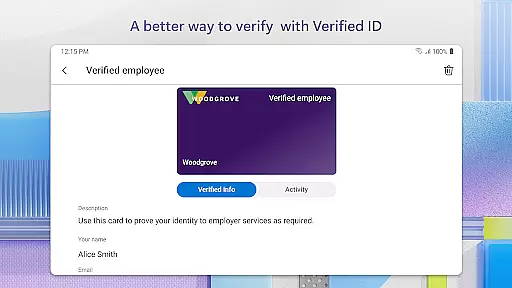
Microsoft Authenticator enhances collaborative work environments by providing secure access to essential business tools. The app supports cert-based authentication, which issues a certificate on your device, ensuring that sign-in requests come from trusted devices. This feature allows organizations to verify the identity of their employees while accessing sensitive files, emails, or applications.
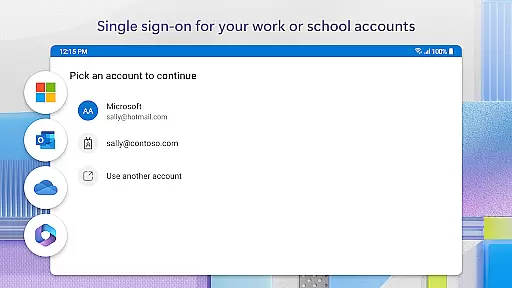
The integration with Microsoft personal, work, or school accounts simplifies the process of managing multiple accounts. Once registered through the app, users can seamlessly and securely access additional Microsoft apps and services without needing to log in each time. This streamlined approach not only boosts productivity but also ensures that all collaborative efforts are protected against unauthorized access.
Moreover, the app's support for single sign-on (SSO) means that after proving their identity once, users won't need to log in again to other Microsoft apps on their device. This convenience reduces the friction often associated with frequent authentication processes, allowing teams to focus more on their work and less on managing credentials.
Task management within Microsoft Authenticator revolves around simplifying and securing the login processes for various online accounts. By supporting multi-factor authentication (MFA) and passwordless options, the app ensures that users can efficiently manage their tasks without compromising security. Whether approving a notification sent to the app or entering a one-time password (OTP), users experience a seamless transition into their required tasks.
The app's ability to store multiple accounts, including non-Microsoft ones like Facebook, Amazon, and Google, provides a centralized hub for task management. Users can quickly switch between different accounts, streamlining their workflow and reducing the time spent on repetitive login procedures. This consolidation is particularly beneficial for individuals who manage numerous online profiles as part of their daily responsibilities.
Additionally, the inclusion of optional access permissions, such as location and camera usage, further enhances task management capabilities. These permissions, granted only with user consent, enable features like scanning QR codes for adding accounts and verifying location for resource access. Such functionalities ensure that users have the necessary tools at their disposal to manage tasks effectively while maintaining high-security standards.
Enhanced security
Easy to use
Multi-account support
Offline functionality
Single sign-on
Requires setup time
Limited customization
Dependent on device
No advanced reporting
Permission requests

Completed Course Lectures on how to use IBM Maximo in Maintenance issues
 4.3
4.3
BuildCalc - the easiest AND the most advanced construction calculator app.
4.80
TurboScan turns your phone into a full-featured PDF document scanner.
4.80
Your employer must have UKG Ready software configured for Mobile.
4.60
Simple, Fast & Lightweight
3.90
Delivery Track App - Tracking with Fedex, USPS, UPS, DHL. Monitor your Orders.
3.20
We are a dynamic team of creatives people of design, marketing, web & apps
3.00
Mobile POS for any business: sales, invoices, retail, restaurants & appointments
4.60
Permission Guard is a security app that helps you manage app permissions.
4.80
Employee Management Made Easy
4.80
Earn free swag, G-Cards & food • Enter sweepstakes • Find stores • So much more.
4.70
Earn money with the driver & delivery partner app for Uber, UberEats & Postmates
4.60
Manage work life on the go
4.50
Formerly Facebook Ads Manager. Manage and create ads on the go.
4.20
FX Plus adds media, networking, and cloud capabilities to FX File Explorer.
4.10
enjoy effortless PDF reading anytime, anywhere
3.90
Quickly open and manage PDF files on your device.
3.80
view, manage, and share every PDF file you have
3.60
Roadie connects people with stuff to send with drivers already going that way.
3.50


User Reviews