
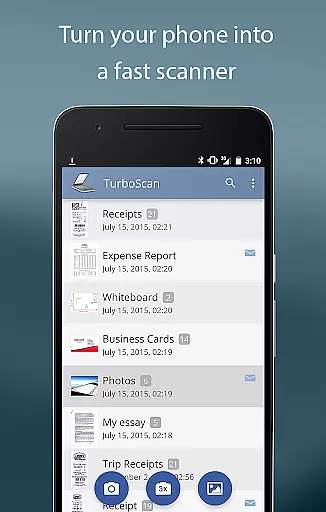
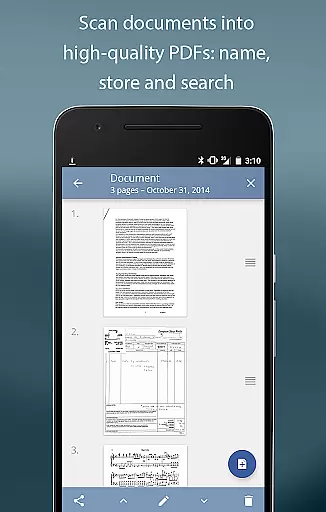
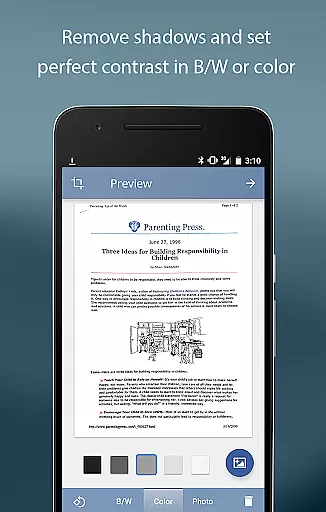
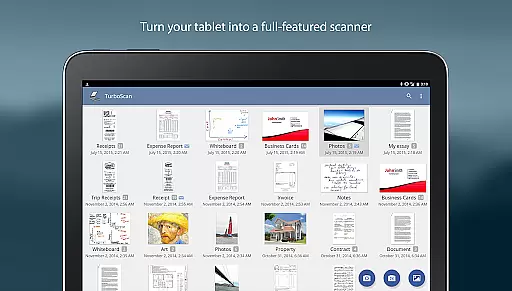
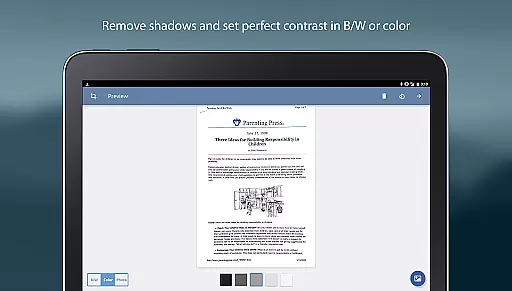
TurboScan Pro is a premier mobile scanning solution that transforms your smartphone into a sophisticated multipage scanner. Designed for professionals and individuals alike, this app excels in capturing high-quality scans of documents, receipts, notes, whiteboards, and photos, exporting them as multipage PDF or JPEG files. Its advanced algorithms ensure precise edge detection, perspective correction, and optimal contrast, delivering clear, professional-grade scans every time.
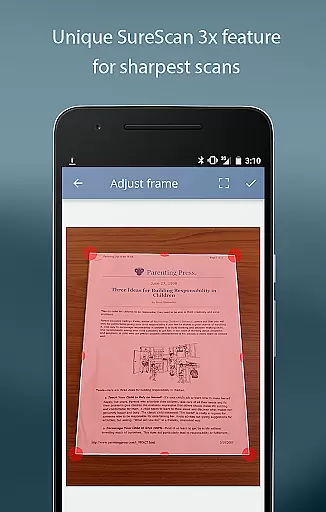
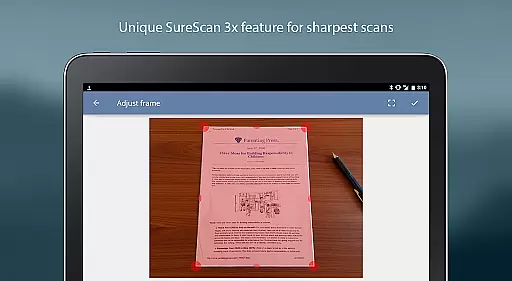
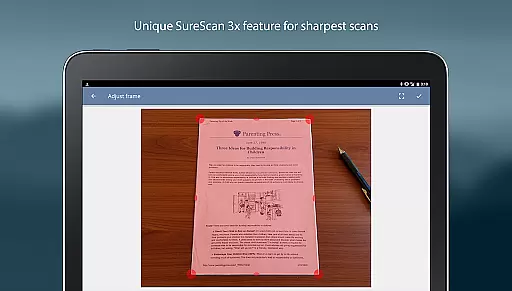
One of TurboScan Pro's standout features is its SureScan mode, which is engineered to produce exceptionally sharp images even in challenging lighting conditions. By capturing three consecutive shots of the same document, SureScan minimizes shadows and enhances clarity. The app also emphasizes user privacy by processing all data locally on the device, ensuring your sensitive information remains secure without requiring an internet connection.
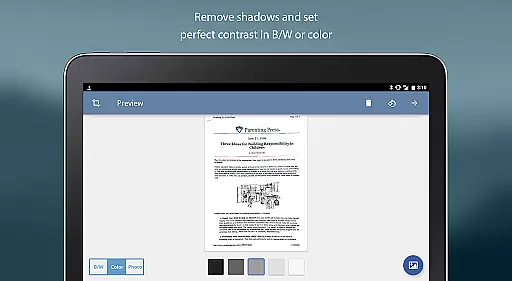
Whether you're managing business documents, organizing personal records, or sharing important files with colleagues, TurboScan Pro offers a seamless experience. With intuitive one-tap controls for brightness, rotation, and color adjustments, users can effortlessly enhance their scans. Additionally, the app supports cloud integration, allowing you to upload scans directly to platforms like Evernote or Dropbox, making it an indispensable tool for modern professionals.
TurboScan Pro stands out with its comprehensive feature set tailored for efficiency and precision. At its core, the app utilizes advanced algorithms to automatically detect document edges, correct perspective distortions, and eliminate shadows, ensuring every scan is crisp and legible. This functionality is complemented by the proprietary SureScan mode, which captures three images of the same document to produce ultra-sharp results, particularly beneficial in low-light environments.
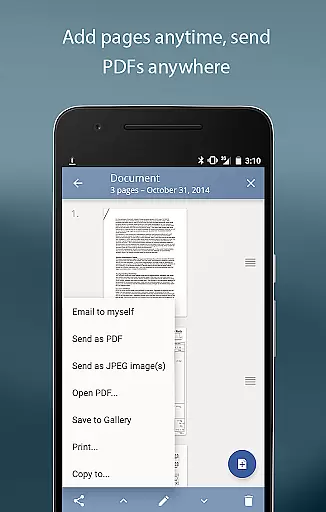
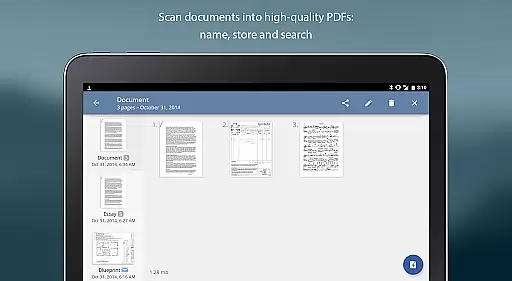
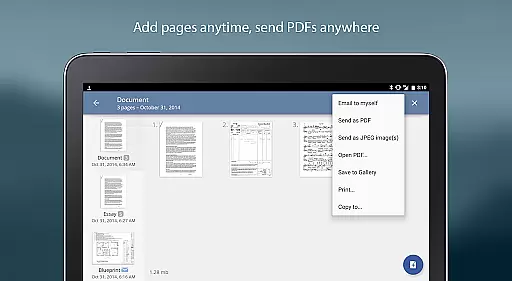
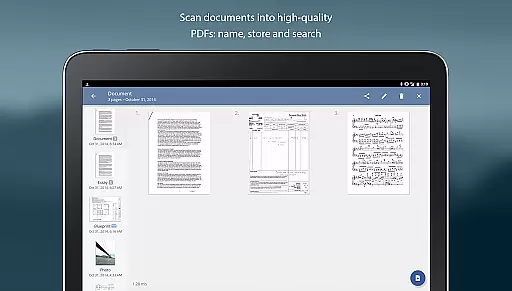
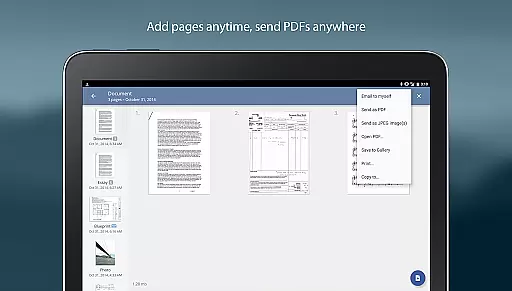
The app provides robust tools for document management, including naming, storing, and searching capabilities. Users can edit multipage documents by adding, reordering, or deleting pages, as well as copying pages between different scans. TurboScan Pro also simplifies sharing with its "Email to Myself" feature, enabling quick dispatch of documents to predefined email addresses or cloud storage services like Evernote and Google Drive. Files can be exported in multiple formats, including PDF, JPEG, and PNG, offering flexibility for various use cases.
Additional features include instant one-tap controls for adjusting brightness, rotation, and color settings, all accessible from a single interface. The app supports compact file attachments with adjustable sizes, making it ideal for emailing or storing large documents. Furthermore, TurboScan Pro integrates seamlessly with third-party apps such as Dropbox and Cloud Print, enhancing its versatility for both personal and professional workflows.
In today's fast-paced business environment, the ability to collaborate efficiently is crucial. TurboScan Pro excels in providing tools that facilitate seamless teamwork. With its advanced document scanning capabilities, teams can quickly digitize notes, receipts, and other essential documents.
The app allows for multipage editing where users can add, reorder, and delete pages, ensuring that all team members have access to the most up-to-date and organized information. This feature is particularly beneficial when compiling reports or sharing meeting notes.
Moreover, TurboScan Pro supports integration with various cloud services such as Evernote, Google Drive, and Dropbox. By uploading scanned documents directly to these platforms, teams can effortlessly share and collaborate on files in real-time, regardless of their physical location.
With the 'Email to myself' feature, documents can be sent to a predefined address or multiple recipients, streamlining communication and ensuring that everyone is on the same page. This makes TurboScan Pro an invaluable tool for businesses looking to enhance their collaborative efforts.
Effective task management is at the heart of productivity, and TurboScan Pro offers robust solutions to help manage tasks efficiently. The app's ability to store and categorize scanned documents plays a significant role in keeping track of various assignments and responsibilities.
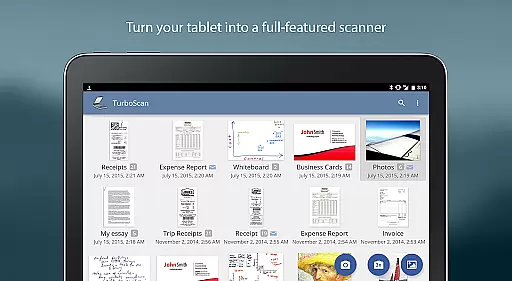
TurboScan Pro enables users to name their documents, making it easier to search and retrieve specific files when needed. This feature is particularly useful for managing large volumes of paperwork, allowing users to maintain an organized digital workspace.
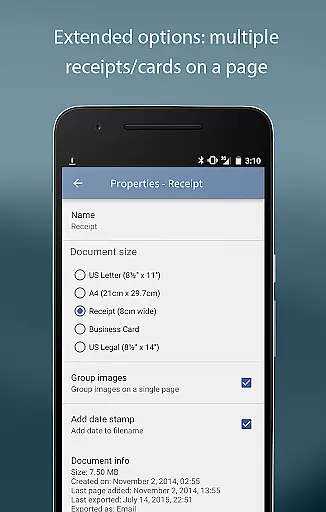
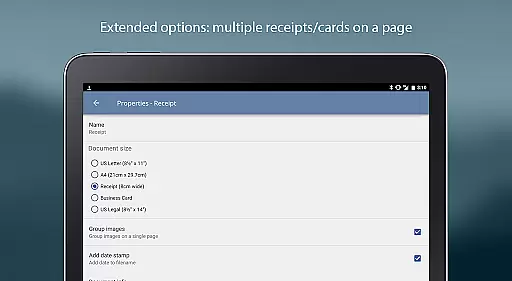
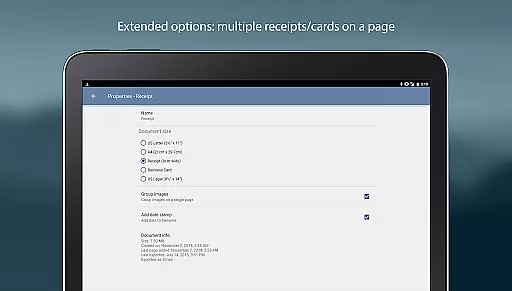
In addition to document naming, the app provides options to arrange multiple receipts or business cards on a single PDF page. This function not only saves time but also aids in maintaining a structured approach to handling numerous tasks simultaneously.
Furthermore, the capability to email documents as PDF, JPEG, or PNG files, or save them to the camera roll, ensures that important information is always accessible. Whether it's for personal use or sharing with colleagues, TurboScan Pro equips users with the necessary tools to stay on top of their task management game.
Advanced scanning algorithms
Local data processing for privacy
Supports multiple file formats
Intuitive one-tap controls
Seamless cloud integration
Premium features require payment
Occasional glitches in edge detection
Limited free storage capacity
Interface may feel complex to beginners
SureScan mode can be time-consuming

The revolutionary flexible staffing platform
 4.40
4.40
FX Plus adds media, networking, and cloud capabilities to FX File Explorer.
4.10
Your employer must have UKG Ready software configured for Mobile.
4.60
viewing and sharing PDFs and other files—anytime, anywhere!
4.0
Simple, Fast & Lightweight
3.90
enjoy effortless PDF reading anytime, anywhere
3.90
Find part-time earning opportunities near you that pay within days.
3.20
Smarter career moves start here. AI job alerts, insights & the right tools.
4.20
On the go? Take FedEx with you.
4.00
FaxCover - Create fax cover pages. Works with any app or fax machine.
4.90
Ask Accio anything about business. Alibaba-backed, built by experts, not just AI
4.60
Paychex Flex - Save Time and Stay Connected
4.60
Drive and earn extra money
4.50
Collaborate seamlessly with Google Chat, part of Google Workspace
4.50
Say hello to the mobile work experience built to help you thrive at work.
4.30
Make money as a delivery driver with DoorDash and work when you want as a Dasher
4.30
Work happy with AI Companion
4.10
All document reader, pdf viewer app, read docs & excel files
3.80
viewing and sharing of PDFs
3.60


User Reviews