
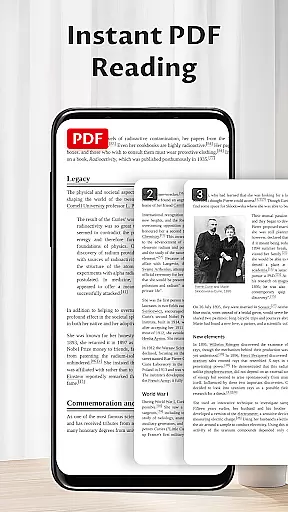
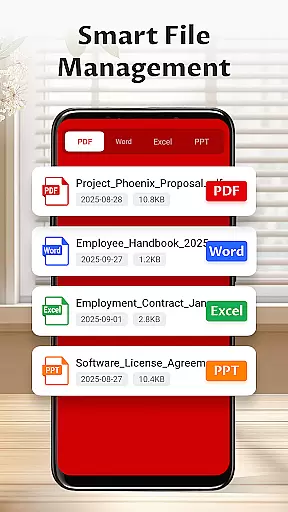
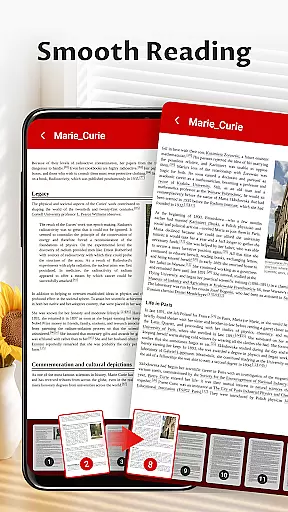
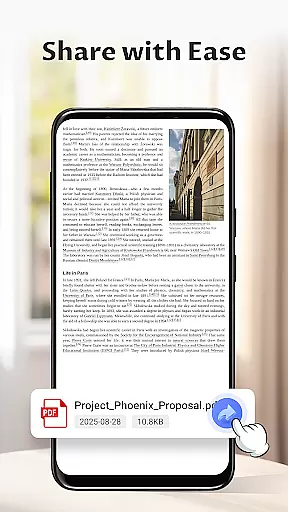
Pocket PDF is a streamlined PDF reader tailored for everyday use, focusing on simplicity and efficiency. The app allows users to open, view, and manage PDF documents without the distraction of complex menus or unnecessary features. Its minimalist interface ensures an uninterrupted reading experience, making it ideal for users who prioritize clarity and performance.
With Pocket PDF, you can easily access local PDFs stored on your device, share files with others, or delete documents directly from the app. Designed for Android 11+ devices, the app requires specific storage permissions to ensure smooth document handling. Whether you're reviewing work documents or reading personal files, Pocket PDF offers a reliable solution that combines functionality with a clean design.
Pocket PDF stands out with its suite of focused features designed to enhance document management. First, the app provides quick access to local PDF files, allowing users to open and view documents stored on their device effortlessly. This feature eliminates the need for complicated file navigation, streamlining the user experience.
The app's minimalist interface removes visual clutter, creating an environment conducive to concentration. Additionally, Pocket PDF includes easy sharing and deletion options, letting users manage their files directly within the app. On Android 11+ devices, the app requests MANAGE_EXTERNAL_STORAGE permission to facilitate essential document operations. These carefully considered features make Pocket PDF a practical tool for anyone seeking efficient PDF management without compromising on simplicity.
In today's interconnected work environments, collaborative work features are essential for seamless teamwork. Pocket PDF understands this need and offers functionalities that support collaboration without complexity.
Through its easy sharing capabilities, users can swiftly send PDF documents to colleagues or team members directly from the app interface. This ensures that important files are accessible to everyone who needs them, promoting efficient workflows.
Moreover, the minimalist design reduces distractions, allowing teams to focus on the content of their PDFs rather than navigating through complicated menus. The straightforward deletion feature also helps in managing document versions effectively.
While Pocket PDF may not offer advanced real-time editing, its simplicity makes it an ideal choice for teams looking to share and manage PDF documents effortlessly.
Effective task management is crucial for productivity, and Pocket PDF excels by providing tools that help users organize their document-related tasks efficiently.
The app allows quick access to local PDFs stored on your device, making it easier to retrieve necessary files when needed. This feature ensures that you spend less time searching and more time working on your tasks.
With a clean and efficient interface, Pocket PDF enables users to manage their documents with ease. Whether it's opening, viewing, or deleting PDFs, each action contributes to maintaining an organized digital workspace.
Additionally, the permission notice clarifies how the app handles file access responsibly, giving users peace of mind while they concentrate on managing their tasks effectively.
User-friendly interface
Quick file access
Easy sharing options
Minimalist design
Efficient performance
Limited advanced features
No cloud integration
Basic customization
Restricted format support
Permission requirements

Manage work life on the go
 4.50
4.50
Manage Your Shop
4.70
Drive and earn extra money
4.50
Use Generative Summary to understand your rental or insurance docs in seconds.
4.70
Start earning fast. Apply Today.
4.80
Build a store in minutes with our full suite of AI tools. Start for free!
4.20
Access to Paylocity, empowering employees with information they need 24/7.
4.70
Make invoices, bills, receipts & estimates on the go with Invoice Generator.
4.70
Earn money with the driver & delivery partner app for Uber, UberEats & Postmates
4.60
Permission Guard is a security app that helps you manage app permissions.
4.80
Find jobs and make money fast with JobStack.
4.60
Paychex Flex - Save Time and Stay Connected
4.60
ADP Mobile Solutions is an employee self service app
4.50
Formerly Facebook Ads Manager. Manage and create ads on the go.
4.20
The Penny Puss app with DG penny finder
4.10
viewing and sharing of PDFs
3.60
view, manage, and share every PDF file you have
3.60
Roadie connects people with stuff to send with drivers already going that way.
3.50
Find part-time earning opportunities near you that pay within days.
3.20


User Reviews