
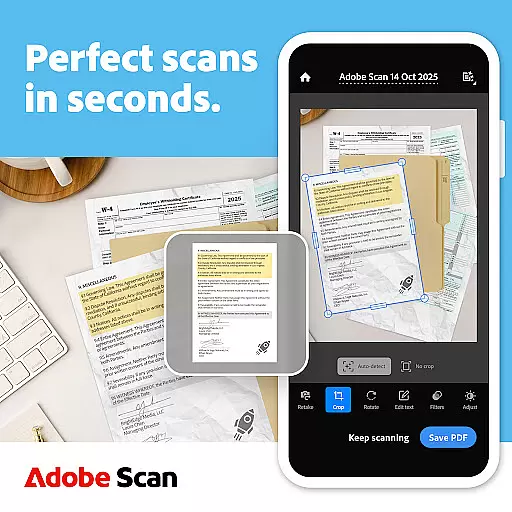
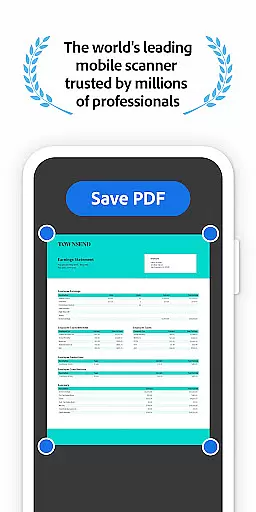
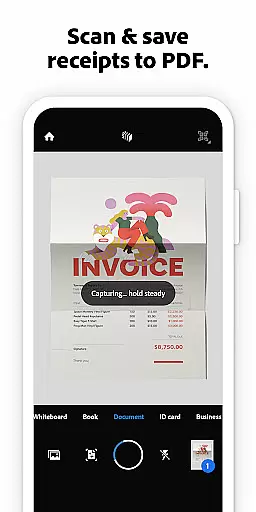
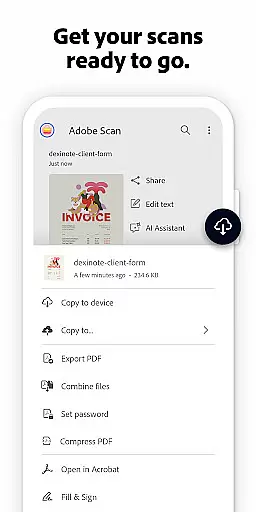
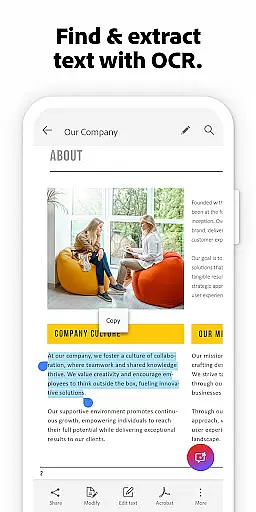


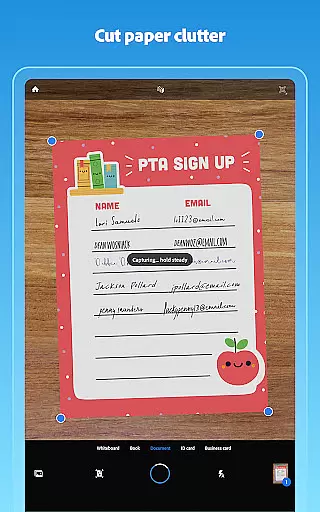
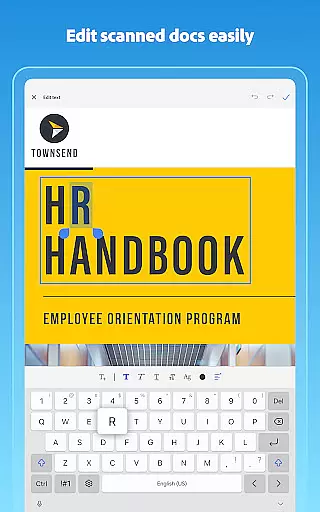
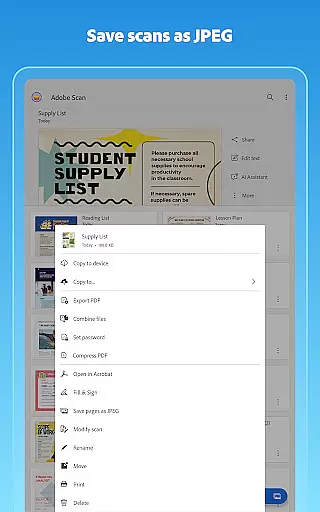
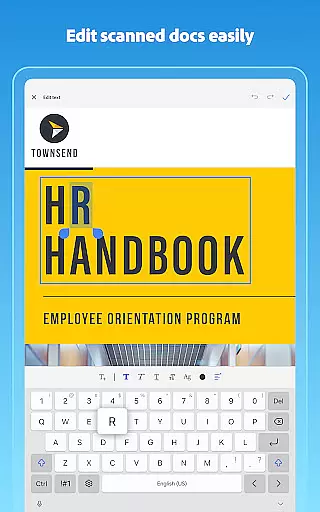
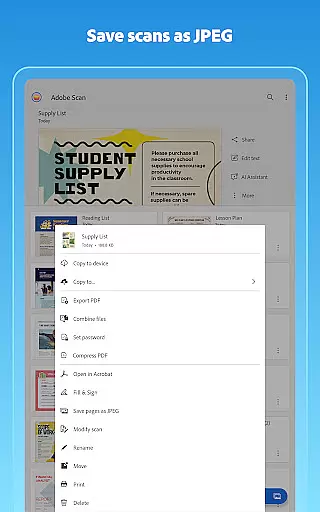
Adobe Scan AI PDF Scanner is a versatile business tool that transforms your mobile device into a powerful document scanner. The app excels in converting paper documents, images, and various physical materials into high-quality PDFs or JPEGs. Its advanced OCR technology makes scanned content editable and searchable, while the new Straighten tool ensures professional-looking scans by automatically aligning curved or tilted pages.
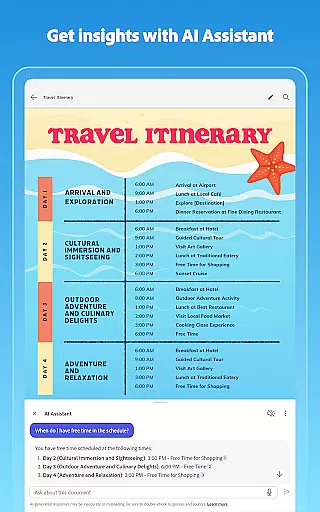
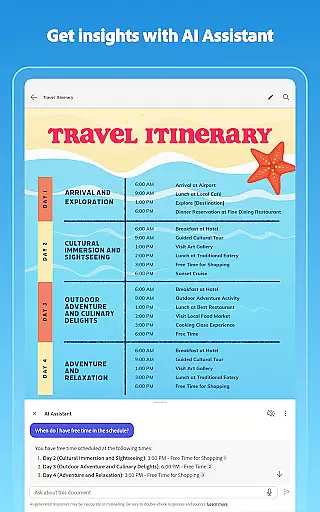
Beyond basic scanning, Adobe Scan offers AI-powered features like Generative Summary and AI Assistant, which help users extract key points and generate follow-up actions from scanned documents. With capabilities to scan receipts, IDs, notes, and even whiteboards, this app serves as an all-in-one solution for digitizing and organizing important materials. Its seamless integration with Adobe Document Cloud and Acrobat Reader provides users with enhanced functionality for sharing, signing, and collaborating on digital documents.
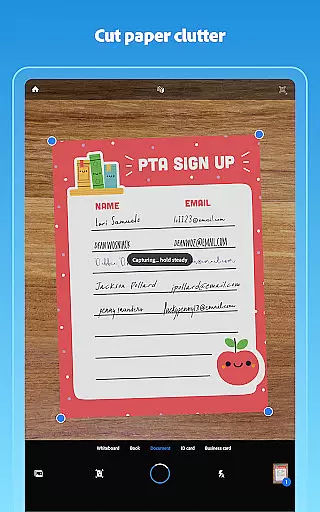
Adobe Scan stands out with its comprehensive feature set tailored for business professionals. The High-speed scan function allows users to quickly convert stacks of documents into organized PDFs, saving valuable time during busy workdays. Advanced image processing technologies automatically detect borders, sharpen content, and optimize brightness and contrast, ensuring every scan looks professional without manual adjustments.
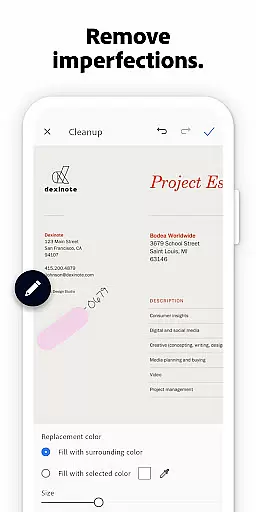
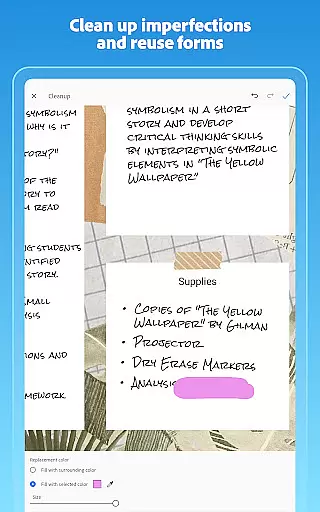
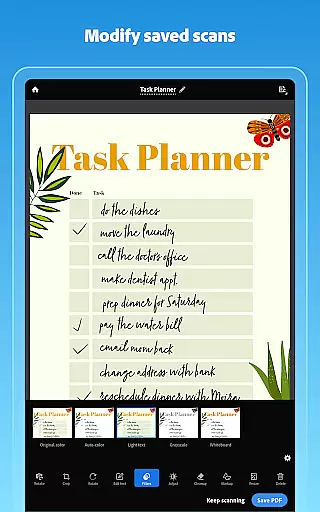
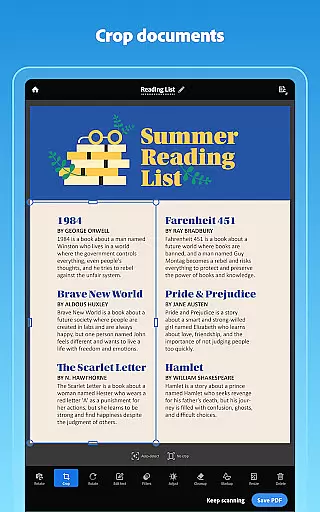
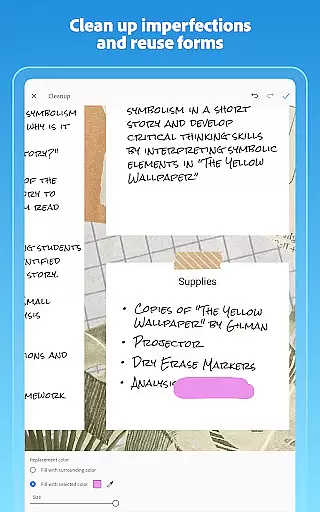
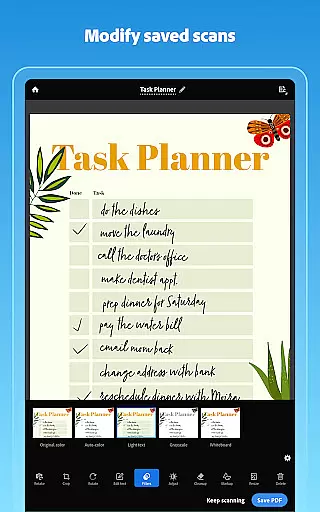
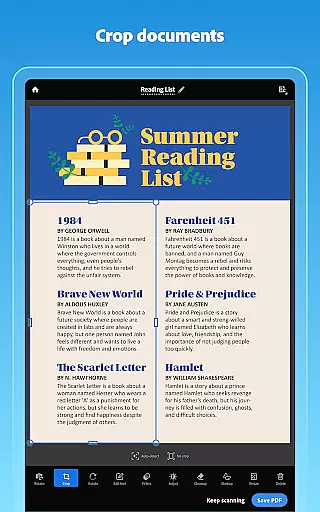
The app's editing capabilities are equally impressive, offering tools to crop, rotate, resize, and modify colors in scans. The Cleanup feature removes imperfections such as stains, creases, and even handwriting from documents. For enhanced productivity, the Smart Library function automatically identifies documents in your photo library and converts them into usable PDFs. These features, combined with cloud integration and cross-platform compatibility, make Adobe Scan an indispensable tool for modern business operations.
In today's interconnected work environment, collaborative work features are essential for seamless teamwork. Adobe Scan AI PDF Scanner excels in this area by integrating with Adobe Document Cloud, allowing users to access and share their scans securely across multiple platforms.
The app enables teams to create high-quality digital copies of physical documents, which can then be shared instantly with colleagues. This eliminates the need for cumbersome email attachments or physical document exchanges, streamlining workflows significantly.
Moreover, the ability to export scans to Word, Excel, or PowerPoint formats enhances collaboration further. Team members can easily edit and reuse content from scanned documents, making it simple to incorporate information into reports, presentations, or data analysis.
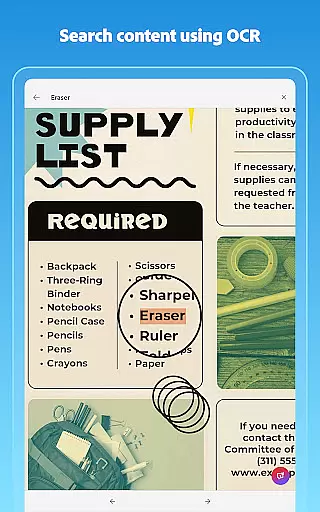
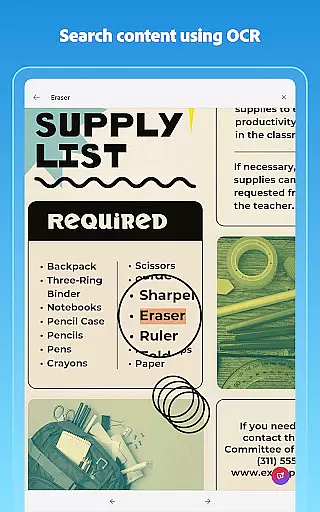
With its powerful OCR capabilities, Adobe Scan ensures that text within images is fully searchable and editable. This functionality supports efficient collaboration by enabling team members to quickly locate specific information within large document sets, thus improving overall productivity.
Effective task management is crucial for maintaining productivity, and Adobe Scan AI PDF Scanner offers several features that support this aspect. The app allows users to create custom folders for different types of documents, such as work files, personal records, or school forms, facilitating organized task handling.
One standout feature is the ability to reorder pages and preview scans before saving them. This ensures that documents are structured correctly from the outset, reducing the time spent on post-scan editing and allowing users to focus on their primary tasks.
Additionally, the Modify tool provides essential functions like cropping, rotating, resizing, and adjusting colors. These capabilities ensure that each scan meets the user's exact requirements, contributing to more efficient task completion.
Finally, the Cleanup function helps maintain document quality by removing imperfections, stains, marks, creases, and even handwriting. By delivering clean, professional-looking scans, Adobe Scan empowers users to manage their tasks with greater confidence and efficiency.
User-friendly interface
Advanced OCR technology
AI-powered document analysis
Cloud integration
Cross-platform compatibility
Premium features require subscription
Occasional scanning inaccuracies
Limited free OCR capacity
Advanced tools need learning
File size limitations

 4.70
4.70
Find jobs and make money fast with JobStack.
4.60
The revolutionary flexible staffing platform
4.40
Quickly open and manage PDF files on your device.
3.80
Finance, Investing, Stocks, Trading and Stock news
4.60
Find work, shifts and gigs near you. Jobs lasting a few hours to a few months.
4.30
enjoy effortless PDF reading anytime, anywhere
3.90
Mobile POS for any business: sales, invoices, retail, restaurants & appointments
4.60
Earn money with the driver & delivery partner app for Uber, UberEats & Postmates
4.60
FaxCover - Create fax cover pages. Works with any app or fax machine.
4.90
Permission Guard is a security app that helps you manage app permissions.
4.80
USPS Mobile®Access USPS.com’s most popular tools on-the-go.
4.70
Collaborate seamlessly with Google Chat, part of Google Workspace
4.50
ADP Mobile Solutions is an employee self service app
4.50
Scan Business Cards & Conference Badges - Capture Leads at Events & Tradeshows
4.20
VSD Viewer - Visio Drawings Viewer for Android Preview VSD, VDX, VSDX drawings
4.10
The All-in-One File Manager for Phone, TV, Watch, Cars, XR / VR, Chromebook
4.10
Roadie connects people with stuff to send with drivers already going that way.
3.50
Find part-time earning opportunities near you that pay within days.
3.20


User Reviews