
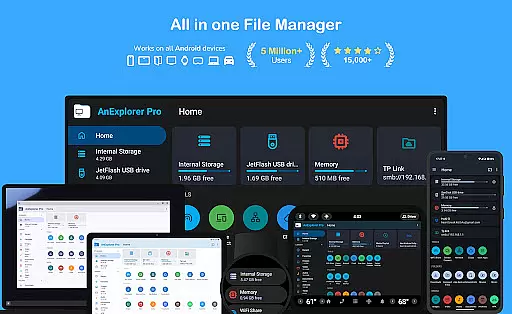
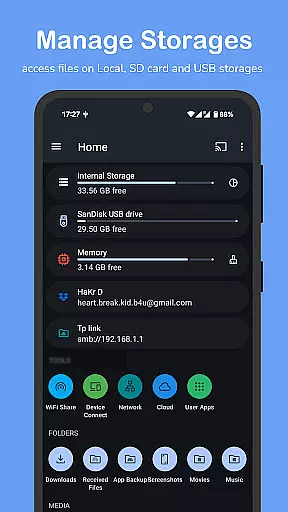

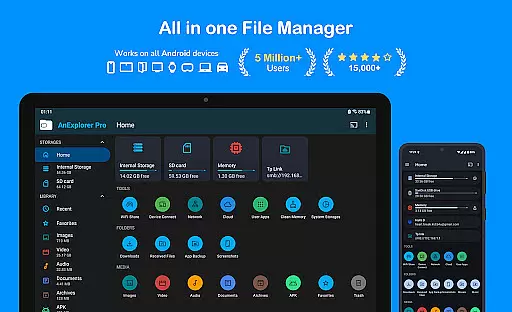
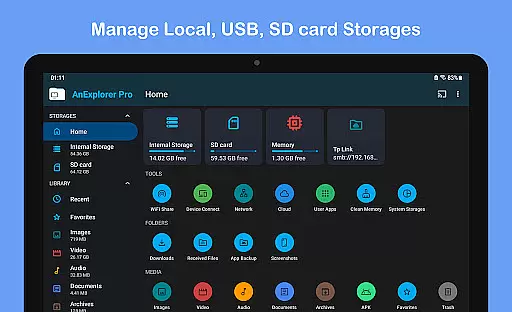
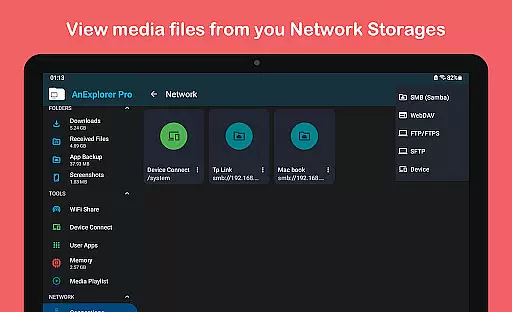
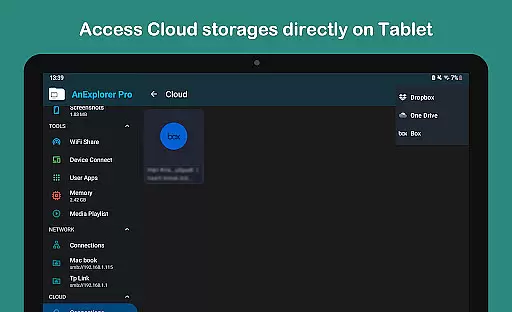
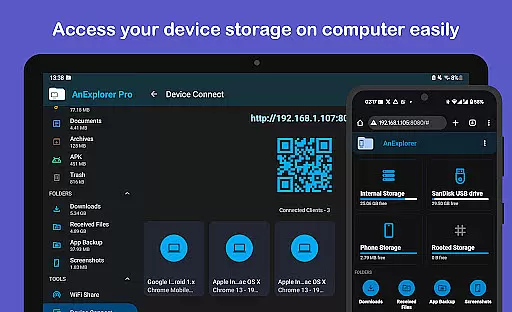

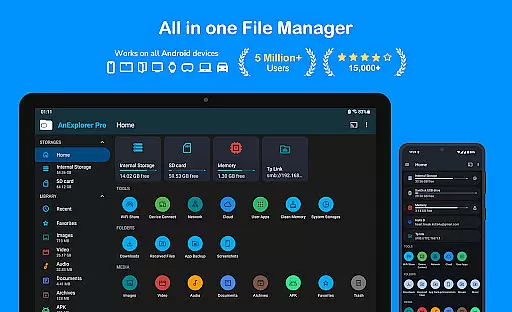
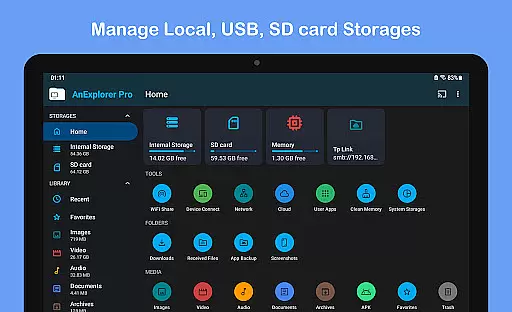

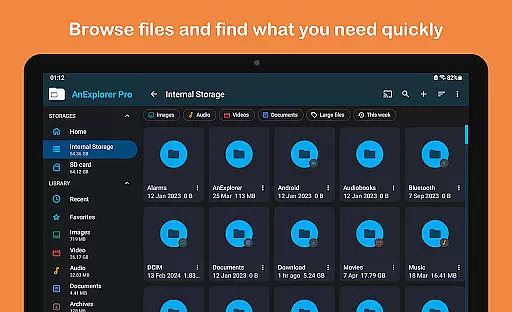
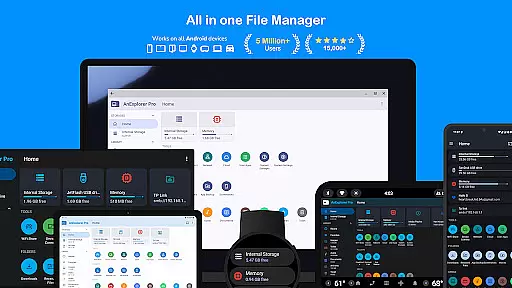
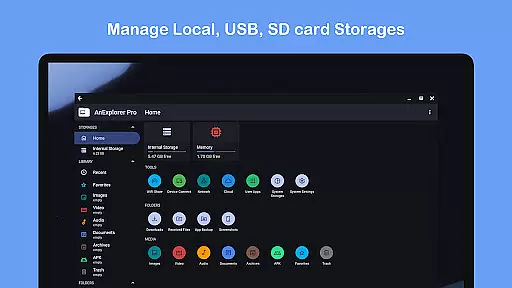
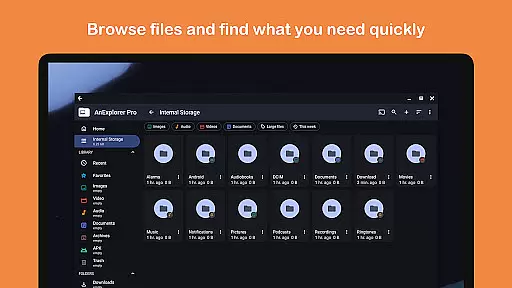
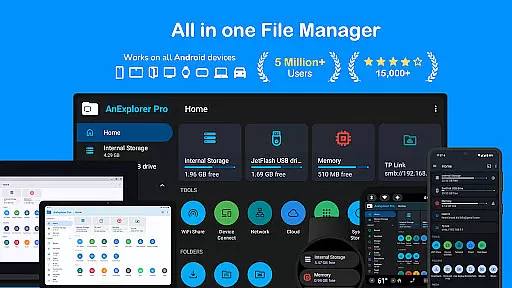
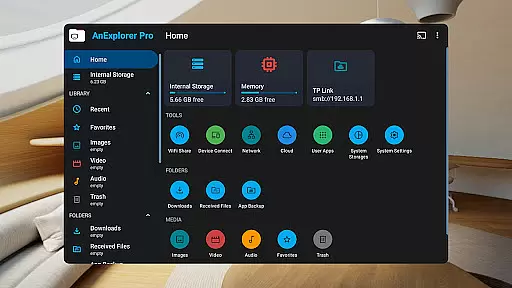
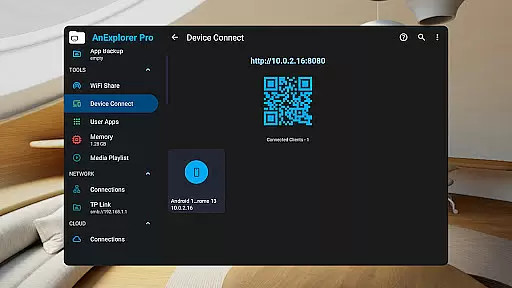
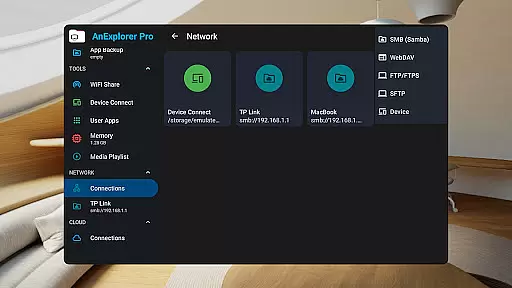
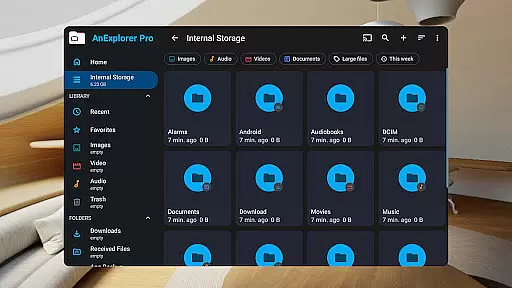
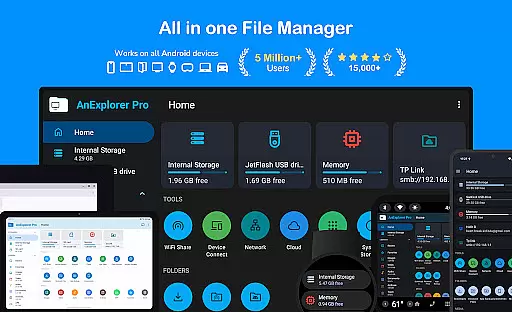
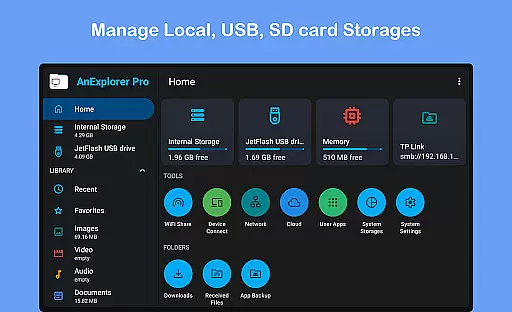
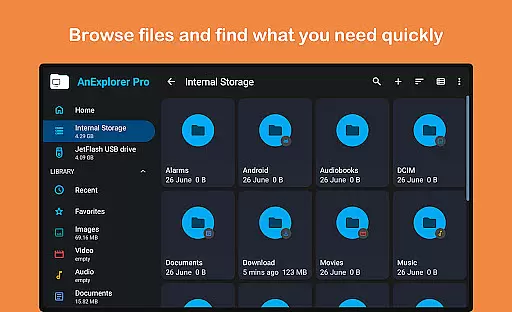
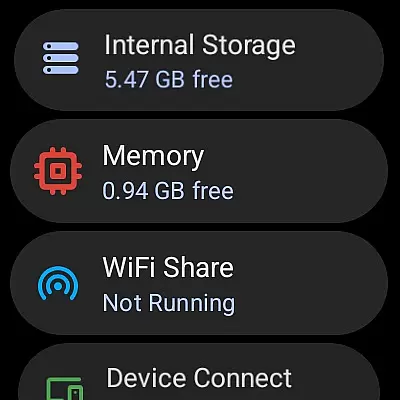
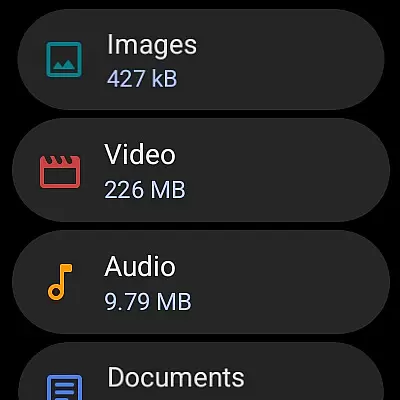



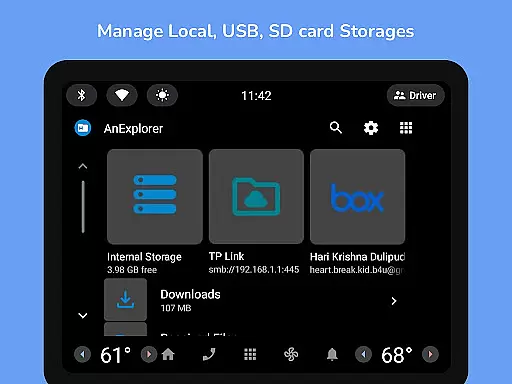
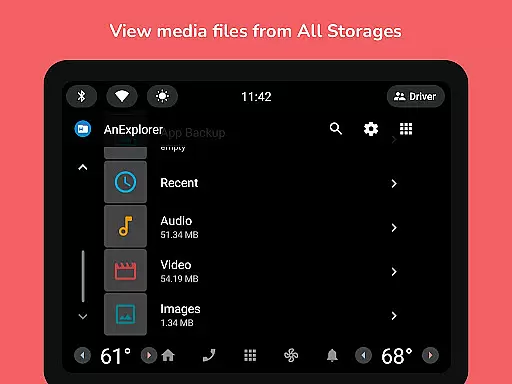
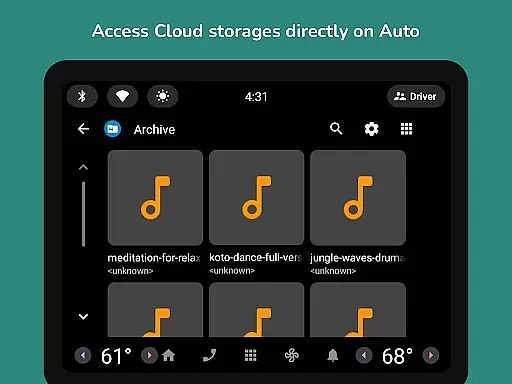
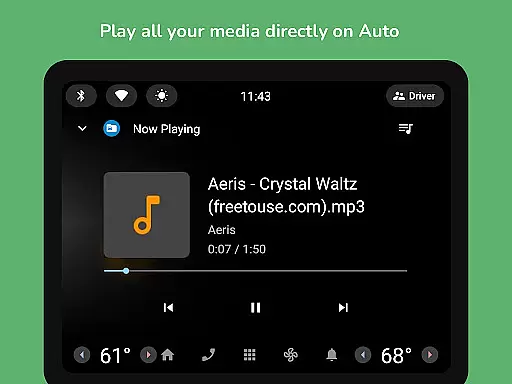
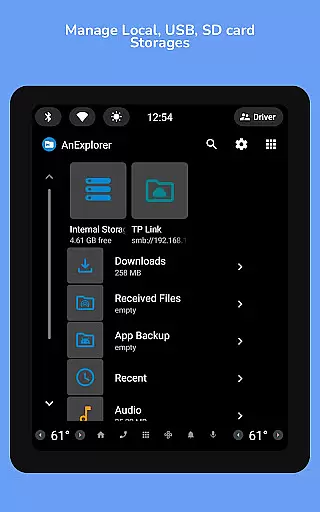
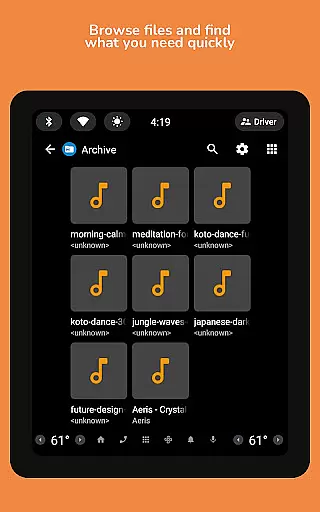
AnExplorer Pro File Manager is a versatile business tool designed for efficient file management across various Android devices. This powerful app allows users to seamlessly browse, organize, and transfer files on multiple storage platforms including local storages, USB drives, SD cards, network storages, and cloud services. With support for RTL languages and the ability to display folder sizes across all storage types, it stands out as an essential utility for businesses that require meticulous file organization and access.
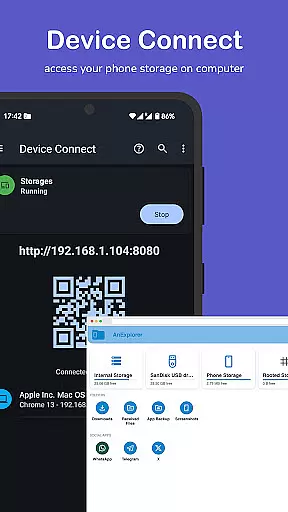
The app's intuitive interface follows material design principles, making file management straightforward and user-friendly. AnExplorer Pro provides comprehensive features such as file organizing, photo viewing, music and video playback, archive handling, text editing, and PDF viewing. It also includes advanced functionalities like network and cloud file management, offline WiFi sharing, device connectivity, media casting, memory cleaning, and even root file management for developers. These capabilities ensure that businesses can manage their digital assets effectively while maintaining optimal device performance.
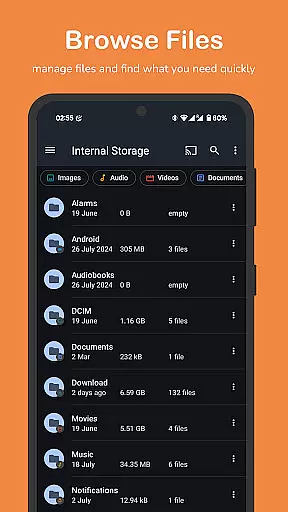
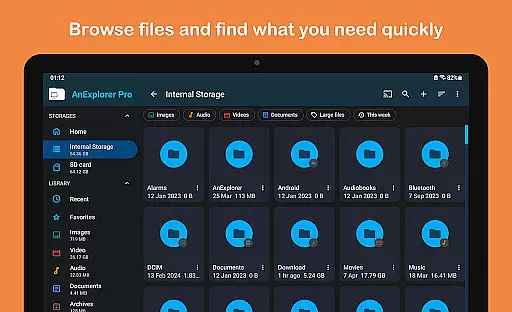
AnExplorer Pro File Manager distinguishes itself through a rich set of features tailored for business environments. One of its standout capabilities is the extensive file organization options, allowing users to browse, copy, move, rename, delete, compress, and extract files and folders with ease. The search functionality supports filtering by file name, type, size, or date, and media types, providing quick access to necessary files. Additionally, the app fully supports FAT32 and NTFS file systems, ensuring compatibility with a wide range of storage devices.
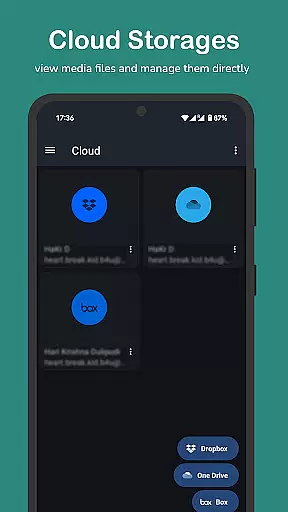
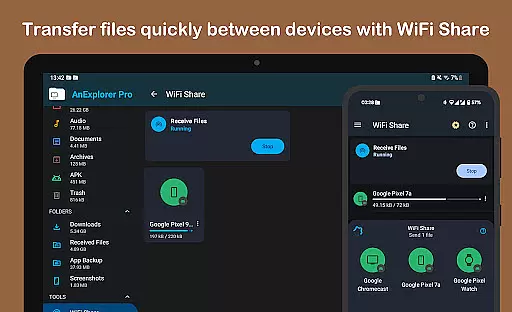
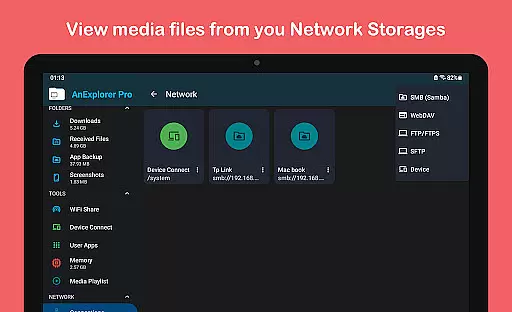
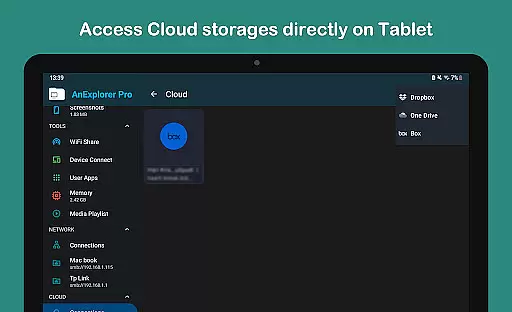
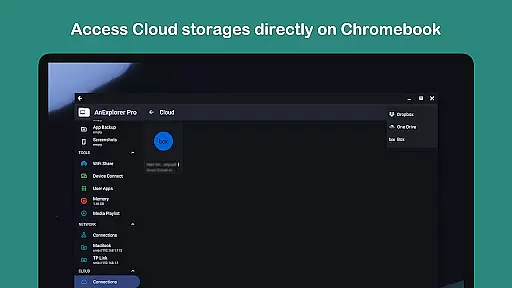
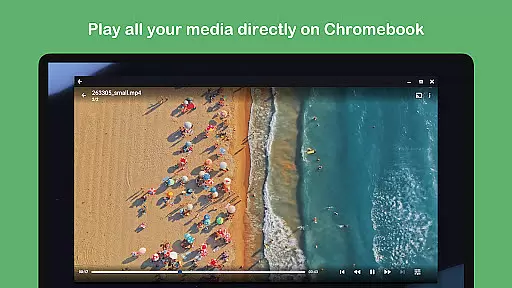
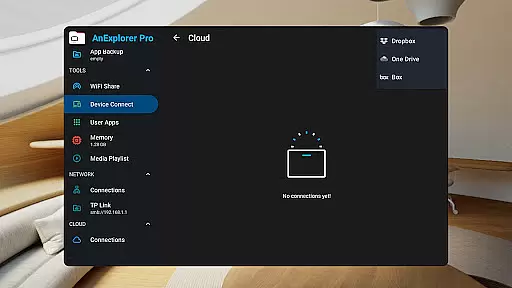
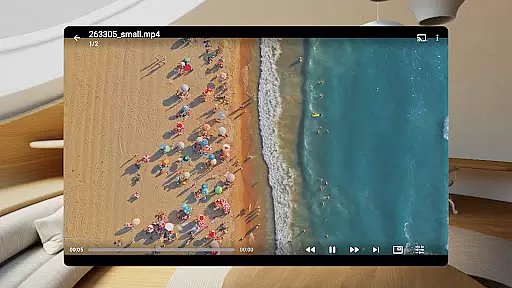
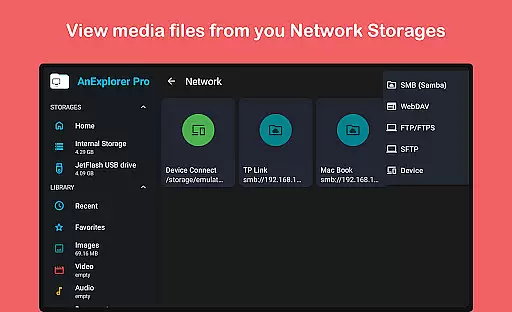
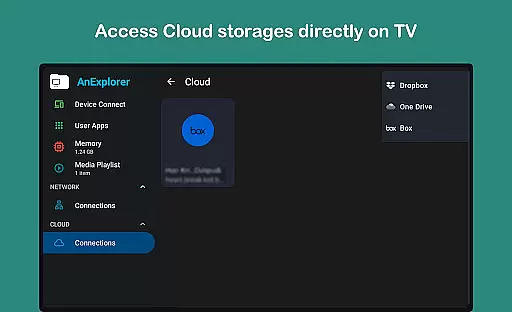
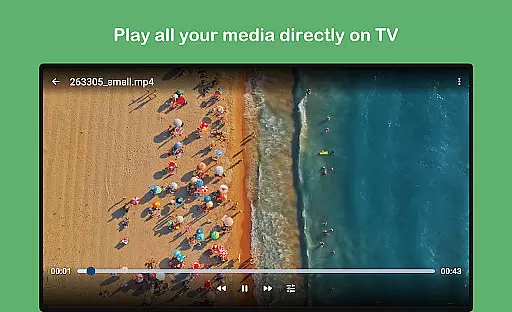
Beyond basic file management, AnExplorer Pro offers specialized tools such as a photo viewer with zoom and slideshow support, a music and video player with playlist management and background playback, and an archive viewer supporting multiple formats like ZIP, RAR, TAR, and 7z. The integrated text editor and PDF viewer facilitate document editing directly within the app, while the app installer manages APK files efficiently. Advanced features include network file management via FTP, FTPS, SMB, and WebDAV protocols, cloud storage integration with Box, Dropbox, and OneDrive, and offline WiFi sharing for instant file transfers over the same network.
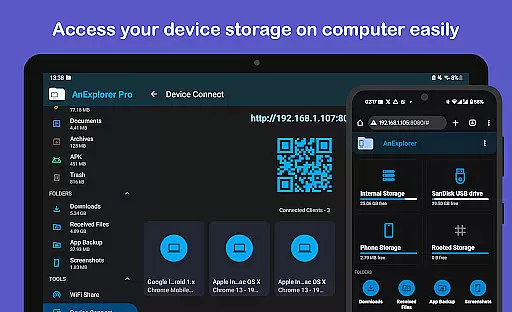
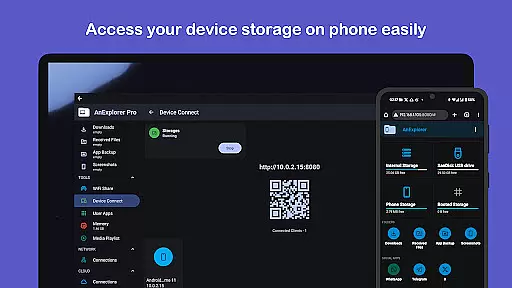
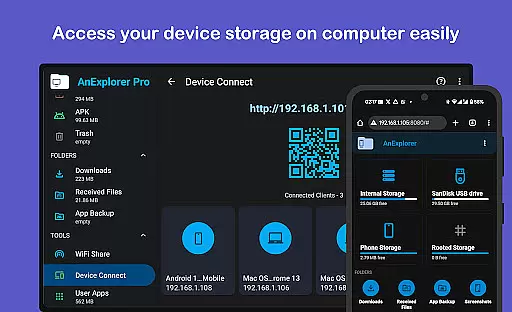
For businesses requiring extended functionality, AnExplorer Pro provides device connectivity options to turn your Android device into a server, media casting to Chromecast devices, memory cleaning to optimize device performance, and root file management for system-level file operations. These features collectively enhance productivity and streamline file management processes in professional settings.
Collaborative work features are essential for modern business applications, enabling teams to work together efficiently regardless of location. AnExplorer Pro File Manager supports this through its robust network file management capabilities.
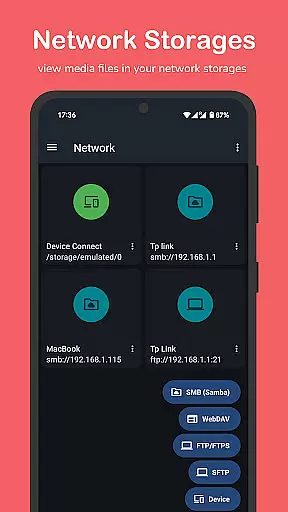
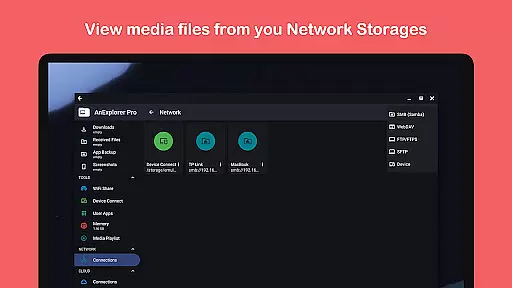
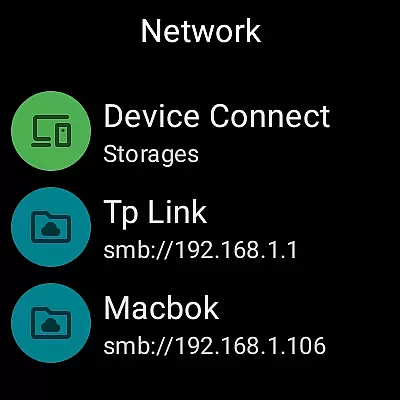
The app allows users to connect to various network storage solutions such as FTP, FTPS, SMB, and WebDAV servers. This functionality ensures that team members can access shared folders and NAS devices seamlessly, promoting real-time collaboration.
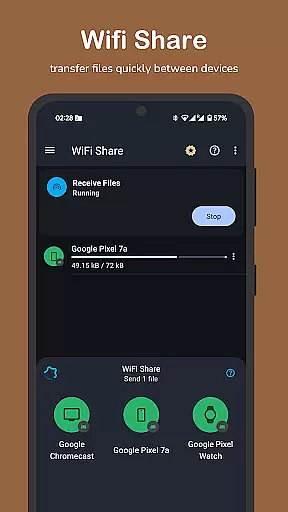
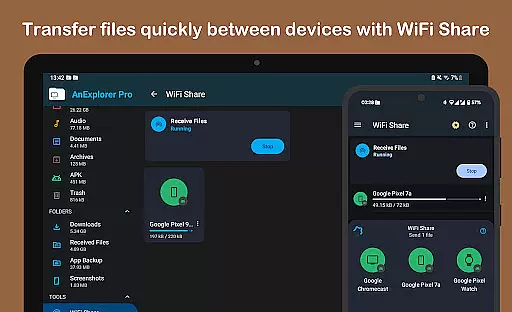
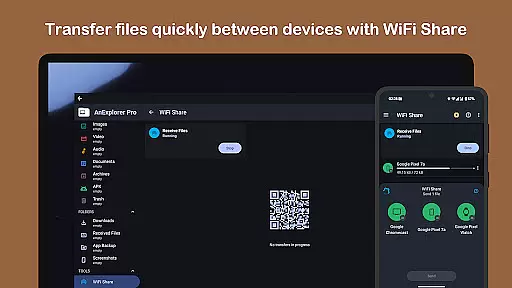
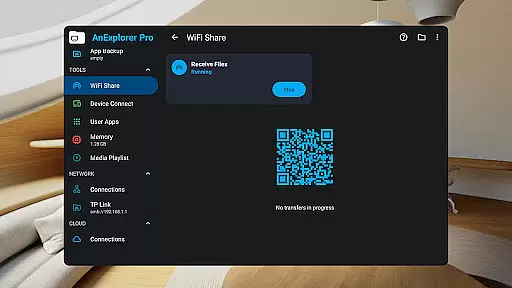
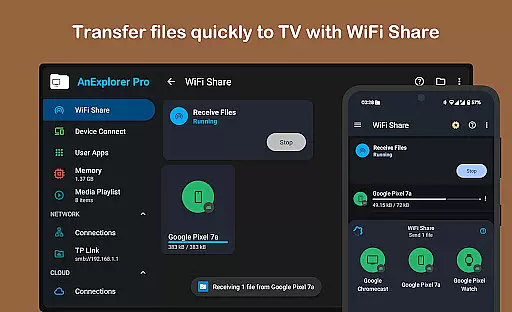
Additionally, the offline WiFi share feature facilitates instant wireless file transfers between Android devices on the same network. This is particularly useful in office environments where quick sharing of multiple files is required without relying on internet connectivity.
By integrating these collaborative tools, AnExplorer Pro enhances productivity and ensures that teams can manage their files effectively, whether they are in the office or working remotely.
Effective task management is crucial for maintaining productivity in a business setting. AnExplorer Pro File Manager offers several features that contribute to streamlined task execution and organization.
One of the standout features is the file organizer, which allows users to browse, copy, move, rename, delete, compress, and extract files and folders. This comprehensive set of tools ensures that users can manage their tasks with precision and ease.
Moreover, the app provides advanced search and filter options, enabling users to find files by name, type, size, or date. The ability to show hidden folders and view folder sizes across all storage types further enhances task management by providing a clear overview of storage usage.
With these capabilities, AnExplorer Pro empowers users to handle their file management tasks more efficiently, ultimately leading to improved workflow and time management within a business environment.
User-friendly interface
Comprehensive file management
Multi-platform support
Advanced network features
Efficient memory optimization
Paid version only
Complex for beginners
Requires permissions
Occasional bugs
Limited customer support

All Your Gig Work. One App.
 4.30
4.30
Earn crypto with secure cloud mining. Monitor, track & withdraw easily
4.40
Windows App allows you to connect to remote PCs and virtual apps.
3.70
Earn free swag, G-Cards & food • Enter sweepstakes • Find stores • So much more.
4.70
viewing and sharing PDFs and other files—anytime, anywhere!
4.4
Finance, Investing, Stocks, Trading and Stock news
4.60
Grow your business and connect with more people with Meta Business Suite.
4.60
Permission Guard is a security app that helps you manage app permissions.
4.80
Chat, meet, and collaborate to achieve more together, all in one place on Teams
4.60
BuildCalc - the easiest AND the most advanced construction calculator app.
4.80
Find jobs and make money fast with JobStack.
4.60
Amazon A to Z is the place to manage your work-life at Amazon.
4.50
Master crypto trading with real-time simulations and exciting challenges!
4.50
All-in-one Mobile solutions for employees & managers to succeed at work
4.30
Scan Business Cards & Conference Badges - Capture Leads at Events & Tradeshows
4.20
VSD Viewer - Visio Drawings Viewer for Android Preview VSD, VDX, VSDX drawings
4.10
Simple, Fast & Lightweight
3.90
All document reader, pdf viewer app, read docs & excel files
3.80
Take the stress out of storage with the all-in-one app to manage your space.
3.70


User Reviews