

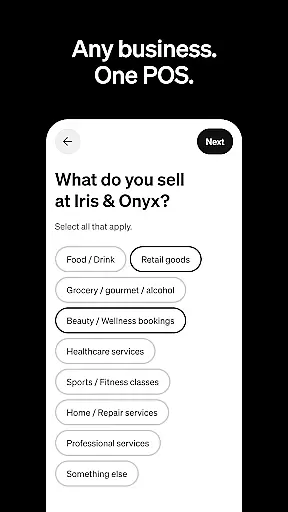
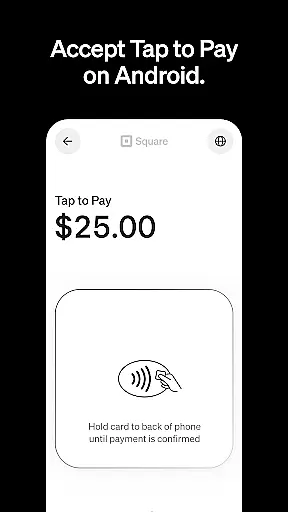
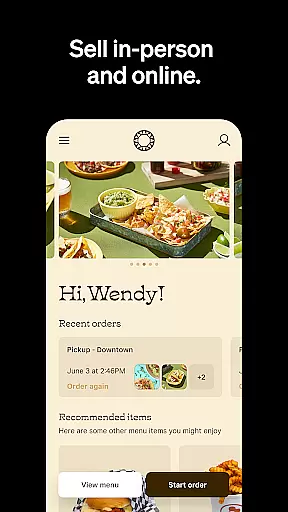
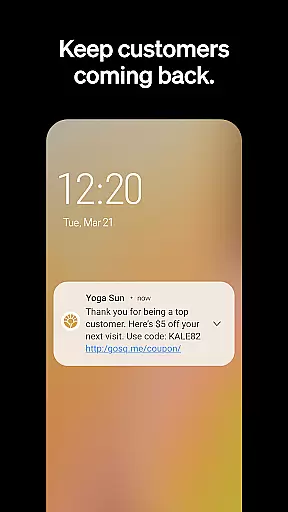
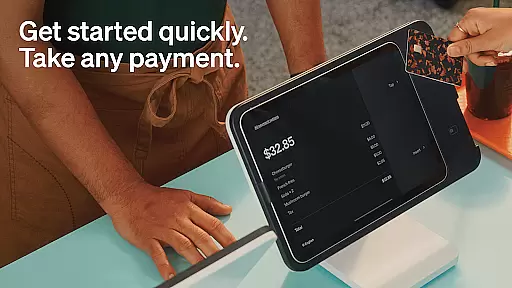
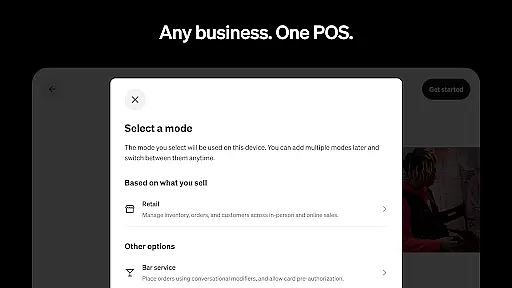
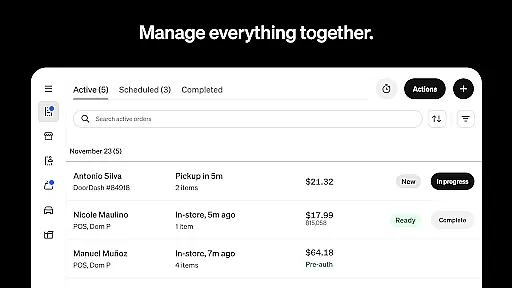
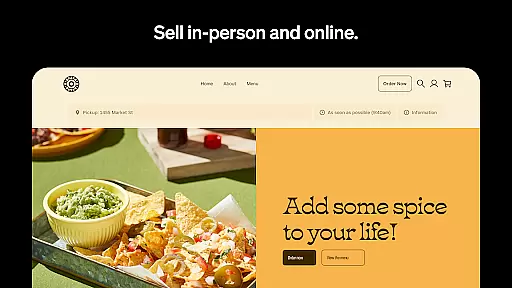
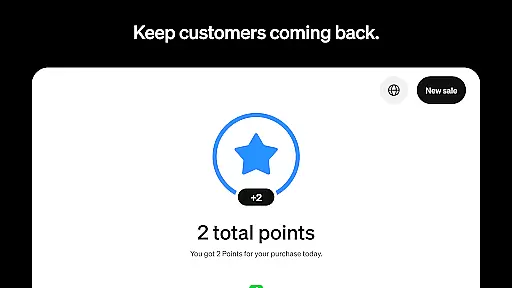
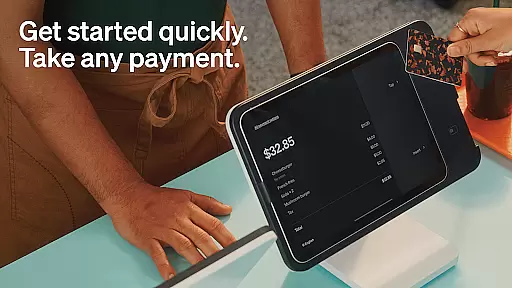
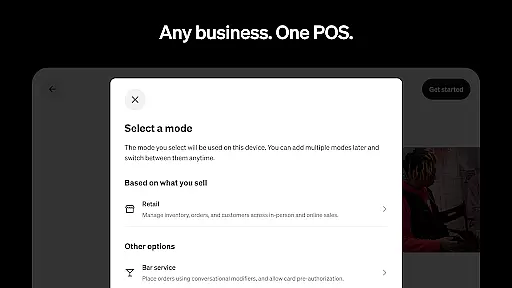
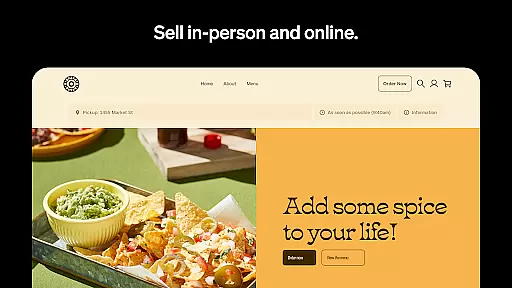
Square Point of Sale (POS) is a versatile payment processing app designed for businesses across various industries. It offers tailored modes for retail, restaurants, bookings, and services, ensuring smooth operations and enhanced customer experiences. The app supports multiple payment methods including credit cards, digital wallets, and Cash App Pay, making transactions fast and secure.
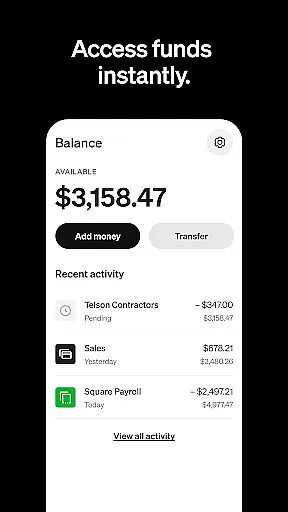
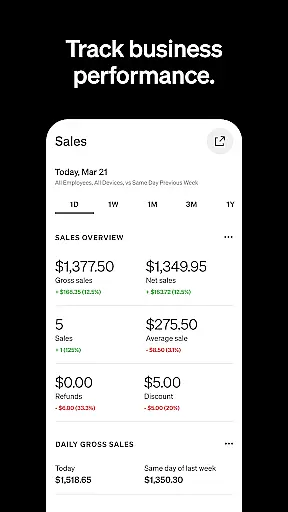
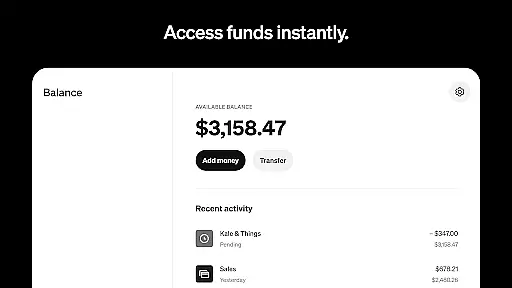
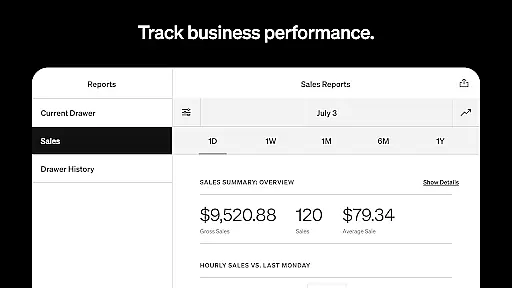
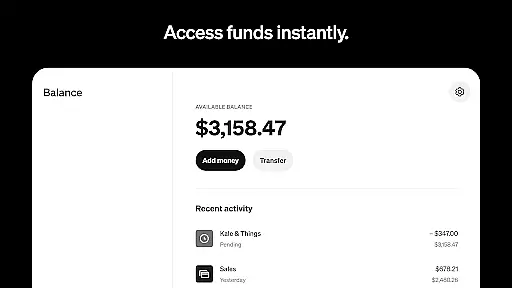
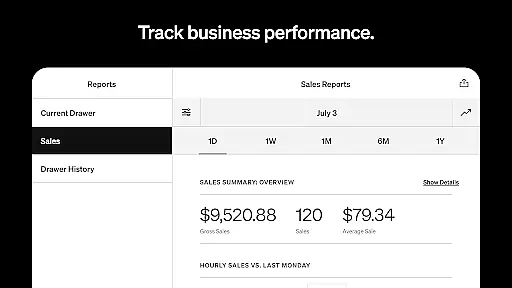
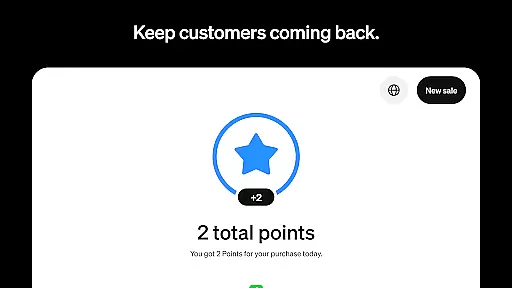
With features like offline transaction processing, instant fund transfers, and detailed sales reporting, Square POS provides essential tools for efficient business management. Retailers benefit from real-time inventory updates, while beauty businesses can manage appointments and reduce no-shows. Restaurants can streamline order entry, and service providers can send professional invoices with e-signature support. This comprehensive solution helps businesses grow by fostering customer relationships and improving operational efficiency.
Square POS stands out with its industry-specific modes that cater to different business needs. The retail mode offers real-time stock updates and automated restocking alerts, while the beauty mode allows businesses to manage appointments and send reminders to reduce no-shows. Restaurant operators can quickly enter orders and create menu items with modifiers, streamlining the ordering process.
For service-based businesses, Square POS enables sending professional invoices with e-signature support and tracking project progress in one place. The app also provides offline transaction capabilities, instant or scheduled fund transfers, and detailed sales analytics through its Dashboard feature. These robust functionalities empower businesses to operate more efficiently, make informed decisions, and ultimately increase their revenue potential.
Collaborative work features are essential for businesses that require seamless teamwork and communication. Square Point of Sale (POS) excels in providing tools that facilitate smooth collaboration across different departments and teams.
The app offers multiple POS modes tailored to various industries, ensuring that each team can operate with settings and functionalities specific to their needs. This specialization allows retail, restaurant, beauty, and service teams to focus on their unique workflows without interference, promoting efficiency and clarity in collaborative efforts.
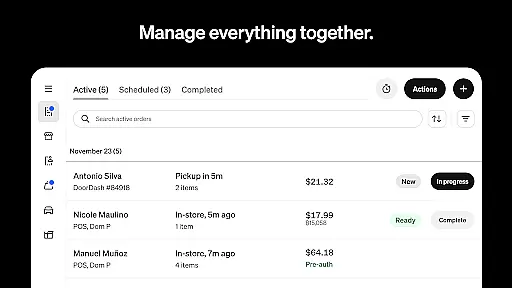
Square POS also enables centralized management of transactions, customer profiles, and inventory, which is crucial for maintaining consistency and accuracy across all business operations. By allowing staff to access real-time data and updates, the app ensures that everyone is on the same page, reducing errors and enhancing productivity.
Furthermore, the app's ability to send professional invoices, detailed estimates, and appointment reminders via email or SMS helps keep both the team and customers informed and engaged. These features collectively foster a cohesive work environment where information flows freely, empowering businesses to deliver exceptional service and achieve their goals collaboratively.
Effective task management is vital for businesses aiming to optimize their operations and enhance productivity. Square Point of Sale (POS) provides robust task management capabilities that cater to the diverse needs of various industries, ensuring streamlined processes and efficient workflows.
For retail businesses, Square POS offers real-time stock updates and low-stock alerts, enabling managers to automate restocking processes and maintain optimal inventory levels. This proactive approach to inventory management reduces downtime and ensures that products are always available for purchase, directly impacting sales positively.
In the restaurant industry, the app facilitates quick order entry and management, allowing staff to handle orders for dine-in or takeout seamlessly. The ability to create items and modifiers with just a few clicks speeds up transactions, improving the overall customer experience while keeping the kitchen staff organized and efficient.
Additionally, Square POS supports service-based businesses by offering tools to send detailed estimates and professional invoices, complete with appointment details. Tracking progress and managing essential files in one centralized location simplifies task management, allowing teams to focus on delivering high-quality services. With these comprehensive task management features, Square POS empowers businesses to stay organized, meet deadlines, and exceed customer expectations consistently.
User-friendly interface
Wide range of payment options
Industry-specific features
Offline transaction support
Detailed sales analytics
Limited features outside US
Transaction fees apply
Occasional bugs reported
Steep learning curve
Customer support delays

Zoom built for Chrome OS
 3.90
3.90
Convert Your Lovable.dev Website into a Mobile App Instantly!
4.2
Get your benefits on-the-go.
3.80
Earn free swag, G-Cards & food • Enter sweepstakes • Find stores • So much more.
4.70
Your employer must have UKG Ready software configured for Mobile.
4.60
Find work, shifts and gigs near you. Jobs lasting a few hours to a few months.
4.30
Master crypto trading with real-time simulations and exciting challenges!
4.50
Find jobs near you and temp work in minutes, from your phone.
4.50
Access to Paylocity, empowering employees with information they need 24/7.
4.70
FaxCover - Create fax cover pages. Works with any app or fax machine.
4.90
Get instant construction estimates: accurate home repair & material calculator.
4.70
Recover what matters — quickly and easily.
4.70
Use Generative Summary to understand your rental or insurance docs in seconds.
4.70
All your team communication in one place
4.70
The revolutionary flexible staffing platform
4.40
Deliver and earn money
4.30
VSD Viewer - Visio Drawings Viewer for Android Preview VSD, VDX, VSDX drawings
4.10
enjoy effortless PDF reading anytime, anywhere
3.90
Roadie connects people with stuff to send with drivers already going that way.
3.50


User Reviews