
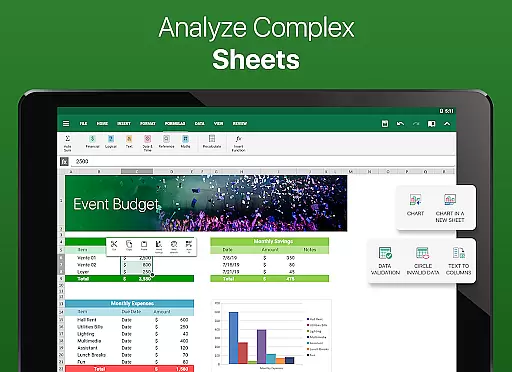
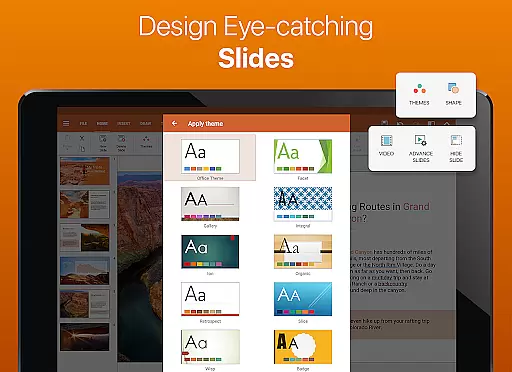
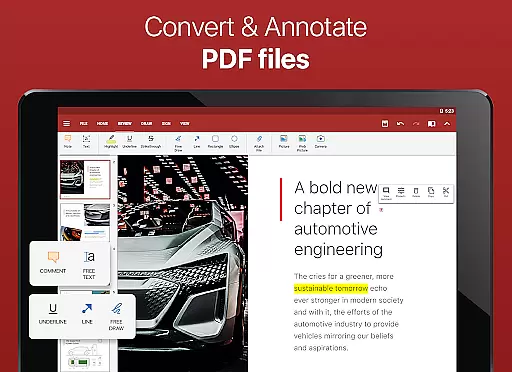
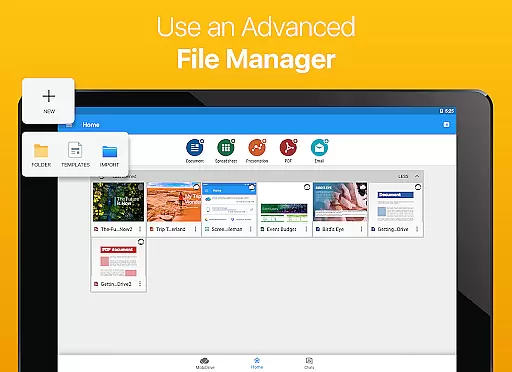
Collaborative work features are essential for modern business applications, enabling teams to work together efficiently regardless of location. OfficeSuite Pro + PDF excels in this area by offering multiple advanced functionalities.
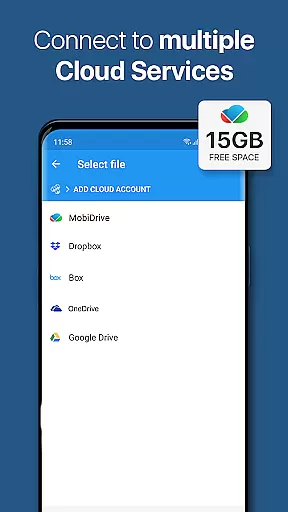
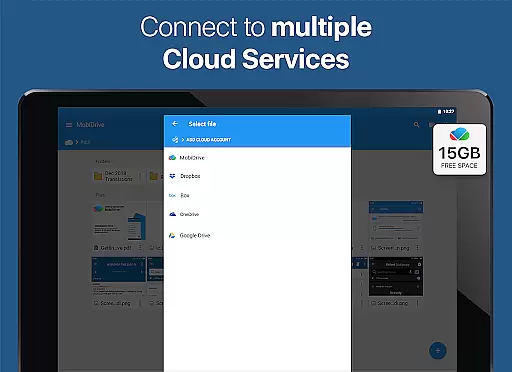
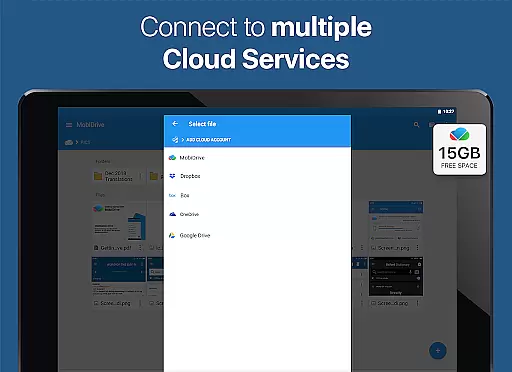
The application provides real-time document sharing and editing capabilities through its integration with popular cloud services like Google Drive, Dropbox, and OneDrive. This ensures that team members can access and collaborate on the same document simultaneously, maintaining version control and data integrity.
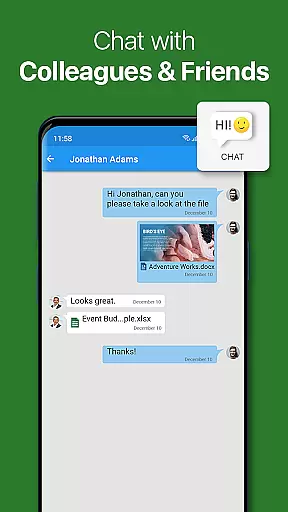
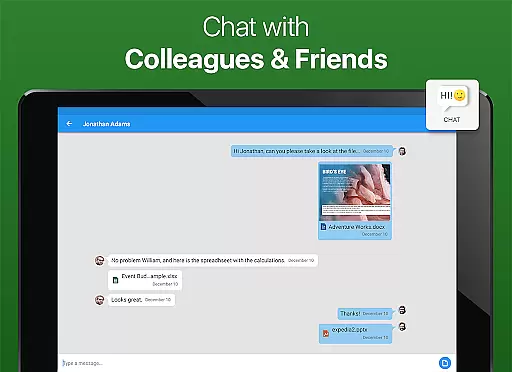
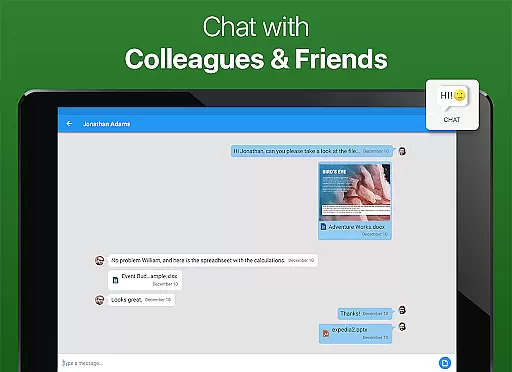
OfficeSuite Chats, a newly introduced feature, allows users to communicate and exchange documents seamlessly within the app. This built-in chat function facilitates quick discussions and decision-making without switching between different applications.
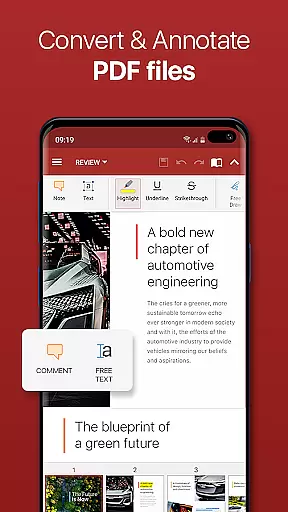
Additionally, the Track Changes feature with multiple author support enables teams to monitor edits and contributions, ensuring transparency and accountability in collaborative projects. These comprehensive collaboration tools make OfficeSuite Pro + PDF an ideal choice for businesses seeking to enhance their team's productivity and coordination.
Effective task management is crucial for maintaining productivity and meeting deadlines in business environments. OfficeSuite Pro + PDF offers several features that significantly aid in managing tasks related to document creation and editing.
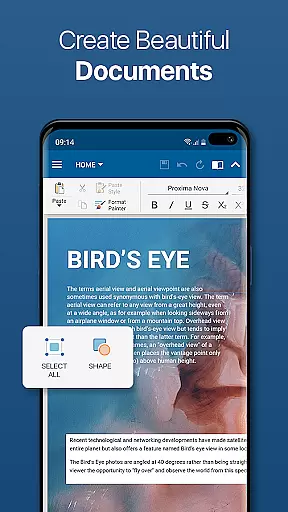
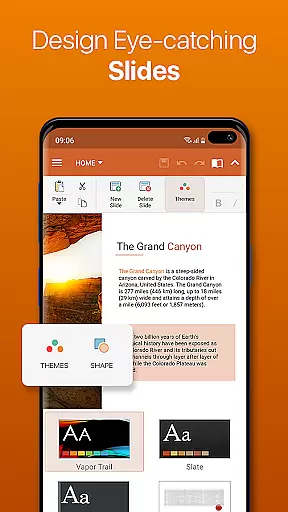
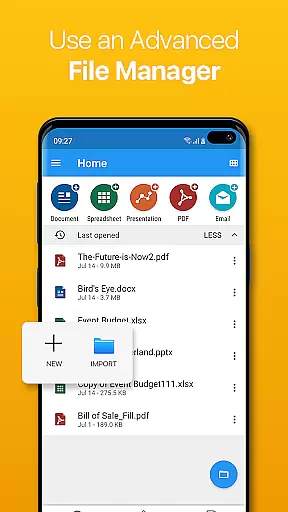
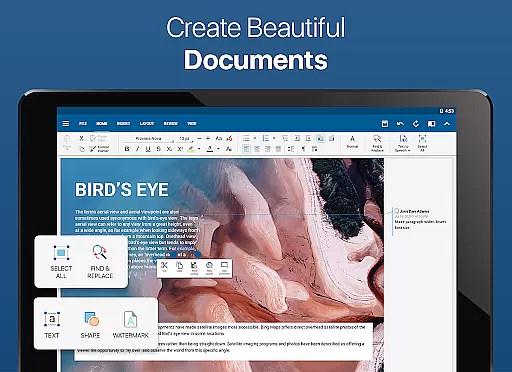
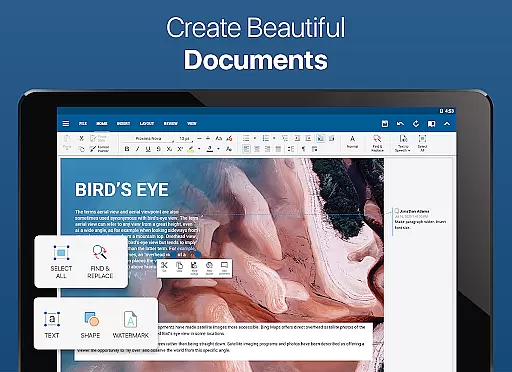
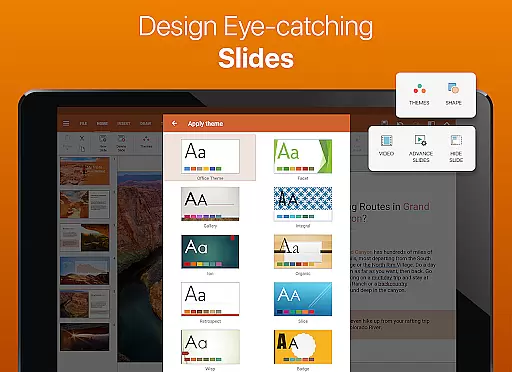
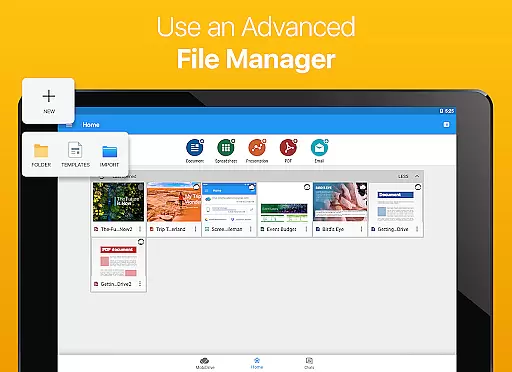
The application provides a familiar desktop-style interface that allows users to view, create, and edit complex office documents with ease. This intuitive layout helps streamline workflow and reduces the learning curve for new users, enabling them to quickly adapt to the software.
With integrated spell checker support in over 40 languages, OfficeSuite ensures that all documents maintain professional quality. The Quick Access notification drawer further enhances task management by allowing users to open documents or create new ones faster than ever before.
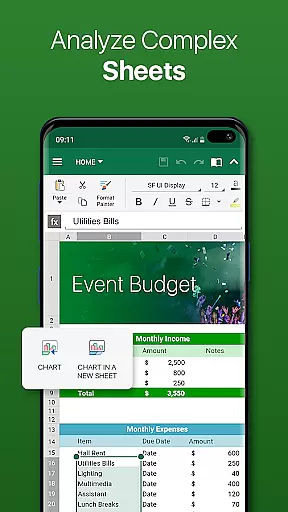
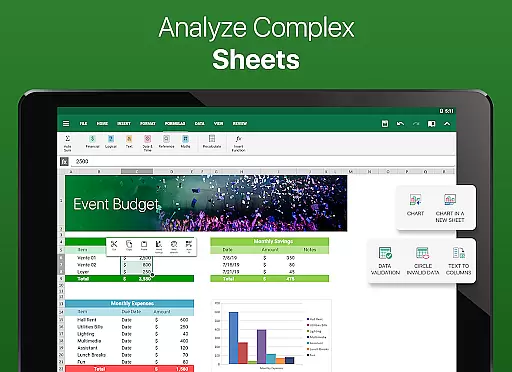
Moreover, the ability to protect individual sheets and cells in spreadsheets adds an extra layer of security and control, which is particularly useful when delegating tasks within a team. These features collectively contribute to more efficient task management and improved overall productivity.

The Penny Puss app with DG penny finder
 4.10
4.10
Scan Business Cards & Conference Badges - Capture Leads at Events & Tradeshows
4.20
VSD Viewer - Visio Drawings Viewer for Android Preview VSD, VDX, VSDX drawings
4.10
Create curriculum vitae, a professional cover letter creator and resume designer
4.80
The All-in-One File Manager for Phone, TV, Watch, Cars, XR / VR, Chromebook
4.10
viewing and sharing PDFs and other files—anytime, anywhere!
4.1
Amazon A to Z is the place to manage your work-life at Amazon.
4.50
Finance, Investing, Stocks, Trading and Stock news
4.60
Collaborate seamlessly with Google Chat, part of Google Workspace
4.50
GoTo Mobile is a simple & secure calling, messaging & meetings solution
4.80
Start earning fast. Apply Today.
4.80
Mobile POS for any business: sales, invoices, retail, restaurants & appointments
4.60
Earn money with the driver & delivery partner app for Uber, UberEats & Postmates
4.60
From Gone to Back Again — In Just a Few Taps
4.50
The app that lets you deliver with Amazon.
4.50
Deliver and earn money
4.30
All-in-one Mobile solutions for employees & managers to succeed at work
4.30
Build a store in minutes with our full suite of AI tools. Start for free!
4.20
Take the stress out of storage with the all-in-one app to manage your space.
3.70


User Reviews