
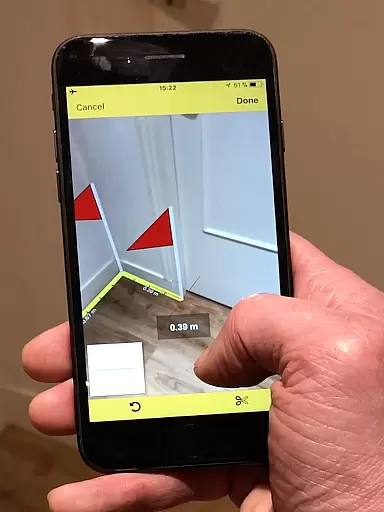
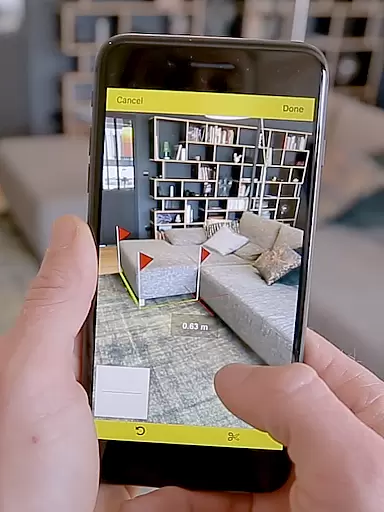
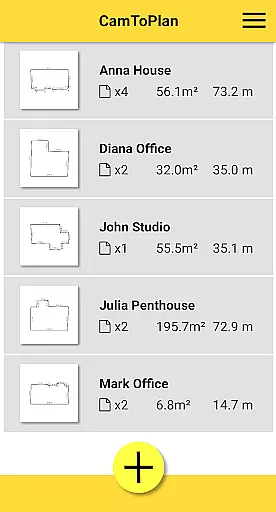
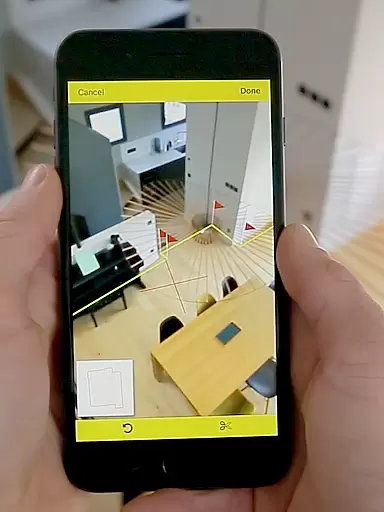
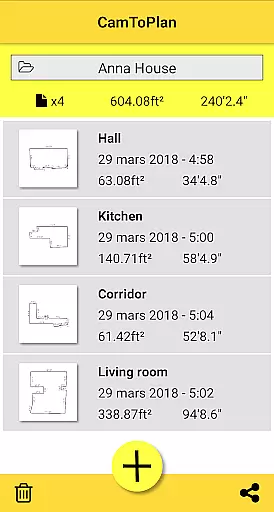
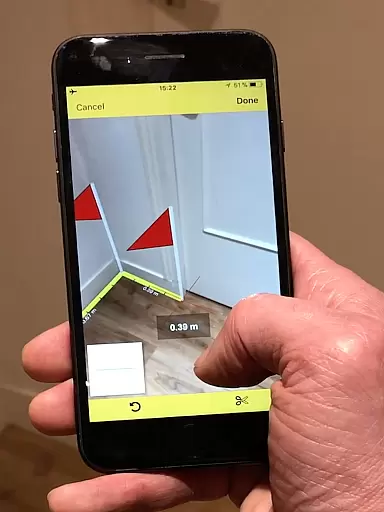
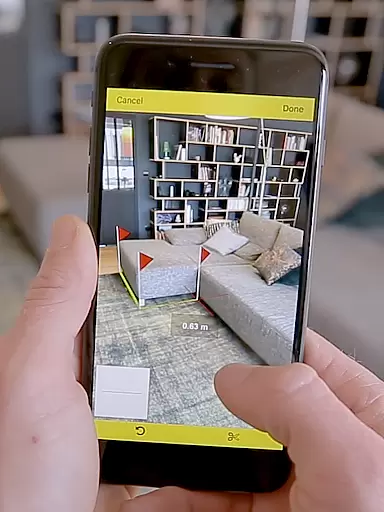
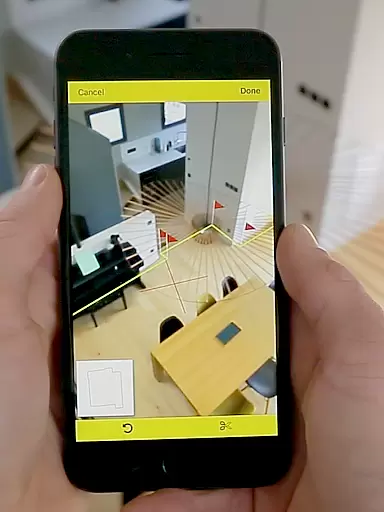
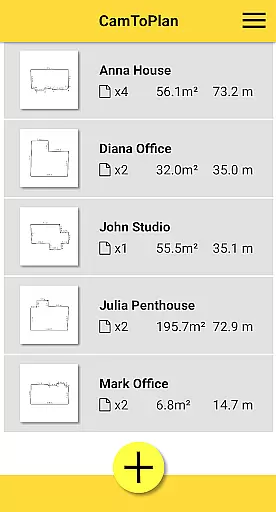
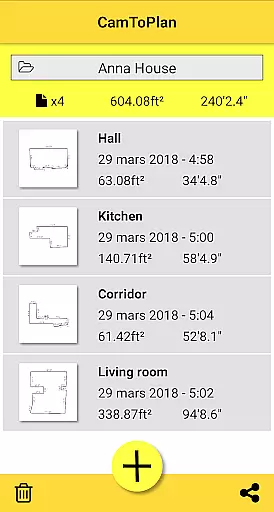
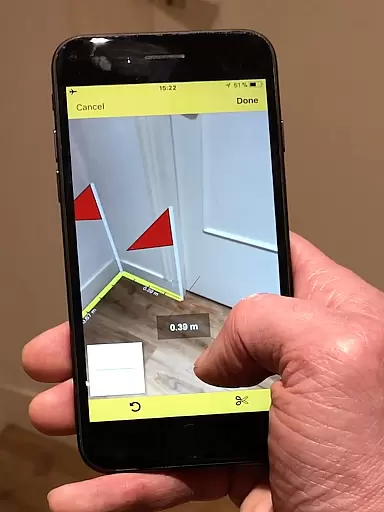
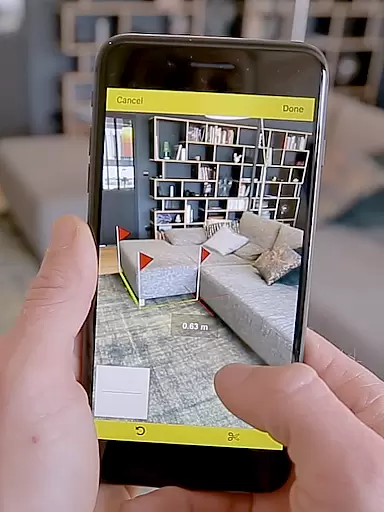
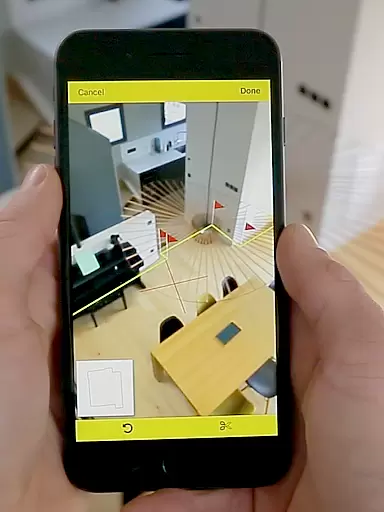
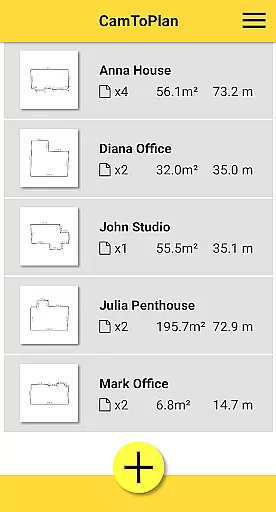
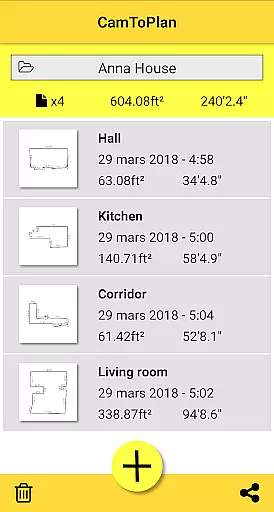
CamToPlan is a revolutionary business application that leverages augmented reality to transform your mobile device into a powerful measurement tool. The app allows users to measure distances and surfaces both horizontally and vertically with remarkable ease, simply by using the device's camera. This innovative functionality eliminates the need for traditional measuring tools, making it an ideal solution for professionals such as architects and decorators, as well as DIY enthusiasts.
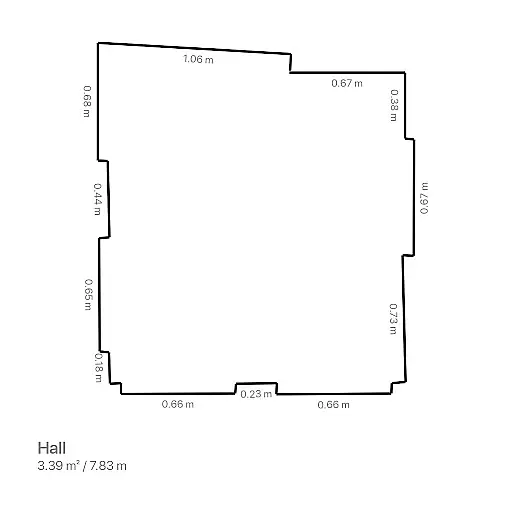
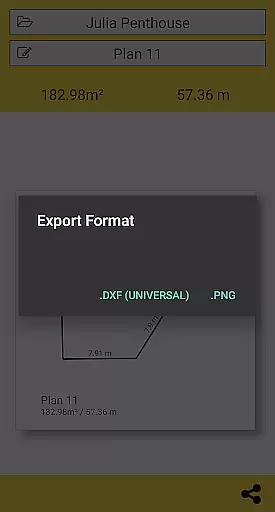
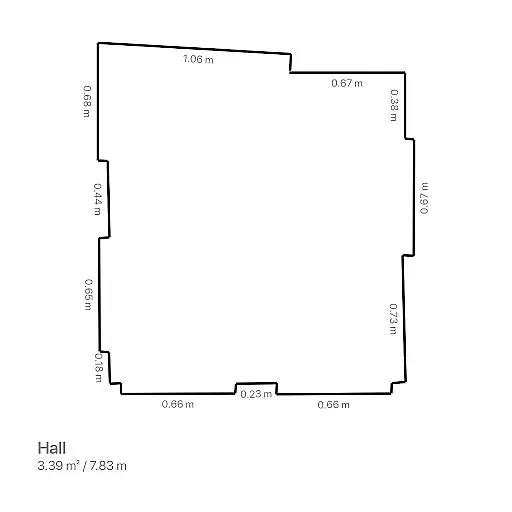
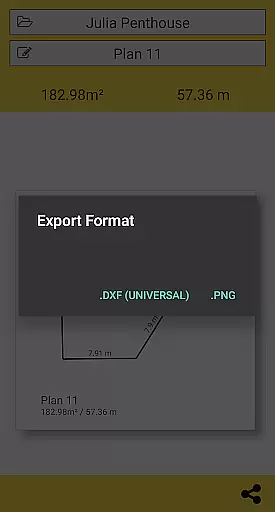
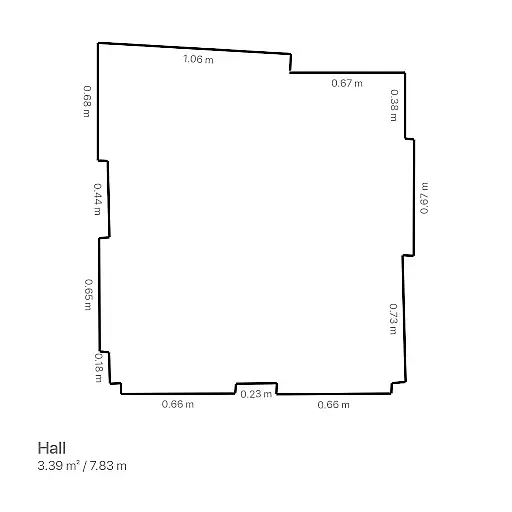
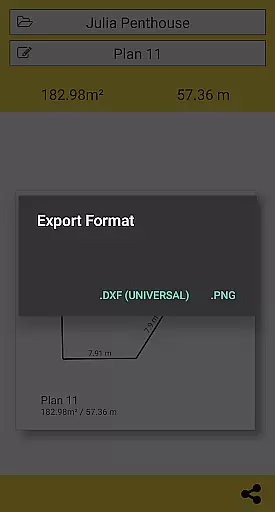
The app goes beyond simple measurements by enabling users to instantly generate room plans complete with all measured dimensions. These plans can be easily exported in PNG or DXF formats and shared across various platforms including email and social media. With its ability to automatically calculate areas in square meters or feet, and determine intersection points even behind furniture, CamToPlan streamlines workflow and enhances productivity for various professional projects.
CamToPlan distinguishes itself through several key features that enhance user experience and accuracy. The app's core functionality lies in its augmented reality capabilities, which project a virtual tape measure onto your screen in 3D space. This feature allows users to take precise measurements of baseboards, walls, and furniture dimensions without needing to physically interact with the objects being measured.
Another notable feature is the app's automatic calculation system, which instantly computes surface areas while drawing detailed room plans. Users can select between metric and imperial units, and the application works effectively on both horizontal and vertical planes. The smart detection system can identify floor intersections even when partially obstructed by furniture, though accuracy may vary depending on lighting conditions and floor texture. Additionally, users can safely move while taking measurements to achieve maximum precision.
CamToPlan revolutionizes collaborative work in the architecture and design fields by enabling seamless measurement sharing. The app allows users to instantly calculate room areas and generate floor plans with all measured dimensions.
Professionals can effortlessly share these plans via email, messaging apps, or social media platforms with a single click. This functionality streamlines communication between team members, clients, and contractors regardless of location.
The application supports both Metric and Imperial units, ensuring compatibility across different regions and project requirements. Users can safely move while taking measurements, allowing for real-time updates and modifications to plans.
This collaborative approach eliminates the need for physical presence on-site, saving time and resources while maintaining accuracy in project documentation and planning.
CamToPlan excels in task management by providing professionals with an efficient way to handle measurement-related tasks. The app's augmented reality feature enables users to measure distances, surfaces, and draw plans horizontally and vertically without physical contact.
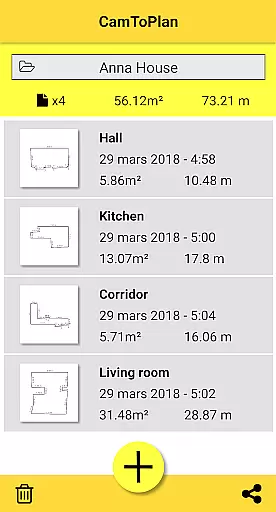
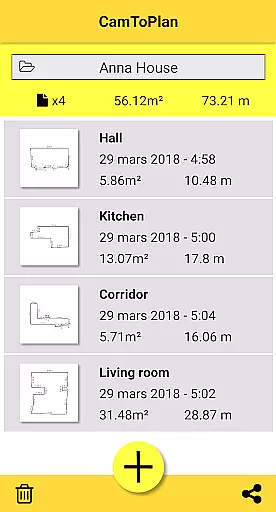
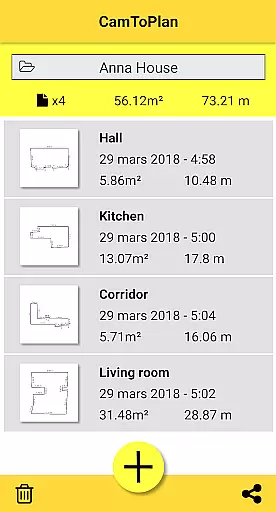
Users can manage their measurement folders systematically, exporting data in PNG or DXF formats for various professional needs. The ability to measure around furniture without clearing rooms significantly enhances productivity and saves valuable time.
The application automatically determines intersection points between floors and target points, even when obscured by objects. This feature, combined with good lighting conditions, ensures reliable measurements for textured surfaces.
For maximum precision, users can safely move closer to target points, allowing the app to calculate hidden measurements through extrapolation. This innovative approach to task management streamlines workflow for architects, decorators, and DIY enthusiasts alike.
User-friendly interface
Augmented reality technology
Instant plan generation
Multiple export options
Versatile measurement capabilities
Accuracy depends on conditions
Requires good lighting
May struggle with uniform floors
No guaranteed precision
Limited offline functionality

Zoom built for Chrome OS
 3.90
3.90
Ask Accio anything about business. Alibaba-backed, built by experts, not just AI
4.60
Quickly open and manage PDF files on your device.
3.80
Manage work life on the go
4.50
Find the right fit, faster.
4.70
Paychex Flex - Save Time and Stay Connected
4.60
enjoy effortless PDF reading anytime, anywhere
3.90
Make invoices, bills, receipts & estimates on the go with Invoice Generator.
4.70
Collaborate seamlessly with Google Chat, part of Google Workspace
4.50
Earn free swag, G-Cards & food • Enter sweepstakes • Find stores • So much more.
4.70
AI-powered document scanner with auto enhance for perfect PDFs.
4.60
Grow your business and connect with more people with Meta Business Suite.
4.60
The app that lets you deliver with Amazon.
4.50
Earn crypto with secure cloud mining. Monitor, track & withdraw easily
4.40
All Your Gig Work. One App.
4.30
Say hello to the mobile work experience built to help you thrive at work.
4.30
Formerly Facebook Ads Manager. Manage and create ads on the go.
4.20
VSD Viewer - Visio Drawings Viewer for Android Preview VSD, VDX, VSDX drawings
4.10
Access All PDF Files
3.40


User Reviews