
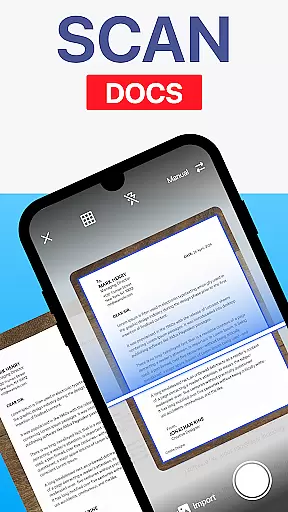
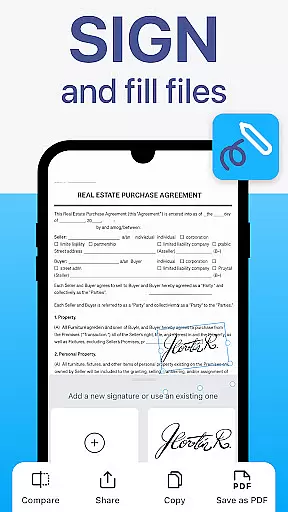
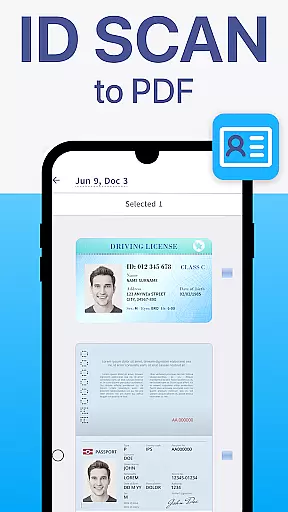
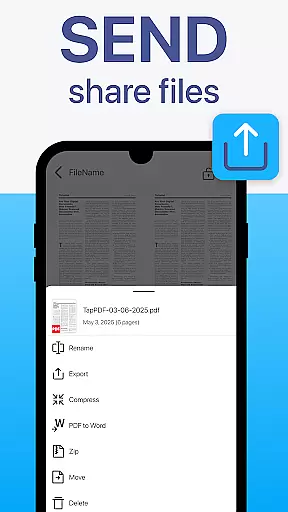
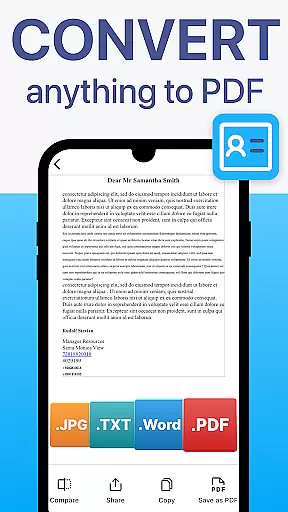
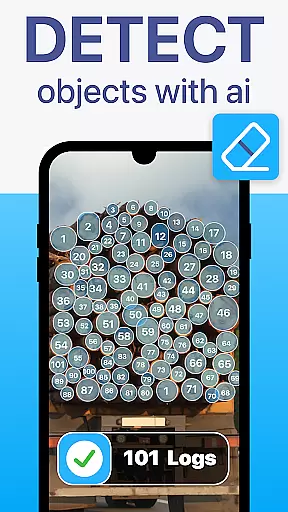
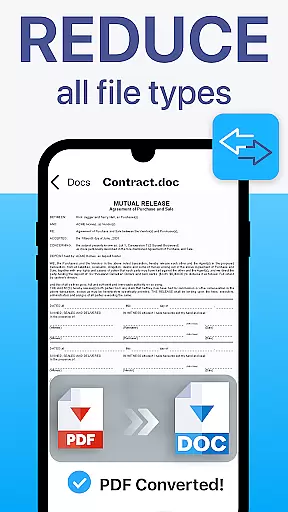
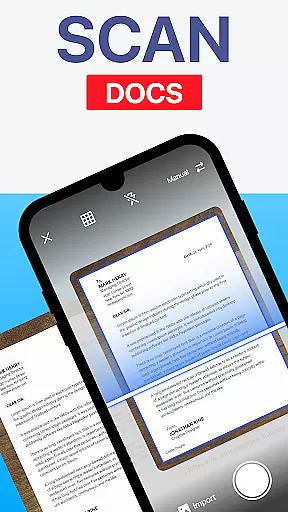
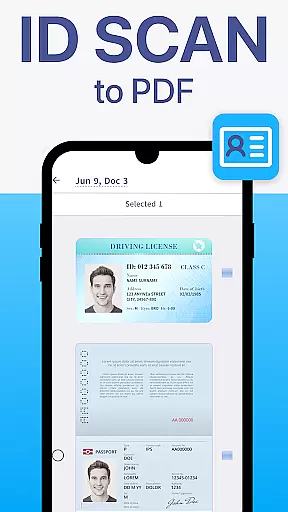
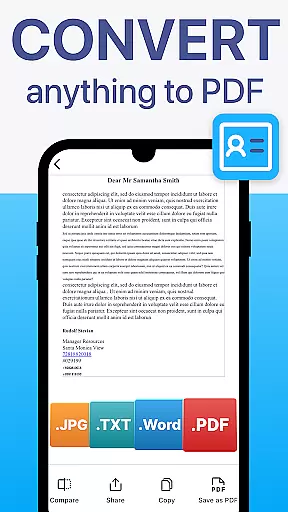
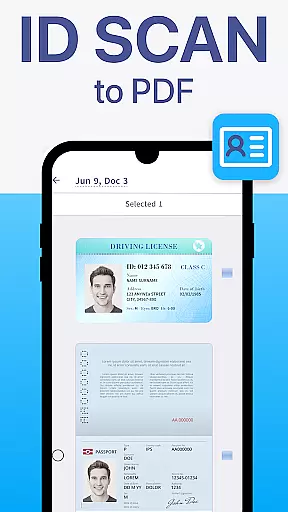
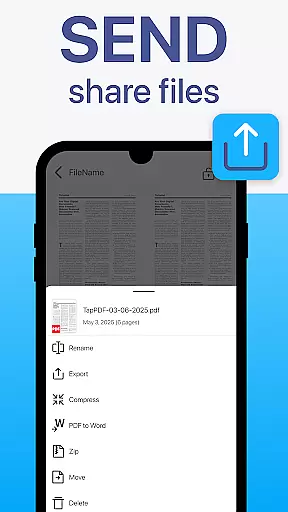
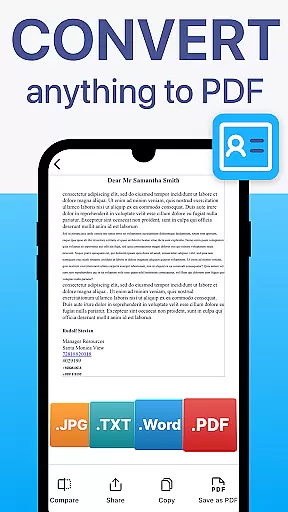
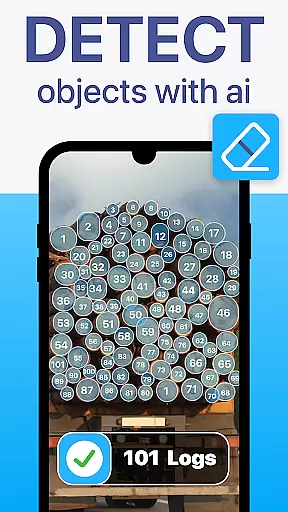
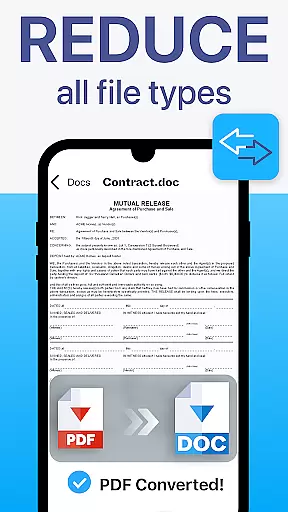
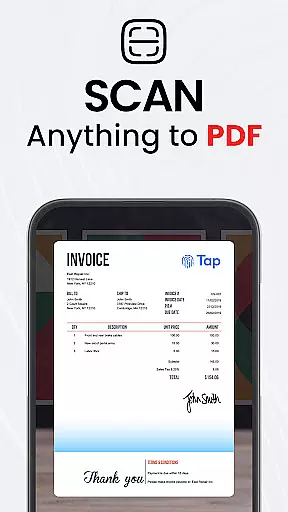
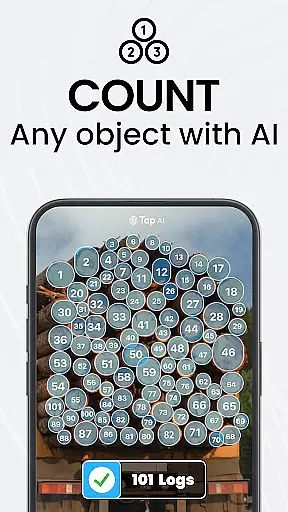
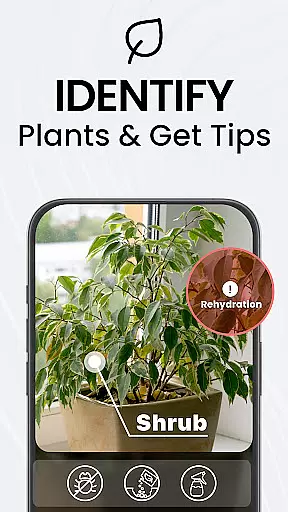
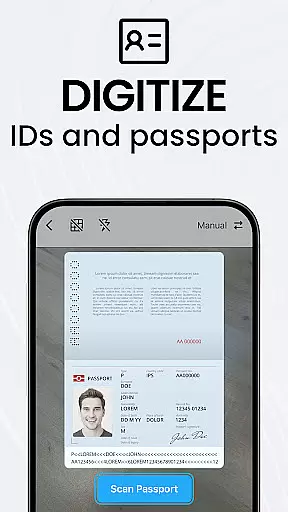
TapScanner is a powerful mobile application that transforms your device into a professional-grade document scanner and comprehensive PDF management tool. Trusted by millions globally, this app allows users to capture, edit, organize, and share documents with remarkable ease and security.
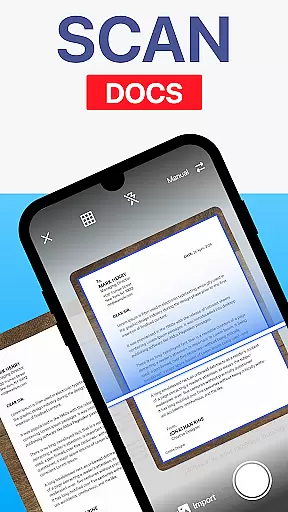
The app's standout features include automatic edge detection, smart image correction, and advanced OCR technology that supports over 110 languages, making scanned documents not only clear but also fully searchable and editable. Whether you're digitizing receipts, contracts, business cards, or multi-page reports, TapScanner ensures professional-quality results every time.
With its intuitive interface and robust functionality, TapScanner is perfect for professionals, students, and anyone needing efficient document management on the go. The app also integrates seamlessly with cloud services like Google Drive and Dropbox, ensuring your important files are always backed up and accessible.
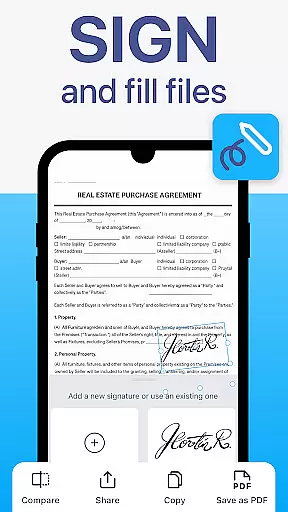
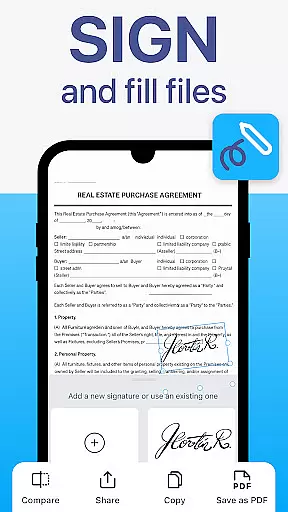
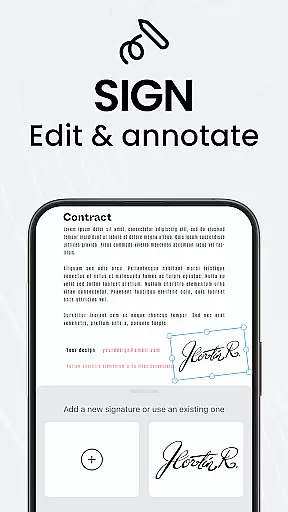
TapScanner offers an impressive array of features designed to maximize productivity and streamline document handling. One of its core strengths is the complete PDF workspace, which allows users to merge, split, reorder, sign, and annotate PDF files directly within the app. This eliminates the need for multiple tools and keeps all document processing centralized.
The app excels in enhancing scan quality through automatic edge detection, brightness/contrast adjustments, shadow removal, and customizable filters. These features ensure that even low-quality originals are transformed into crisp, professional scans. Additionally, TapScanner's OCR capabilities enable users to convert images into editable text across numerous languages, significantly boosting accessibility and usability.
For power users, TapScanner provides essential productivity tools such as batch scanning, one-tap renaming, and automated file organization. These features save considerable time when processing large volumes of documents. Furthermore, the app supports secure cloud backups and password protection for sensitive files, giving users peace of mind regarding their confidential information.
TapScanner offers a comprehensive suite of collaborative work features that streamline document management for teams and professionals. The app allows multiple users to access, edit, and manage PDFs from different locations, ensuring seamless teamwork.
One of the standout collaborative features is the ability to merge, split, reorder, sign, and annotate PDFs directly within the app. This functionality ensures that all team members can contribute to document workflows without needing additional software or tools.
The secure cloud backup integration with services like Google Drive, Dropbox, and OneDrive enhances collaboration by providing a centralized repository for all scanned documents. Team members can sync scans across devices, making it easy to collaborate on multi-page documents and projects.
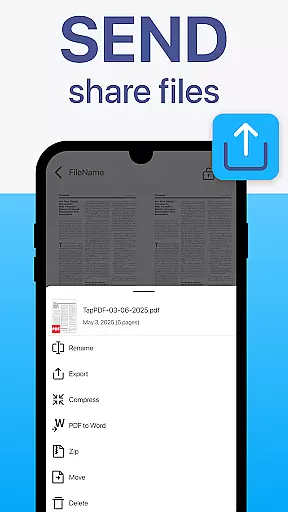
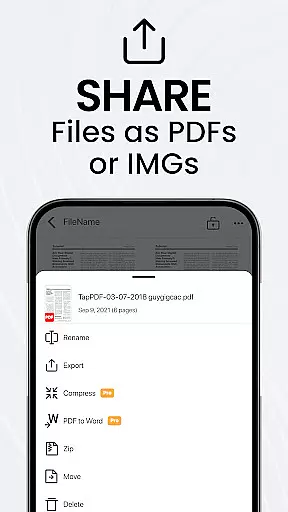
Furthermore, TapScanner's user-friendly interface makes these advanced collaborative tools accessible to both professionals and everyday users. With clean design and intuitive controls, teams can efficiently organize paperwork, share files via email or messaging apps, and print directly to Wi-Fi printers, boosting overall productivity.
Effective task management is crucial for productivity, and TapScanner excels in this area by offering a range of features designed to save time and keep users organized. The app provides batch scanning capabilities, allowing users to scan dozens of pages quickly and compile them into a single, neatly ordered PDF.
TapScanner also includes one-tap renaming and automated file organization, which significantly enhance task management efficiency. Users can easily categorize and retrieve documents without the hassle of manual sorting, ensuring that important paperwork is always at their fingertips.
In addition to document organization, TapScanner supports OCR text recognition in over 110 languages, converting images into searchable and editable text. This feature not only simplifies data entry tasks but also improves the accuracy and accessibility of archived information.
With its multi-page support and image enhancement tools, TapScanner empowers users to adjust brightness, contrast, remove shadows, and apply filters for optimal results. These capabilities ensure that every scanned document meets professional standards, contributing to more efficient and reliable task management.
User-friendly interface
Advanced OCR technology
Multi-page document support
Secure cloud integration
Professional-quality scans
Subscription required
Limited free features
Occasional bugs
Ads in free version
Learning curve

GoTo Mobile is a simple & secure calling, messaging & meetings solution
 4.80
4.80
The Penny Puss app with DG penny finder
4.10
TurboScan turns your phone into a full-featured PDF document scanner.
4.80
viewing and sharing PDFs and other files—anytime, anywhere!
4.2
Finance, Investing, Stocks, Trading and Stock news
4.60
All your team communication in one place
4.70
Mobile POS for any business: sales, invoices, retail, restaurants & appointments
4.60
All-in-one Mobile solutions for employees & managers to succeed at work
4.30
The app that lets you deliver with Amazon.
4.50
Use Generative Summary to understand your rental or insurance docs in seconds.
4.70
We help people get jobs
4.70
ANDROID'S TOP MOBILE OFFICE - Word, Excel, PowerPoint and PDF at your fingertips
4.50
Find work, shifts and gigs near you. Jobs lasting a few hours to a few months.
4.30
Deliver and earn money
4.30
Formerly Facebook Ads Manager. Manage and create ads on the go.
4.20
Work happy with AI Companion
4.10
Windows App allows you to connect to remote PCs and virtual apps.
3.70
Roadie connects people with stuff to send with drivers already going that way.
3.50
Completed Course Lectures on how to use IBM Maximo in Maintenance issues
4.5


User Reviews