
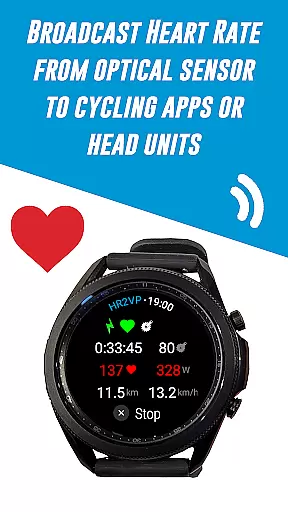
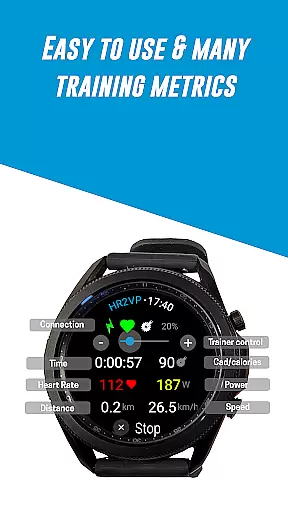
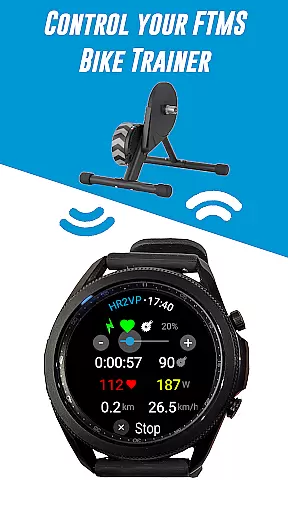
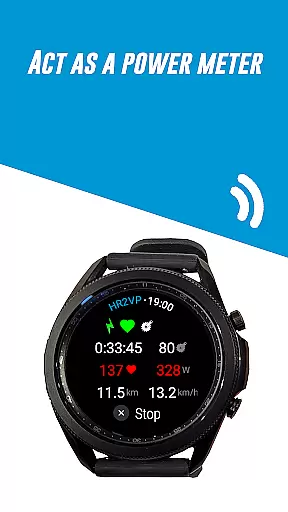
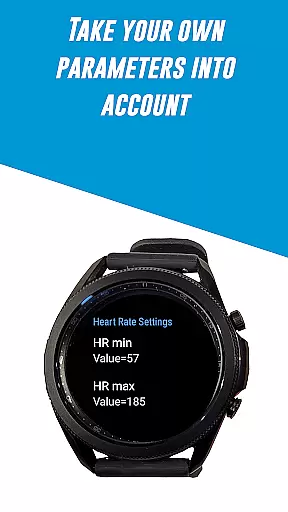
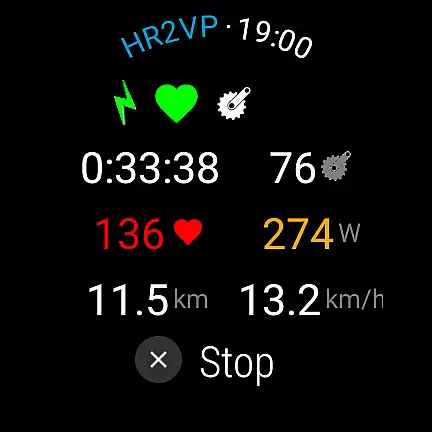
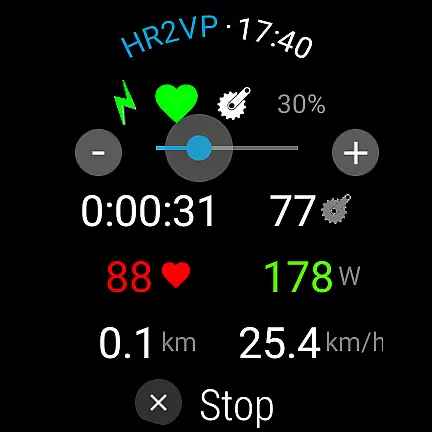
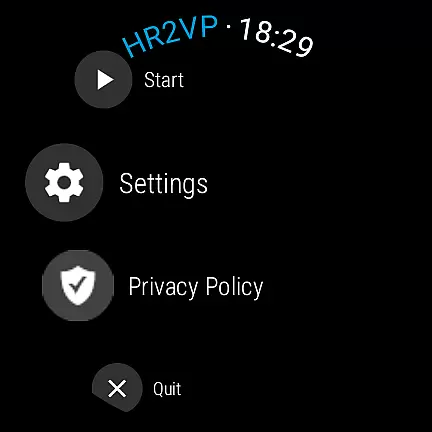
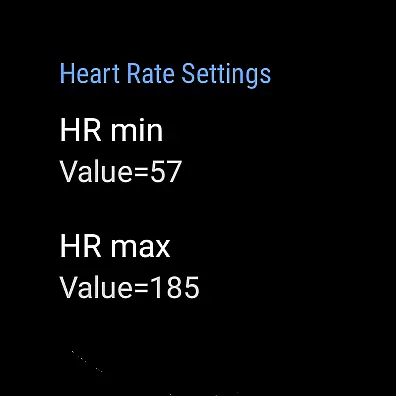
HR2VP Watch Bike Computer is a specialized fitness application designed for cyclists who use Wear OS smartwatches. This app transforms your watch into a powerful cycling tracker by measuring heart rate and calculating power metrics during your rides. It supports both outdoor and indoor training scenarios, making it an ideal companion for serious cyclists.
The application broadcasts heart rate data over Bluetooth Low Energy or ANT+, connecting seamlessly with bike computers and popular indoor cycling apps like Zwift. By integrating advanced algorithms, HR2VP provides accurate power estimations based on individual parameters such as FTP, resting heart rate, and maximum heart rate. The app also allows users to upload ride data directly to Strava, enhancing post-ride analysis.
Whether you're training indoors or riding outside, HR2VP Watch Bike Computer delivers essential metrics to optimize your performance. Its ability to connect with various sensors and devices creates a comprehensive cycling experience that caters to both casual riders and competitive athletes.
HR2VP Watch Bike Computer offers several distinctive features that set it apart in the Health & Fitness category. First, it utilizes the built-in optical heart rate sensor of Wear OS watches to broadcast heart rate data as a BLE heart rate monitor. This functionality eliminates the need for additional chest straps during workouts, providing convenience without compromising accuracy.
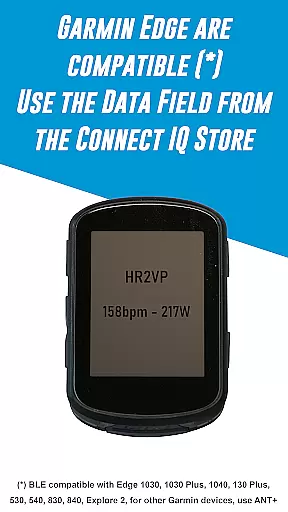
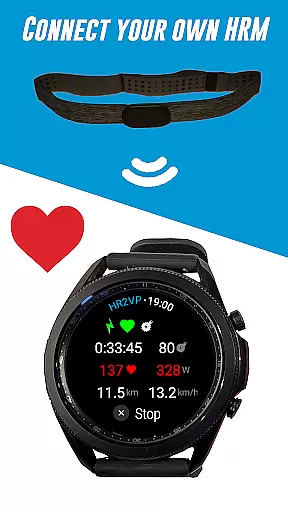
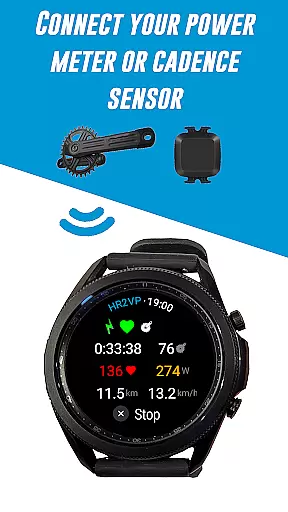
Another notable feature is its compatibility with Garmin Edge bike computers through a dedicated Connect IQ data field. Users can display their heart rate and power data directly on their bike computer screens. The app also supports various external sensors including power meters, cadence sensors, and heart rate monitors, allowing cyclists to gather comprehensive training metrics.
The application's power calculation algorithm stands out by using heart rate data to estimate power output. This innovative approach considers individual physiological parameters for improved accuracy. Additionally, the app's seamless integration with Strava enables automatic ride uploads, complete with power data, for detailed post-ride analysis and mapping.
Personalized planning in fitness applications refers to the ability to tailor workout metrics and goals specifically to an individual's physiological parameters. HR2VP Watch Bike Computer excels in this area by integrating advanced algorithms that compute power output based on heart rate, measured either through the watch's built-in optical sensor or a connected chest strap.
This app takes into account individual parameters such as Functional Threshold Power (FTP), resting heart rate, and maximum heart rate to provide accurate and personalized data during workouts. By doing so, it ensures that each user gets a customized experience that aligns with their unique fitness level and objectives.
Users benefit from this personalized approach as it allows them to monitor their performance more accurately, understand how many calories they've spent, and track improvements over time. This tailored insight helps cyclists optimize their training, achieve better results, and maintain motivation by seeing tangible progress.
Progress visualization is a critical component of any fitness app, providing users with clear graphical representations of their achievements and milestones. The HR2VP Watch Bike Computer offers robust features for visualizing progress, including detailed metrics on power output, heart rate, and calorie expenditure during rides.
By pairing with platforms like Strava, the application enables athletes to automatically upload their ride data, complete with power metrics, allowing them to visualize their routes and performance on maps. These visual tools help users to easily interpret complex data sets and recognize patterns or trends in their training regimen.
The advantage of such comprehensive progress visualization is significant; it not only enhances user engagement but also aids in setting realistic goals and celebrating milestones. Cyclists can leverage these insights to refine their strategies, ensuring continuous improvement and sustained interest in their fitness journey.
Advanced power estimation
Seamless device integration
Comprehensive sensor support
Direct Strava uploads
Versatile connectivity options
Requires compatible devices
Power accuracy limitations
Complex setup process
Battery optimization issues
Occasional connection drops

SportWerks - Workout Tracker for Wear OS Watches
 3.90
3.90
Your Health Has Met Its App (℠)
3.90
The Wear OS BeechBand app is designed to alleviate anxiety and other conditions
4.4
Home workouts for fitness & fast bodybuilding at home - no equipment needed.
4.90
App to stop smoking slowly or now with a motivational badges and helpful tips
4.80
For Absolute Novices to Strength Training. Simple. Effective.
4.40
The Official Blood Type Diet® App - know your categorized foods anytime.
4.50
Blood Pressure Log, HRV & Heartbeat Tracker. Pulse Checker.
4.40
GloryFit is a companion app for the smart bracelet.
3.60
Show your support for the development of FitNotes - Gym Workout Log
4.90
Medbridge GO gets you moving - get back to doing what you love, faster!
4.90
Mind on steroids - relaxation, productivity, meditation and sleep!
4.60
Memory, mind & logic exercises. Puzzle games, IQ & brain test for kids & adults
4.50
Grow with self-tests and personal routine.
4.30
Fast Body building & Weight Loss. Home Workouts with Daily Coach, No Equipment.
4.30
“Overcoming pain based on EMDR” helps you to alleviate chronic pain and stress.
4.10
Looking to take control of your health? Our psychology-based programs can help.
4.10
Your Health Assistant
3.90
Using Recognise™ has been shown to reduce pain and improve performance.
4.4


User Reviews