
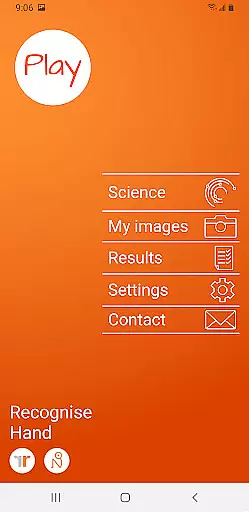
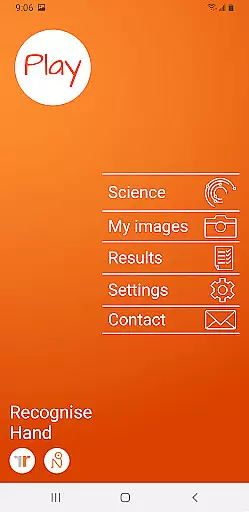
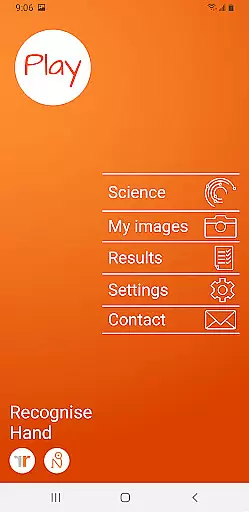
Recognise Hand is a specialized health and fitness application designed to assist users in managing pain, enhancing performance, and aiding rehabilitation through a structured Graded Motor Imagery program. The app focuses on improving the user's ability to distinguish between left and right body parts, which is crucial for recovery from certain injuries.
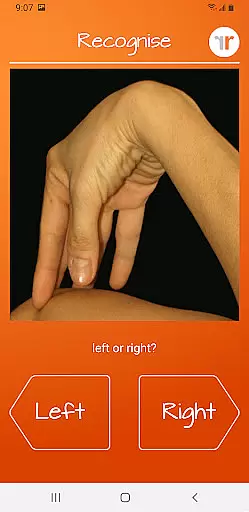
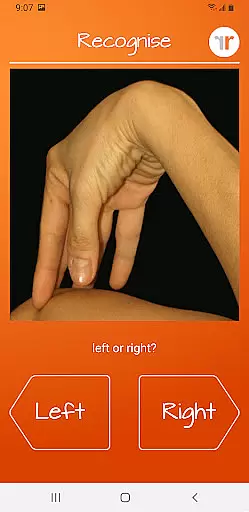
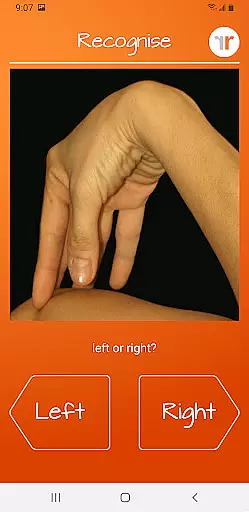
The application offers two main modes - TEST and TRAIN. In TEST mode, users can evaluate their proficiency in recognizing images of body areas as either left or right. TRAIN mode helps harness the brain's neuroplasticity using various tools, thus promoting recovery and performance enhancement. Recognise Hand is particularly beneficial for those undergoing rehabilitation and looking to integrate clinical practices into their recovery process.
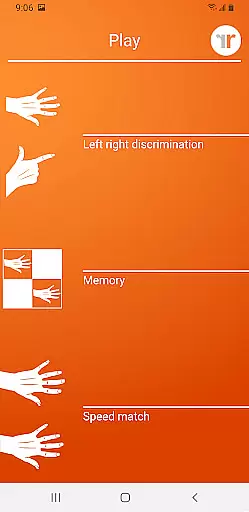
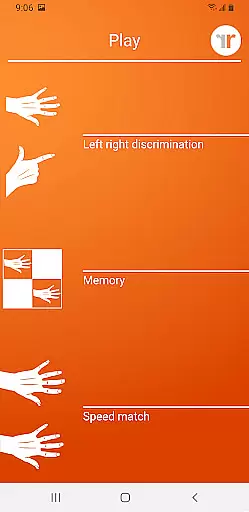
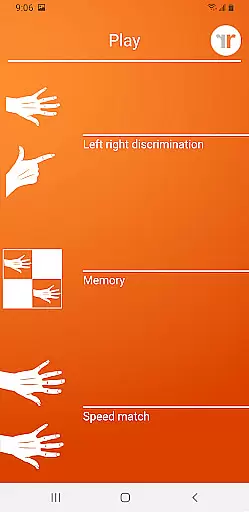
Recognise Hand provides an array of sophisticated features aimed at optimizing the rehabilitation process. Users can engage with 'Memory' and 'Speed match' tools that elevate their training experience by challenging their cognitive abilities related to left/right discrimination.
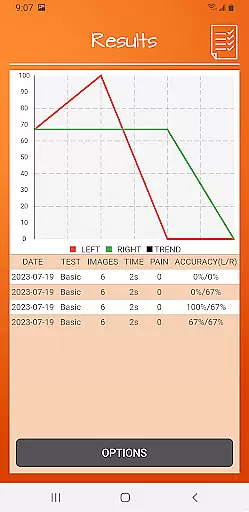
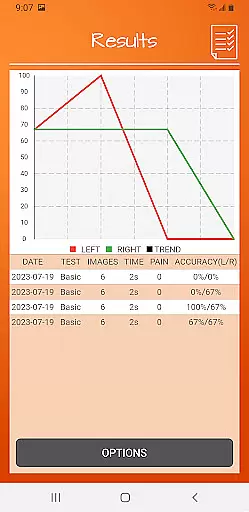
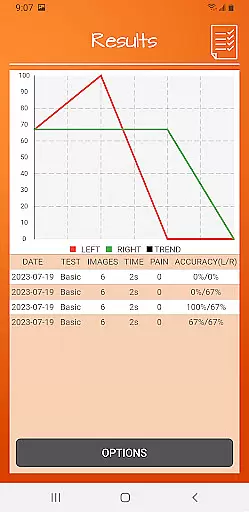
The app includes graded difficulty levels and personal best challenges, ensuring that users remain engaged and motivated. It also offers detailed onscreen results and graphs, allowing users to track their progress effectively. Additionally, Recognise Hand supports powerful clinical integration tools, enabling users to export and email their results directly to healthcare providers. This feature enhances the communication between patients and clinicians, leading to more personalized care.
Recognise Hand offers a personalized approach to motor imagery training, which is crucial for rehabilitation and performance enhancement. The app's ability to adapt to individual needs ensures that each user receives a tailored experience.
Through features like graded difficulty levels and personal best challenges, the app creates a customized training plan. This allows users to progress at their own pace, making the rehabilitation process both effective and engaging.
The integration of various tools such as 'Memory' and 'Speed match' further enhances the personalization aspect. Users can push their limits while the app tracks their improvements over time.
Ultimately, the personalized planning feature empowers users by providing them with the means to take control of their rehabilitation journey. With detailed onscreen results and graphs, users can clearly see their progress and stay motivated.
Visualizing progress is a key component of the Recognise Hand app, offering users clear insights into their rehabilitation journey. Detailed onscreen results and graphs provide a comprehensive view of individual advancements.
By displaying personal best challenges and progression through difficulty levels, the app keeps users informed about their current status. This constant feedback loop is vital for maintaining motivation and ensuring consistent improvement.
Moreover, the ability to export and email results to clinicians or therapists adds another layer of progress tracking. It facilitates professional guidance and adjustments to the rehabilitation plan when necessary.
In summary, the progress visualization tools in Recognise Hand not only track user achievements but also enhance communication with healthcare providers. This leads to a more coordinated and effective recovery process.
User-friendly interface
Comprehensive progress tracking
Customizable training modules
Clinical integration capabilities
Science-backed methodology
Requires consistent use
Premium version costs
Limited to specific rehabilitation needs
May not suit all injury types
Dependent on device camera quality

Build Healthy Habits!
 4.60
4.60
Meditation app, head space app provides calm music to help you meditate & sleep
5.00
Measure real-time wrist & ambient temperature with your Galaxy Watch (Wear OS)
3.20
Load the bar with this barbell & plate calculator. It's leg day, not brain day!
4.70
Your AI pet BFF. Talk, play, and beat anxiety in this calming game.
4.60
Track heart rate & HRV in 30s! Get live health insights and anomaly alerts
4.40
Fast Body building & Weight Loss. Home Workouts with Daily Coach, No Equipment.
4.30
GloryFit is a companion app for the smart bracelet.
3.60
Pedometer that gives you sweatcoins for steps. It pays to walk!
4.10
Home workouts for fitness & fast bodybuilding at home - no equipment needed.
4.90
App to stop smoking slowly or now with a motivational badges and helpful tips
4.80
Protect your healthy sleep
4.80
Easy to use step counter, calorie counter helps lose weight, count steps offline
4.80
Relax to calm sounds, white noise, music, guided meditation and bedtime stories
4.40
Grow with self-tests and personal routine.
4.30
Interval timer for High Intensity Interval Training, Tabata and Circuit Training
4.20
Create powerful subliminal audio with custom affirmations and background music.
4.00
Histamine intolerance, low FODMAP diet and irritable bowel syndrome (IBS)
4.00
Pupillary distance PD with camera quick and easy, checking glasses frames on you
3.70


User Reviews