
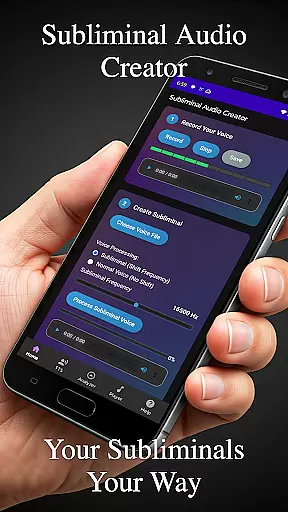
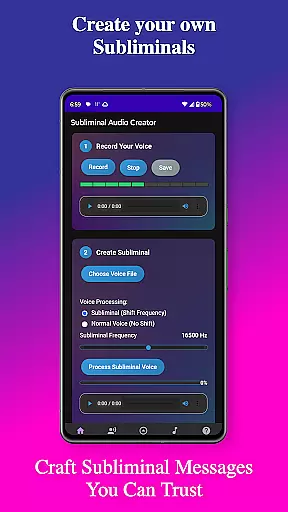
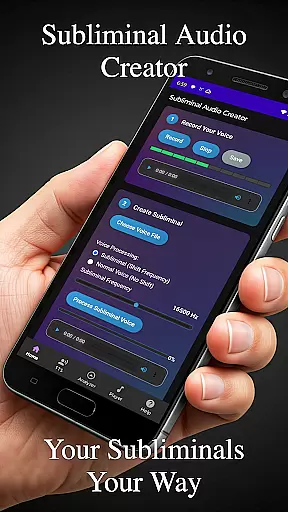
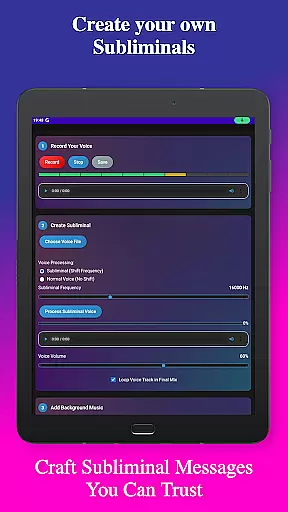
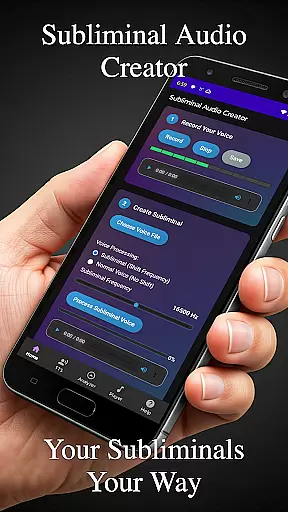
Subliminal Audio Creator is a comprehensive mobile application designed for creating personalized subliminal audio tracks that cater to various aspects of self-improvement and mental wellness. The app allows users to craft their own affirmations either through voice recording or text-to-speech technology, which can then be mixed with background music or ambient sounds. This feature-rich tool supports both MP3 and WAV formats, ensuring high-quality audio production suitable for meditation, self-hypnosis, and positive affirmations.
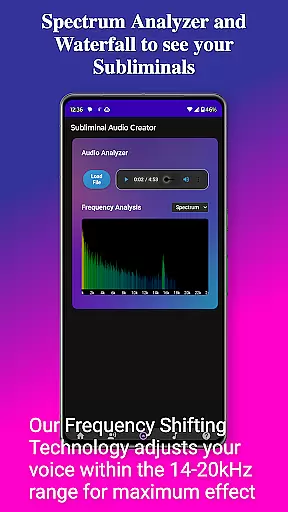
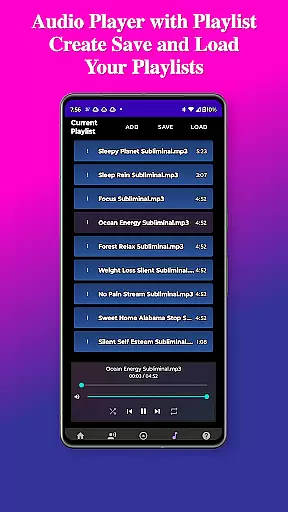
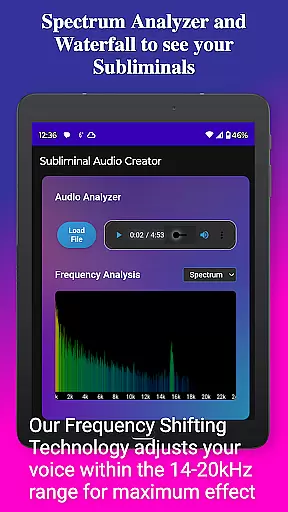
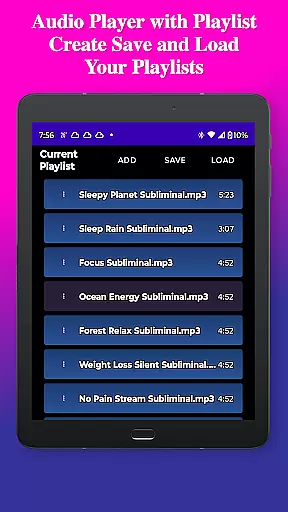
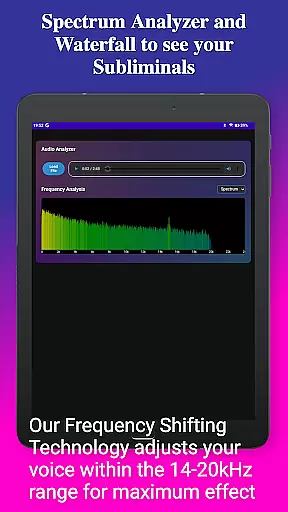
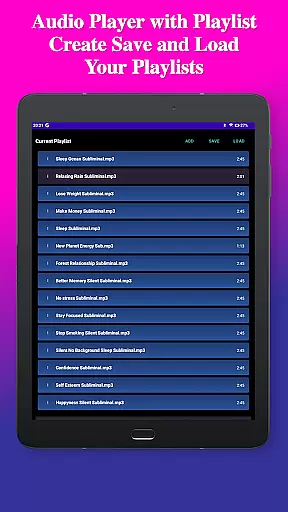
One of the standout capabilities of Subliminal Audio Creator is its advanced audio analysis tools. Users can visualize subliminal frequencies using a real-time spectrum analyzer and waterfall display, allowing precise control over the audio mix. The app also includes a full-featured MP3 player with playlist support and offers wireless streaming options through Chromecast and Bluetooth connectivity. Its user-friendly interface guides creators through each step of the process, from recording to exporting final audio files, all within an ad-free environment.
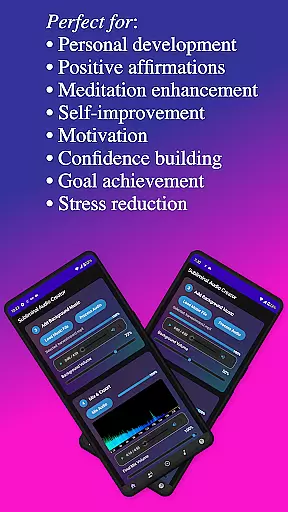
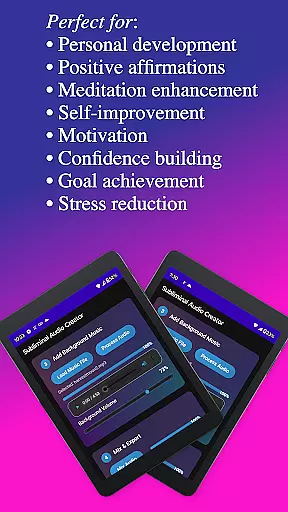
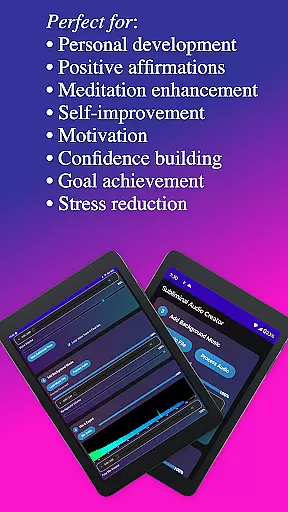
Whether you're looking to enhance personal development, boost motivation, build confidence, or reduce stress, Subliminal Audio Creator provides the tools needed to manifest these goals through sound. By organizing files into dedicated folders and offering lifetime access without subscriptions, the app ensures a seamless and uninterrupted user experience focused on achieving personal transformation.
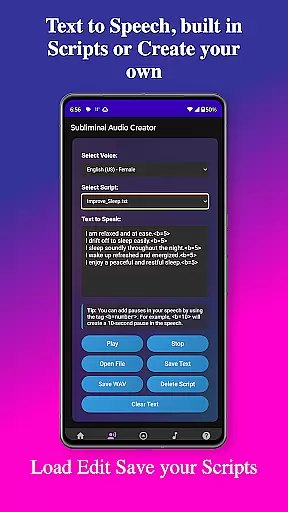
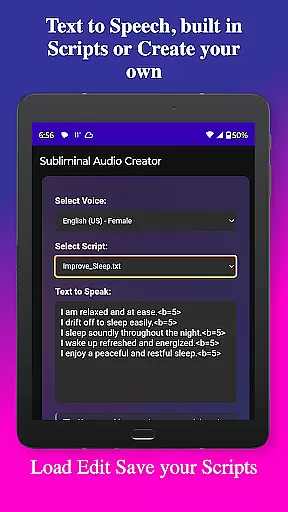
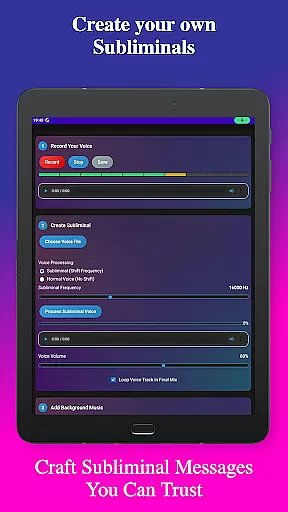
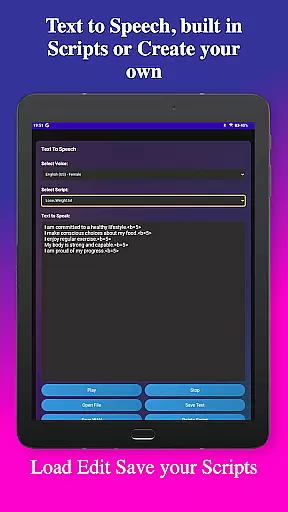
Subliminal Audio Creator stands out with its diverse set of features tailored for both beginners and experienced audio creators. At its core, the app offers robust voice recording capabilities, enabling users to capture affirmations with crystal-clear audio quality. The ability to preview and re-record ensures perfection before saving. For those preferring text-based affirmations, the app's text-to-speech functionality provides multiple voice options and customizable pauses, enhancing the natural flow of spoken affirmations.
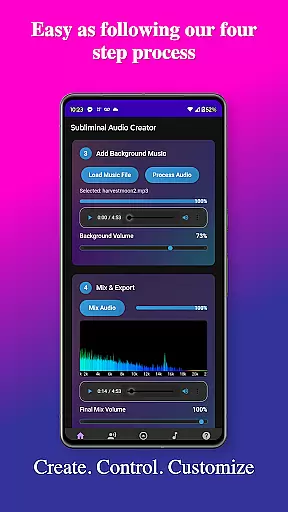
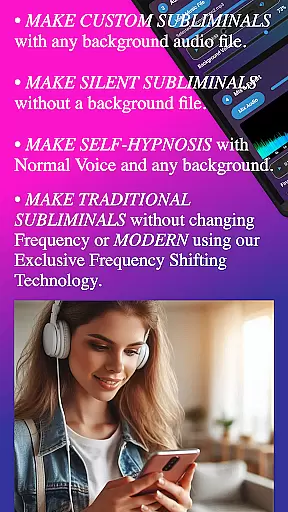
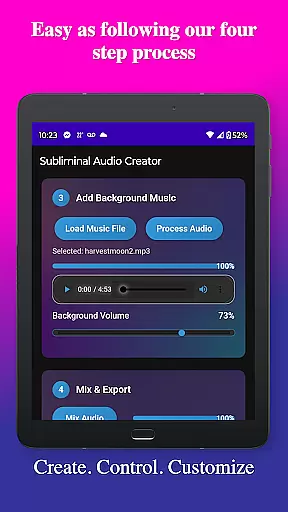
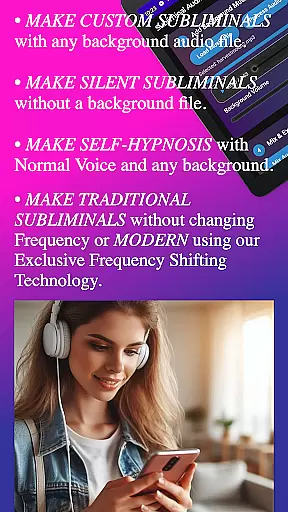
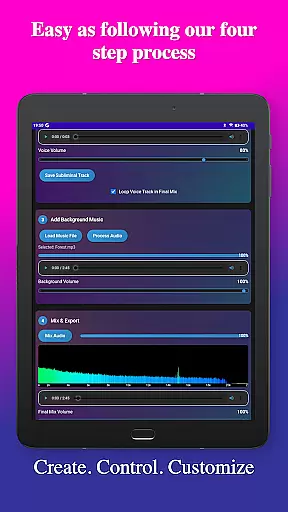
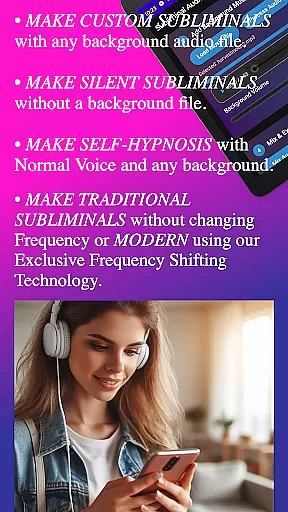
Another significant feature is the app's capacity to blend affirmations with background music or ambient sounds. Users can adjust volumes independently, fine-tune subliminal frequencies, and even create silent subliminals. The inclusion of pre-written scripts and the option to write custom ones adds flexibility to content creation. Furthermore, the built-in audio analyzer with real-time frequency monitoring and detailed visualization tools empowers users to verify and optimize their audio mixes effectively.
Playback and sharing functionalities are equally impressive. The app supports background playback, integrates with media controls, and allows streaming to external devices via Chromecast or Bluetooth. With organized file management, users can easily save, load, and export projects in both MP3 and WAV formats. These features collectively make Subliminal Audio Creator a versatile tool for anyone interested in harnessing the power of subliminal audio for personal growth and well-being.
Subliminal Audio Creator offers a unique approach to personalized planning by allowing users to craft tailored audio experiences that align with their self-improvement goals. The app's powerful features enable the creation of custom subliminal messages and affirmations, which serve as tools for personal development.
With the ability to record your voice or utilize text-to-speech technology, you can create affirmations that resonate personally, ensuring the messaging is impactful. The app provides multiple voice options and adjustable pauses, giving you control over how your affirmations are delivered and perceived.
The true value lies in combining these affirmations with background music or ambient sounds, creating an immersive environment conducive to meditation and motivation enhancement. This layering technique allows for a personalized soundscape that can help reinforce positive thinking patterns and goal-oriented mindset shifts.
By offering advanced controls such as frequency adjustment and volume balancing, Subliminal Audio Creator ensures that each audio track is fine-tuned to individual preferences, maximizing its effectiveness as a tool for personalized growth planning.
Visualizing progress is crucial for maintaining motivation and tracking personal development, and Subliminal Audio Creator addresses this need through its built-in audio analyzer. This feature provides users with a real-time frequency spectrum analyzer and waterfall display, enabling them to see the frequencies of their subliminal mixes.
This visual feedback is not only fascinating but also practical, as it allows creators to verify that their subliminal messages are being mixed at the intended frequency levels. Monitoring audio quality becomes an integral part of the process, ensuring that each track meets high standards before use.
For those engaged in meditation enhancement or stress reduction practices, having this visual representation serves as a form of confirmation that their audio tools are functioning correctly. It adds another dimension to the experience, making it more tangible and engaging.
Furthermore, the organized file structure within the app supports progress visualization by keeping all creations neatly categorized into dedicated folders. This systematic approach helps users reflect on their journey, observe improvements over time, and maintain motivation towards achieving their self-improvement objectives.
User-friendly interface
High-quality audio output
Customizable affirmations
Advanced audio analysis
Lifetime access with no ads
Requires storage permission
Microphone access needed
Complex for beginners
Limited free features
Device compatibility issues

SportWerks - Workout Tracker for Wear OS Watches
 3.90
3.90
Text notifications, button control, heart monitor & more for your Amazfit.
2.40
“Overcoming pain based on EMDR” helps you to alleviate chronic pain and stress.
4.10
Pack of 66 calming lullabies for smooth fall asleep and relaxation
4.10
When the night comes, we prepare your eyes for deep, sweet dreams
4.70
50 HD sounds to help you relax during the day and sleep great at night!
4.40
Wall Pilates at home & Pilates workout for beginners for core and weight loss.
4.80
Grow with self-tests and personal routine.
4.30
Point, scan, and unlock truth in every bite.
4.50
Beauty Care, Makeup & Skin Care Scanner | Pregnancy App For A Mom | Healthy Baby
5.00
Show your support for the development of FitNotes - Gym Workout Log
4.90
Easy to use step counter, calorie counter helps lose weight, count steps offline
4.80
Measure your Pupil Distance for Eyeglasses and VR headsets in 3 quick steps.
4.70
The Crunch Mobile app - Find a gym, manage favorites, reserve & cancel classes.
4.60
Raccoon AI Calorie Counter. Intermittent Fasting & Timer. Macro, Carb, Protein
4.50
Get alert about getting out of desired heart rate zone.
4.10
Your plan in your pocket 24/7
3.00
Use your watch as a bike computer, heart rate monitor and cycling power meter
2.50
Transform your body and soul with DBFFitness, with a 40-day fitness journey.
4.2


User Reviews