
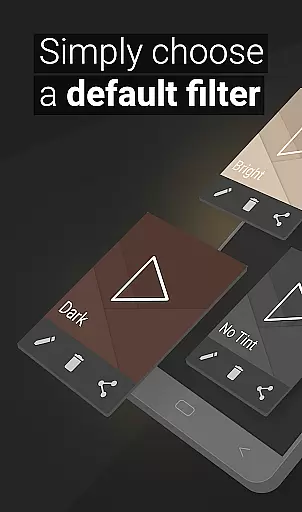
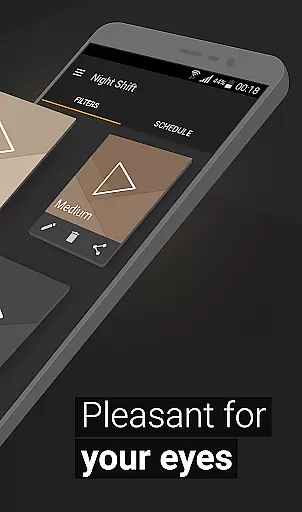
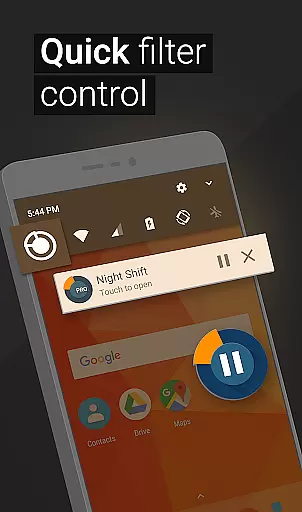
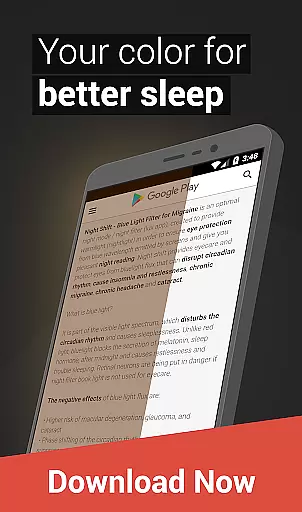
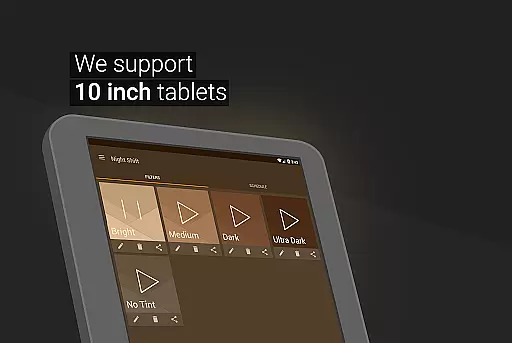
Night Shift is a specialized Health & Fitness application designed to protect users' eyes during nighttime device usage. The app functions as an advanced blue light filter that not only improves sleep quality but also helps alleviate headaches caused by screen exposure. By dimming the screen below system minimum levels and offering customizable temperature and color settings, it ensures optimal eye protection.
What sets Night Shift apart is its comprehensive approach to eye care. The app provides premade filters for immediate use while allowing users to create their own customized dark mode settings. With features like RGB customization and automatic scheduling, users can tailor their screen's appearance to suit different times of day. This makes the app particularly useful for those who frequently use their devices in low-light environments.
The application's value extends beyond just eye protection. By maintaining proper screen brightness and color temperature, it helps prevent more serious eye conditions such as glaucoma and cataracts. Its accessibility service enables continuous protection even when viewing notifications or using the lock screen, making it an essential tool for maintaining good eye health in today's digital age.
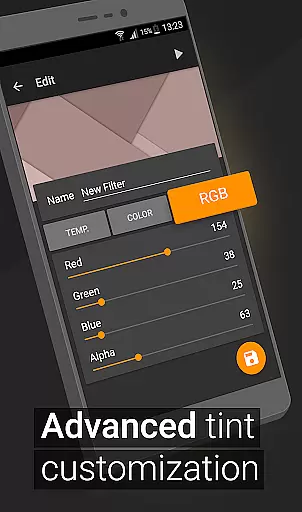
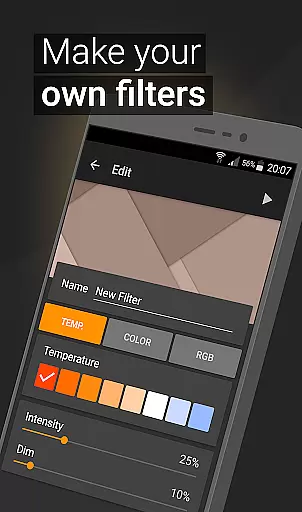
Night Shift offers an impressive array of features that cater to various user needs. The app includes premade blue light filters that provide instant protection while allowing users to create unlimited custom filters. These filters can be precisely adjusted through multiple parameters including screen temperature, color intensity, and individual RGB values, giving users unprecedented control over their screen's appearance.
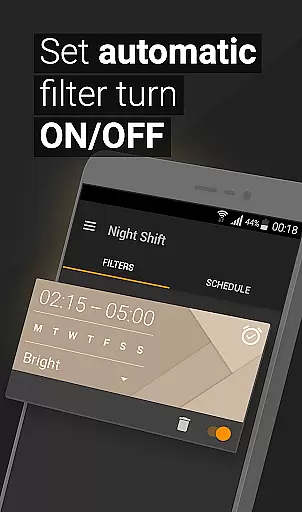
One of the app's most notable capabilities is its ability to dim screens below the system's minimum threshold, which is crucial for nighttime use. The automatic filter scheduling feature ensures that the appropriate filter is always applied at the right time, while the accessibility service extends protection to notifications and lock screens. This comprehensive approach to screen filtering demonstrates the app's commitment to providing complete eye protection.
The app's customization options are particularly valuable for users with specific visual requirements. By allowing precise adjustments to color temperature and intensity, Night Shift enables users to create personalized viewing experiences that minimize eye strain. The inclusion of both premade and customizable filters ensures that both casual users and power users can find solutions that work best for their individual needs.
In the realm of eye care and sleep improvement, Night Shift stands out by offering personalized planning tailored to individual needs. This feature allows users to customize their screen's light settings according to their specific requirements and preferences.
Through a combination of premade filters, temperature customization, color options, and RGB adjustments, users can create a unique night mode that caters to their lifestyle. Whether it's reducing blue light exposure or dimming the screen below system minimums, the app provides tools for an optimal experience.
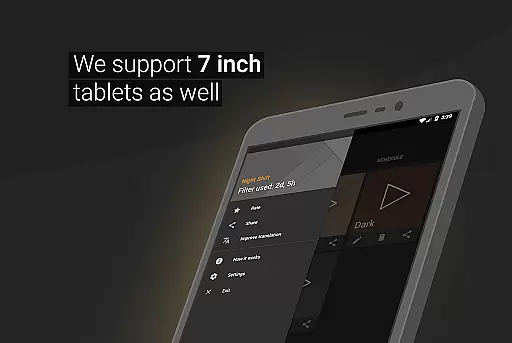
The automatic filter schedule further enhances this personalization by enabling users to set specific times for their customized settings to activate. This ensures that the screen adapts to the user's daily routine without manual intervention.
By leveraging these personalized planning features, users can protect their eyes from strain and potential long-term damage while also improving their sleep patterns. The adaptability of Night Shift makes it an invaluable tool for maintaining good eye health in today's digital age.
Night Shift not only focuses on personalizing the screen experience but also emphasizes progress visualization to help users understand their eye care journey. By providing tangible evidence of improvement, users can better manage their screen time and its impact on their health.
While the app does not explicitly track usage statistics, the ability to adjust settings such as dimming levels and color temperatures serves as a form of progress visualization. Users can see how changes in these settings correlate with reductions in headaches or improvements in sleep quality over time.
Moreover, the creation and modification of unlimited blue light filters allow users to experiment with different configurations and observe which setups yield the best results for their well-being. This trial-and-error process is a practical way to visualize progress.
Ultimately, Night Shift empowers users to take control of their digital environment through customizable options that contribute to healthier screen habits. By making informed decisions based on observed outcomes, individuals can achieve significant advancements in their overall eye health and sleep hygiene.
Effective blue light reduction
Customizable filter options
Automatic scheduling feature
Comprehensive eye protection
User-friendly interface
May affect color accuracy
Requires regular adjustment
Accessibility service needed
Limited daytime functionality
Premium features locked

Easy access to health benefits
 4.70
4.70
Live Heart Rate Pro - Real Time Heart & Workout Data For Wear OS & Bluetooth BLE
3.20
Your Health Has Met Its App (℠)
3.90
The Wear OS BeechBand app is designed to alleviate anxiety and other conditions
4.1
Using Recognise™ has been shown to reduce pain and improve performance
4.3
Show your support for the development of FitNotes - Gym Workout Log
4.90
Pupillary distance PD with camera quick and easy, checking glasses frames on you
3.70
Your portable blood pressure tracker. Record, monitor, and analyze BP anytime.
4.30
Lazy home workouts with your virtual fitness coach for weight loss.
4.30
Meditation app, head space app provides calm music to help you meditate & sleep
5.00
sobriety counter app to help and motivate people to stop drinking alcohol.
4.90
Weight loss app: home workout for women to lose weight & burn calories.
4.80
The Crunch Mobile app - Find a gym, manage favorites, reserve & cancel classes.
4.60
Relax. Sleep Better. Feel Better.
4.50
Raccoon AI Calorie Counter. Intermittent Fasting & Timer. Macro, Carb, Protein
4.50
Eat smarter with Eato, your personal calorie counter and nutrition tracker!
4.40
Blood Pressure Log, HRV & Heartbeat Tracker. Pulse Checker.
4.40
Interval timer for High Intensity Interval Training, Tabata and Circuit Training
4.20
Measure real-time wrist & ambient temperature with your Galaxy Watch (Wear OS)
3.20


User Reviews