
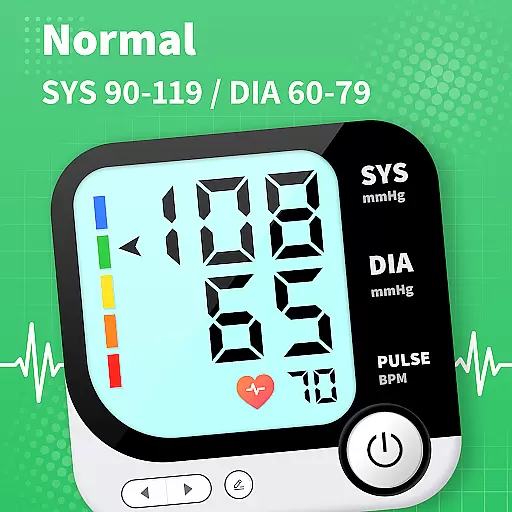
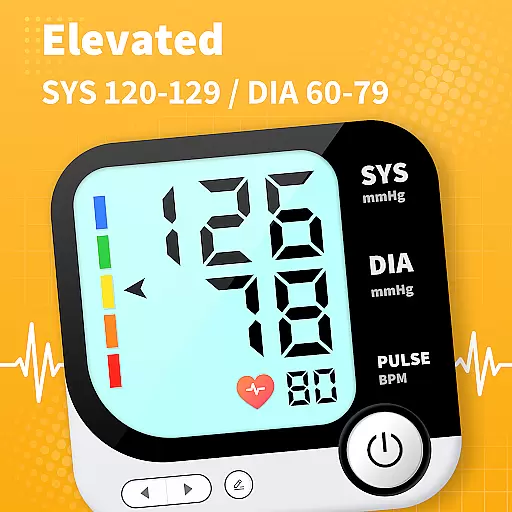
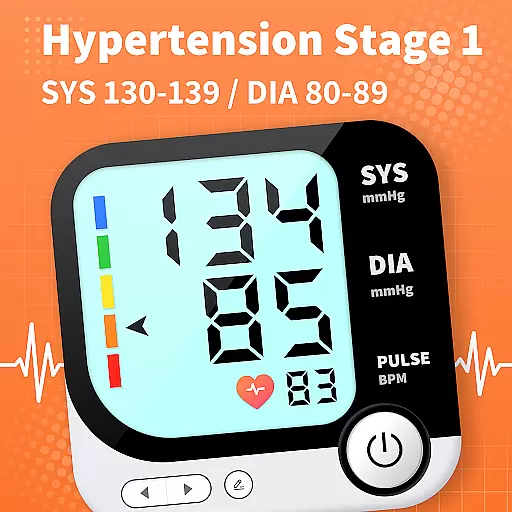
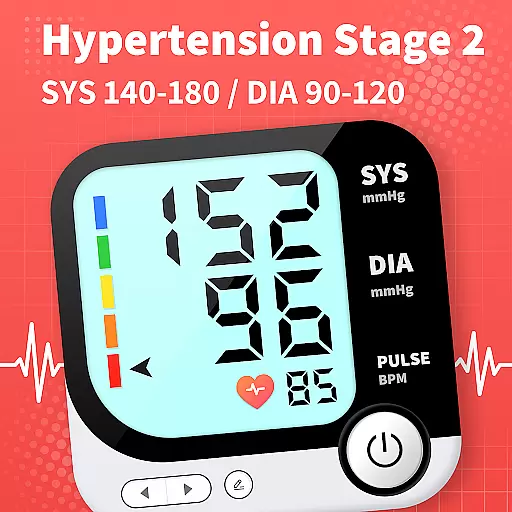
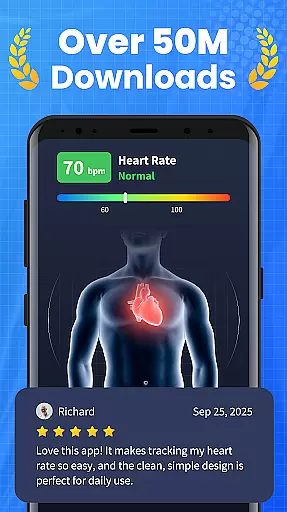
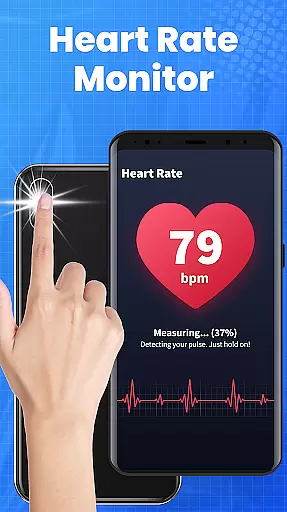
Blood Pressure App is a comprehensive health tracking tool designed to help users monitor their blood pressure trends and access reliable information about cardiovascular health. The app provides an easy-to-use interface for recording BP readings under various conditions, such as lying down, sitting, or before and after meals. This allows users to identify patterns and optimize their treatment plans.
One of the standout features is its curated knowledge library, which offers evidence-based explanations and lifestyle guidance to support long-term heart health. Users can also share their BP trends remotely with family members or healthcare providers, making it an ideal tool for collaborative health management. With seamless compatibility across Android devices, including Samsung, Xiaomi, and Huawei, this app ensures a stable and consistent tracking experience for all users.
The Blood Pressure App stands out with its diverse feature set tailored for effective blood pressure management. It includes a robust tracking system that allows users to log their BP readings and detect subtle changes influenced by lifestyle improvements. The app's extensive knowledge base, compiled from scientific literature, helps users understand their BP ranges and make informed decisions about their health.
Another key feature is the remote sharing functionality, which enables users to export their health data for medical consultations. This enhances communication with healthcare providers and ensures more productive appointments. Additionally, the app provides practical lifestyle tips that empower users to take control of their cardiovascular health. These innovative features make the Blood Pressure App an essential tool for anyone looking to manage their BP effectively.
Personalized planning in the Blood Pressure App offers tailored strategies to manage and monitor blood pressure effectively. This feature leverages user data to create individualized plans that adapt to changing health conditions.
The app's algorithms analyze blood pressure readings under various conditions, such as physical posture and meal times, providing customized insights and recommendations. These personalized plans are designed to guide users through lifestyle adjustments that can positively impact their cardiovascular health.
Users benefit from a clear roadmap that helps them understand how different factors influence their blood pressure trends. By following these personalized plans, individuals can make informed decisions about their daily activities and health interventions.
This level of personalization ensures that each user receives relevant advice that aligns with their unique health journey, enhancing the effectiveness of long-term blood pressure management.
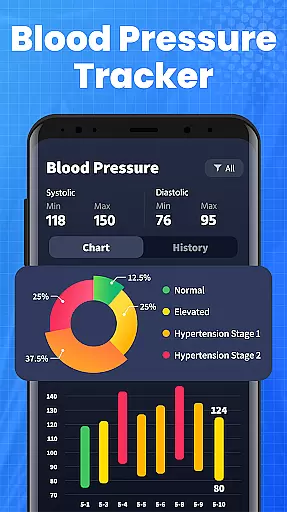
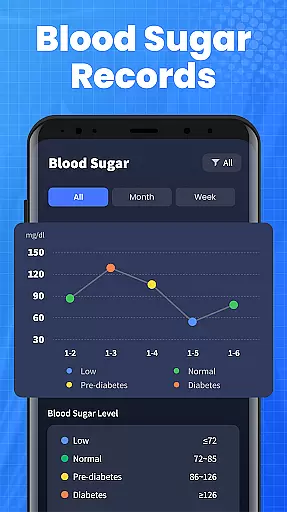
Progress visualization in the Blood Pressure App allows users to see their health improvements over time through intuitive charts and graphs. This feature transforms complex data into easily digestible visuals that highlight key trends and milestones.
With detailed graphical representations, users can track fluctuations in their blood pressure readings and correlate these changes with lifestyle modifications. Visual progress indicators provide motivation by showcasing tangible results of the user's efforts towards better health.
The app's visualization tools enable users to identify patterns and subtle shifts in their blood pressure levels, facilitating timely adjustments to their management strategies. This visual feedback is crucial for maintaining engagement and encouraging continued adherence to health plans.
By offering a clear view of progress, the app empowers users to take control of their cardiovascular health, making it easier to discuss treatment options with healthcare providers and optimize personal health strategies.
User-friendly interface
Comprehensive BP tracking
Evidence-based insights
Remote data sharing
Cross-device compatibility
No direct BP measurement
Limited emergency support
Requires manual input
Internet connection needed
Premium features locked

Build Healthy Habits!
 4.60
4.60
The app helps you address digestive symptoms based on the Fast Tract Diet.
3.50
50 HD sounds to help you relax during the day and sleep great at night!
4.40
Pupillary distance PD with camera quick and easy, checking glasses frames on you
3.70
Wall Pilates at home & Pilates workout for beginners for core and weight loss.
4.80
You deserve easy access to important insurance information. Download for FREE.
4.70
Download MadMuscles to start your positive body transformation!
4.30
This is an application that serves as a companion app for smart watch.
4.20
Scan food & cosmetic products and evaluate their impact on your health
4.80
Medbridge GO gets you moving - get back to doing what you love, faster!
4.90
Easy to use step counter, calorie counter helps lose weight, count steps offline
4.80
a fun app full of surprises :)
4.70
When the night comes, we prepare your eyes for deep, sweet dreams
4.70
Interval timer for High Intensity Interval Training, Tabata and Circuit Training
4.20
Walk, track, and burn calories with step counter & GPS walking tracker
4.20
Looking to take control of your health? Our psychology-based programs can help.
4.10
Pedometer that gives you sweatcoins for steps. It pays to walk!
4.10
Transform your body and soul with DBFFitness, with a 40-day fitness journey.
4.4
Using Recognise™ has been shown to reduce pain and improve performance
4.2


User Reviews