
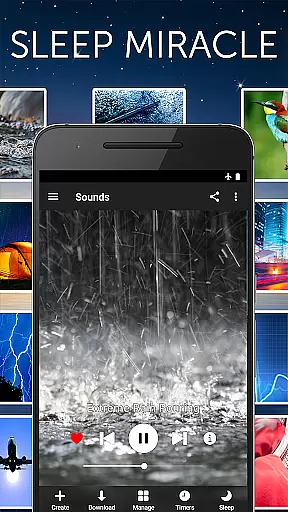


White Noise Pro is a premier sleep and relaxation app designed to help users relax during the day and enjoy uninterrupted sleep at night. The app features 50 HD ambient sounds, including environmental noises like rain, ocean waves, and mechanical sounds such as air conditioners. These sounds are crafted to mask unwanted noise interruptions, making it easier for users to fall asleep and stay asleep.
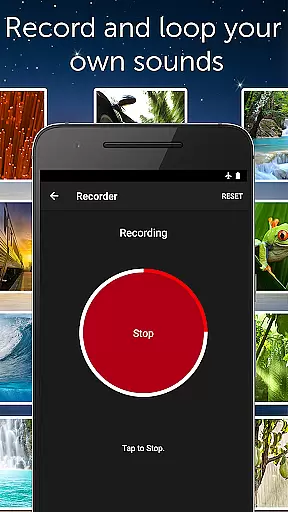
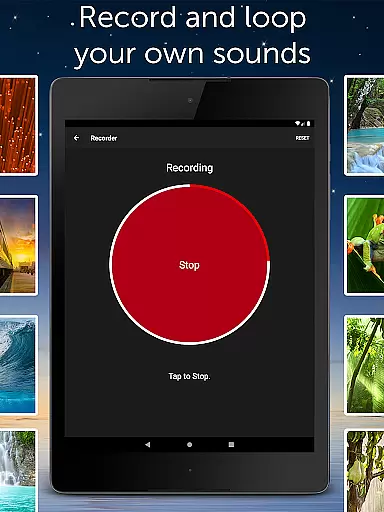
Beyond its core sound library, White Noise Pro offers advanced functionalities such as binaural beats generation, custom color noises, and tones through its pro generator tools. Users can also record, loop, and share their own sounds, create personalized soundscapes by mixing multiple noises, and control playback with an App Widget or Chromecast support. With full stereo sounds exclusive to the app, White Noise Pro ensures a high-quality audio experience that caters to various needs, from soothing headaches to enhancing focus and privacy.
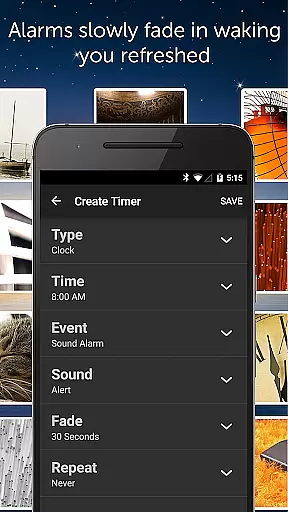
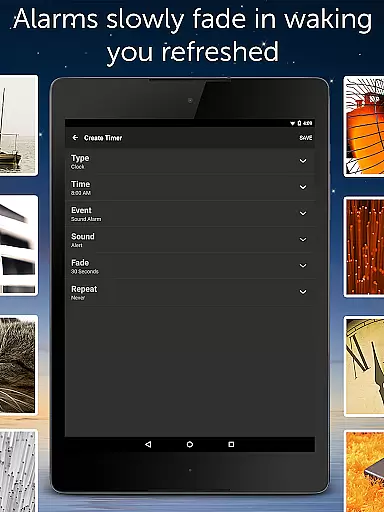
The app's comprehensive alarm and timer system allows users to wake up naturally feeling refreshed, thanks to its fade-in and fade-out audio feature. Its full-screen digital clock and on-screen media controls further enhance usability, while the ability to customize settings like buffer size, pitch, and volume makes it a versatile tool for better sleep. Whether you're dealing with stress, looking to pacify a crying baby, or simply need background noise for concentration, White Noise Pro provides a reliable solution for all your relaxation needs.
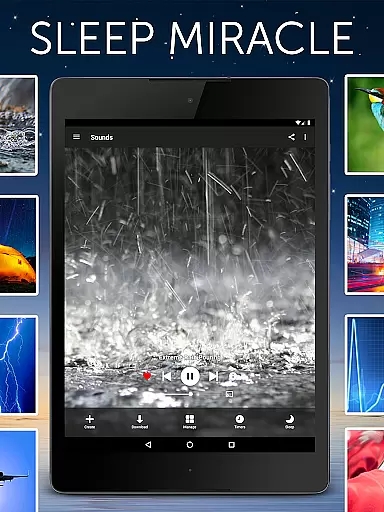
White Noise Pro stands out with its extensive range of features tailored to enhance user experience in relaxation and sleep improvement. The app includes over 50 HD full stereo sounds, which are exclusive to White Noise Pro, offering a rich variety of ambient noises ranging from environmental sounds to mechanical hums. This diverse sound catalog ensures that users can find the perfect sound to suit their relaxation or sleep needs without requiring any additional downloads.
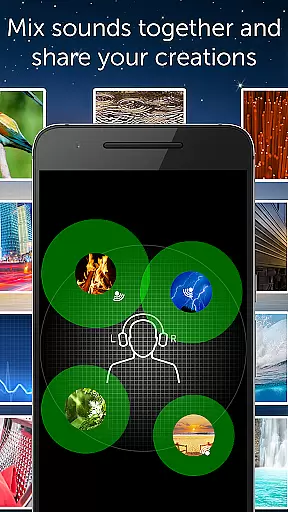
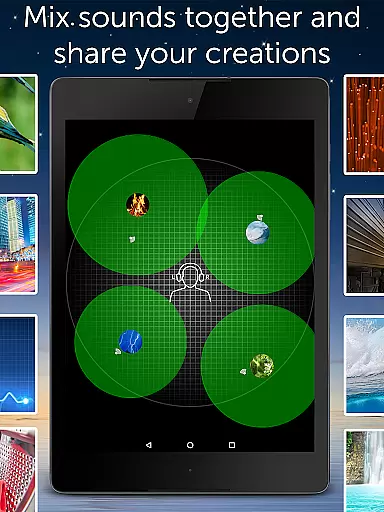
A key highlight of White Noise Pro is its advanced sound customization capabilities. Users can generate binaural beats, custom color noises, and tones using the built-in pro generator tools. Additionally, the app supports recording, looping, and sharing new sounds effortlessly. It allows the creation of unique soundscapes by mixing multiple noises together, with individual adjustments for volume, balance, pitch, and variance. This level of customization empowers users to craft personalized auditory environments that cater specifically to their preferences.
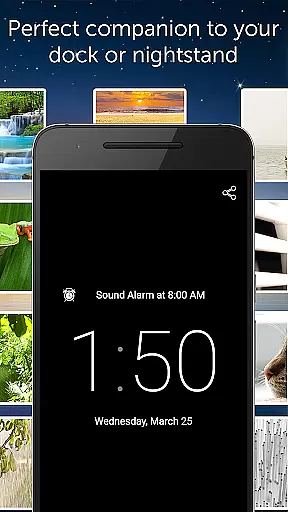
Practicality meets innovation with features like background audio support, enabling use of other apps while listening, and App Widget and Chromecast TV support for seamless audio control. The app also boasts an advanced alarm and timer system that gently wakes users with fading audio transitions, alongside a full-screen digital clock with customizable colors and brightness. With no advertisements and compatibility across all Android-based phones and tablets, White Noise Pro delivers a premium, uninterrupted experience focused entirely on user comfort and satisfaction.
White Noise Pro offers personalized soundscapes to help users relax and sleep better. The app includes over 50 HD stereo sounds, ranging from ambient environmental noises to mechanical hums, allowing users to tailor their auditory environment to their specific needs.
The application's advanced features enable the creation of custom mixes by adjusting volume, balance, pitch, and variance for each sound. This level of customization ensures that whether you need to block distractions or soothe a headache, White Noise Pro can provide a personalized audio solution that caters to your unique situation.
With the ability to generate binaural beats and custom color noises, users can design sound profiles that work best for their individual relaxation and sleep patterns. This personal approach to sound planning helps users fall asleep faster and enjoy deeper, uninterrupted rest.
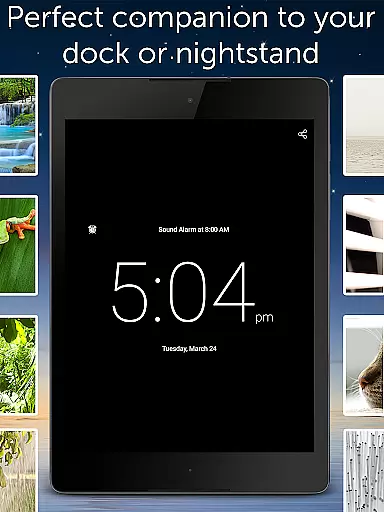
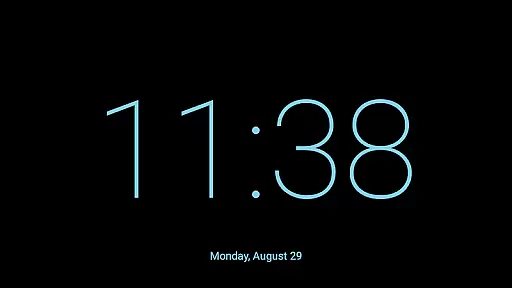
White Noise Pro not only provides diverse sound options but also visual tools to enhance the user experience. The full-screen digital clock with customizable colors and brightness controls serves as a practical nightstand companion, offering clear visibility without disrupting sleep.
The appu2019s advanced alarm and timer system gently wakes users with a natural fade-in and fade-out of audio, promoting a refreshed awakening. This feature visualizes the progress of restful sleep and prepares the body for waking through gradual audio cues.
Additionally, users can create playlists of their favorite sounds and mixes, tracking their preferences and usage patterns throughout the day. This visualization of personalized audio journeys supports ongoing refinement of one's soundscape for optimal health and wellness benefits.
Extensive sound library
Customizable soundscapes
Advanced alarm system
Background audio support
User-friendly interface
Premium price point
Complex for beginners
Limited free features
Occasional bugs
High storage requirement

Enjoy the Gluten Free living with the best app. SCAN the barcodes & SEARCH.
 3.60
3.60
Pack of 66 calming lullabies for smooth fall asleep and relaxation
4.10
When the night comes, we prepare your eyes for deep, sweet dreams
4.70
Mind on steroids - relaxation, productivity, meditation and sleep!
4.60
Measure your Pupil Distance for Eyeglasses and VR headsets in 3 quick steps.
4.70
Pupillary distance PD with camera quick and easy, checking glasses frames on you
3.70
Your AI pet BFF. Talk, play, and beat anxiety in this calming game.
4.60
Point, scan, and unlock truth in every bite.
4.50
Lazy home workouts with your virtual fitness coach for weight loss.
4.30
Walk. Earn: Get rewarded for every step! Walk, move, and earn real rewards.
4.70
Period Tracker, the easiest way to track your periods!
4.50
Memory, mind & logic exercises. Puzzle games, IQ & brain test for kids & adults
4.50
Personal step counter for you, private and accurate
4.50
FODMAP, Gluten, Allergy, Vegan
4.50
For Absolute Novices to Strength Training. Simple. Effective.
4.40
Your Health Assistant
3.90
Focus on BP & Health
3.80
Find Paid Clinical Trials In Your Area
3.70
3D Body Measurement System
3.60


User Reviews