
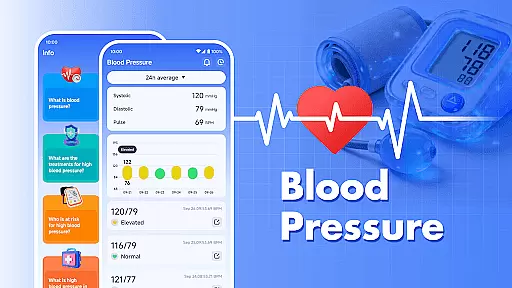
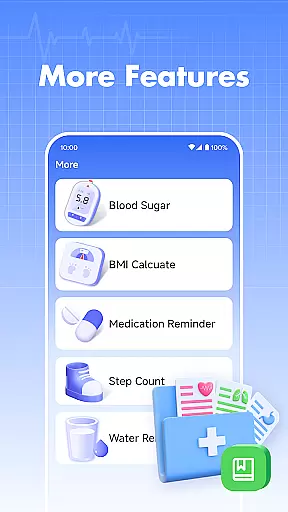
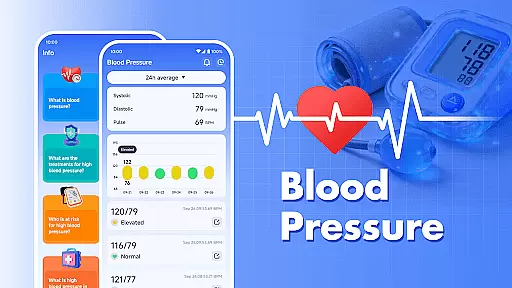
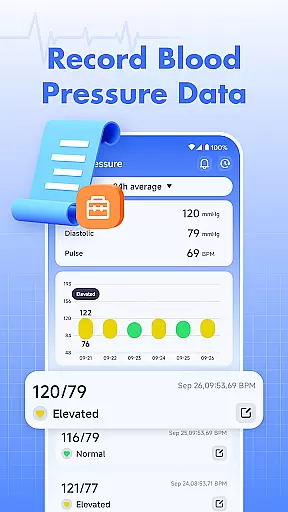
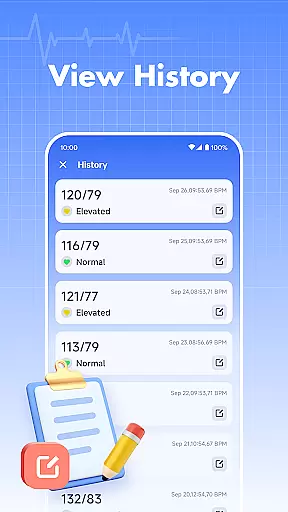
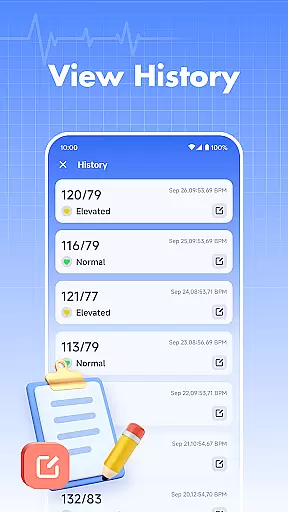
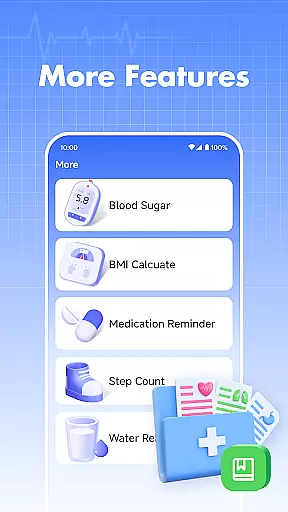
Blood Pressure is a comprehensive health tracking application designed specifically for monitoring and managing blood pressure and blood sugar levels. The app allows users to easily log their daily readings, providing an intuitive interface to track trends over time.
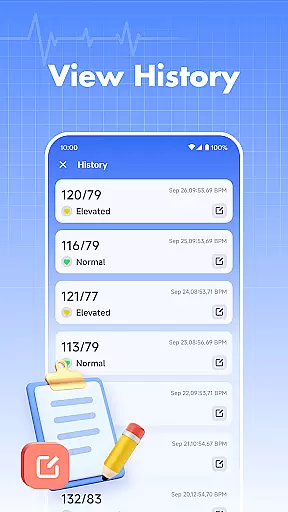
One of the standout features is its ability to display historical data, giving users valuable insights into their health patterns. Whether you're managing hypertension or simply monitoring your overall wellness, this app serves as a reliable digital companion.
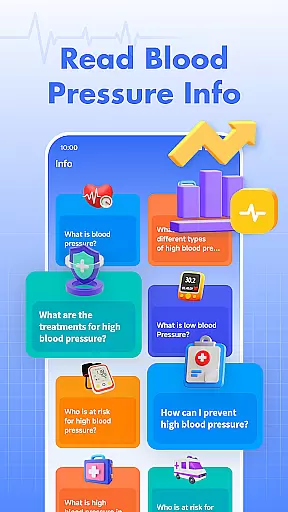
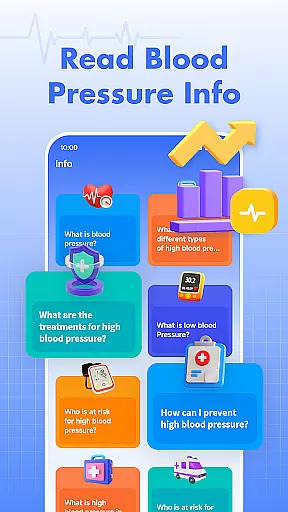
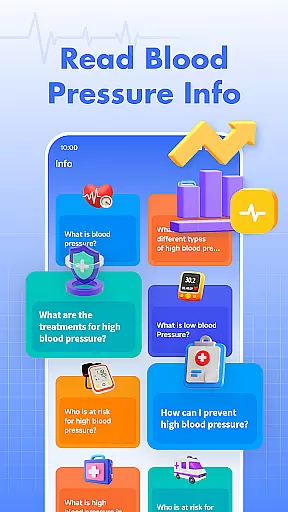
The app also includes educational content about blood pressure management, making it not just a tracking tool but also an informative resource. While it is not intended for medical emergencies, it provides essential data that can be useful during doctor consultations.
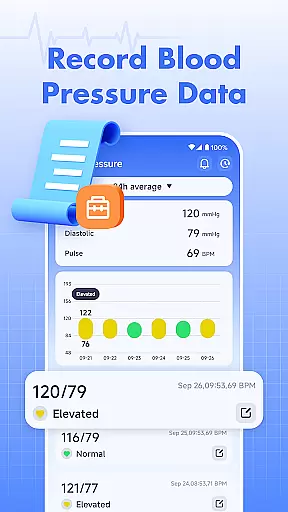
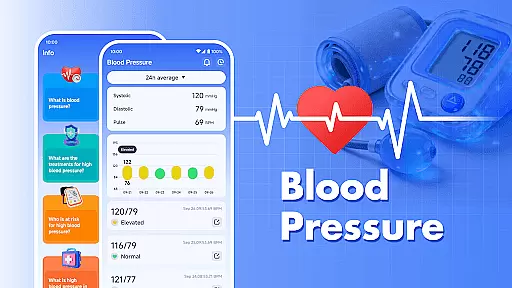
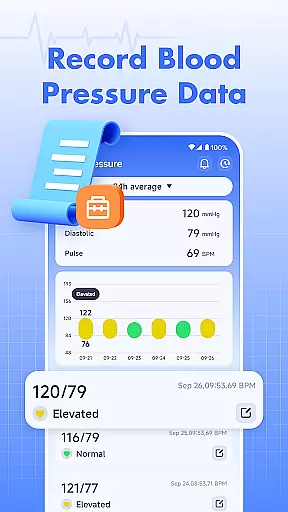
Blood Pressure offers a robust set of features tailored for health-conscious individuals. Its primary function is the easy recording and tracking of blood pressure readings. Users can input systolic and diastolic values, and the app will automatically generate easy-to-read graphs and charts.
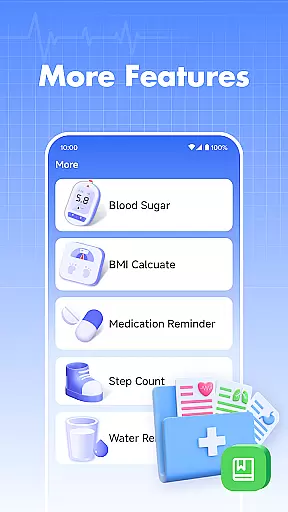
In addition to blood pressure tracking, the app also supports blood sugar level logging. This dual functionality makes it especially useful for individuals managing both conditions. The app's interface is designed for simplicity, ensuring that even those with minimal technical skills can navigate effortlessly.
Another notable feature is the inclusion of health information articles. These resources provide users with general knowledge about maintaining healthy blood pressure levels. However, it's important to note that the app doesn't replace professional medical advice and should be used as a supplementary tool alongside regular doctor visits.
Personalized planning in health applications refers to the ability to tailor health management plans according to individual user needs. Blood Pressure excels in this aspect by offering personalized tracking for both blood pressure and blood sugar levels.
The app allows users to record their specific health metrics easily, creating a personalized health profile over time. This feature is crucial for individuals who need to monitor their cardiovascular health regularly.
By consistently logging data, users can identify patterns and trends unique to their health status. This empowers them to make informed decisions regarding lifestyle changes or medication adjustments under professional guidance.
Ultimately, the personalized planning feature provides significant value by enabling users to take proactive steps in managing their health, ensuring they have the necessary information to discuss with healthcare providers.
Progress visualization is an essential feature that allows users to see their health improvements or areas needing attention over time. Blood Pressure offers robust tools for visualizing both blood pressure and blood sugar trends.
With clear graphs and charts, users can easily track their progress, providing a visual representation of their health journey. This feature transforms raw data into understandable insights, highlighting fluctuations and long-term trends.
Such visualization not only motivates users by showing improvements but also alerts them to potential issues that may require medical attention. It serves as a practical tool for both self-monitoring and preparing for consultations with healthcare professionals.
In summary, the progress visualization feature significantly enhances user engagement by making health data accessible and actionable, thus playing a critical role in effective health management.
User-friendly interface
Comprehensive tracking
Educational content
Data visualization
Free to use
No medical certification
Limited customization
Requires manual entry
No emergency support
Ads in free version

Use your watch as a bike computer, heart rate monitor and cycling power meter
 2.50
2.50
Load the bar with this barbell & plate calculator. It's leg day, not brain day!
4.70
Measure your Pupil Distance for Eyeglasses and VR headsets in 3 quick steps.
4.70
Relax. Sleep Better. Feel Better.
4.50
3D Body Measurement System
3.60
Memory, mind & logic exercises. Puzzle games, IQ & brain test for kids & adults
4.50
Pilates, Calisthenics, Yoga
4.50
Understand your body’s most meaningful messages and transform your health.
3.90
Lazy home workouts with your virtual fitness coach for weight loss.
4.30
Drink water reminder app. Track water intake. Smart simple hydration tracker.
4.70
A brain game that moves you
4.70
Get lasting results with Chair Yoga, Wall Pilates, and Walking workouts!
4.60
Your personal BP tracking companion, focus on helping you achieve wellness goal.
4.10
Looking to take control of your health? Our psychology-based programs can help.
4.10
Pedometer that gives you sweatcoins for steps. It pays to walk!
4.10
Enjoy the Gluten Free living with the best app. SCAN the barcodes & SEARCH.
3.60
GloryFit is a companion app for the smart bracelet.
3.60
Your plan in your pocket 24/7
3.00
The Wear OS BeechBand app is designed to alleviate anxiety and other conditions
4.3


User Reviews