
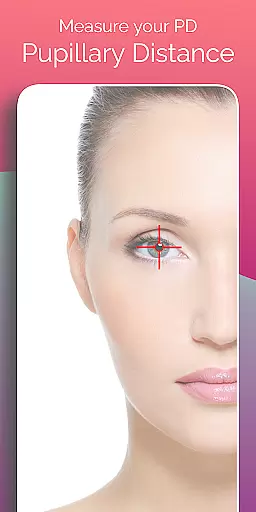
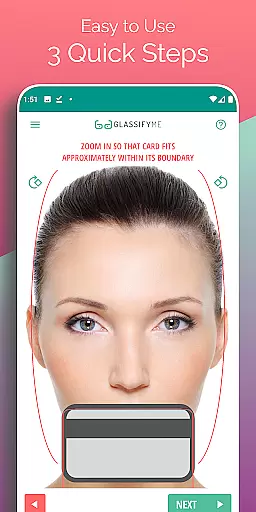
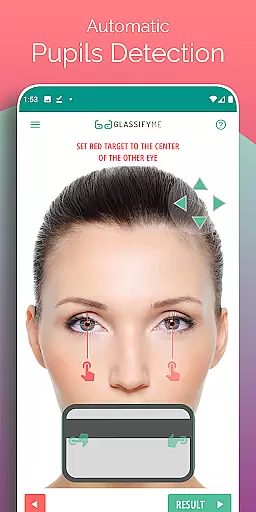
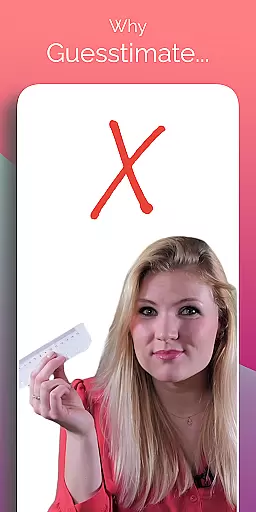
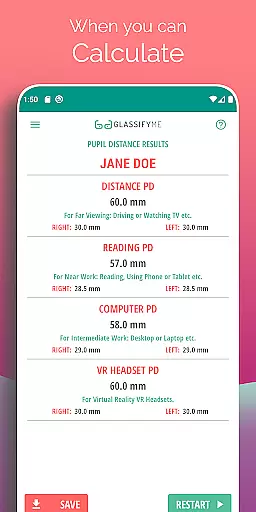
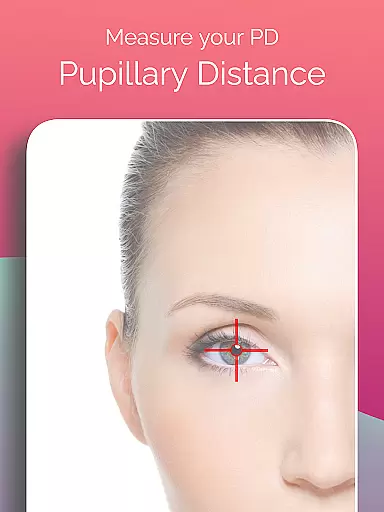
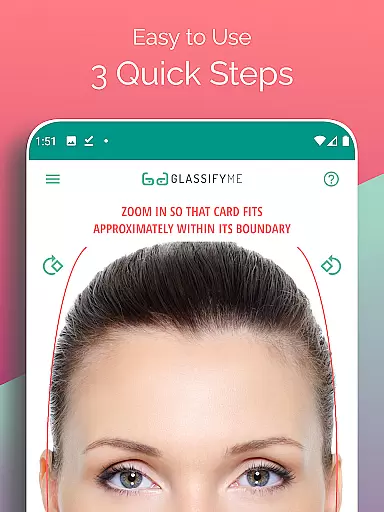
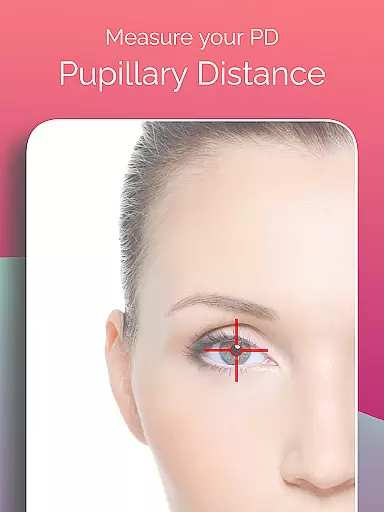
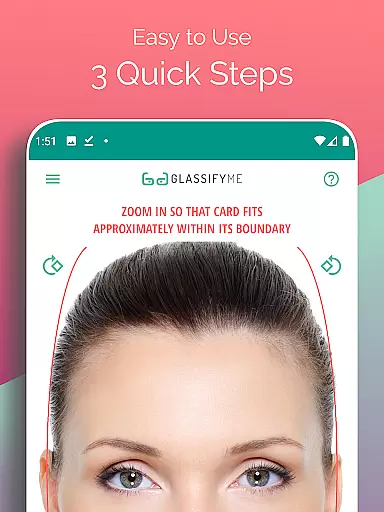
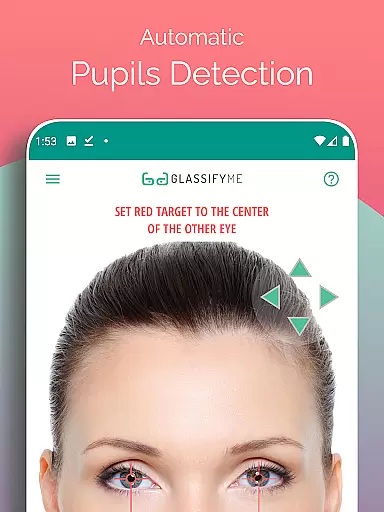
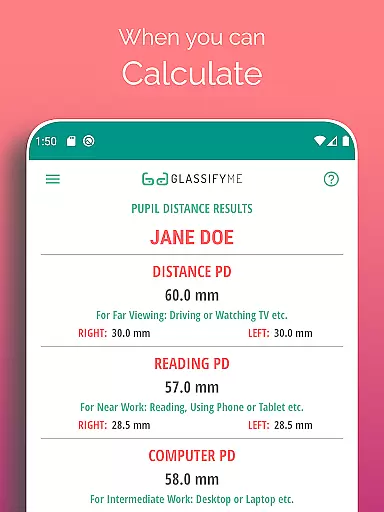
Pupil Distance PD Glasses & VR is a leading health and fitness application designed to accurately measure your Pupillary Distance (PD). This crucial measurement, essential for prescription glasses and VR headsets, is determined using advanced algorithms and eye detection technology. The app allows users to capture a photo with a standard-sized card for reference, ensuring precise results without the need for specialized equipment.
With its user-friendly interface, this app simplifies the process of obtaining accurate PD measurements. Whether you're preparing for a new pair of glasses or calibrating your VR headset, Pupil Distance PD Glasses & VR provides a reliable solution that can be completed in just a few steps.
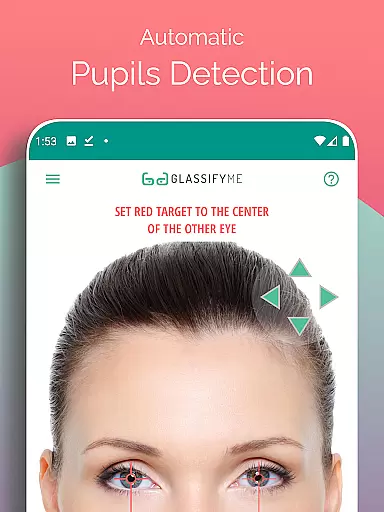
The standout feature of Pupil Distance PD Glasses & VR is its advanced algorithm that automatically detects pupils and calculates the distance between them with precision. Users have multiple options for capturing their image - they can take a selfie, have someone else take their picture, or import an existing photo from their gallery.
This app also emphasizes user safety and privacy by recommending the use of non-sensitive cards like points or rewards cards instead of credit cards for sizing reference. With clear instructions and an easy-to-follow three-step process, it ensures that anyone can achieve professional-grade measurements from the comfort of their home.
Personalized planning in the context of Pupil Distance PD Glasses & VR app refers to the tailored measurement and calculation of your pupillary distance, ensuring that your prescription glasses or VR headsets are optimally suited for your vision. This is crucial for both comfort and visual accuracy.
The PD Meter App employs an advanced algorithm that automatically detects your eyes and pupils, calculating your PD with precision. By simply taking a picture while holding a standard-sized card, the app uses this reference to measure the distance between your pupils, offering a personalized approach to eyewear fitting.
Users benefit from this feature by gaining access to accurate measurements that can be used during the manufacturing of prescription glasses or when setting up VR headsets. Properly measured PD ensures optimal lens placement, which is essential for clear and comfortable vision.
This personalized planning not only enhances user experience by simplifying the process of obtaining precise measurements but also empowers users to take control of their eye health, making it an invaluable tool for anyone in need of custom eyewear solutions.
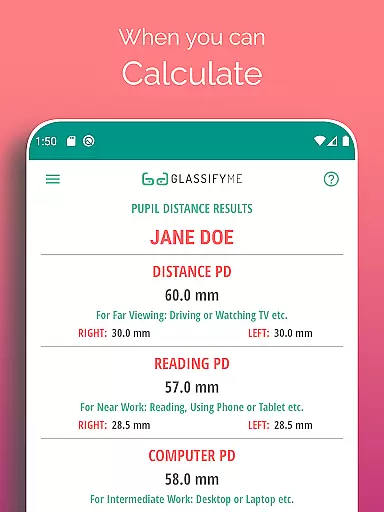
Progress visualization within the Pupil Distance PD Glasses & VR app involves presenting users with clear, understandable data about their pupillary distance measurements. This allows users to track their PD over time and understand how it impacts their vision correction needs.
Upon measuring the PD, the app provides visual feedback on the accuracy and consistency of the measurement. Users can see their progress through detailed images and calculated metrics, ensuring they have a reliable reference for their optical needs.
The advantage of this feature is evident in its ability to offer users a tangible sense of achievement and understanding as they manage their eye health. Visualizing progress helps maintain motivation and encourages regular monitoring, which is particularly beneficial for those requiring frequent updates to their corrective lenses.
By integrating progress visualization, the app not only demystifies a critical aspect of vision care but also engages users more deeply in their personal health management, showcasing the app's commitment to enhancing user experience through informed and visually intuitive tools.
User-friendly interface
Accurate PD measurement
Multiple photo capture options
Privacy-conscious design
Quick and easy process
Requires a reference card
Dependent on photo quality
Limited to Android devices
No live customer support
Internet connection needed

SportWerks - Workout Tracker for Wear OS Watches
 3.90
3.90
Personal Measurements - Track your gains!
4.50
Show your support for the development of FitNotes - Gym Workout Log
4.90
The OFFICIAL Couch to 5K® running training app! A 9 week walk-run workout plan.
4.50
The Crunch Mobile app - Find a gym, manage favorites, reserve & cancel classes.
4.60
Eat smarter with Eato, your personal calorie counter and nutrition tracker!
4.40
Pilates, Calisthenics, Yoga
4.50
FODMAP, Gluten, Allergy, Vegan
4.50
Point, scan, and unlock truth in every bite.
4.50
Power-lifting, weightlifting and Wendler 531 app to track your workout program.
4.90
Walk. Earn: Get rewarded for every step! Walk, move, and earn real rewards.
4.70
Get lasting results with Chair Yoga, Wall Pilates, and Walking workouts!
4.60
This is an application that serves as a companion app for smart watch.
4.20
Get alert about getting out of desired heart rate zone.
4.10
Create powerful subliminal audio with custom affirmations and background music.
4.00
Your Health Has Met Its App (℠)
3.90
Pupillary distance PD with camera quick and easy, checking glasses frames on you
3.70
Enjoy the Gluten Free living with the best app. SCAN the barcodes & SEARCH.
3.60
Optimization for TRT & Enhanced Athletes
4.0


User Reviews