
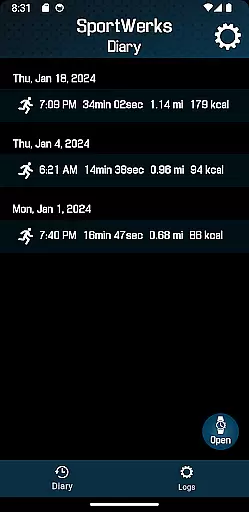
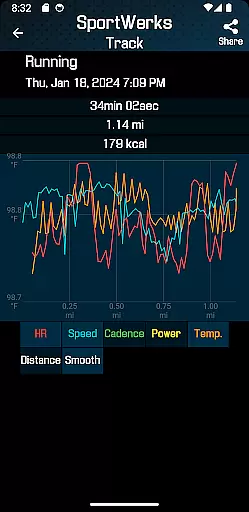
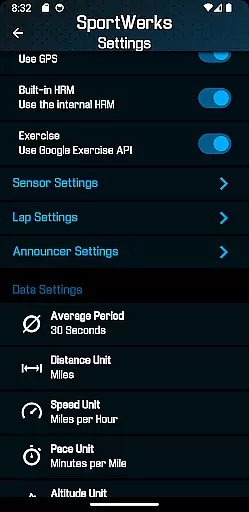
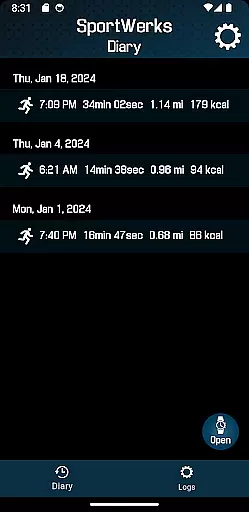
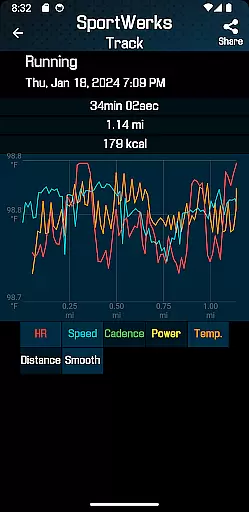
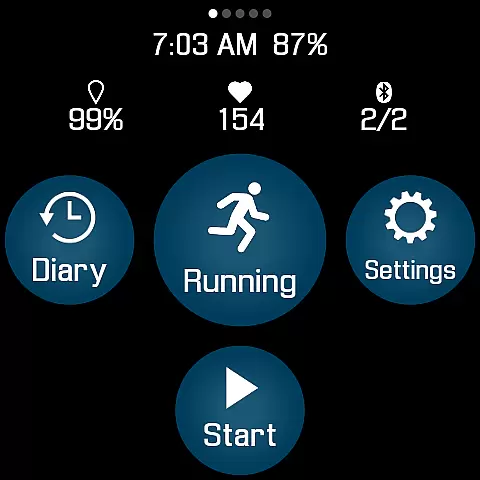
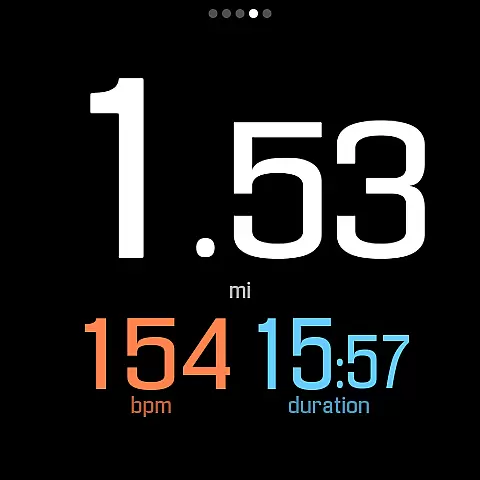
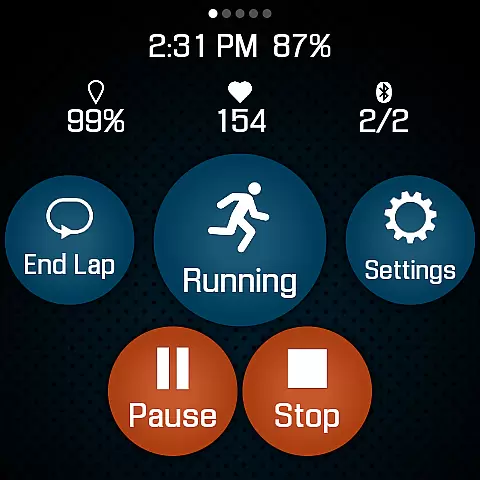
SportWerks is a comprehensive workout tracker designed specifically for Wear OS watches, offering users the ability to customize their workout screens with large, easy-to-read numbers. This app accurately tracks various workouts and automatically syncs data to popular fitness platforms like Strava, FinalSurge, and TrainingPeaks, or provides a .FIT file for other systems.
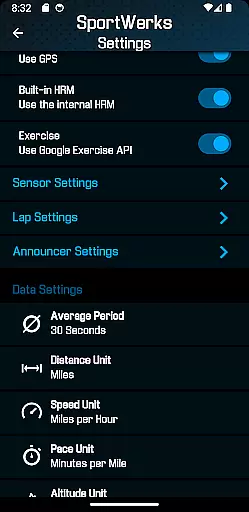
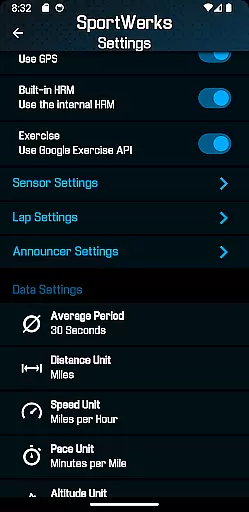
With SportWerks, you can track all types of exercises from the Google Exercise library, monitor heart rate, location, pace, and more. The app supports multiple workout screens, connects to BLE devices from leading fitness brands, and offers real-time settings adjustments through its companion Android app. It also features lap and announcer settings, providing audio feedback during workouts.
Whether you're running, cycling, or swimming, SportWerks ensures you stay focused on your activity while receiving essential workout metrics. Its seamless integration with fitness management systems and compatibility with various devices make it an invaluable tool for fitness enthusiasts looking to optimize their training routines.
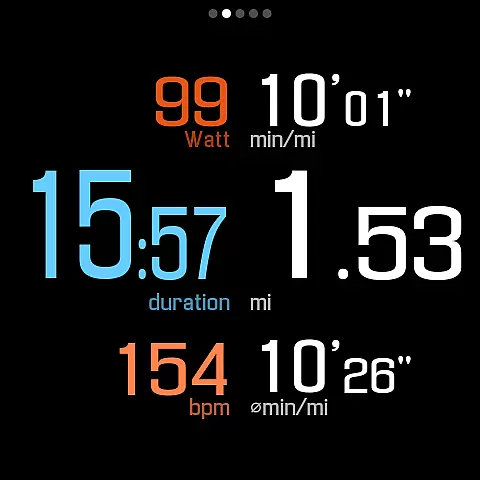
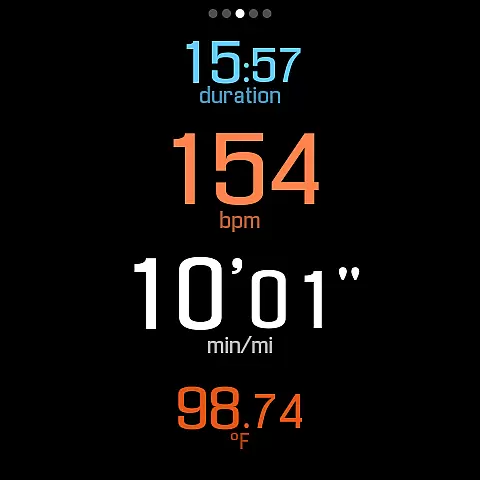
SportWerks stands out with its customizable workout screens, allowing users to choose from multiple layouts and toggle screens on/off easily. The app supports tracking for a wide range of exercises and captures detailed metrics such as heart rate, stride rate, pace, power, and elevation. This level of detail helps users gain deeper insights into their performance.
The app's connectivity with BLE devices from top fitness companies like Stryd, CORE, Wahoo, Polar, and Suunto enhances its functionality. Users can automatically send workouts to Strava, FinalSurge, or TrainingPeaks, and receive .FIT files for importing into any fitness platform. The companion Android app enables real-time setting changes and .FIT file management.
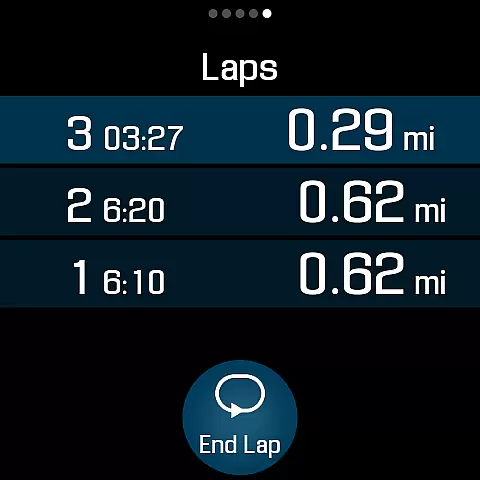
Additional features include lap length selection, timed announcer intervals, and audio notifications via watch speaker or headset. These functionalities ensure users receive timely feedback without needing to look at their device, making SportWerks a versatile and user-friendly fitness-tracking solution.
Personalized planning in fitness applications refers to the ability to tailor workouts according to individual preferences and goals. SportWerks - Workout Tracker excels in this area by offering users the flexibility to customize their workout screens, displaying data that matters most to them during exercise sessions.
The app supports a wide range of activities from the Google Exercise library, ensuring that whether you're running, cycling, or swimming, your plan can be personalized. With options to connect to various Bluetooth-Low-Energy (BLE) devices, users can track heart rate, location, stride rate, pace, power, and elevation, among other metrics, providing a comprehensive overview of their performance.
SportWerks goes beyond basic tracking by allowing users to set specific lap lengths and timed announcements. This feature ensures that feedback is provided exactly when needed, without diverting attention from the workout. Such personalization enhances the overall user experience, making each session more effective and engaging.
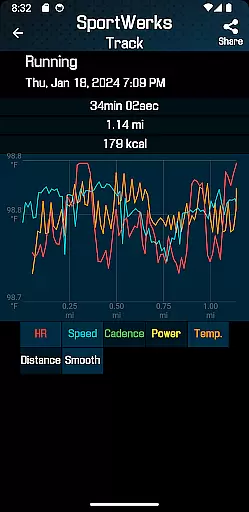
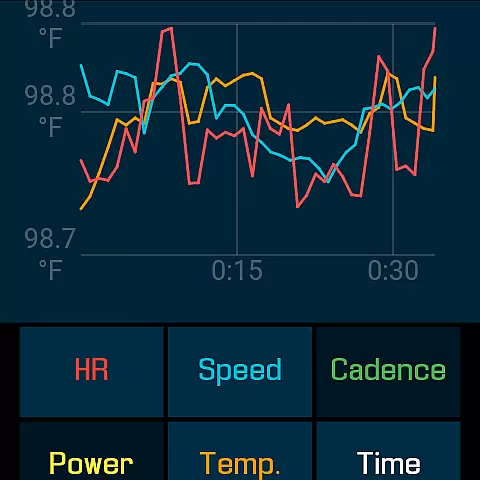
Progress visualization is crucial for maintaining motivation and understanding improvements over time. SportWerks offers robust tools for visualizing workout data through multiple screen options, including 6-values, 4-values, 3-values, and Laps displays. These screens present large, easy-to-read numbers that make monitoring progress straightforward and efficient.
In addition to on-screen visuals, SportWerks automatically sends workout data to popular fitness platforms like Strava, FinalSurge, and TrainingPeaks. Users also receive .FIT files for each session, enabling detailed analysis within any fitness management system. This seamless integration helps users track their progress across different platforms, providing a holistic view of their fitness journey.
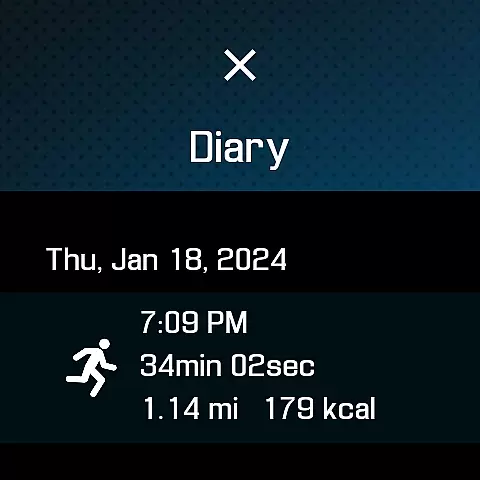
The companion app further enhances progress visualization by allowing real-time adjustments and management of workout files. Whether it's modifying settings or reviewing past performances, SportWerks ensures that users have all the tools necessary to visualize and celebrate their achievements, fostering continued engagement and success.
Customizable workout screens
Wide range of exercise tracking
Automatic syncing to fitness platforms
Real-time settings adjustment
Audio feedback during workouts
Limited to Wear OS devices
No iOS companion app available
Premium features may require subscription
Occasional connectivity issues
Complex setup for beginners

Your plan in your pocket 24/7
 3.00
3.00
Text notifications, button control, heart monitor & more for your Amazfit.
2.40
Home workouts for fitness & fast bodybuilding at home - no equipment needed.
4.90
The OFFICIAL Couch to 5K® running training app! A 9 week walk-run workout plan.
4.50
Grow with self-tests and personal routine.
4.30
Find Paid Clinical Trials In Your Area
3.70
Your Health Assistant
3.90
Focus on BP & Health
3.80
Manage your and your family's health information.
4.60
App to stop smoking slowly or now with a motivational badges and helpful tips
4.80
You deserve easy access to important insurance information. Download for FREE.
4.70
Drink water reminder app. Track water intake. Smart simple hydration tracker.
4.70
Relax. Sleep Better. Feel Better.
4.50
Memory, mind & logic exercises. Puzzle games, IQ & brain test for kids & adults
4.50
Pack of 66 calming lullabies for smooth fall asleep and relaxation
4.10
Make sense of your health data.
3.80
Enjoy the Gluten Free living with the best app. SCAN the barcodes & SEARCH.
3.60
Measure real-time wrist & ambient temperature with your Galaxy Watch (Wear OS)
3.20
Use your watch as a bike computer, heart rate monitor and cycling power meter
2.50


User Reviews