
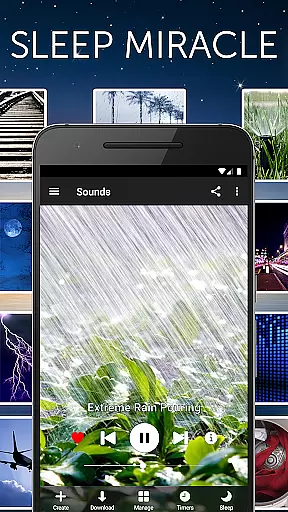



White Noise is a premier sleep and relaxation app designed to help users achieve better rest by providing a variety of ambient sounds. This application is perfect for those who struggle with sleep disturbances, stress, or concentration issues. With over 40 high-quality sound options ranging from environmental noises to mechanical hums, the app caters to diverse user preferences.
The app's standout feature is its ability to mask unwanted background noise, thus creating an ideal environment for sleep and relaxation. Whether you're trying to nap on a plane, soothe a crying baby, or focus in a noisy office, White Noise offers customizable solutions that adapt to various scenarios. Its scientifically proven techniques ensure that your brain remains undisturbed by external sounds, promoting deeper and more restful sleep.
Additionally, White Noise includes advanced functionalities such as sound mixing, alarm systems, and background audio support. These features make it a versatile tool not only for sleeping but also for enhancing privacy and reducing stress. The app's comprehensive approach to sound therapy makes it an invaluable resource for anyone seeking tranquility in their daily lives.
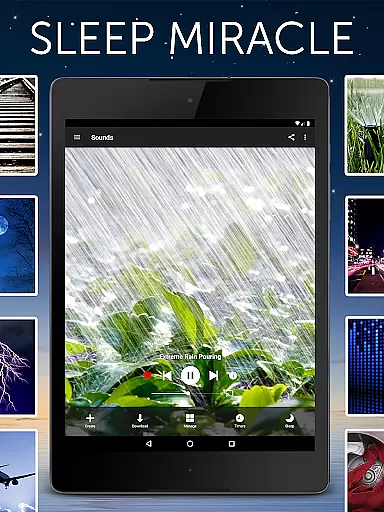
White Noise boasts an impressive array of features that set it apart from other relaxation apps. One of its core strengths is the extensive sound catalog, which includes over 40 perfectly looped sounds covering various categories like color noises, environmental sounds, and mechanical hums. Users can also expand their library with additional free sounds available through the White Noise Market.
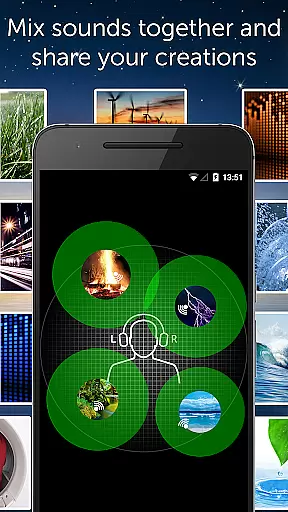
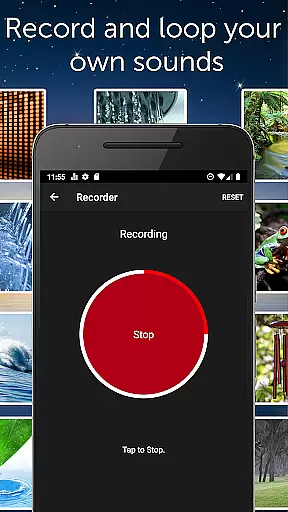
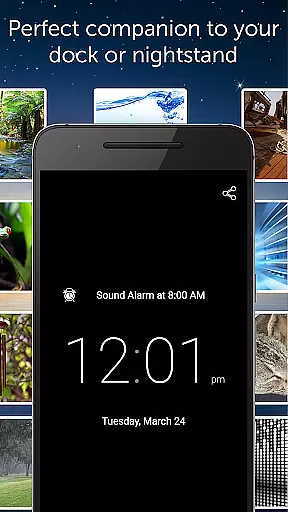
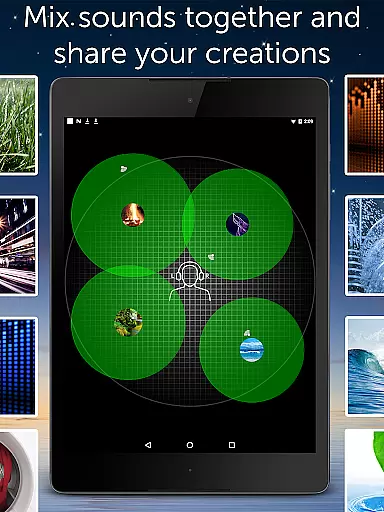
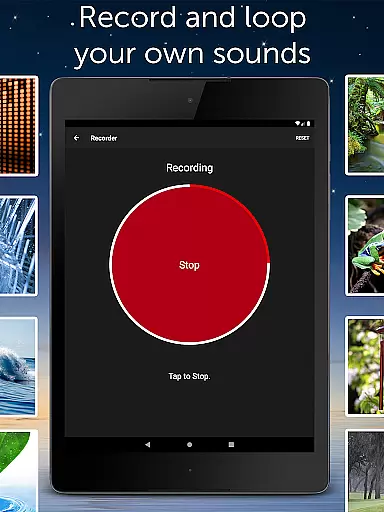
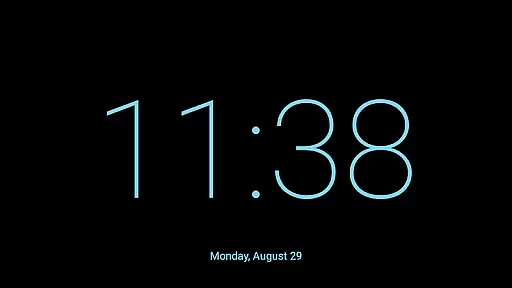
Beyond its rich sound selection, the app allows users to record and loop new sounds effortlessly. The innovative sound-mixing feature lets you blend multiple noises, adjusting volume, balance, and pitch to create personalized soundscapes. Advanced settings provide granular control over playback, ensuring optimal performance tailored to individual needs. Background audio support enables seamless multitasking, while the full-screen digital clock enhances usability during nighttime.
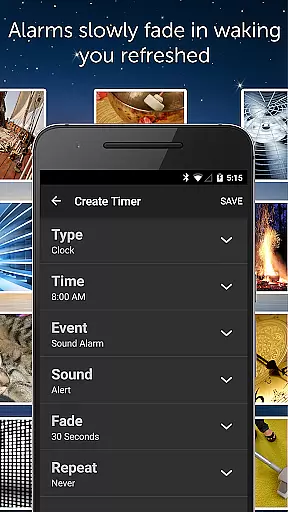
Other notable features include an advanced alarm system that gently wakes you up, a user-friendly media player with swipe gesture controls, and Chromecast TV support for enhanced accessibility. With no advertisements and meticulous attention to detail, White Noise delivers a premium experience aimed at improving overall well-being through superior sound technology.
White Noise offers personalized soundscapes to enhance your sleep and relaxation experience. The app provides over 40 ambient sounds that can be customized to fit individual preferences, allowing users to mix multiple noises and adjust volume, balance, and pitch.
The application's strength lies in its ability to cater to personal needs by enabling the recording and looping of new sounds effortlessly. This feature ensures that users can create a unique auditory environment that suits their specific requirements for stress reduction and sleep improvement.
Users benefit from advanced settings that allow fine-tuning of the audio experience. With options to tweak buffer size, sound volume, balance, pitch, and custom alarm snooze times, White Noise delivers a highly personalized experience aimed at promoting better rest and overall well-being.
This personalized approach not only helps in blocking distractions but also soothes headaches, masks tinnitus, and pacifies crying babies, making it an invaluable tool for anyone seeking a tailored solution for sleep and relaxation challenges.
White Noise includes features that provide clear progress visualization for users engaged in improving their sleep patterns. The full-screen digital clock with adjustable colors and brightness serves as a visual aid during nighttime, helping users maintain awareness of time while minimizing disturbances.
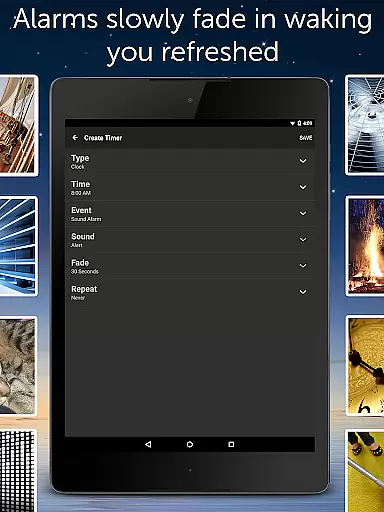
The app's advanced alarm and timer system is designed to gently fade audio in and out, simulating a natural waking process. This feature allows users to visualize their progress through the night, culminating in a refreshed awakening that indicates successful utilization of the app's capabilities.
With on-screen media player controls and swipe gesture navigation, users can easily interact with their sound collection. These intuitive controls contribute to a seamless experience, offering visual feedback that enhances the sense of progression through various stages of sleep.
By starring favorite sounds and mixes, users can track their preferences and observe changes in their choices over time. This tracking feature serves as a form of progress visualization, empowering users to refine their auditory environments continually and achieve optimal sleep quality.
User-friendly interface
Extensive sound library
Customizable soundscapes
Background audio support
No advertisements
Limited free sounds
Premium version costly
Complex for beginners
Occasional bugs
High storage usage

“Overcoming pain based on EMDR” helps you to alleviate chronic pain and stress.
 4.10
4.10
Chair Workout: Women's Edition for safe, flexible, and personalized fitness.
4.40
a fun app full of surprises :)
4.70
Build Healthy Habits!
4.60
Using Recognise™ has been shown to reduce pain, and improve performance.
4.4
Step Counter, track steps when you walk or run
4.70
You deserve easy access to important insurance information. Download for FREE.
4.70
Walk, track, and burn calories with step counter & GPS walking tracker
4.20
Mood journal, habits, self-care tracker, self-love
4.90
Show your support for the development of FitNotes - Gym Workout Log
4.90
Weight loss app: home workout for women to lose weight & burn calories.
4.80
Easy access to health benefits
4.70
Effortlessly and naturally release anxiety by harnessing the power of your brain
4.60
The Official Blood Type Diet® App - know your categorized foods anytime.
4.50
Memory, mind & logic exercises. Puzzle games, IQ & brain test for kids & adults
4.50
Relax to calm sounds, white noise, music, guided meditation and bedtime stories
4.40
Download MadMuscles to start your positive body transformation!
4.30
Sync your activities of the most popular sports tracking services
2.70
Using Recognise™ has been shown to reduce pain and improve performance.
4.4


User Reviews