
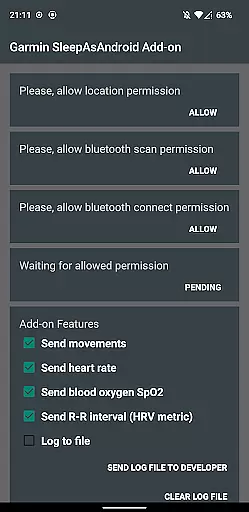
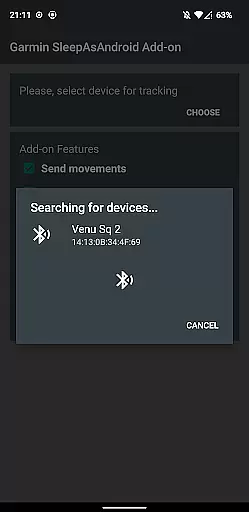
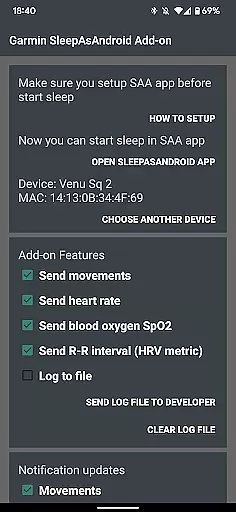
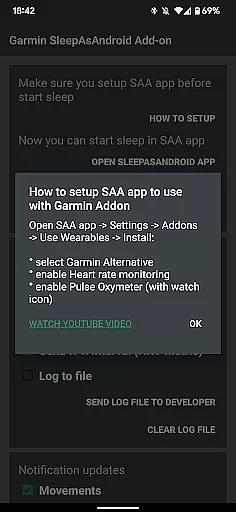
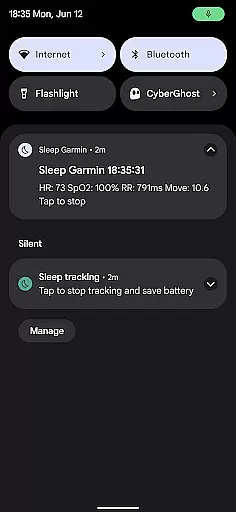
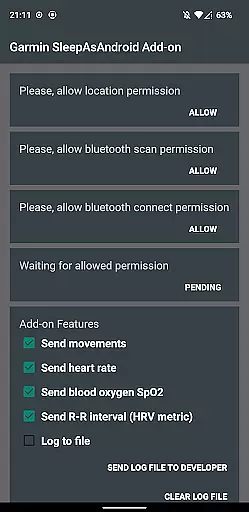
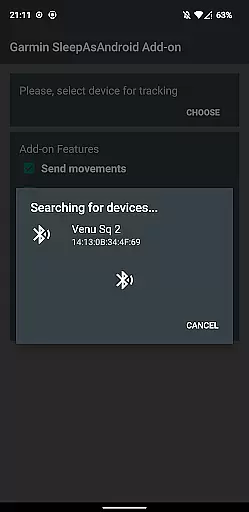
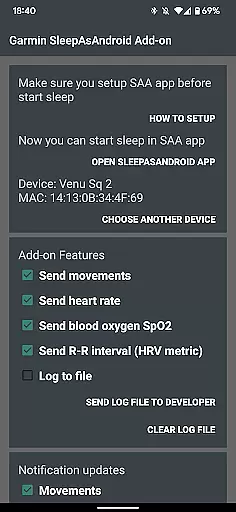
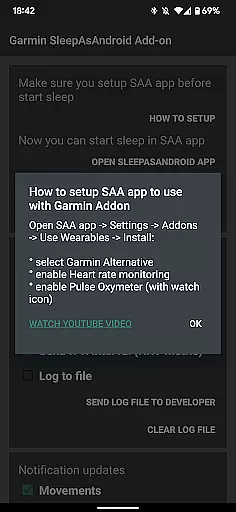
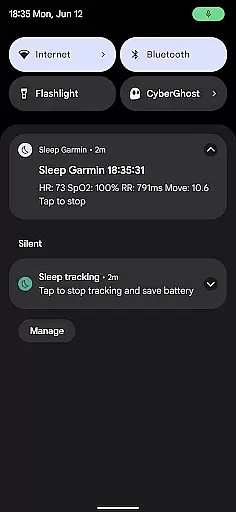
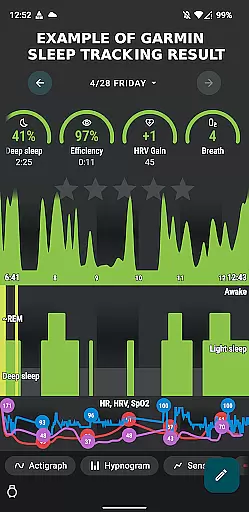
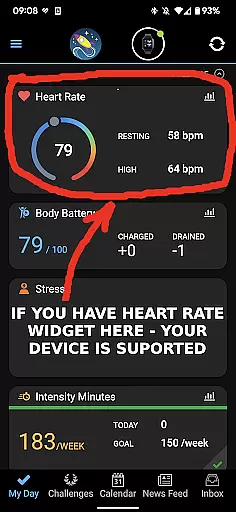
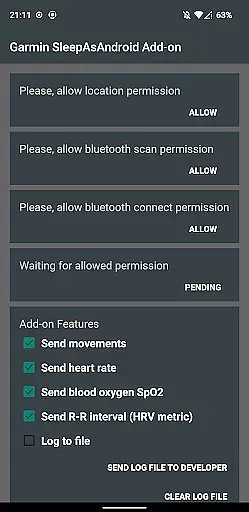
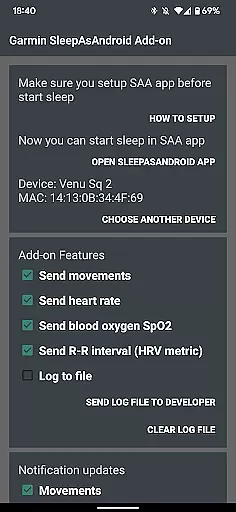
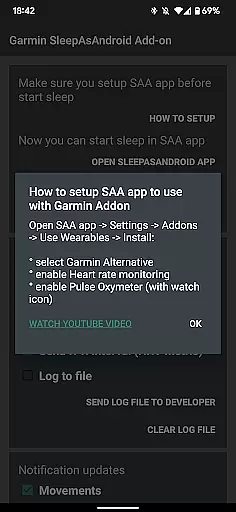
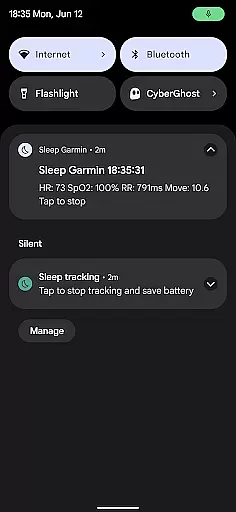
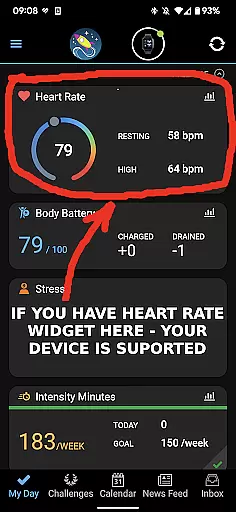
Personalized planning in Garmin Sleep Advanced involves the use of advanced metrics to tailor sleep tracking and wellness insights specifically for the user. This app leverages real-time data such as Heart Rate Variability (HRV), blood oxygen saturation (SpO2), heart rate, and motion to offer a comprehensive analysis of your sleep patterns.
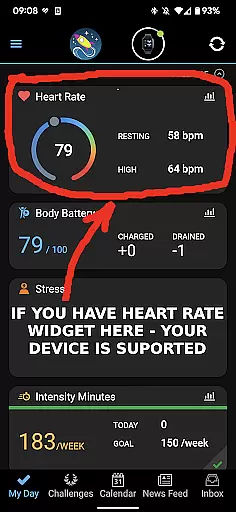
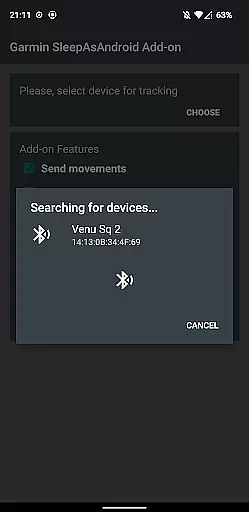
The application's compatibility with all Garmin wearables that support Bluetooth streaming allows for seamless integration and personalized feedback based on the device's capabilities. By analyzing these critical health metrics, users receive a customized plan that adapts to their unique physiological responses during sleep.
Users benefit from this personalized approach as it enables them to make informed decisions about their rest and recovery. The ability to track changes over time and receive tailored recommendations can lead to improved sleep quality and overall well-being.
This level of personalization sets Garmin Sleep Advanced apart by providing an adaptive experience that evolves with the user's ongoing health data, ensuring that each night's sleep is optimized according to individual needs and trends detected by the app.
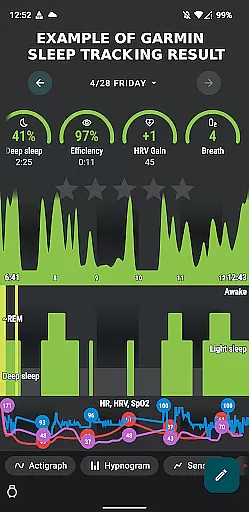
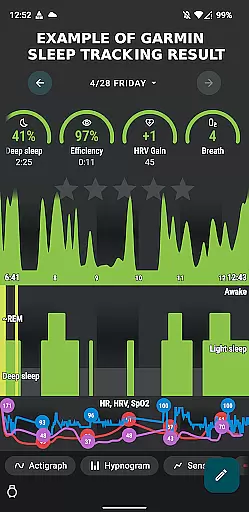
Progress visualization within Garmin Sleep Advanced provides users with clear graphical representations of their sleep data, making it easier to understand and track improvements over time. The app translates complex metrics like HRV, SpO2, and heart rate into visual formats that are accessible and actionable.
By integrating with Sleep as Android, the app displays detailed charts and graphs that illustrate sleep stages, disturbances, and environmental factors affecting rest. These visual tools help users identify patterns and correlations between their lifestyle choices and sleep quality.
The advantage of having progress visualized is significant; it empowers users to set tangible goals and monitor their achievements in improving sleep hygiene. Visual feedback serves as a motivator, encouraging consistent use of the app and adherence to healthier sleep habits.
Ultimately, Garmin Sleep Advanced's focus on progress visualization not only enhances user engagement but also supports sustained behavioral change towards better health outcomes through informed adjustments based on visible data trends.

Insanity blocks of intense physical activity, short breaks of 30 seconds.
 4.4
4.4
a fun app full of surprises :)
4.70
50 HD sounds to help you relax during the day and sleep great at night!
4.40
The OFFICIAL Couch to 5K® running training app! A 9 week walk-run workout plan.
4.50
Eat smarter with Eato, your personal calorie counter and nutrition tracker!
4.40
Your portable blood pressure tracker. Record, monitor, and analyze BP anytime.
4.30
FODMAP, Gluten, Allergy, Vegan
4.50
beat yesterday.
4.00
Easy to use step counter, calorie counter helps lose weight, count steps offline
4.80
Power-lifting, weightlifting and Wendler 531 app to track your workout program.
4.90
You deserve easy access to important insurance information. Download for FREE.
4.70
The Official Blood Type Diet® App - know your categorized foods anytime.
4.50
Relax. Sleep Better. Feel Better.
4.50
This is an application that serves as a companion app for smart watch.
4.20
Histamine intolerance, low FODMAP diet and irritable bowel syndrome (IBS)
4.00
Make sense of your health data.
3.80
FitCloudPro takes care of your health every minute.
3.70
GloryFit is a companion app for the smart bracelet.
3.60
Using Recognise™ has been shown to reduce pain and improve performance.
4.1


User Reviews