
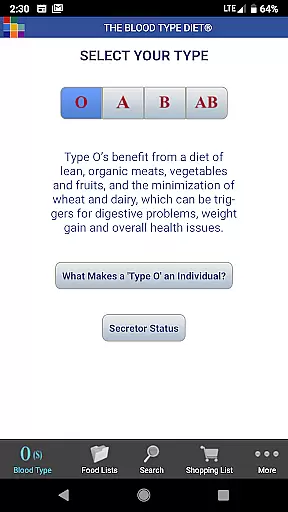
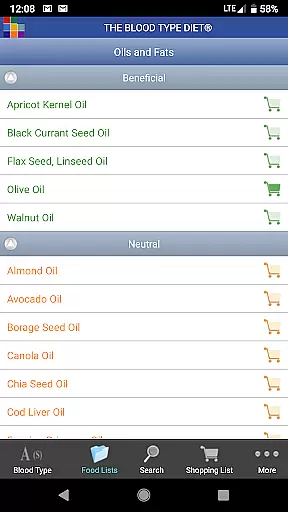
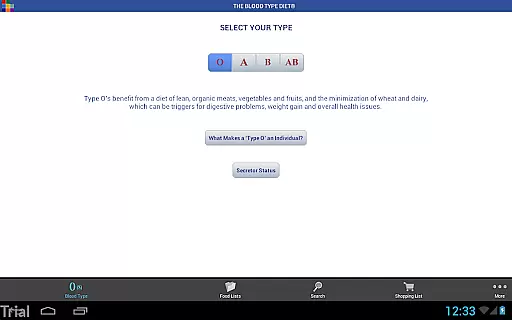
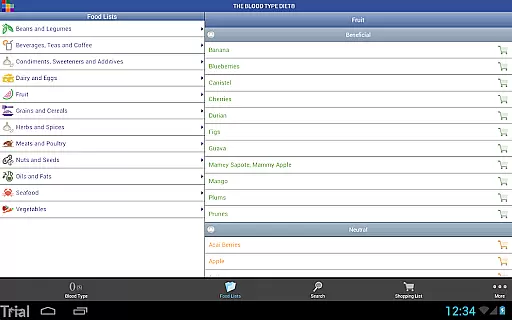
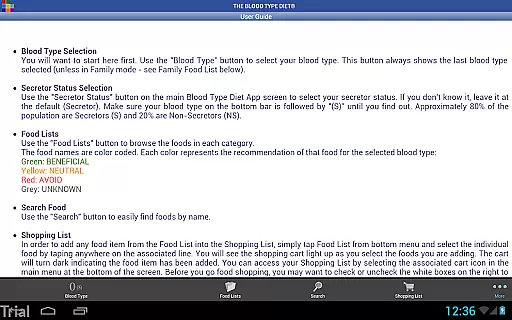
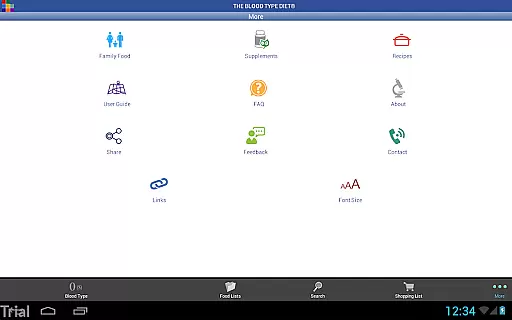
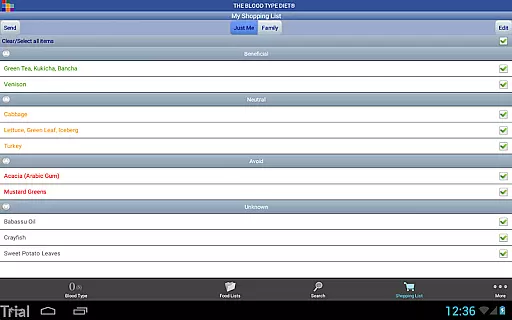
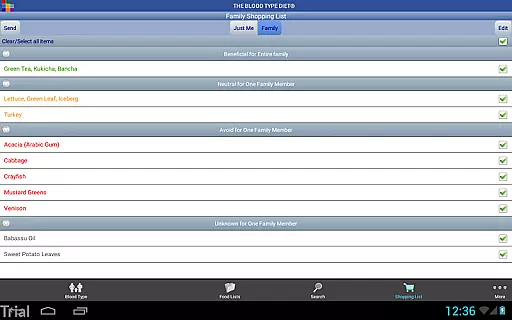
The Blood Type Diet® App, developed by Dr. Peter J. D'Adamo, is a comprehensive dietary guide tailored to the four blood types. This app categorizes foods into Beneficial, Neutral, and Avoid for each blood type, helping users make informed food choices. Whether you're grocery shopping, dining out, or planning meals, this app ensures you eat right for your type.
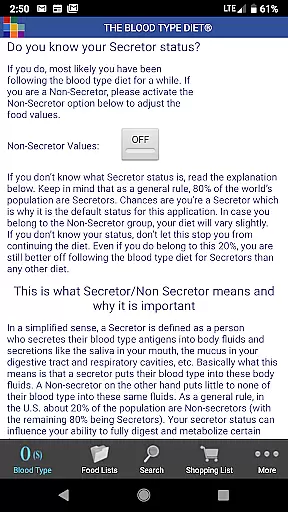
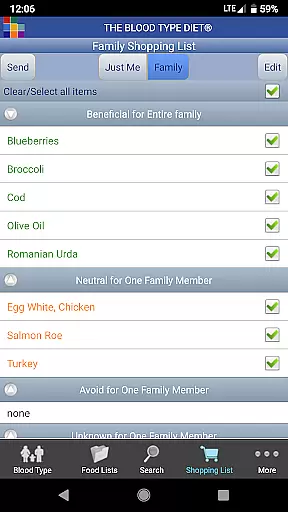
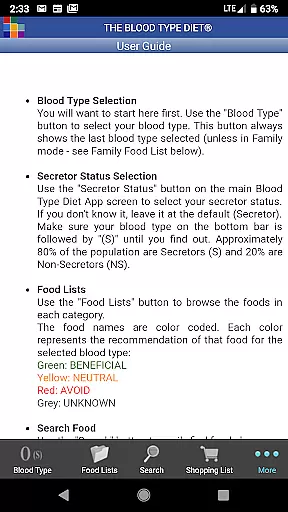
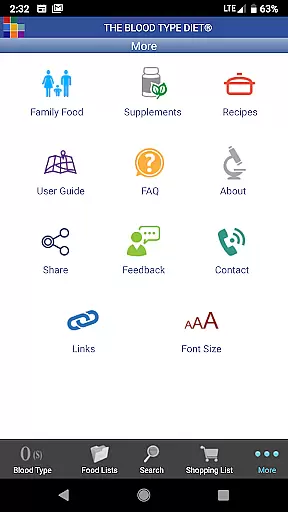
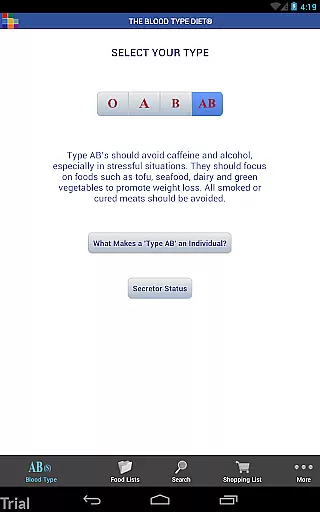
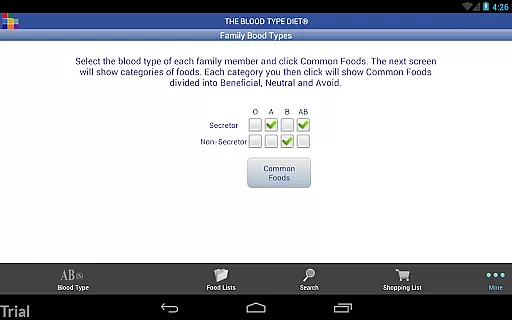
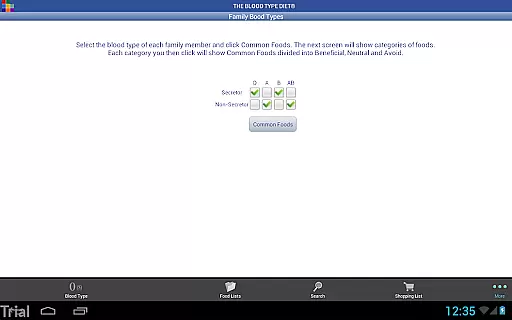
With an intuitive interface, users can easily select their blood type and secretor status to access personalized food lists. The app also features a shopping list function, family food list integration, and email sharing capabilities. It includes detailed information about each blood type, a user guide, FAQs, and dietary supplement details. Designed for both Android phones and tablets, it optimizes display on larger devices, making it a handy tool for maintaining a healthy diet.
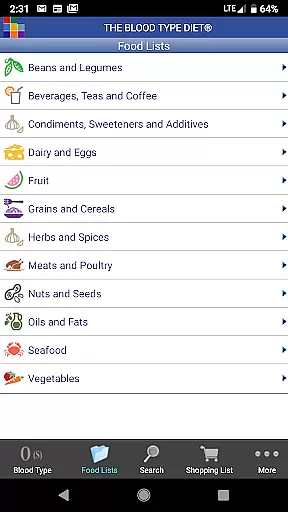
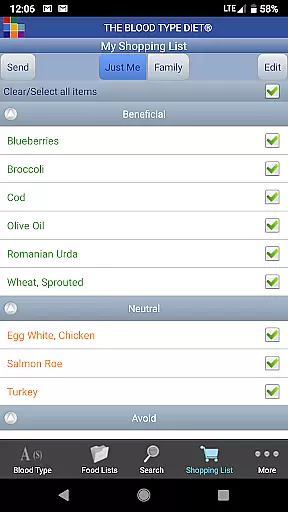
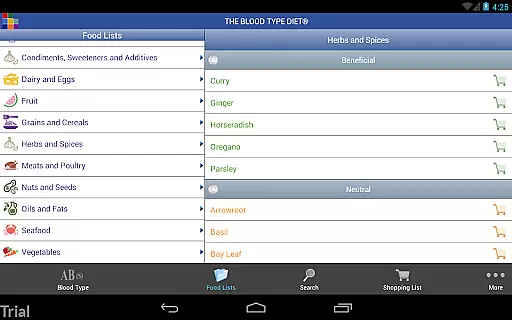
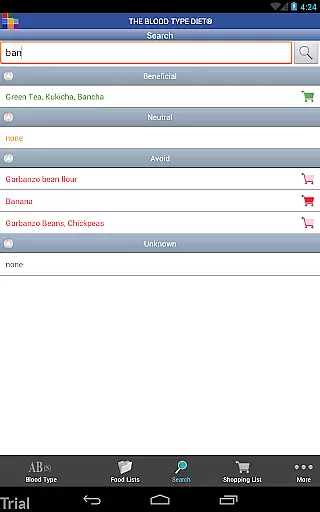
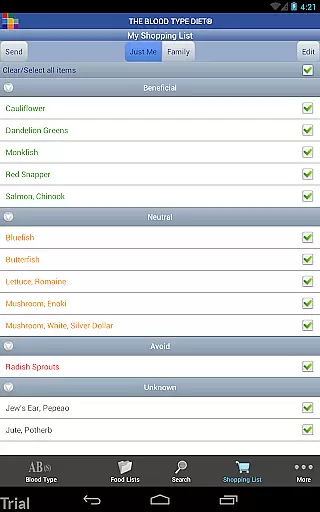
The Blood Type Diet® App offers a rich set of features designed to enhance user experience and provide valuable dietary insights. Users can choose from a comprehensive list of foods categorized by blood type, including options for secretor status. The app's Food Search function and intuitive icons make navigation seamless, while the Shopping List feature allows users to manage their groceries efficiently.
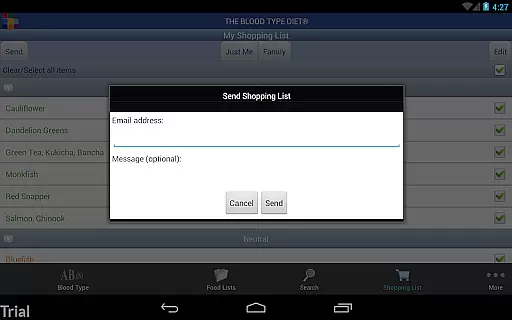
Additional functionalities include the ability to email shopping lists directly from the app and access to convenient recipes that require an internet connection. The app also provides detailed information on dietary supplements with an A to Z supplement link. Enhanced app screens optimize the display on larger devices, ensuring a user-friendly experience. With official approval and continuous support, this app is a reliable companion for adhering to the Blood Type Diet®.
Personalized planning is at the core of The Blood Type Diet app, offering tailored dietary recommendations based on individual blood types. This approach ensures that users receive specific advice that aligns with their physiological needs.
The app provides a comprehensive list of foods categorized as Beneficial, Neutral, and Avoid for each blood type. Users can easily navigate through these lists to plan their meals effectively, whether they are at home or dining out.
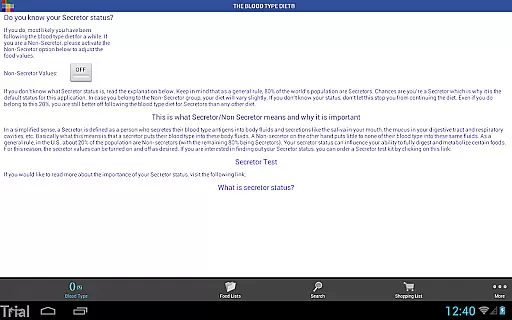
By integrating the option to set secretor status, the app further refines its personalized planning feature. This allows users to gain even more accurate dietary suggestions, enhancing their overall health management experience.
With intuitive icons and easy-to-use interfaces, users can create shopping lists and access recipes that suit their blood type. This personalized approach empowers users to make informed decisions about their nutrition, promoting better health outcomes.
Progress visualization in The Blood Type Diet app helps users track their dietary journey by providing clear insights into their eating habits. This feature is crucial for maintaining motivation and ensuring adherence to the recommended diet plan.
Users can view their selected food choices and monitor how well they are following the guidelines for their specific blood type. The app's ability to display this information in an organized manner makes it easier for users to understand their progress over time.
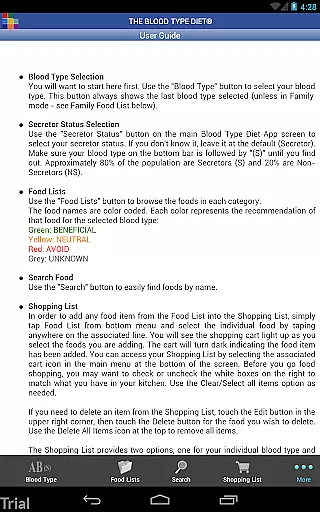
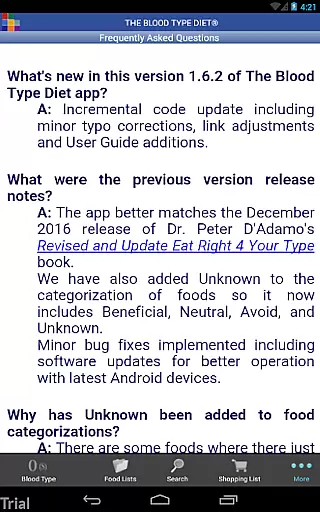
In addition to tracking food selections, the app offers supplementary resources such as FAQs and user guides. These materials provide valuable context and support, helping users to stay committed to their health goals.
By combining practical tools like email-enabled shopping lists with educational content, the app fosters a holistic approach to progress visualization. This combination not only tracks but also educates users, leading to sustained lifestyle changes and improved well-being.
User-friendly interface
Comprehensive food lists
Personalized recommendations
Shopping list integration
Detailed dietary information
Requires internet connection
Limited to specific diet
No offline functionality
Premium features may cost extra
Occasional updates needed

The simplest way to track your 21 Day Program containers, exercises, and water.
 4.50
4.50
Relax to calm sounds, white noise, music, guided meditation and bedtime stories
4.40
Weight loss app: home workout for women to lose weight & burn calories.
4.80
Measure real-time wrist & ambient temperature with your Galaxy Watch (Wear OS)
3.20
This is an application that serves as a companion app for smart watch.
4.20
Dexcom G7 Continuous Glucose Monitoring
3.70
Fast Body building & Weight Loss. Home Workouts with Daily Coach, No Equipment.
4.30
Scan food & cosmetic products and evaluate their impact on your health
4.80
Comprehensively record and manage your health
4.50
Home workouts for fitness & fast bodybuilding at home - no equipment needed.
4.90
Wall Pilates at home & Pilates workout for beginners for core and weight loss.
4.80
Easy to use step counter, calorie counter helps lose weight, count steps offline
4.80
Get lasting results with Chair Yoga, Wall Pilates, and Walking workouts!
4.60
The OFFICIAL Couch to 5K® running training app! A 9 week walk-run workout plan.
4.50
Pilates, Calisthenics, Yoga
4.50
Grow with self-tests and personal routine.
4.30
Your personal BP tracking companion, focus on helping you achieve wellness goal.
4.10
Understand your body’s most meaningful messages and transform your health.
3.90
The Wear OS BeechBand app is designed to alleviate anxiety and other conditions
4.4


User Reviews