
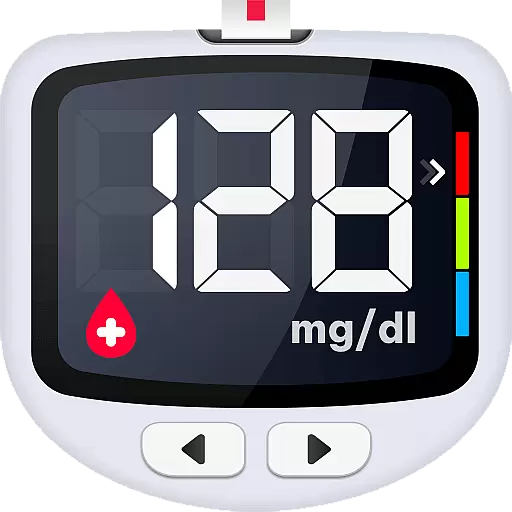
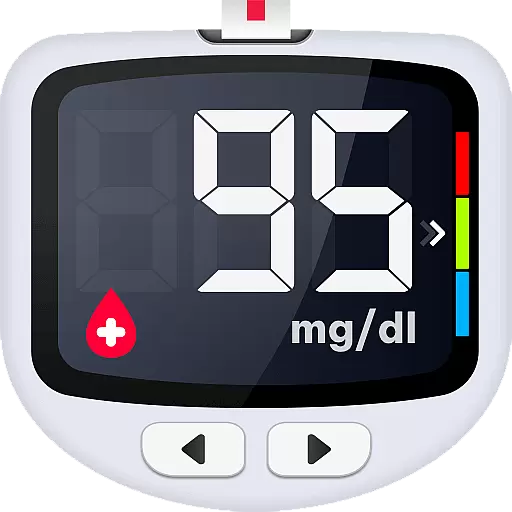
Blood Sugar is a comprehensive diabetes management app designed to simplify blood glucose tracking and monitoring. The application allows users to effortlessly log their blood sugar readings, analyze trends, and understand measurement values through clear charts and analytics. With support for both mg/dL and mmol/L units, it caters to a global audience and ensures accurate tracking regardless of the user's location.
One of the standout features is its ability to provide detailed insights into blood glucose patterns, helping users detect abnormalities in glycohemoglobin levels. Additionally, the app offers rich educational content about diabetes management, including expert advice on preventing and controlling Type 1, Type 2, and gestational diabetes. Users can also securely back up their data, export historical reports, and share them directly with healthcare providers, making it an essential tool for anyone managing diabetes.
Whether you're newly diagnosed or have been managing diabetes for years, Blood Sugar App serves as a reliable companion for maintaining optimal health. Its intuitive interface and robust functionality make it suitable for daily use, empowering users to take control of their health and work towards achieving target blood sugar levels.
Blood Sugar App stands out with its diverse range of features tailored specifically for diabetes management. One of its core functionalities is the easy logging system that lets users track their blood glucose levels with customized tags such as 'before meal,' 'after meal,' or 'fasting.' These tags allow for precise categorization of each reading, providing deeper insights into how different factors affect blood sugar levels.
The app also includes visually appealing graphs that display blood glucose trends over time. This feature enables users to quickly identify abnormal patterns and take timely action to prevent hyperglycemia or hypoglycemia. Furthermore, the app provides valuable health advice and educational resources to help users better understand and manage their condition. Another notable feature is the secure cloud backup option, which ensures that all records are safely stored and can be restored even when switching devices.
For those who require professional medical consultation, the app allows for seamless exporting of historical data, which can be shared directly with doctors. With its dual-unit support (mg/dL and mmol/L), Blood Sugar App accommodates users worldwide, ensuring everyone has access to accurate and personalized diabetes management tools.
Personalized planning in the Blood Sugar app refers to the ability to tailor blood glucose monitoring and management according to individual needs. This feature is crucial for users with diabetes, as it allows them to customize their tracking based on different factors such as meal times, insulin intake, and physical activities.
The app facilitates personalized planning by enabling users to add customized tags to each blood glucose record. These tags can indicate the state of measurement, such as before or after meals, fasting, or taking insulin. By doing so, users can gain insights into how various factors affect their blood sugar levels.
Users benefit from this feature by being able to identify patterns and trends in their blood glucose readings over time. With clear charts and graphs, they can easily monitor their blood sugar history and detect any abnormalities. This empowers them to take timely action to manage their condition effectively.
Ultimately, personalized planning in the Blood Sugar app provides a proactive approach to diabetes management. It equips users with the knowledge and tools needed to make informed decisions about their health, leading to better control over their blood sugar levels and improved overall well-being.
Progress visualization within the Blood Sugar app involves presenting users' blood glucose data in an easily digestible graphical format. This feature is essential because it transforms complex numerical data into visual representations that are simple to interpret, thus enhancing user understanding of their health metrics.
The app offers clear charts and graphs that allow users to review changes in their blood sugar levels effortlessly. Users can observe trends over time, which helps them to recognize abnormal fluctuations quickly. Such visual cues enable swift identification of potential issues related to glycohemoglobin levels.
By utilizing progress visualization, users can track the effectiveness of their diabetes management strategies. The ability to visually assess improvements or declines in their condition motivates users to maintain healthy habits and make necessary adjustments to their lifestyle or treatment plan.
In summary, progress visualization not only simplifies the process of monitoring blood glucose but also plays a significant role in empowering users to take charge of their health journey. It provides a tangible way for users to see their progress, encouraging continued engagement with their health management goals.
User-friendly interface
Comprehensive trend analysis
Rich educational content
Secure data backup
Customizable tracking tags
No direct glucose measurement
Limited offline functionality
Premium features locked
Occasional syncing issues
Requires manual input

Live Heart Rate Pro - Real Time Heart & Workout Data For Wear OS & Bluetooth BLE
 3.20
3.20
Personal Measurements - Track your gains!
4.50
Enjoy the Gluten Free living with the best app. SCAN the barcodes & SEARCH.
3.60
The Sleep Miracle Sound Machine: Soothes baby to sleep with a gentle "Shhh"
3.00
Pupillary distance PD with camera quick and easy, checking glasses frames on you
3.70
Turn your steps into cash, gift cards & rewards with our step counting pedometer
3.80
Blood Pressure Log, HRV & Heartbeat Tracker. Pulse Checker.
4.40
Dexcom G7 Continuous Glucose Monitoring
3.70
Control your blood pressure, heart rate and blood sugar in a fast way.
4.00
Step Counter, track steps when you walk or run
4.70
Easy access to health benefits
4.70
The simplest way to track your 21 Day Program containers, exercises, and water.
4.50
Relax to calm sounds, white noise, music, guided meditation and bedtime stories
4.40
Grow with self-tests and personal routine.
4.30
Your portable blood pressure tracker. Record, monitor, and analyze BP anytime.
4.30
Histamine intolerance, low FODMAP diet and irritable bowel syndrome (IBS)
4.00
beat yesterday.
4.00
Make sense of your health data.
3.80
Text notifications, button control, heart monitor & more for your Amazfit.
2.40


User Reviews