
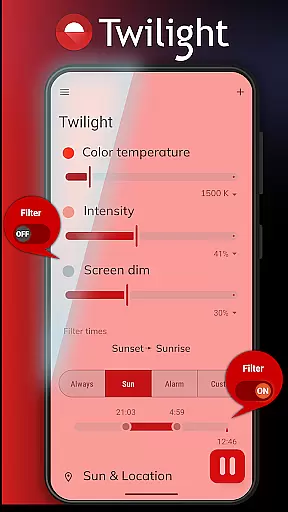
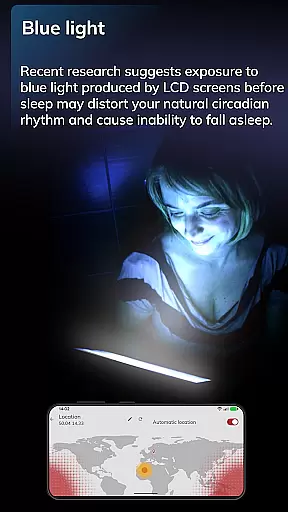
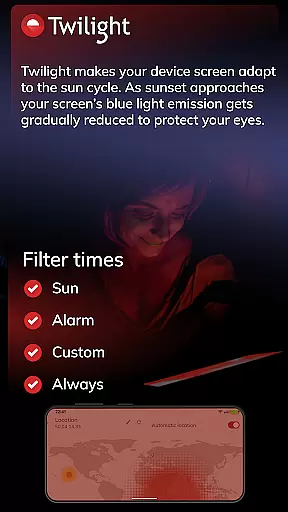
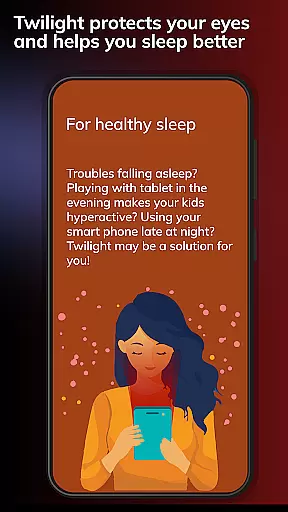
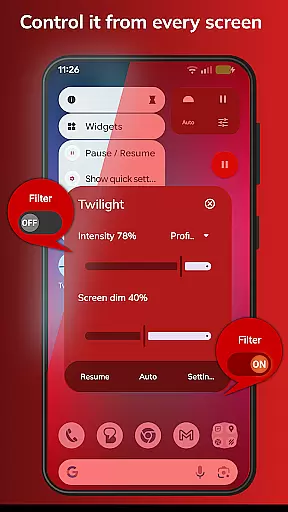
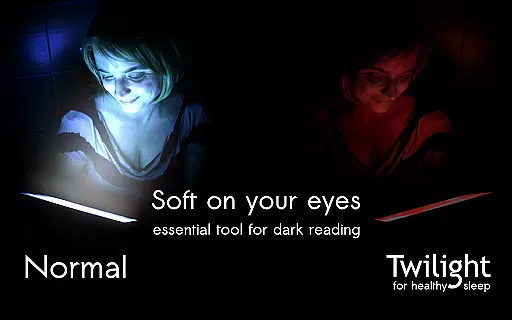
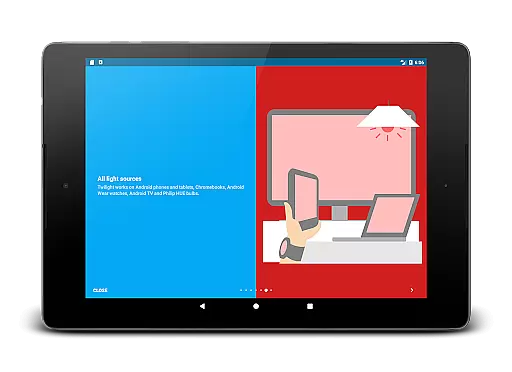
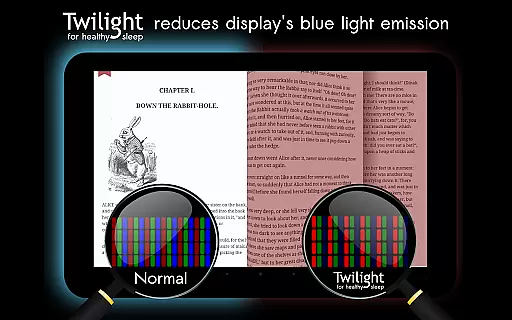
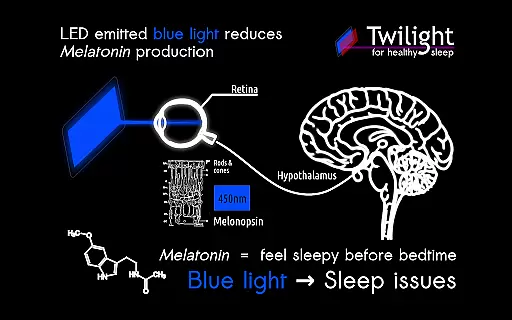
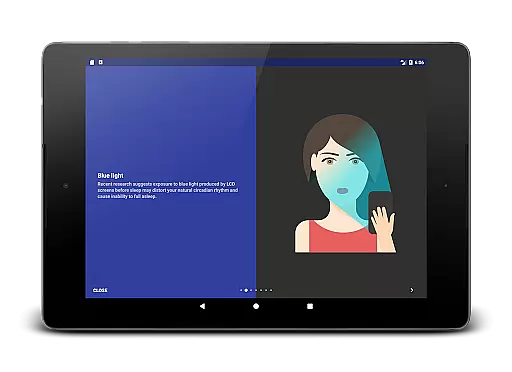
Twilight Pro Unlock is an innovative solution designed to address sleep issues caused by blue light exposure from smart devices. This Health & Fitness application automatically adjusts your screen's blue light emission based on the time of day, aligning with your circadian rhythm. By filtering out stimulating blue light after sunset, it creates a soothing red light environment that promotes better sleep quality.
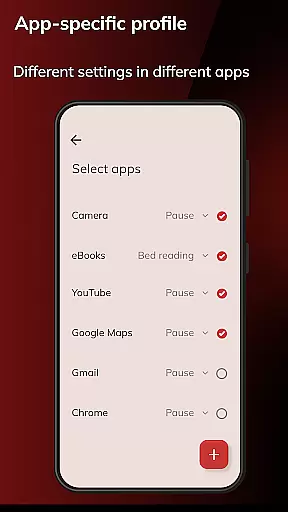
The app offers advanced customization options including multiple profiles, adjustable transition times, and the ability to disable the service during inactive periods. These features make it particularly beneficial for individuals who use their devices late into the evening and struggle with sleep disturbances. With its scientific approach to improving sleep hygiene, Twilight Pro Unlock provides a valuable tool for anyone seeking restful nights and healthier daily routines.
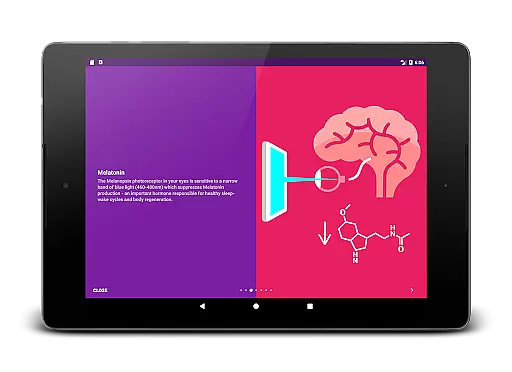
Twilight Pro Unlock stands out with its sophisticated feature set tailored to optimize sleep health. The app's core functionality revolves around its ability to dynamically adjust screen color temperature based on local sunset and sunrise times. This automatic adjustment helps maintain your natural melatonin production cycle, crucial for healthy sleep patterns.
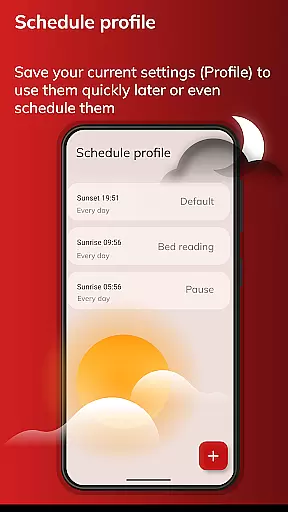
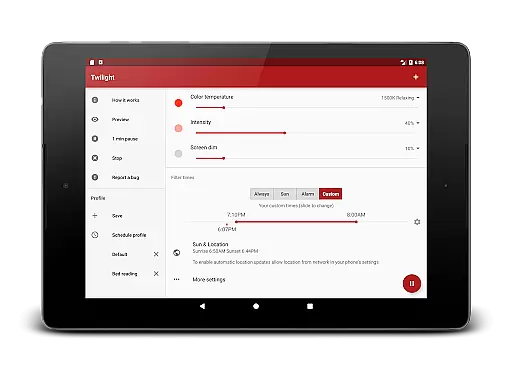
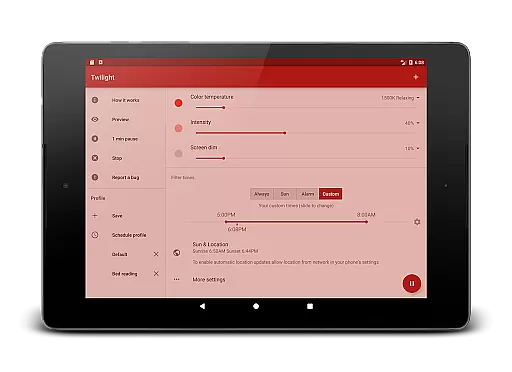
Among its distinguishing features are multiple customizable profiles that allow users to create personalized blue light filtering settings. The PRO version includes enhanced scheduling capabilities, enabling precise control over when the filtering begins and ends. Additionally, users can completely disable the service during specific hours, ensuring uninterrupted device performance when needed. These comprehensive features make Twilight Pro Unlock a powerful tool for managing digital device usage while maintaining optimal sleep health.
Personalized planning in Twilight Pro Unlock involves tailoring the screen's blue light filtering to match your daily routine and health needs. This feature is crucial for users who spend significant time on their devices before bedtime.
The app achieves personalized planning by allowing users to set custom profiles that adjust the intensity of the blue light filter based on the time of day, local sunrise, and sunset times. Users can create more than two predefined profiles, ensuring a smooth transition from day to night settings.
By using this feature, users can experience improved sleep quality as the adjusted light spectrum helps maintain natural melatonin production. The tailored profiles ensure that the screen remains comfortable to use without disrupting the body's circadian rhythm.
This level of personalization offers real value by promoting healthier sleep patterns and reducing eye strain, making it an indispensable tool for anyone looking to minimize the negative effects of screen time on sleep.
Progress visualization in Twilight Pro Unlock refers to the representation of changes in screen filtering over time, providing users with a clear understanding of how their screen's light spectrum shifts throughout the day.
The app visualizes progress through its dynamic adjustment of the red filter's intensity, which aligns with the user's local sun cycle. As the evening progresses, users can observe the gradual shift in screen tint, reinforcing the app's role in their daily health routine.
Users benefit from this feature as it creates awareness of their screen habits and the corresponding adjustments made by Twilight. This visualization empowers users to associate the changing screen colors with their own circadian rhythms, enhancing their understanding of sleep hygiene.
Ultimately, progress visualization adds significant value by engaging users in their health journey, encouraging consistent use of Twilight Pro Unlock, and fostering better sleep practices through observable and understandable screen changes.
Effective blue light filter
Customizable profiles
Precise scheduling options
Scientifically-backed approach
Enhanced sleep quality
Requires manual setup
Premium version cost
May affect screen colors
Initial learning curve
Device compatibility issues

Live Heart Rate Pro - Real Time Heart & Workout Data For Wear OS & Bluetooth BLE
 3.20
3.20
Enjoy the Gluten Free living with the best app. SCAN the barcodes & SEARCH.
3.60
Easy reconstitution calc for mixing peptides and creating protocols
4.70
Using Recognise™ has been shown to reduce pain and improve performance.
4.4
Pilates, Calisthenics, Yoga
4.50
Focus on BP & Health
3.80
Scan food & cosmetic products and evaluate their impact on your health
4.80
Mood journal, habits, self-care tracker, self-love
4.90
Comprehensively record and manage your health
4.50
Meditation app, head space app provides calm music to help you meditate & sleep
5.00
Beauty Care, Makeup & Skin Care Scanner | Pregnancy App For A Mom | Healthy Baby
5.00
Easy to use step counter, calorie counter helps lose weight, count steps offline
4.80
Walk. Earn: Get rewarded for every step! Walk, move, and earn real rewards.
4.70
The simplest way to track your 21 Day Program containers, exercises, and water.
4.50
Relax. Sleep Better. Feel Better.
4.50
50 HD sounds to help you relax during the day and sleep great at night!
4.40
Eat smarter with Eato, your personal calorie counter and nutrition tracker!
4.40
Fast Body building & Weight Loss. Home Workouts with Daily Coach, No Equipment.
4.30
Interval timer for High Intensity Interval Training, Tabata and Circuit Training
4.20


User Reviews