

Check and Track your Blood Pressure & Heart Rate.
 4.50
4.50
Secure video visits with your VA care team from anywhere
4.50
World's largest contact lens store
4.60
One app to unlock your health
4.30
Be more confident prescribing homeopathy at home for your family.
4.80
Pelvic Floor Muscle Exercises
4.80
Enjoy 200%+ volume booster with bass booster, equalizer and headphone supported.
4.60
Voice pitch monitor for speech therapy, LSVT, Parkinson's, singing & trans
4.30
Pelvic Floor Muscle Exercises
4.80
Manage your prescriptions and pharmacy care anytime, anywhere.
4.80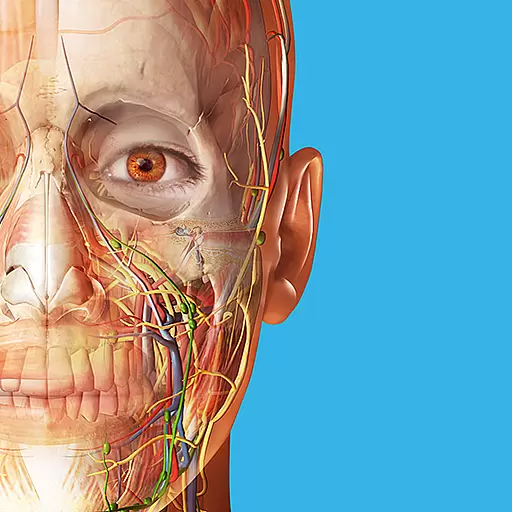
A comprehensive 3D atlas of the human body
4.80
The Omada app enhances your program experience and helps you stay engaged.
4.50
Radiographic Positioning Guide for Medical Imaging Professionals and Students
4.50
Update medical records, view upcoming appointments, message your provider & more
3.80
MySafeRide simplifies booking and managing rides for health plan members.
3.50
Care Simplified by MyChart
3.40
Continuous Glucose Monitoring
3.40
A scientifically-proven method to help people with dementia or memory impairment
4.1
A rapid reference for prehospital providers caring for pediatric patients.
4.1


