

Behavioral Health Portal
 4.70
4.70
A scientifically-proven method to help people with dementia or memory impairment
4.0
Check and Track your Blood Pressure & Heart Rate.
4.50
Molina Members: My Molina. Manage your health anytime, anywhere!
4.30
Perform pure-tone audiometry and a speech intelligibility test on your phone.
4.50
MHealth is the mobile version of MEDITECH’s Patient and Consumer Health Portal.
3.10
Easy access to benefits and rewards
3.70
Secure video appointments
4.50
Anthem/Wellpoint and other health insurance plans
4.60
The Better Pharmacy Experience
4.90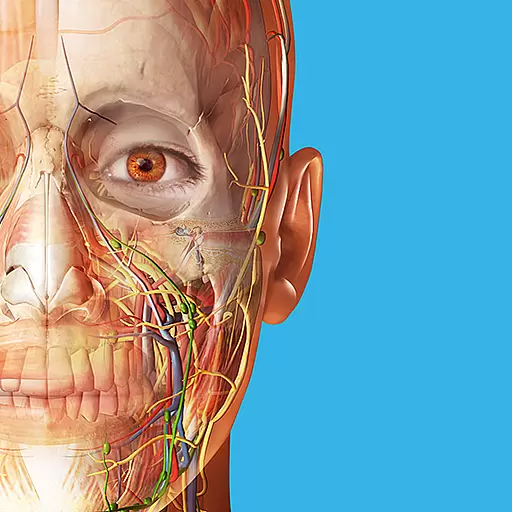
A comprehensive 3D atlas of the human body
4.80
Enables quick access to medical data and contacts in case of emergency (ICE)
4.70
World's largest contact lens store
4.60
The OptumRx app empowers you to become an advocate of your pharmacy benefits.
4.40
One app to unlock your health
4.30
A rapid reference for healthcare professionals caring for pediatric patients.
4.30
Hearing aid app for Android solves your hearing problems.
4.00
A fantastic 3d reference that includes over 300 structures and a quiz function.
3.00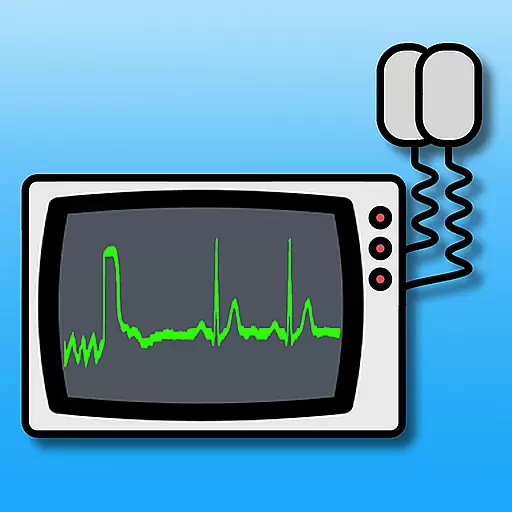
ECG modules improve rhythm ID. ACLS is a simulator for cardiac arrest scenarios.
4.1


