

Smart controls for your Ember Smart Mugs
 4.10
4.10
The all-new Cync app. The simple, connected app for Cync and C by GE.
4.50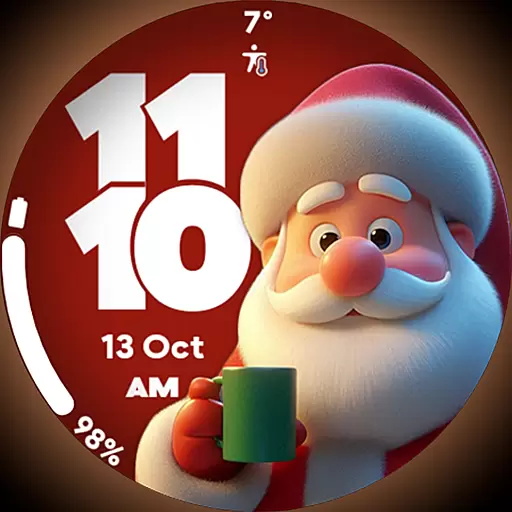
Customize your Wear OS watch with festive Christmas figures and colors!
4.3
Discover your Nationality, Family Origin, and Ancestry from one selfie
4.50
Play fun games, complete quick surveys, and earn money. It's fun and easy!
4.40
Subwoofer school’s in session! You’ve now enrolled into KICKER U.
3.80
Your store’s deals, where you are.
4.80
Remotely monitor the time and temperature of food cooking on your grill.
4.60
Decorate your home screen with custom icons, color widgets, themes & wallpapers
4.70
Countdown to Christmas 2025 with festive games & activities in a virtual village
4.80
Get the news, events and savings that matter to you with AARP Now.
4.80
Made To Order Faves
4.70
Kasa Smart is your portal to your TP-LINK Smart Home.
4.70
The App can control Roborock vacuum cleaners from anywhere with rich features.
4.60
Premium floor cleaning robots
4.50
An Eerie Musical Trigger Toy for Spirits to Play with!
3.50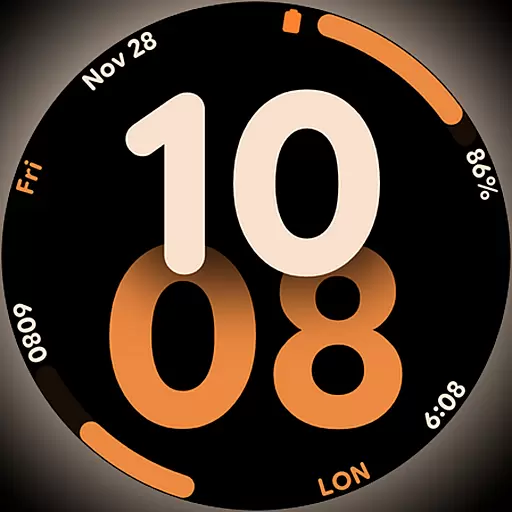
Big bold digital watch face with 30 colors, 6 complications and AOD.
4.5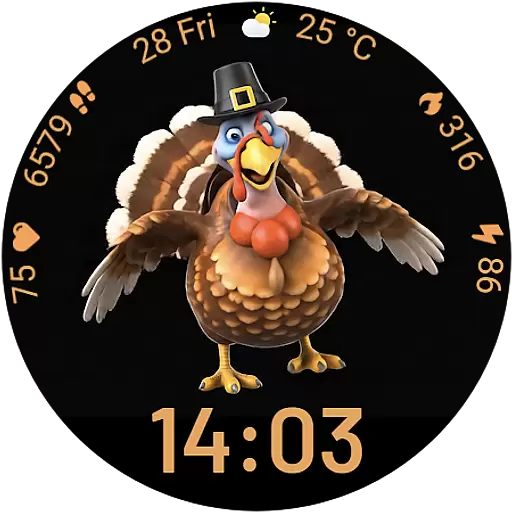
Cute animated Thanksgiving watchface for your WearOS smartwatch
4.4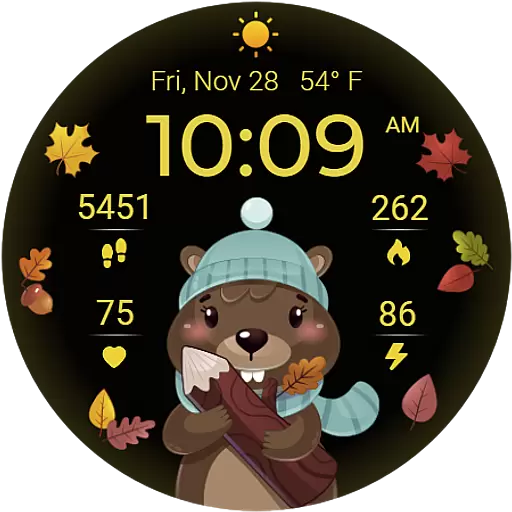
The cutest Autumn watchface featuring the adorable Mr. Squirrel
4.1


