
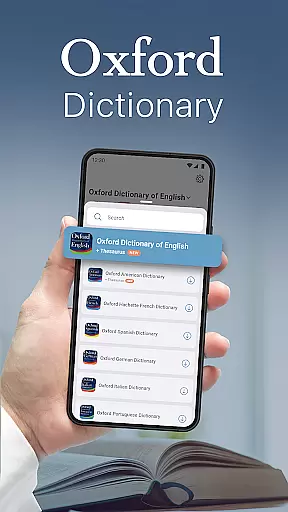
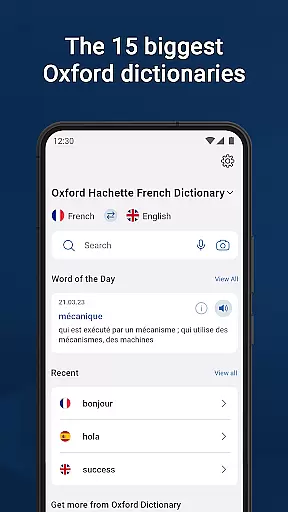
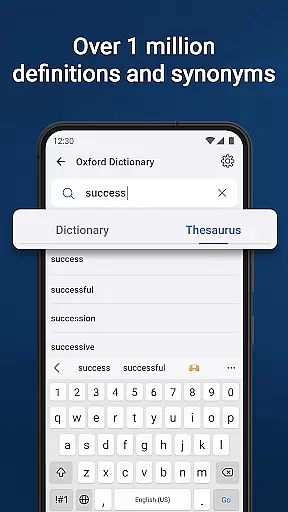
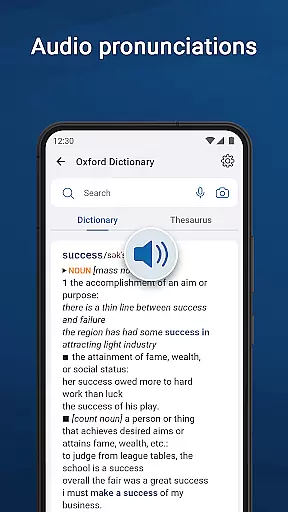
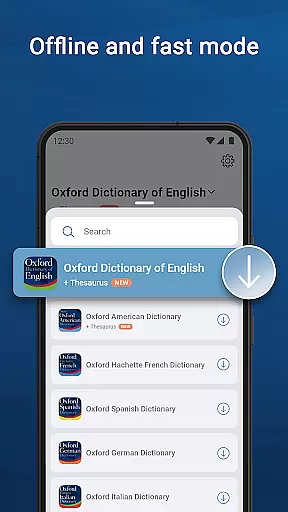
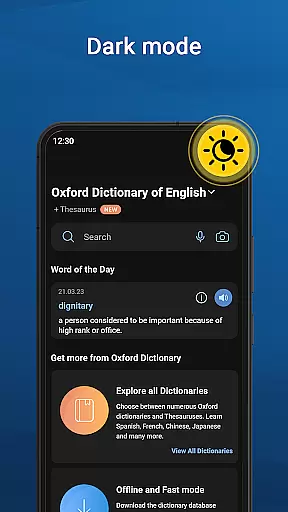
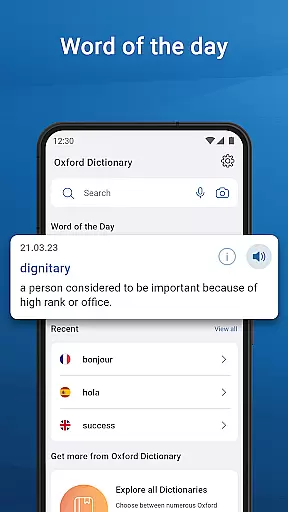
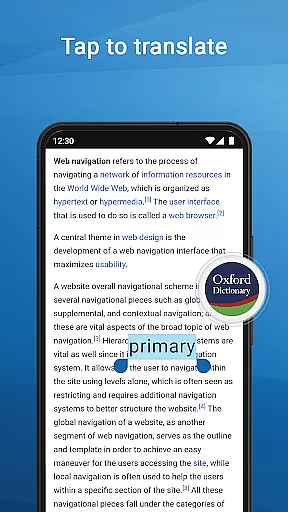
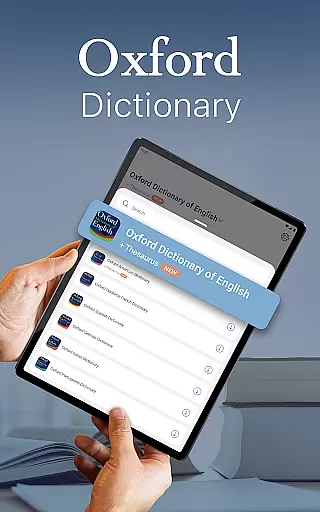
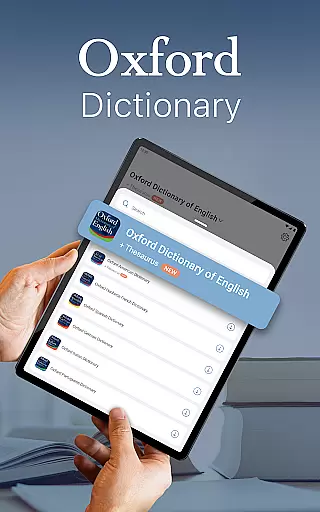
Oxford Dictionary & Thesaurus is a premier reference application that places the power of 15 authoritative Oxford dictionaries at your fingertips. This Books & Reference app serves as an essential tool for professionals, academics, and students who require precise language resources. With over 1 million words, phrases, and definitions, it covers multiple languages including English, French, German, Spanish, Russian, Chinese, Italian, Hindi, Urdu, Portuguese, Japanese, Greek, Bulgarian, and Thai.
The app's standout feature is its rich content database from Oxford Languages, updated to 2023 standards. Users can access not only definitions but also specialized reference materials, making it invaluable for academic research and professional writing. Its intuitive interface allows seamless navigation between different dictionaries, while advanced learning tools such as fuzzy search, voice search, and camera search enhance the user experience. Whether preparing for standardized tests or engaging in multilingual communication, this app proves indispensable.
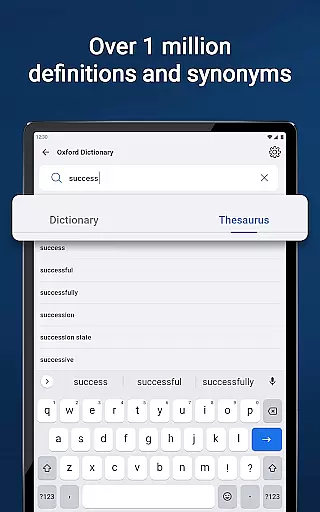
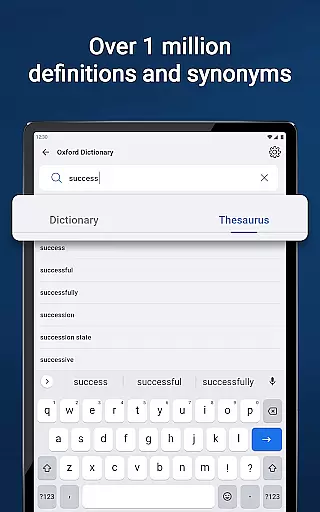
This Books & Reference app distinguishes itself through sophisticated search capabilities and extensive linguistic resources. The advanced search tools include fuzzy search for misspelled words, voice search for hands-free operation, and wildcard search using special characters. These features are complemented by a thesaurus containing thousands of synonyms and antonyms, helping users choose the most appropriate words for their context.
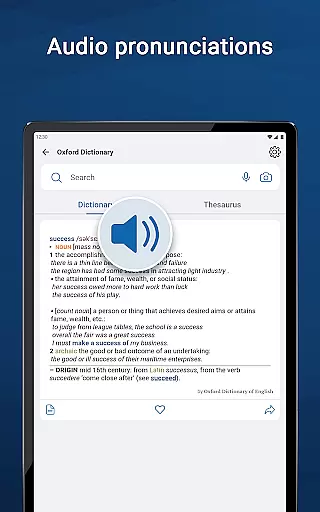
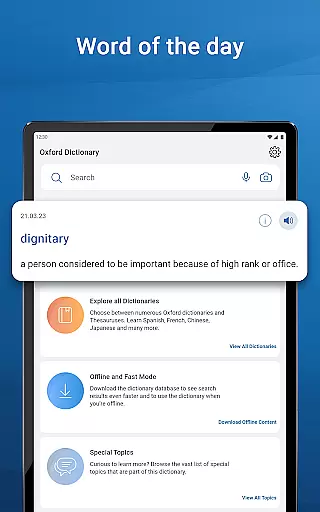
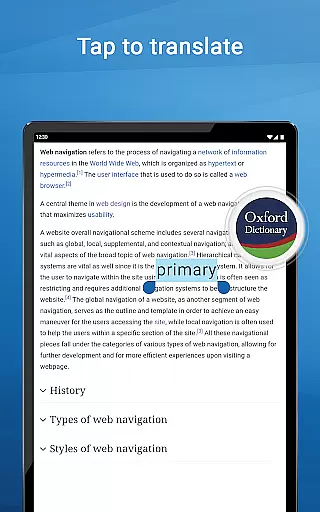
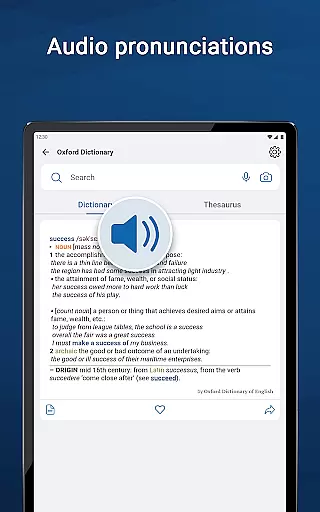
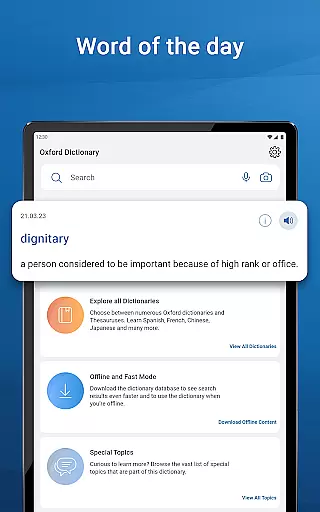
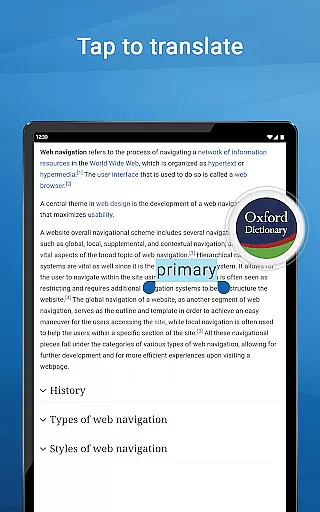
Additional notable features include the word-of-the-day function, which aids vocabulary expansion, and special topics reference content for subject-specific terminology. The premium subscription unlocks enhanced functionalities such as unlimited synonym lookups, audio pronunciation guides, and offline access to the entire database. These elements combine to create a comprehensive language learning environment that caters to both casual users and serious scholars. The app's ability to integrate with other applications through tap-to-translate functionality further extends its utility.
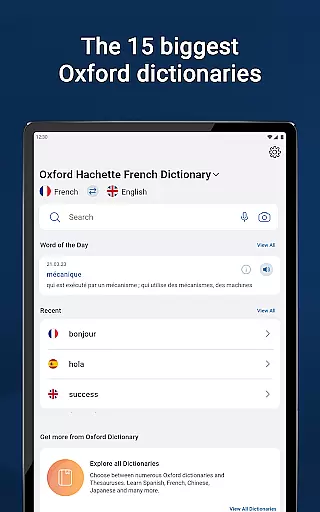
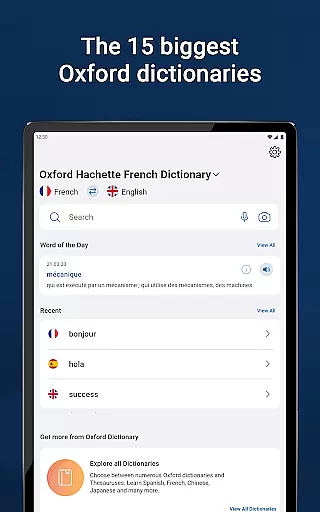
The Oxford Dictionary & Thesaurus app offers an extensive e-book library that is unparalleled in the realm of language reference tools. With access to the 15 biggest Oxford dictionaries, users can explore over a million words, phrases, and definitions. This vast collection ensures that whether you are a professional, student, or academic, your needs for comprehensive language resources are fully met.
Copyright authenticity is at the core of the Oxford Dictionary's offerings. Each entry is powered by Oxford Languages, guaranteeing that users receive content that is not only authoritative but also fully compliant with copyright laws. This dedication to genuine content provides peace of mind for users who rely on the dictionary for critical work or study.
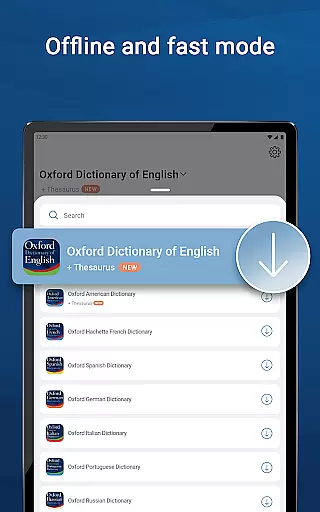
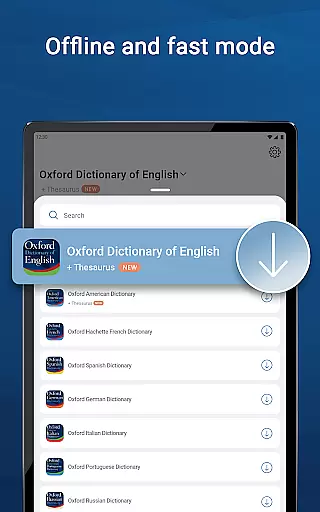
Moreover, the app includes specialized reference content such as the Oxford Hachette French Dictionary and the Oxford Chinese Dictionary, among others. These resources are meticulously compiled and regularly updated, ensuring that users have access to the latest linguistic data available. The inclusion of these specialized dictionaries underscores the app's commitment to delivering authentic and reliable content.
Format compatibility is a crucial aspect of any digital reference tool, and the Oxford Dictionary & Thesaurus excels in this area. The app supports various formats, allowing users to seamlessly switch between different dictionaries and utilize advanced search and learning tools without any hiccups. Whether you're looking up a word in the Oxford Spanish Dictionary or exploring synonyms in the Thesaurus, the transition is smooth and efficient.
In addition to traditional text-based searches, the app offers innovative search methods such as voice search, camera search, and fuzzy search capabilities. These features ensure that regardless of how you input your queryu2014be it through typing, speaking, or capturing text via camerau2014the app will accurately interpret and provide relevant results. Such versatility significantly enhances user experience and accessibility.
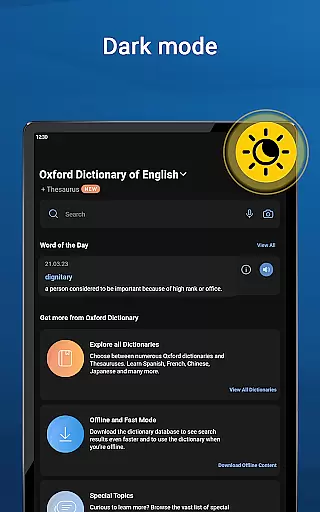
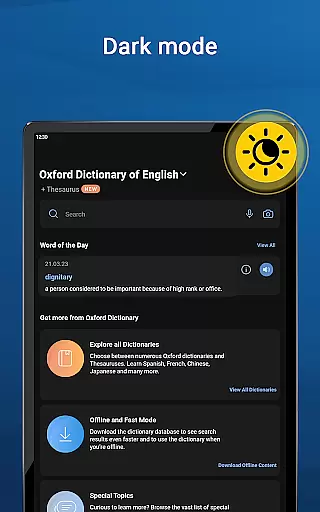
Furthermore, the Oxford Dictionary & Thesaurus app allows for customizable experiences like dark mode and word sharing across installed apps on your device. Users can also create personalized lists of favorite words and review recent searches effortlessly. By prioritizing format compatibility and user-centric features, the app delivers a robust and adaptable platform suitable for diverse user needs and preferences.
Comprehensive word database
Multiple language support
Advanced search options
Premium offline access
Authoritative content source
Premium subscription required
Large app size
Complex interface
Limited free features
Occasional update bugs

Guide for dōTERRA® Products
 3.60
3.60
A wonderful reader for good time spend.
4.20
Read the romance stories on the go. Take my breath away, The Spoiled Girl
4.30
Universal Zoom, learn about sizes & distances of the universe and microcosmos
4.80
The dynamic dictionary/reference app for piano chords and scales!
4.80
Learn Thai with 195,000+ entries, crisp Thai sounds, big text; works offline.
4.80
Learn Electricians' Handbook PRO complete guide beginners to advance.
4.40
The Apostolic Lutheran Church hymnal
4.4
Follow complex state CCW permit laws and lawfully carry firearms in each state.
4.80
A KJV Bible with Apocrypha and precept-based study concordance
5.00
What’s that bird? Just answer 5 questions, snap a photo, or record its song!
4.90
The favorite Christmas story comes to life!
4.80
Read books PDF, EPUB, WORD, KINDLE, MOBI! Your ebook reader among reading apps.
4.80
Bilingual dictionary with English translations of Modern Standard Arabic words.
4.30
Prime novels await! Fantasy & Romance on JoyRead. Immersive reads!
4.20
“There was one last piece of cake. My little sister said ‘Me too!’”
4.00
A story reading app: Read stories, novels and books, or write your own.
3.90
Battle Royale Chapter 5 Season 2 HD Wallpapers Emotes Skins and BattlePass
3.00
A guide for the Court of Atonement spiritual healing process.
4.2


User Reviews