
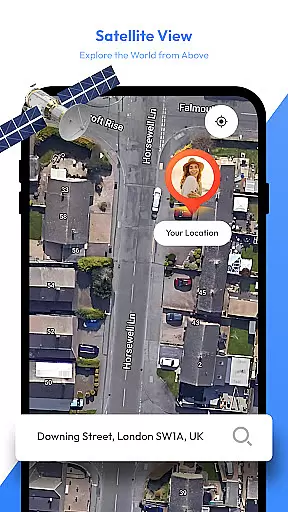
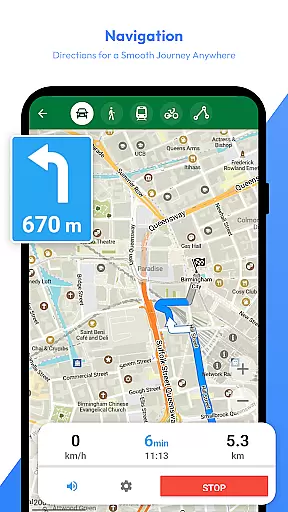
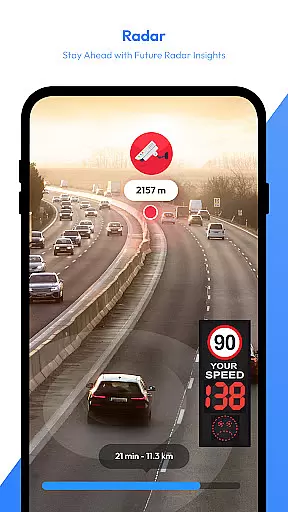
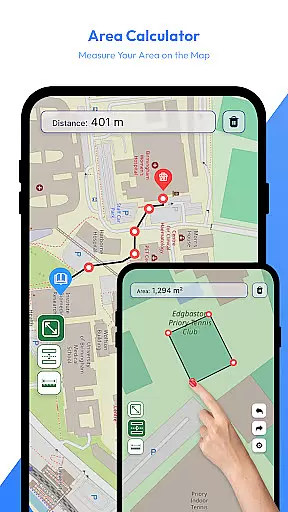
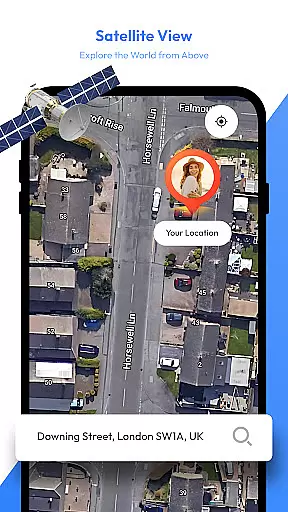
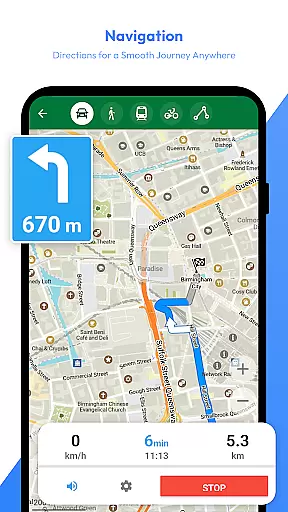
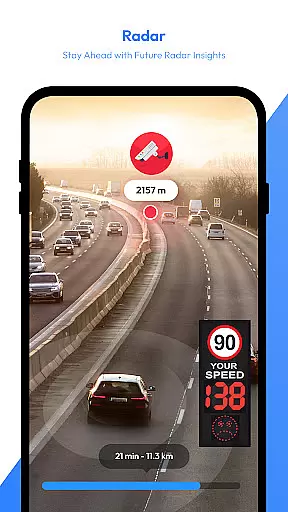
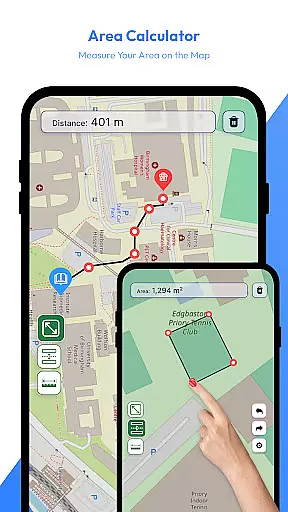
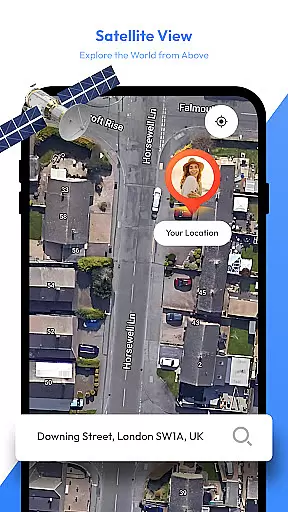
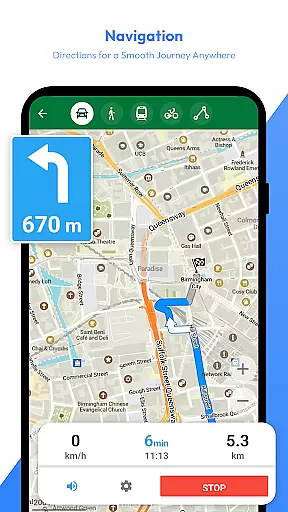
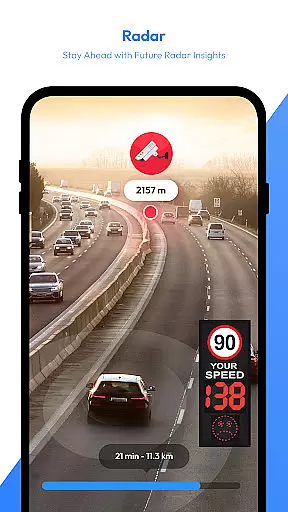
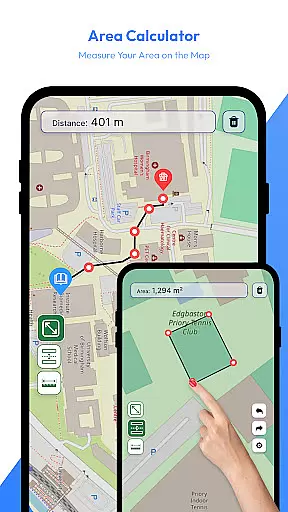
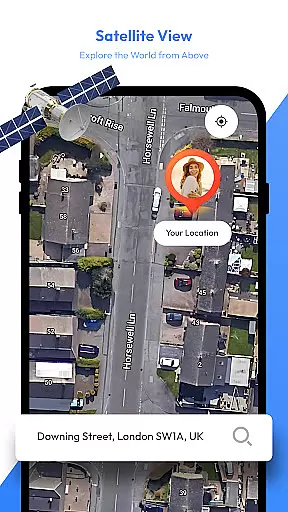
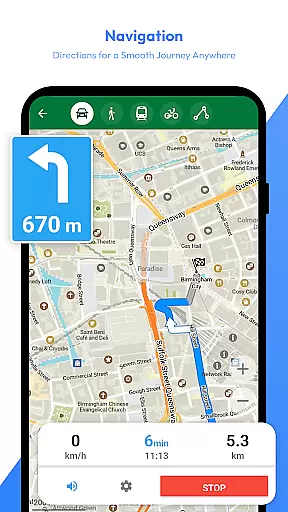
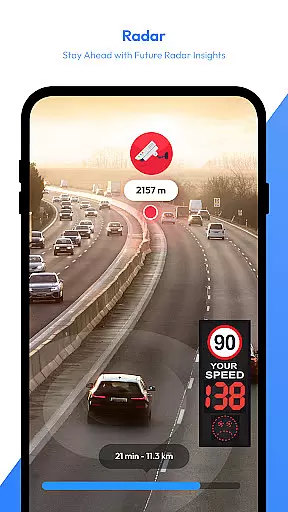
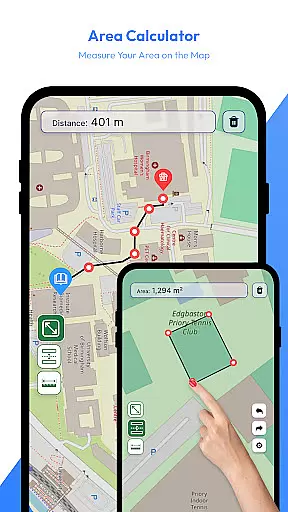
Satellite View is a comprehensive navigation and weather app designed to enhance your travel experience. The app's core feature is its satellite imagery, providing users with a bird's-eye view of landscapes and urban areas. This makes it easier to identify landmarks and understand surroundings. Additionally, the app includes a powerful radar module for real-time weather tracking, ensuring you stay prepared for changing conditions.
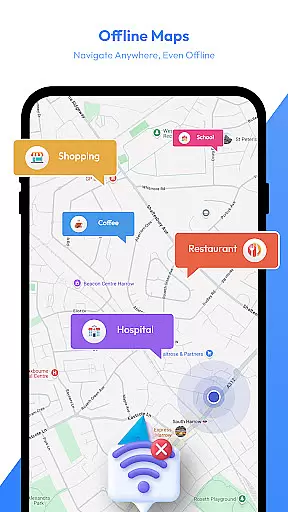
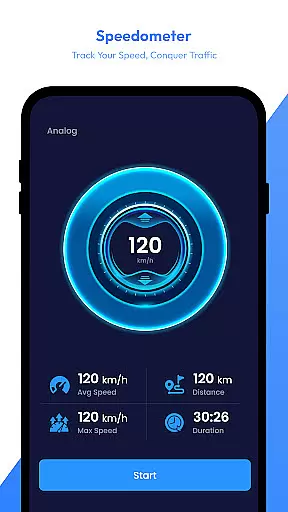
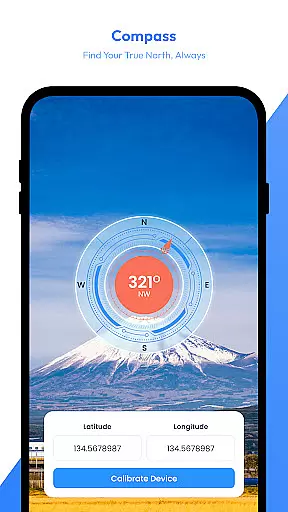
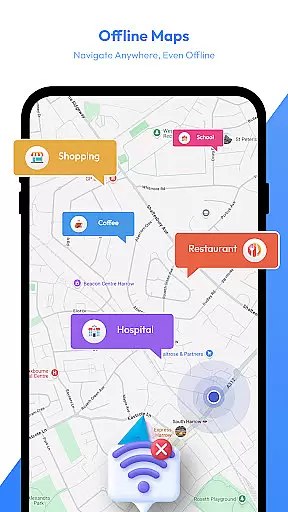
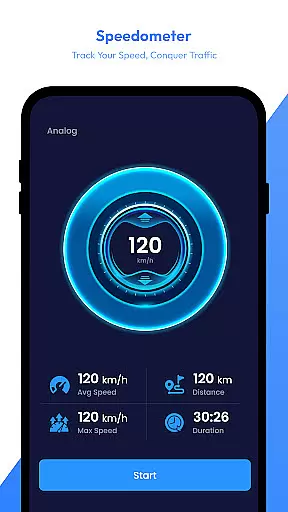
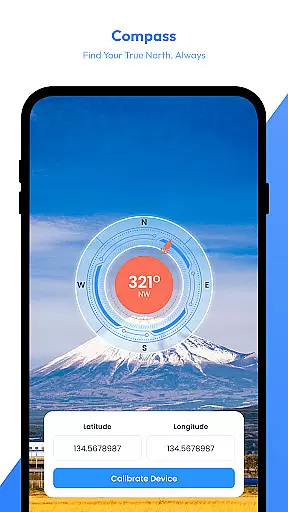
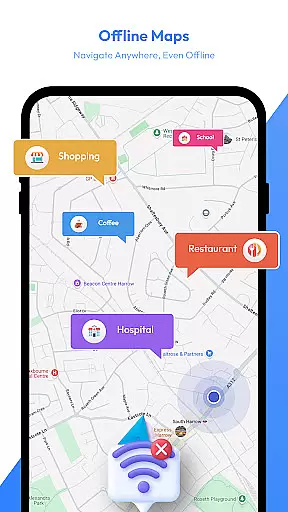
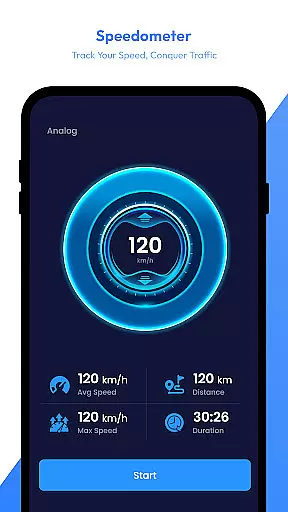
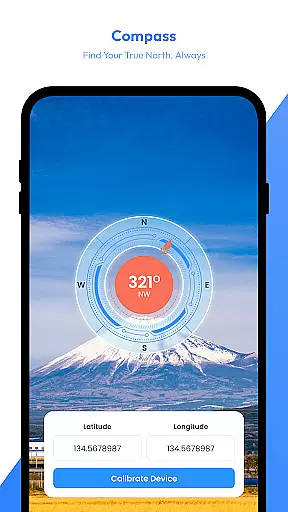
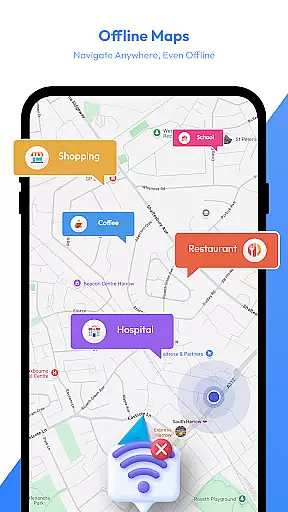
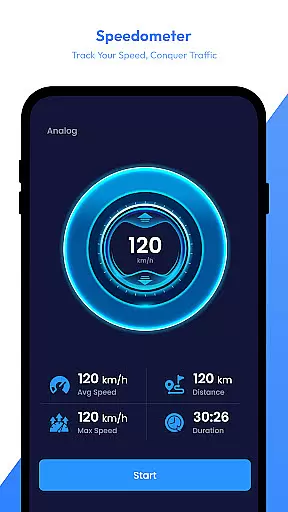
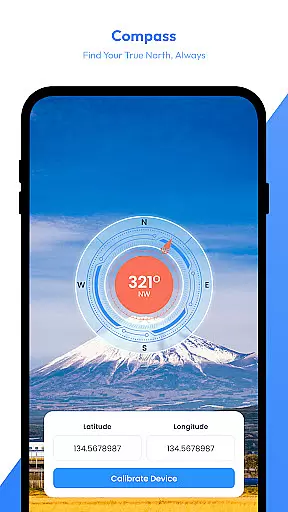
Another key component is the AI Travel Assistant, which offers personalized trip planning. From suggesting destinations to organizing routes, this intelligent tool helps streamline travel preparation. Offline maps ensure you can navigate even without internet access, while features like the speedometer, compass, and area calculator provide practical tools for various travel scenarios.
Whether you're hiking in remote areas or exploring unfamiliar cities, Satellite View serves as a versatile travel companion. Its combination of visual mapping tools, weather tracking, and smart planning features delivers significant value to adventurers and everyday travelers alike.
Satellite View stands out with its diverse set of features tailored for modern travelers. The satellite imagery module allows users to explore detailed aerial views of any location worldwide. This feature is particularly useful for identifying natural formations, urban layouts, and points of interest from a unique perspective.
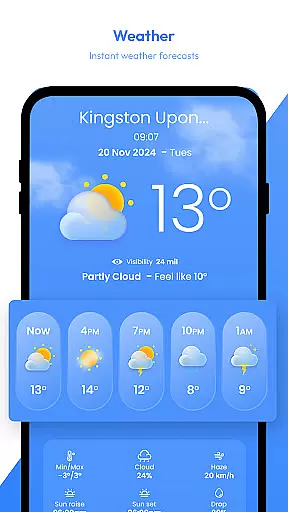
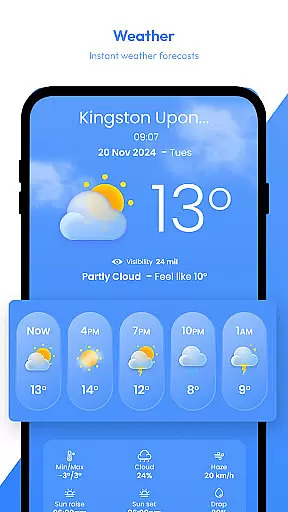
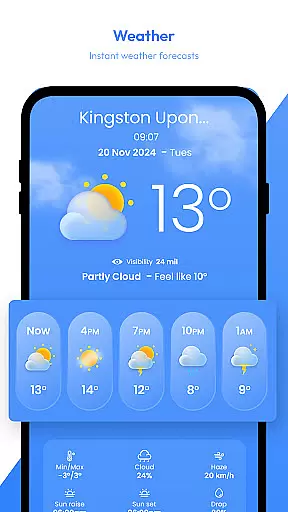
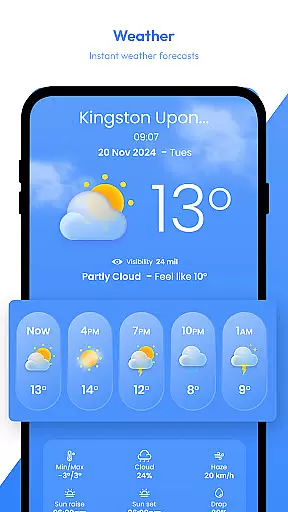
The app also includes an advanced radar system that tracks precipitation, storms, and other weather patterns in real time. This ensures users can plan their journeys while staying informed about potential weather disruptions. For those venturing into areas with limited connectivity, offline maps are a lifesaver, enabling uninterrupted navigation regardless of network availability.
Additional highlights include the AI Travel Assistant, which provides tailored recommendations and organizes trips efficiently. The built-in speedometer, compass, and area calculator further enhance usability, catering to outdoor enthusiasts and professionals requiring precise geographic measurements. Each feature is designed to simplify travel logistics and improve user safety.
Map accuracy is a crucial feature for any navigation app, and Satellite View excels in this area. The application provides high-definition satellite imagery that allows users to explore landscapes and urban areas with precision. This bird's-eye view capability ensures that landmarks and terrains are represented faithfully, aiding users in understanding their surroundings.
The app goes beyond static images by integrating real-time data through its radar module. Users can track precipitation, storms, and weather patterns as they happen, enhancing the accuracy of their travel planning. With these dynamic updates, travelers have access to current information that directly impacts their journeys.
Another aspect contributing to map accuracy is the offline maps feature. By downloading maps for offline use, users maintain access to precise geographic details even without an internet connection. This functionality is particularly beneficial when exploring remote areas where connectivity may be unreliable or nonexistent.
In addition to visual mapping tools, Satellite View offers an area calculator which enables users to measure distances and calculate areas on the map accurately. Whether itu2019s for land surveying or outdoor activities, this tool adds another layer of exactness to spatial understanding. These comprehensive features collectively ensure that Satellite View delivers reliable and detailed mapping experiences.
Route planning is essential for efficient travel, and Satellite View provides several features that support this process. The AI Travel Assistant stands out by offering intelligent trip planning capabilities powered by artificial intelligence. It suggests destinations, organizes routes, and recommends activities tailored to individual preferences, making each journey more personalized and efficient.
For those who require flexibility during their travels, the saved locations feature allows quick saving and easy access to frequently visited spots on the map. This function simplifies revisiting favorite places or marking important waypoints along your route, ensuring you never lose track of significant points during your trips.
Safety while traveling is also addressed through additional functionalities such as the speedometer and compass. The speedometer monitors your speed in real time, providing valuable feedback whether you're hiking, biking, or driving. Meanwhile, the compass ensures you stay oriented correctly at all times, adding another level of security to your route planning experience.
By combining these practical tools with accurate satellite imagery and real-time weather tracking via radar, Satellite View equips users with everything needed for thorough route preparation. From initial destination selection down to final execution, every step of the journey benefits from thoughtful design aimed at optimizing travel efficiency and safety.
User-friendly interface
Accurate weather data
Offline functionality
AI-powered assistance
Comprehensive map tools
High data usage
Limited free features
Occasional lag
Subscription required
Complex settings

Offline maps & GPS for hiking, travel, fieldwork & outdoor adventures
 4.70
4.70
Instant diesel discounts - save big with each fill up!
4.40
Plan routes, share locations, and set custom alert zones
4.40
GPS Navigation: Get map directions and find the shortest routes to avoid delays!
4.00
Find radar, speed camera, flight tracker. Use hud, location tracker, speedometer
4.20
Park in Chicago, NYC, Boston, SF, Houston & more!
4.70
Track friends in real-time and explore worldwide live cameras.
4.60
Get there with the Waymo Driver — The World’s Most Experienced Driver™
4.90
Rideshare, taxi cabs, and more for your airport travels and everyday trips.
4.50
Track accurate speed & distance with GPS Speedometer. Check speed limit & time.
4.50
"Balad" is a map and navigator with a Persian voice assistant and a complete city guide
4.40
Maps, Driving Directions & GPS navigation using directions app & GPS App
4.30
GPS navigation offers route finder, compass, translator, currency converter, etc
4.30
Route schedules, maps, and real-time tracking of MTA buses in New York City.
4.20
Get route, find shortest path, near by places and weather update
3.90
Route Planner is travel map to get turn by turn navigation & driving directions
3.90
Explore offline maps with radar, satellite view, and real-time alerts.
3.60
Your guide to the recreational opportunities of the Bureau of Land Management!
3.40
Your real-time window to the world. Explore anywhere, anytime.
3.30
Honest Uber review—pricing surge charges, driver quality, safety features, hidden fees, and how it compares to Lyft and local taxis.



User Reviews