
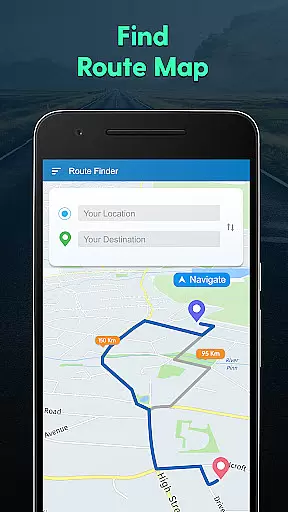
GPS Navigation, Map Directions is a comprehensive navigation app designed to help users find their way with ease. The app provides detailed route directions, real-time traffic updates, and shortest path calculations, ensuring you reach your destination efficiently. Whether you're driving or exploring new areas, this app helps you avoid heavy traffic and locate nearby points of interest.
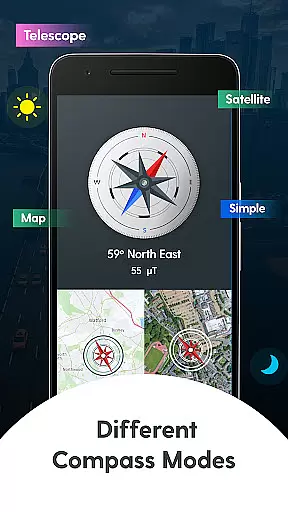
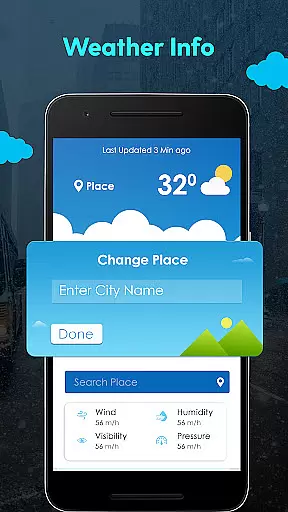
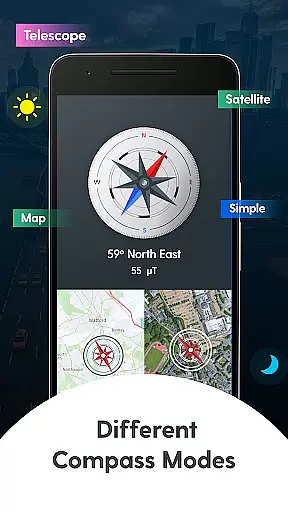
In addition to its core navigation features, the app includes a Compass Navigation mode that offers various viewing options such as Standard, Map, Satellite, and Telescope modes. This versatility allows users to choose the best view for their travel needs. Furthermore, the app provides current weather updates and forecasts for multiple cities, making it an essential tool for travelers who need to stay informed about changing conditions.
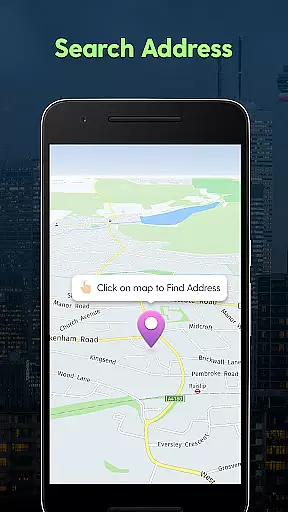
The app's GPS functionality lets you check your current location, search for unknown addresses, and share your location with friends and family. With its Near By Places feature, finding restaurants, gas stations, and other amenities has never been easier. Overall, GPS Navigation, Map Directions combines powerful mapping technology with user-friendly features to enhance your travel experience.
One of the standout features of GPS Navigation, Map Directions is its robust set of tools designed to make navigation seamless. The app offers live traffic updates, helping you avoid congested routes and save time on your journeys. Its advanced GPS capabilities allow you to pinpoint your exact location, calculate the shortest path to your destination, and even trace nearby places based on categories like dining, shopping, or entertainment.
The Compass Mode adds another layer of utility by providing different navigation views. Users can switch between Standard, Map, Satellite, and Telescope modes depending on their preference or specific travel requirements. This flexibility ensures that whether you're hiking in remote areas or navigating through urban landscapes, you'll have the right tools at your disposal.
Another key feature is the app's weather functionality. It delivers up-to-date weather information for your current location as well as multiple cities worldwide. This feature is particularly useful for planning trips or staying prepared for sudden weather changes. Additionally, the app prioritizes user privacy by not uploading personal data to external servers, making it a secure choice for everyday use.
Map accuracy is essential for any navigation app, and GPS Navigation, Map Directions excels in this area. The application provides precise location data, helping users to accurately pinpoint their current location on the map. This precision ensures that when users are traveling, they can easily trace out the places around them, making the journey less stressful.
The app's meticulous attention to detail extends to its ability to find the shortest path of travel. By offering accurate directions to your destination, it allows you to search any location address with confidence. Whether you're driving in an unfamiliar city or walking in a new neighborhood, the app's reliable mapping capabilities ensure you won't miss a turn or get lost.
Moreover, GPS Navigation, Map Directions offers various modes of viewing maps, including Standard, Map, Satellite, Telescope, and Compass modes. These options cater to different preferences and situations, enhancing the user experience by providing clear and diverse visual information. With such comprehensive features, users can trust the app to deliver accurate and helpful navigation assistance every time they set out on a new adventure.
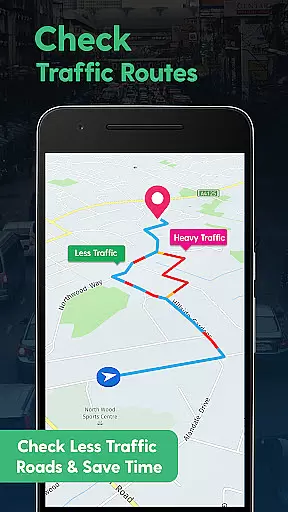
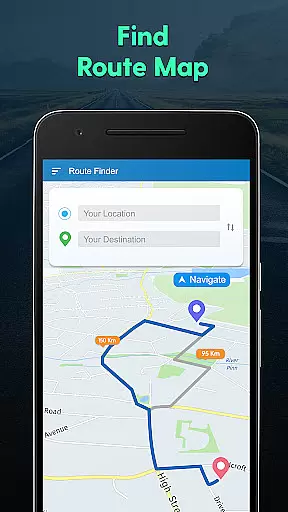
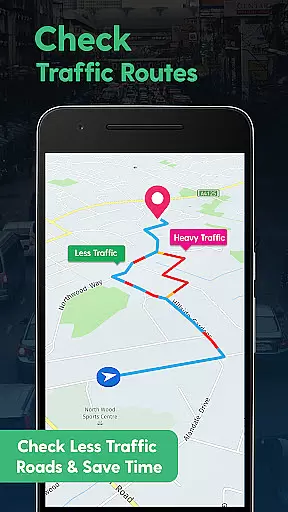
Route planning is a critical feature of GPS Navigation, Map Directions, designed to save time and reduce travel stress. The app helps users avoid heavy traffic routes by providing live traffic updates, ensuring a smoother journey to the destination. This functionality is particularly beneficial during peak travel times when traffic congestion can significantly impact travel time.
In addition to real-time traffic updates, the app also offers alternative route suggestions. Users can choose from multiple routes, comparing factors such as distance and estimated travel time. This flexibility empowers travelers to make informed decisions about their journeys, selecting the most efficient path based on current conditions.
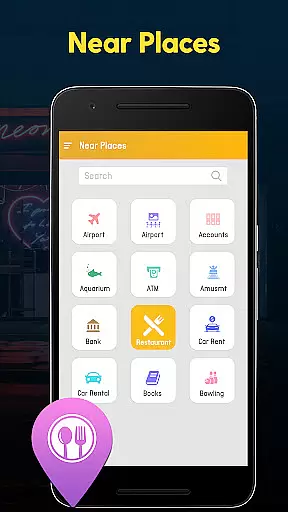
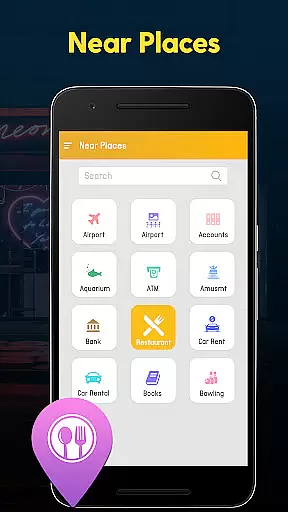
Furthermore, the app includes a unique 'Near By Places' feature, which allows users to discover nearby points of interest with a single tap. Whether searching for a restaurant, gas station, or tourist attraction, this tool simplifies the process of finding and navigating to these locations. By integrating practical route planning with local discovery, GPS Navigation, Map Directions enhances both the efficiency and enjoyment of travel experiences.
User-friendly interface
Real-time traffic updates
Multiple compass views
Accurate weather forecasts
Privacy-focused design
Limited offline functionality
Occasional ads
Heavy battery usage
Requires constant internet
Some features locked behind premium

Explore the world with Live Satellite View, 3D Maps, GPS Navigation & Earth Map.
 2.90
2.90
GPX Viewer PRO shows tracks, routes and waypoints from gpx and kml files.
4.60
Instant diesel discounts - save big with each fill up!
4.40
Gas Station & Fuel Rewards Points
3.70
MapQuest is your go-to app for maps, GPS, voice navigation & live traffic.
3.80
Find radar, speed camera, flight tracker. Use hud, location tracker, speedometer
4.20
GPS phone tracker, family locator, secure location sharing app
4.20
Navigation, weather, offline maps & tools for smarter, safer travel planning.
4.00
Get matched with a nearby driver — you’ll be on your way in minutes.
4.30
Find shortest way and save energy . Distance and area calculator.
4.70
Find trails, organize your locations and navigate with offline maps.
4.60
Navigate MTA, NJ Transit, MBTA, SEPTA, BART, MARTA, CTA & 900+ cities
4.60
Track accurate speed & distance with GPS Speedometer. Check speed limit & time.
4.50
Affordable rides and food delivery with incredible discounts in just one app.
4.50
Rideshare, taxi cabs, and more for your airport travels and everyday trips.
4.50
Get directions, Maps, GPS navigation & GPS Maps using GPS App
4.10
Play in the outdoors with Android as your Handheld GPS and offline topo maps!
3.50
Turn your tablet or Android powered unit into a full blow Android Auto headunit.
2.30
Fully offline 1:50k New Zealand topographical map North Island
4.0
Complete Lyft review—pricing comparison, driver quality, safety features, rewards program, and how it stacks up against Uber and competitors.



User Reviews