
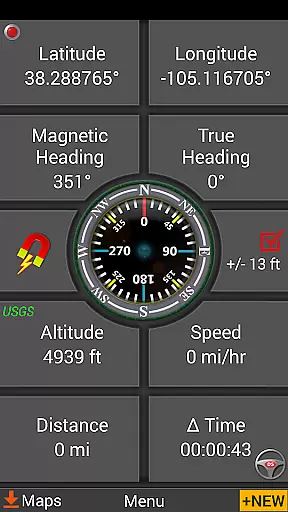
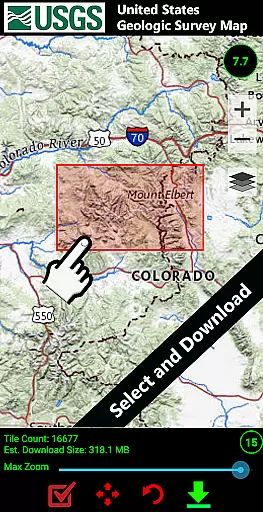
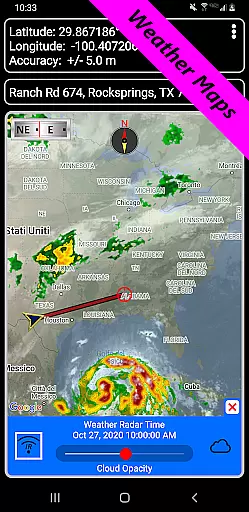
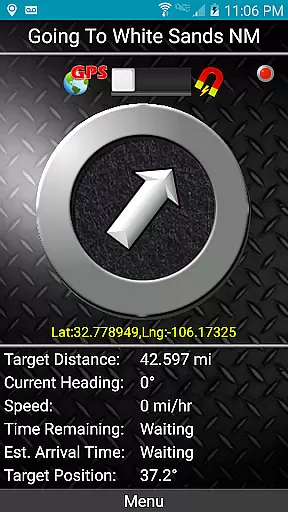
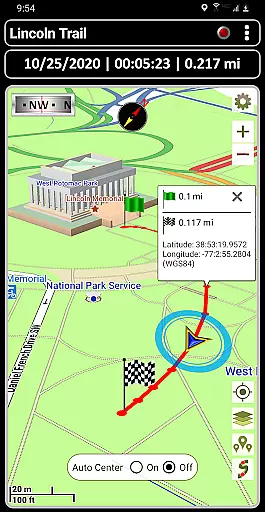
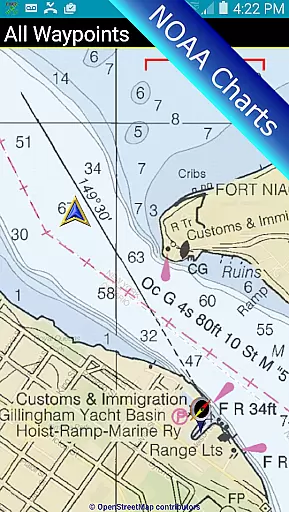
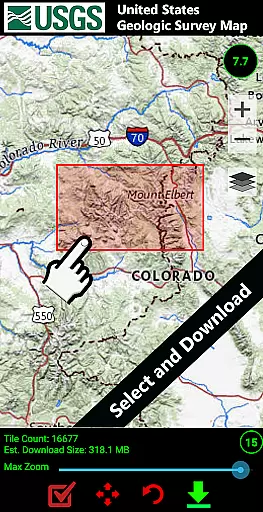
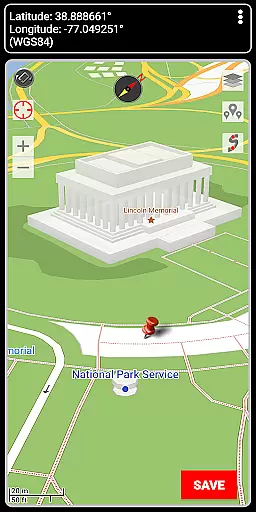

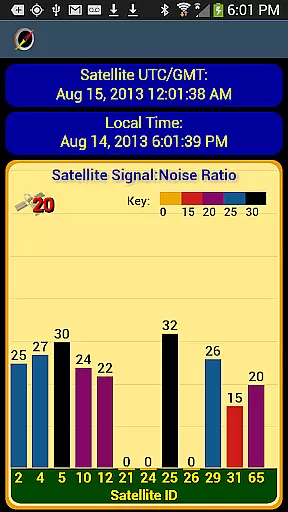
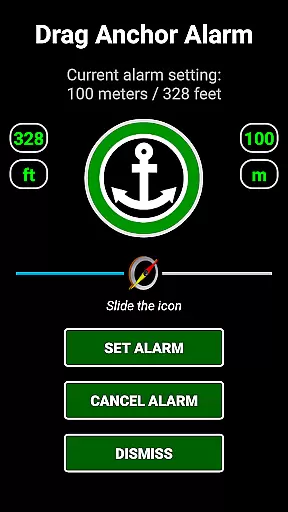
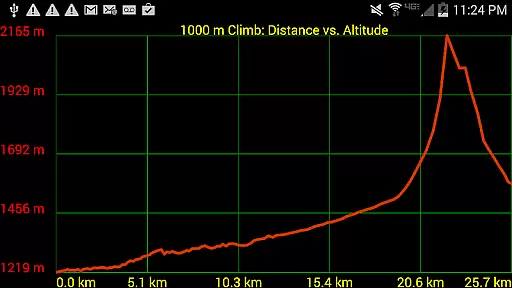
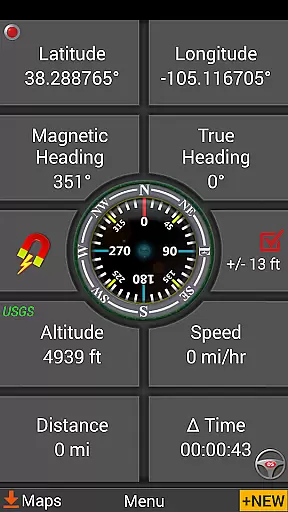
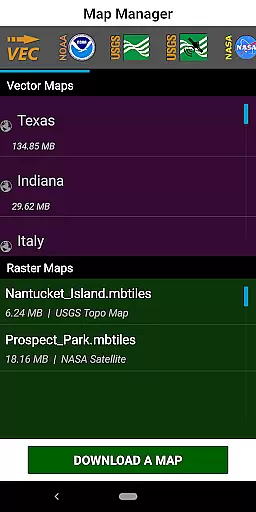
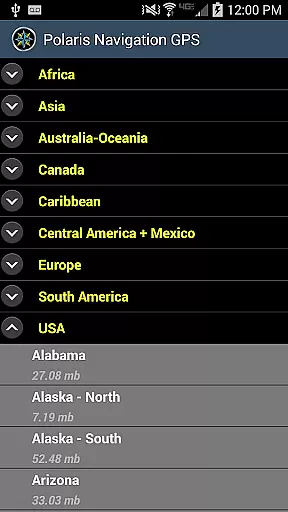
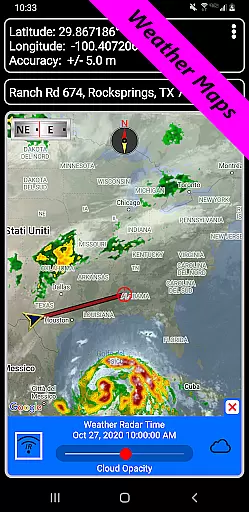
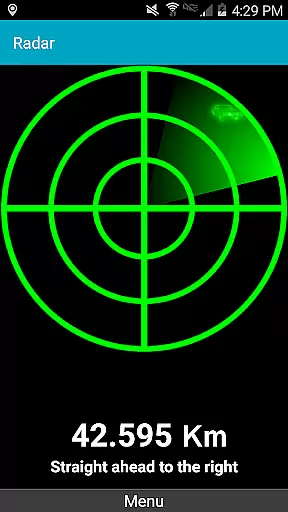
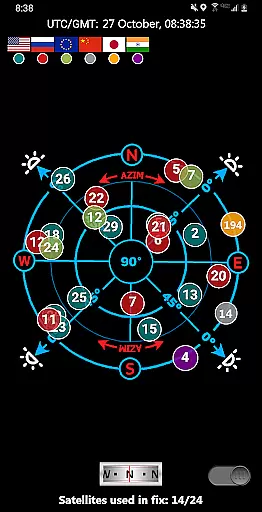
Map accuracy is essential for reliable navigation, and GPS Waypoints Navigator excels in this area. The app provides access to a vast library of over 400 maps, including offline vector and raster maps, Topo Maps, Google Maps, Satellite Maps, and specialized charts like NOAA Nautical Charts.
Users can download maps for offline use, ensuring functionality even without network coverage. This feature is particularly valuable for outdoor enthusiasts venturing into remote areas. The app supports multiple map sources, such as OpenStreetMaps, Cycling Maps, and USGS Topo Maps, catering to diverse navigation needs.
The accuracy of GPS Waypoints Navigator's maps is enhanced by regular updates and a variety of measurement tools. These tools allow users to determine distances and bearings with precision, making it easier to plan routes and track progress. Whether hiking in the wilderness or navigating city streets, users can trust the app's map accuracy for safe and efficient travel.
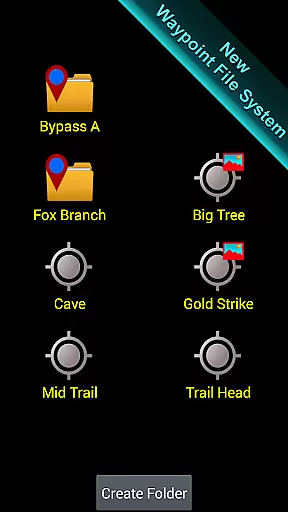
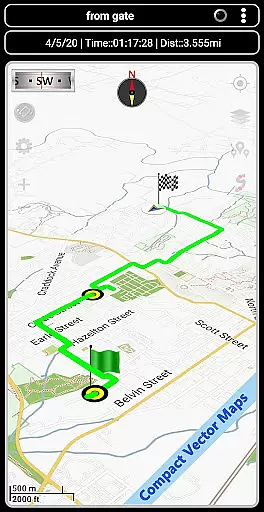
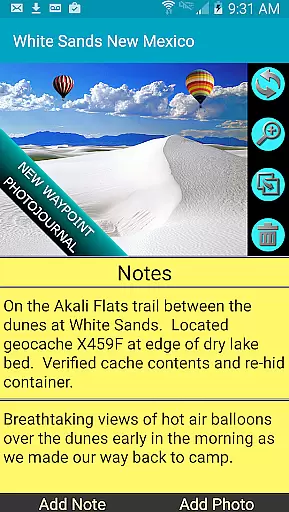
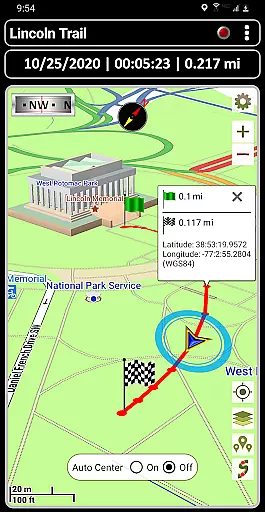
Effective route planning is a core feature of GPS Waypoints Navigator, designed to simplify navigation across various terrains. The app offers advanced tools for creating and organizing waypoints, recording trails, and sharing location data with others, which are crucial for developing detailed and flexible travel plans.
One standout feature is the trail recording and drawing board, allowing users to document their journeys and make real-time adjustments to their routes. This functionality is complemented by two waypoint guidance systems, including a dynamic waypoint compass that consistently points to the target destination, ensuring users stay on course.
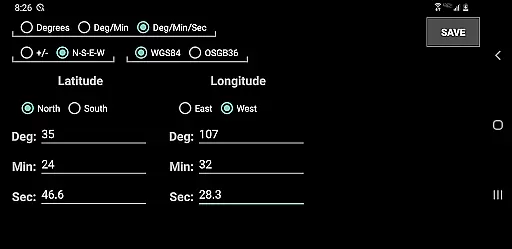
Additionally, GPS Waypoints Navigator supports several coordinate formats and includes a map search function that accepts addresses and coordinates in multiple formats, such as UTM and MGRS. This versatility enhances route planning by accommodating different user preferences and requirements, ultimately leading to more successful and stress-free navigation experiences.

Voice GPS with driving directions, offline maps navigation GPS for safe travel
 4.50
4.50
Parcel map, property lines, owner, acres, land use, zoning and more from Regrid.
4.60
Affordable rides and food delivery with incredible discounts in just one app.
4.50
MapQuest is your go-to app for maps, GPS, voice navigation & live traffic.
3.80
GPS navigation offers route finder, compass, translator, currency converter, etc
4.30
Find radar, speed camera, flight tracker. Use hud, location tracker, speedometer
4.20
Park in Chicago, NYC, Boston, SF, Houston & more!
4.70
Lets explore the world's famous places by using Live Cams, GPS & Satellite View.
4.20
Navigate MTA, NJ Transit, MBTA, SEPTA, BART, MARTA, CTA & 900+ cities
4.60
GPX Viewer PRO shows tracks, routes and waypoints from gpx and kml files.
4.60
Use GPS maps or search by property owner, address or parcel to view parcel data
4.30
ParkWhiz, an Arrive Mobility brand, part of the Arrive Network
4.30
Route schedules, maps, and real-time tracking of MTA buses in New York City.
4.20
GPS phone tracker, family locator, secure location sharing app
4.20
Explore Live Earth Map with 3D World Map & locate cites, mountains real time.
3.80
NJ TRANSIT information and ticketing at your fingertips
3.70
Get route map navigation with 3D satellite view, and live earth camera streaming
3.70
OpenCPN is a full featured ChartPlotter and Navigator for Android.
3.60
Fully offline 1:50k New Zealand topographical map North Island
4.0
Honest Uber review—pricing surge charges, driver quality, safety features, hidden fees, and how it compares to Lyft and local taxis.



User Reviews