


GPS Voice Navigation: Live Map is a cutting-edge navigation application designed to provide drivers, hikers, and travel enthusiasts with accurate, real-time directions through voice commands. The app eliminates the need for paper maps by offering an intuitive interface that allows users to plan routes, locate destinations, and avoid traffic efficiently. With features like offline voice navigation, over-speed alerts, and nearby place searches, it ensures both safety and convenience on the road.
This app stands out with its ability to operate seamlessly without internet access, making it ideal for travelers exploring areas with limited connectivity. Whether commuting in urban environments or navigating remote locations, users can rely on this app to reach their destinations safely and on time. Its comprehensive functionality makes it an essential tool for anyone seeking reliable navigation assistance.
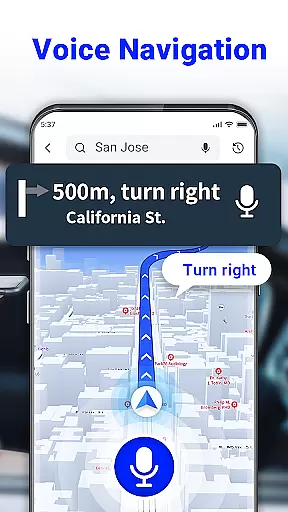
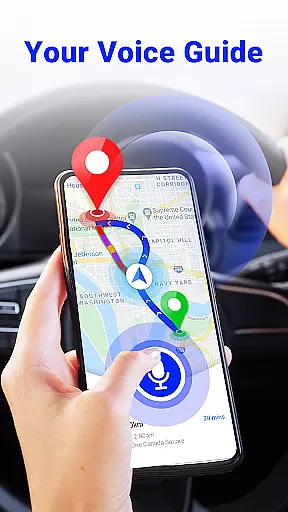
The GPS Voice Navigation app boasts an array of innovative features tailored to enhance user experience. One standout capability is its voice command functionality, which enables hands-free operation by allowing users to input destinations verbally. This feature not only simplifies route planning but also promotes safer driving practices as users can keep their focus on the road.
Another key aspect is the app's offline usability. Users can access maps, receive speed alerts, and get traffic updates without needing an active internet connection. Additionally, the radar map feature provides valuable information about speed checks and potential hazards ahead, ensuring a safer journey. These robust functionalities collectively deliver a superior navigation solution adaptable to various scenarios from daily commutes to adventurous travels.
Map accuracy is essential for any navigation app, and GPS Voice Navigation: Live Map excels in this area. The app provides up-to-date maps that ensure users can locate themselves and their destinations with precision.
Through advanced GPS technology, the app delivers real-time location data, which is crucial whether you're driving in a city or hiking in remote areas. This means that even if you're traveling in unfamiliar territories, you can trust the app to guide you accurately.
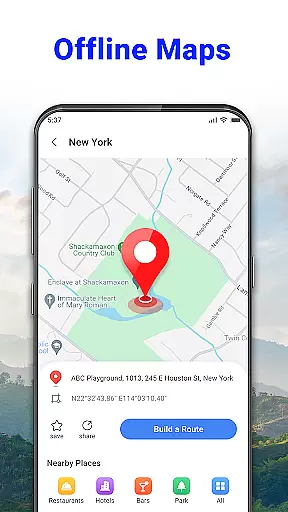
Moreover, the inclusion of offline maps ensures that users have access to map data without an internet connection, making it reliable in areas with poor connectivity. This feature enhances the authenticity of the map data provided, ensuring that users always have the most accurate information at their fingertips.
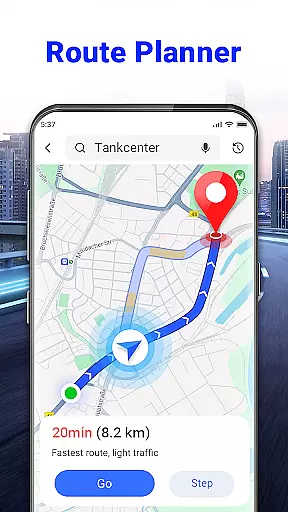
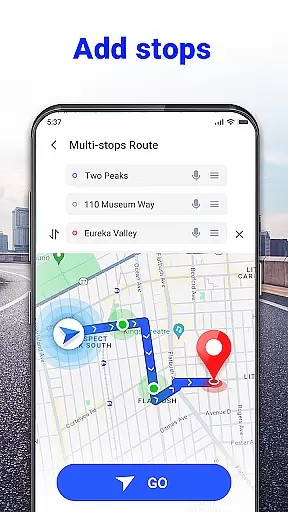
Effective route planning is a core feature of GPS Voice Navigation: Live Map, designed to save time and reduce travel stress. By analyzing current traffic conditions, the app suggests the shortest and fastest routes available, adapting dynamically as conditions change.
Voice commands allow for hands-free interaction, enabling drivers to focus on the road while the app navigates the best path for them. This intuitive approach not only simplifies the process but also significantly enhances safety by minimizing distractions.
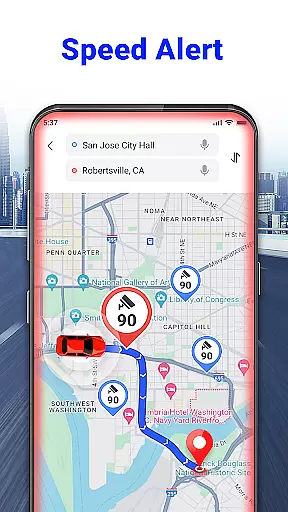
In addition, features like speed camera alerts and over-speed warnings contribute to a safer driving experience. These tools help drivers maintain appropriate speeds and avoid potential fines, ensuring they reach their destination both quickly and safely.
User-friendly interface
Accurate voice navigation
Offline map access
Real-time traffic updates
Comprehensive POI database
Limited language support
Occasional voice recognition errors
Heavy battery consumption
Complex initial setup
Inconsistent offline data

Explore the world with Live Satellite View, 3D Maps, GPS Navigation & Earth Map.
 2.90
2.90
Start your next adventure confidently using our Accurate Compass App
3.70
Turn your tablet or Android powered unit into a full blow Android Auto headunit.
2.30
Plan routes, share locations, and set custom alert zones
4.40
Find radar maps, GPS coordinates, altitude, offline maps, location, travel route
4.40
GPS Speedometer & Odometer: Track car, bike, truck speed & distance in real-time
4.70
ParkWhiz, an Arrive Mobility brand, part of the Arrive Network
4.30
MapQuest is your go-to app for maps, GPS, voice navigation & live traffic.
3.80
Lets explore the world's famous places by using Live Cams, GPS & Satellite View.
4.20
Bolt is a ride-hailing app for requesting fast, safe, and affordable transport
4.80
Find EV & Tesla charging stations with PlugShare
4.70
GPX Viewer PRO shows tracks, routes and waypoints from gpx and kml files.
4.60
Simple & easy to use a compass app. Get accurate directions.
4.20
GPS phone tracker, family locator, secure location sharing app
4.20
Get directions, Maps, GPS navigation & GPS Maps using GPS App
4.10
Find routes fast with GPS Maps, GPS Navigation & driving directions.
4.10
Navigate seamlessly with Real-Time Traffic, Offline Maps, and Voice Navigation.
4.10
OpenCPN is a full featured ChartPlotter and Navigator for Android.
3.60
Compass is an accurate compass and a great tool for any outdoor activities
4.3
Complete Lyft review—pricing comparison, driver quality, safety features, rewards program, and how it stacks up against Uber and competitors.



User Reviews