
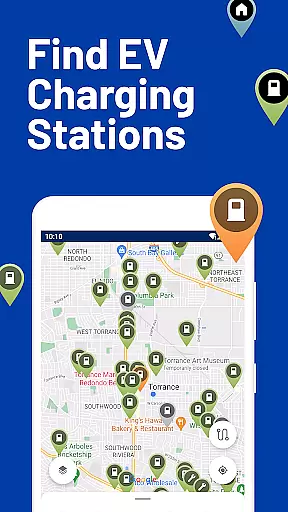
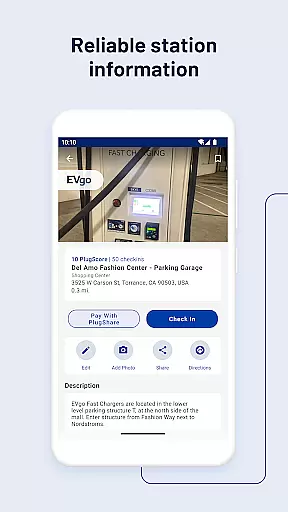
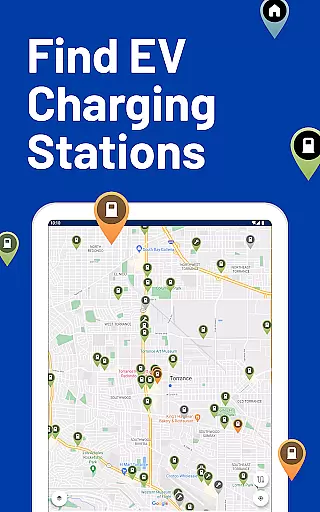
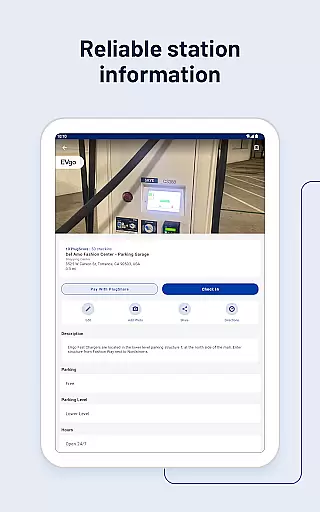
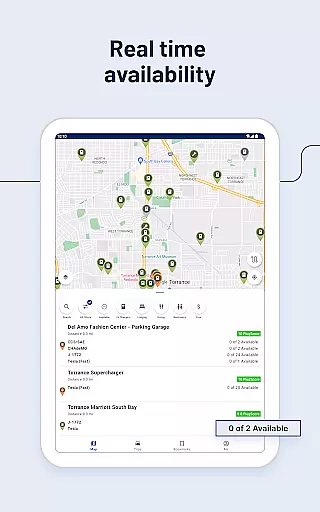
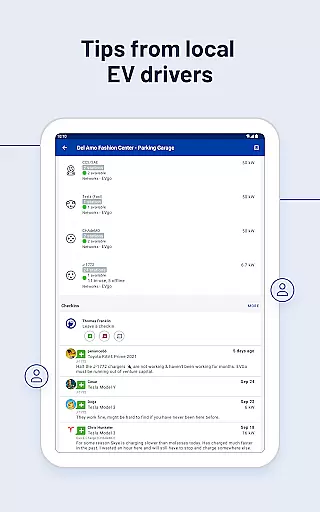
PlugShare is the world's largest EV driver community, offering an extensive map of electric vehicle charging stations across North America, Europe, and beyond. The app provides detailed station information for all major EV charging networks, including Tesla Superchargers, ChargePoint, and Electrify America.
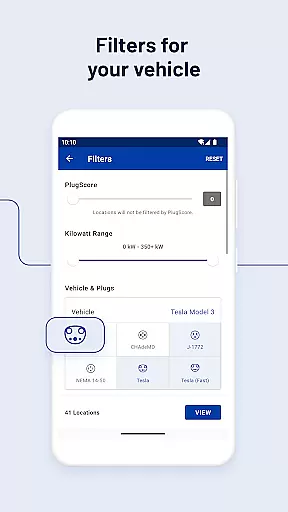
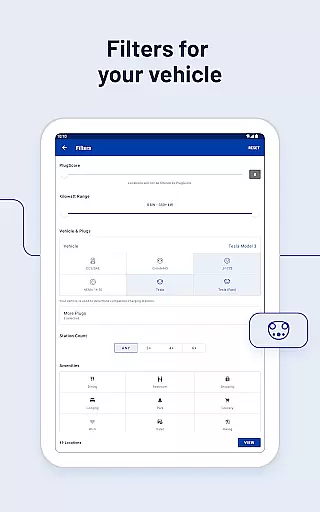
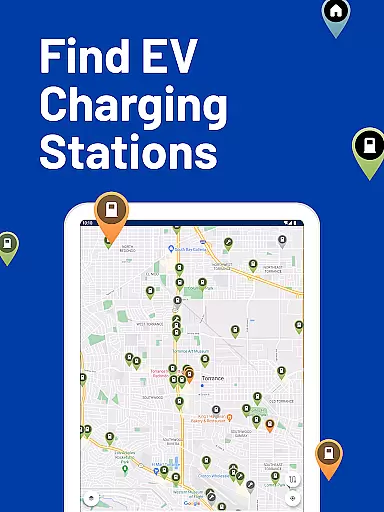
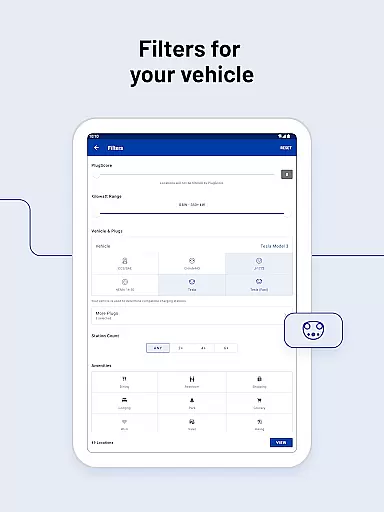
Users can filter the PlugShare map by plug type (CHAdeMO, SAE/CCS), charging speed (Level 1, Level 2, DC Fast Chargers), and charging provider. This ensures drivers find public charging stations compatible with their specific EV model, whether it's a Tesla Model 3, Ford Mustang Mach-E, or Audi e-tron.
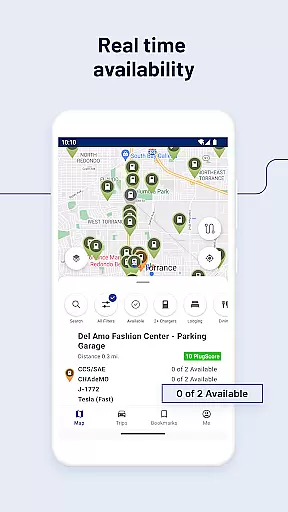
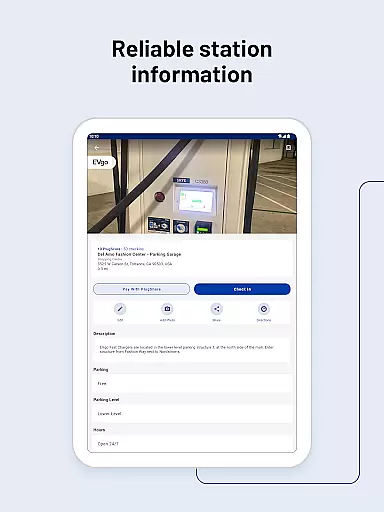
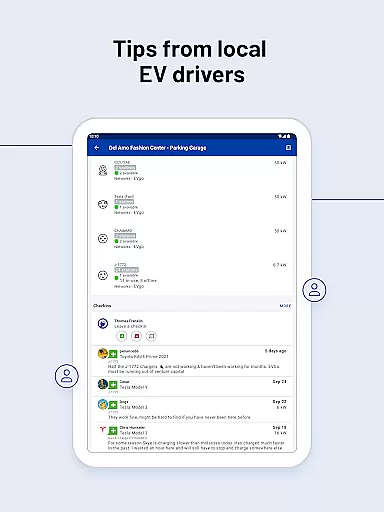
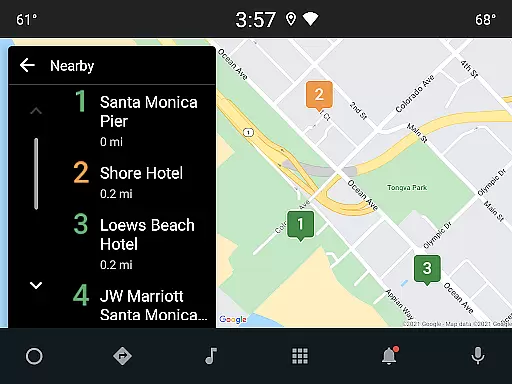
Beyond locating chargers, PlugShare allows users to check station functionality, current availability, and nearby amenities like food or restrooms. With features like Android Auto integration and notifications for newly installed chargers, PlugShare is an essential tool for any EV owner.
PlugShare stands out with its comprehensive filtering options, allowing users to search for charging stations by connector type, charging speed, and even specific amenities such as restaurants or bathrooms. This level of detail ensures that EV drivers can plan their trips effectively and locate the most convenient charging solutions.
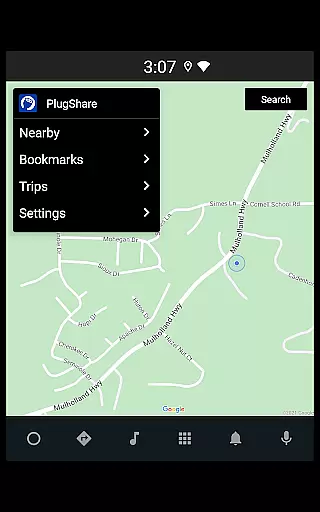
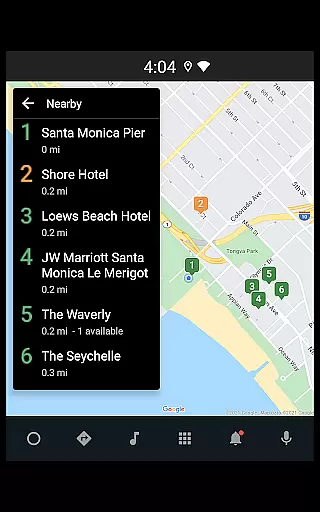
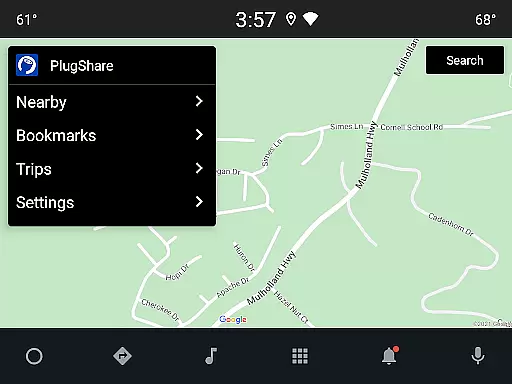
The app also supports Pay with PlugShare at participating locations, enabling users to pay for charging sessions directly through the app while monitoring their session in real-time. Additionally, PlugShare integrates seamlessly with Android Auto, providing easy access to nearby charging locations and planned trips from a vehicle's built-in display.
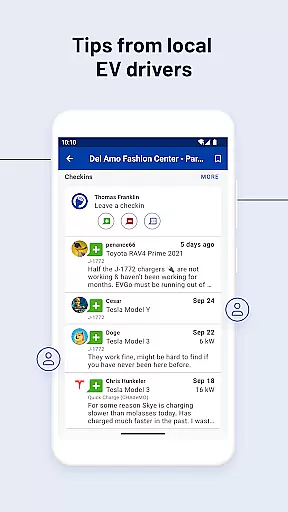
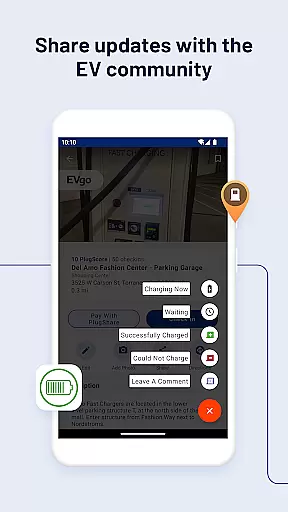
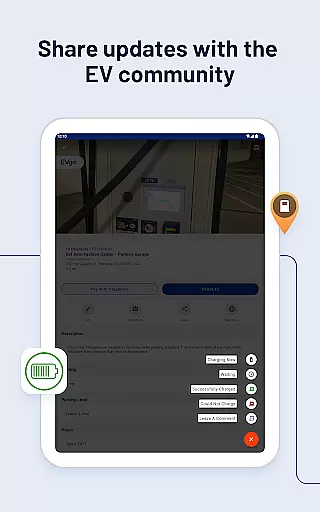
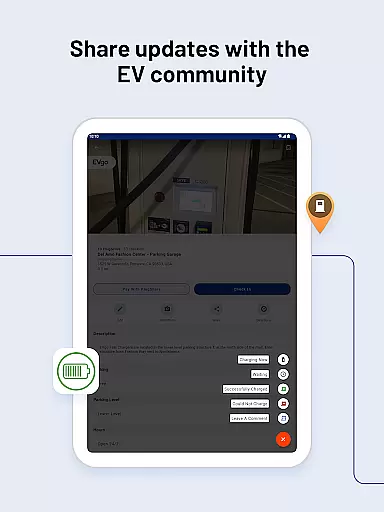
Another key feature is the ability to contribute to the community by adding new charging stations to the map and leaving reviews and photos. This collaborative approach helps maintain up-to-date and accurate information for the entire EV community, making PlugShare not just a navigation tool but a vital resource for electric vehicle drivers worldwide.
Map accuracy is crucial for electric vehicle (EV) drivers who rely on precise location data to find charging stations. PlugShare excels in this area by offering the most accurate EV and Tesla charging station map available. The platform aggregates data from multiple sources, including contributions from the EV driver community, ensuring comprehensive coverage and up-to-date information.
The PlugShare map includes detailed station information for every major EV charging network across North America, Europe, and much of the rest of the world. Drivers can filter the map by plug type, such as CHAdeMO and SAE/CCS, as well as by charging speed, which includes Level 1, Level 2, and DC Fast Chargers like Tesla Superchargers. This level of detail allows users to make informed decisions about where to charge their vehicles.
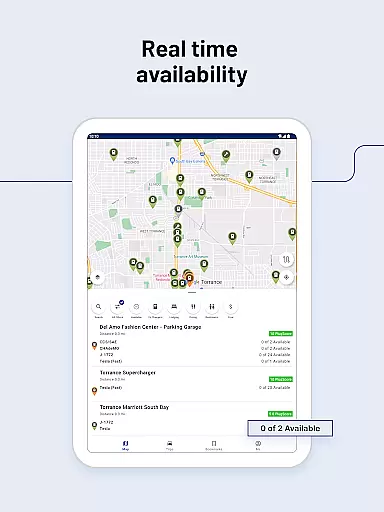
By providing real-time data on station functionality and current availability, PlugShare ensures that EV drivers can depend on the information they receive. This reliability helps drivers plan their routes effectively, minimizing range anxiety and enhancing the overall EV driving experience.
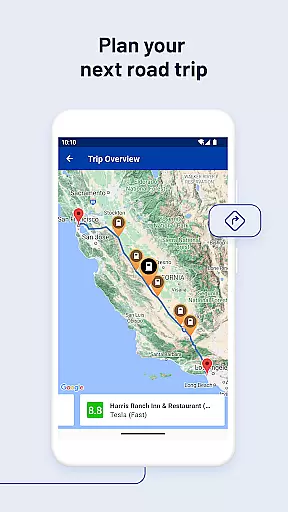
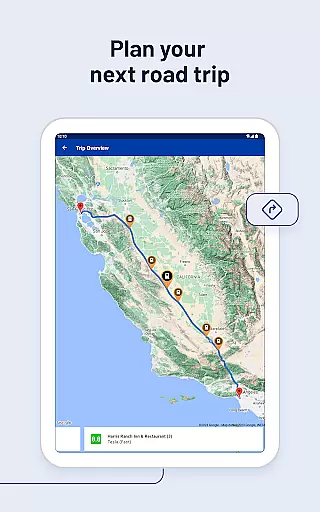
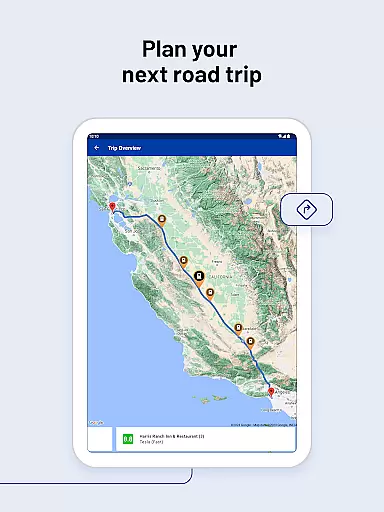
Effective route planning is essential for EV drivers to optimize their travel and ensure they can reach their destinations without running out of charge. PlugShare supports this need by enabling drivers to filter for connector types, charging speeds, and nearby amenities such as food or bathrooms. These features allow users to tailor their routes according to their specific requirements and preferences.
PlugShare's integration with popular navigation apps provides seamless directions to selected chargers, making it easier for drivers to incorporate charging stops into their journeys. Additionally, the ability to pay for charging sessions directly through the app at participating locations streamlines the process, saving time and reducing hassle.
Furthermore, PlugShare enhances route planning with notifications about newly installed chargers nearby and compatibility with Android Auto. This allows drivers to browse nearby charging locations, bookmarked sites, and planned trips directly from their vehicle's built-in display. Such innovations not only improve convenience but also contribute to a more efficient and enjoyable driving experience.
User-friendly interface
Extensive charger network
Real-time availability
Community-driven updates
Android Auto support
Limited iOS features
Occasional data errors
Premium subscription cost
Regional limitations
Ad-heavy free version

Explore the world with Live Satellite View, 3D Maps, GPS Navigation & Earth Map.
 2.90
2.90
Navigate with your watch and keep the phone in your pocket!
4.60
All of NHSA's trail information at your fingertips for the 2025-2026 season
4.3
Plan routes, share locations, and set custom alert zones
4.40
Maps, Driving Directions & GPS navigation using directions app & GPS App
4.30
Get route map navigation with 3D satellite view, and live earth camera streaming
3.70
Track friends in real-time and explore worldwide live cameras.
4.60
Navigate MTA, NJ Transit, MBTA, SEPTA, BART, MARTA, CTA & 900+ cities
4.60
Rideshare, taxi cabs, and more for your airport travels and everyday trips.
4.50
Bolt is a ride-hailing app for requesting fast, safe, and affordable transport
4.80
Park in Chicago, NYC, Boston, SF, Houston & more!
4.70
Explore with GPS Navigation with GPS offline, voice GPS, speed camera radar
4.60
Neshan: map & navigation app with 20M+ monthly active users
4.50
Route tracker, Speedometer, Odometer, Fuel, HUD mode, save route as .GPX
4.40
Find radar maps, GPS coordinates, altitude, offline maps, location, travel route
4.40
Explore a light pollution map to find suitable dark sky locations for observing.
4.30
Avoid delays. Get real-time GPS navigation, safety alerts and live traffic.
4.10
Explore Live Earth Map with 3D World Map & locate cites, mountains real time.
3.80
Explore Earth with live GPS, satellite view & street navigation
3.60
Complete DiDi Rider review—pricing comparison vs Uber, safety features, service areas, driver quality, and whether it saves you money.



User Reviews