
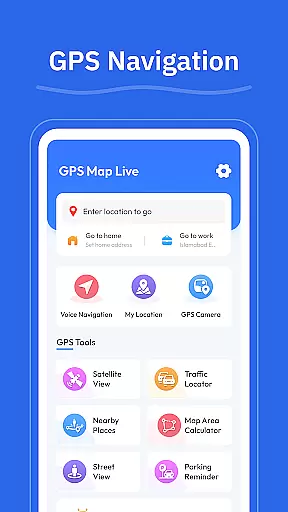
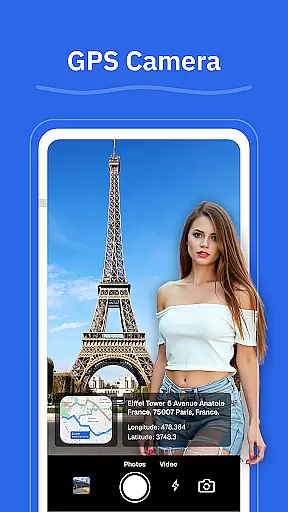
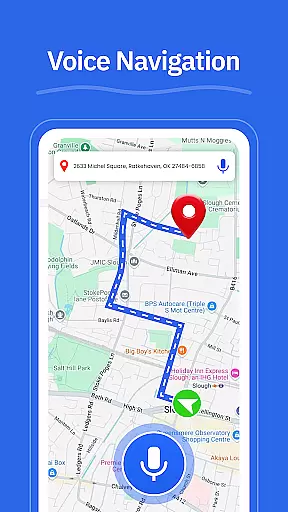
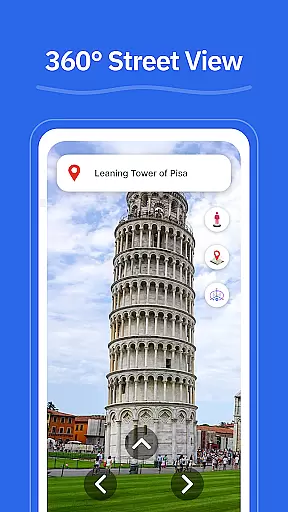
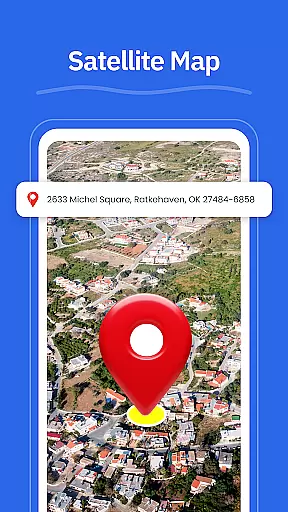
GPS - Maps, Driving Directions is a comprehensive navigation app designed to simplify travel across the United States. The app provides users with accurate GPS maps, turn-by-turn voice guidance, and real-time location tracking, making it an essential tool for both everyday commutes and long-distance road trips.
With features like route optimization based on current traffic conditions, street view functionality, and a GPS camera for geo-tagged photos, this app ensures smooth navigation on highways, interstates, and local roads. Whether you're driving through busy cities or exploring remote areas, GPS - Maps, Driving Directions offers reliable support for all your travel needs.
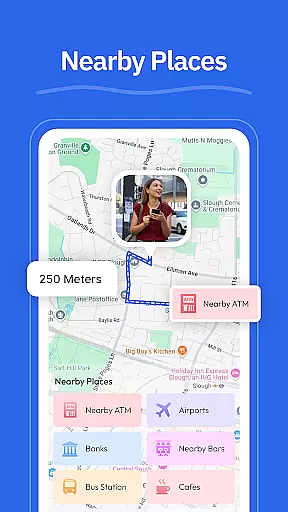
The app's intuitive interface and practical tools, such as nearby place searches for gas stations, restaurants, and ATMs, enhance the overall travel experience. By combining essential navigation features with user-friendly design, this app helps drivers move around confidently and efficiently.
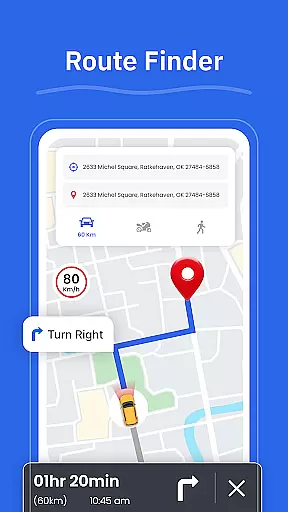
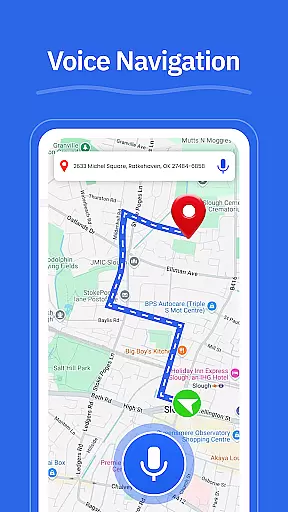
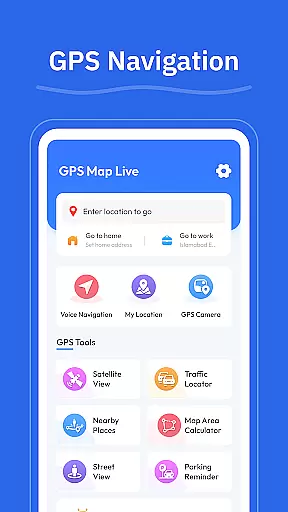
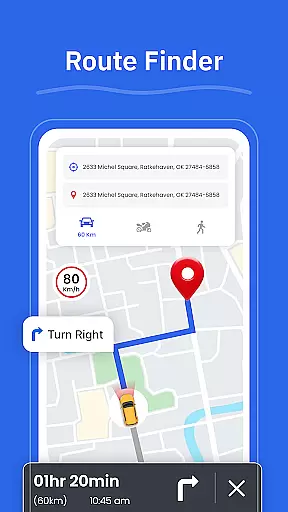
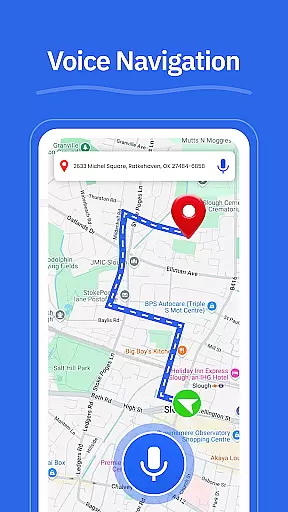
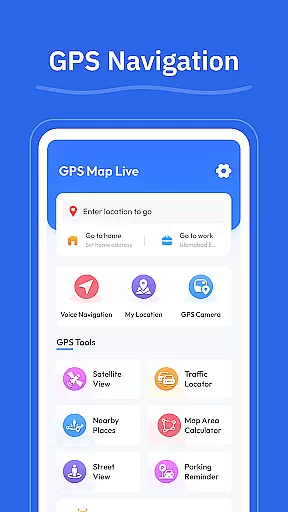
GPS - Maps, Driving Directions stands out with its robust set of navigation features tailored for U.S. travelers. The app provides turn-by-turn voice guidance, allowing drivers to focus on the road while receiving clear directions. Its route finder optimizes travel paths based on real-time road conditions, ensuring the fastest and most efficient routes.
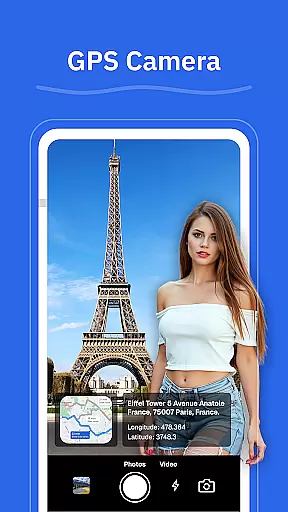
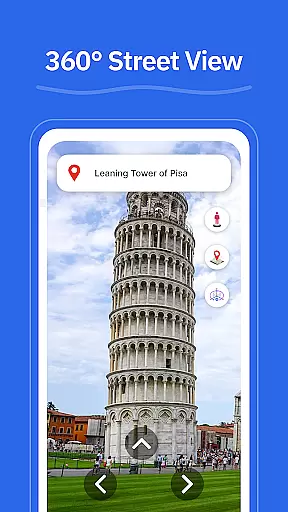
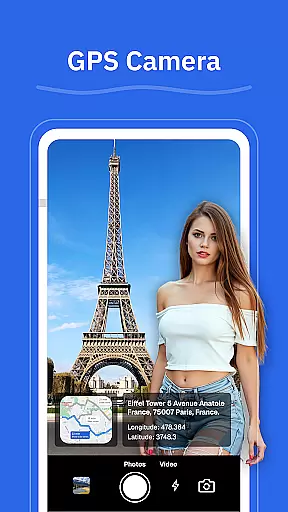
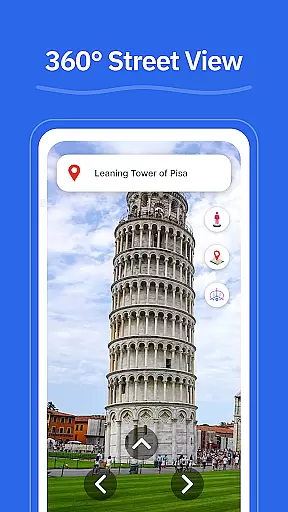
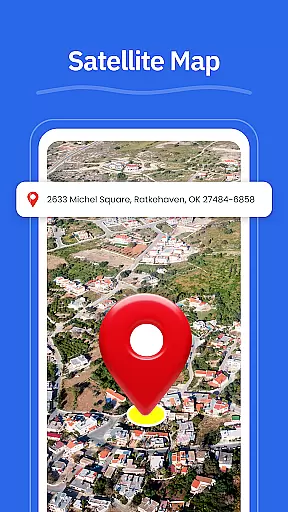
In addition to basic navigation, the app includes a street view feature that lets users explore neighborhoods and landmarks before starting their journey. The GPS camera allows users to save locations with geo-tagged photos, making it easy to revisit favorite spots. Real-time GPS tracking and the 'My Location' feature ensure users always know their exact position.
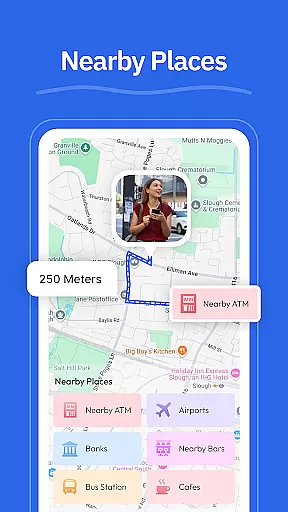
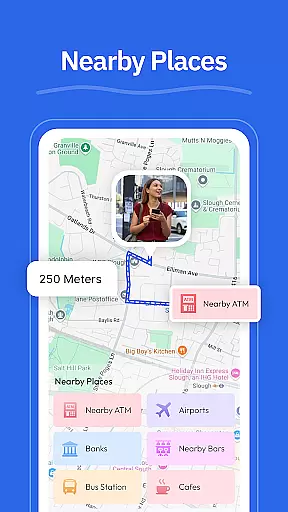
Practical tools like nearby place searches enhance convenience by helping users locate essential services such as gas stations, EV chargers, pharmacies, and restaurants. These features collectively create a seamless navigation experience that caters to both daily commuters and road trip enthusiasts.
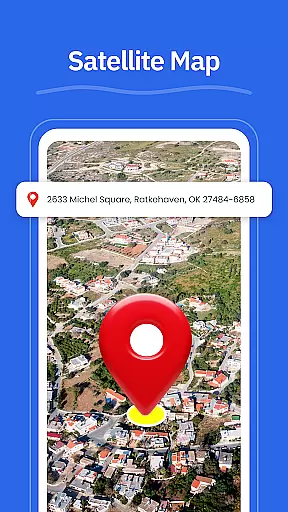
Map accuracy is essential for any navigation app, and GPS - Maps, Driving Directions excels in this area. The application provides detailed maps covering highways, interstates, and local roads across the United States. With real-time GPS tracking, users can view their current position accurately, ensuring they are always on the right path.
The app's map data is regularly updated to reflect the latest road conditions and changes. This commitment to up-to-date information means that users can rely on the app whether driving through busy cities or planning a trip across states. The accuracy of the Street View feature further enhances the navigation experience by allowing users to check areas, neighborhoods, and landmarks before they arrive.
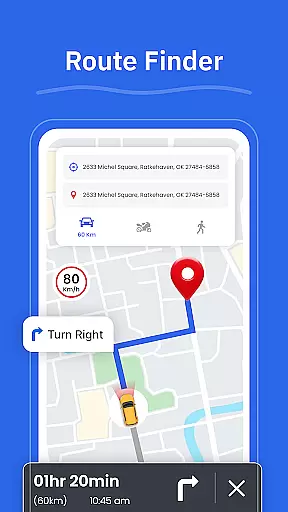
For travelers who need precise directions, the Route Finder tool helps choose the best route based on current road conditions. This ensures that users can avoid traffic jams and road closures, making their journey smoother and more efficient. Overall, the high level of map accuracy provided by GPS - Maps, Driving Directions makes it an invaluable tool for both everyday commutes and long road trips.
Effective route planning is a cornerstone of GPS - Maps, Driving Directions, offering users clear and efficient paths for their travels. The app provides turn-by-turn voice guidance, allowing for hands-free driving and ensuring that users can focus on the road while receiving accurate directions. This feature is particularly useful when navigating complex city streets or unfamiliar rural routes.
In addition to basic route planning, the app includes a Route Finder tool that suggests optimal routes based on current road conditions. This dynamic approach helps drivers avoid traffic congestion, roadwork, and other potential delays, saving both time and fuel. The inclusion of multiple route options also allows users to choose paths that best suit their preferences, such as avoiding tolls or prioritizing faster travel times.
Moreover, the Nearby Places feature enhances route planning by identifying essential stops along the way, such as gas stations, restaurants, and ATMs. This ensures that users can plan breaks and make necessary stops without deviating too far from their planned route. By combining accurate map data with intelligent route suggestions, GPS - Maps, Driving Directions delivers a comprehensive and reliable navigation solution for all types of journeys.
User-friendly interface
Accurate GPS tracking
Turn-by-turn guidance
Real-time traffic updates
Nearby place finder
Limited international maps
Occasional voice delay
High data usage
No offline maps
Frequent ads in free version

Explore a light pollution map to find suitable dark sky locations for observing.
 4.30
4.30
Find trails, organize your locations and navigate with offline maps.
4.60
CamSam PLUS - The speed and red light camera warning system!
4.40
Find EV & Tesla charging stations with PlugShare
4.70
ParkWhiz, an Arrive Mobility brand, part of the Arrive Network
4.30
Off-Roading Navigation App With Trails, Public Lands, & Private Property Info
3.30
Use GPS Maps and GPS Voice Navigation to find your way and get directions
4.10
Navigate MTA, NJ Transit, MBTA, SEPTA, BART, MARTA, CTA & 900+ cities
4.60
Avoid delays. Get real-time GPS navigation, safety alerts and live traffic.
4.10
Bolt is a ride-hailing app for requesting fast, safe, and affordable transport
4.80
Find AI powered cameras, ALPRs, and other surveillance infrastructure near you
4.70
Neshan: map & navigation app with 20M+ monthly active users
4.50
Plan routes, share locations, and set custom alert zones
4.40
TACNAV-X: Precision MGRS navigation, built specifically for the military.
4.00
Start your next adventure confidently using our Accurate Compass App
3.70
OpenCPN is a full featured ChartPlotter and Navigator for Android.
3.60
Your guide to the recreational opportunities of the Bureau of Land Management!
3.40
Offline maps for phone and smart watch: topographic maps, satellite images...
3.30
Ride CTA, Metra & Pace: Manage your fares, buy Metra tickets, get arrivals.
3.00
Complete DiDi Rider review—pricing comparison vs Uber, safety features, service areas, driver quality, and whether it saves you money.



User Reviews