
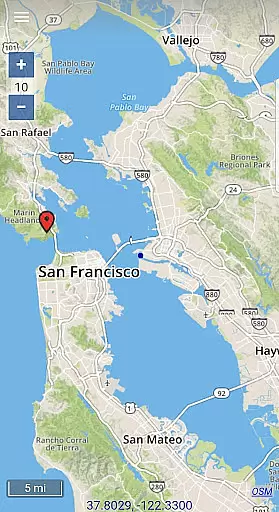
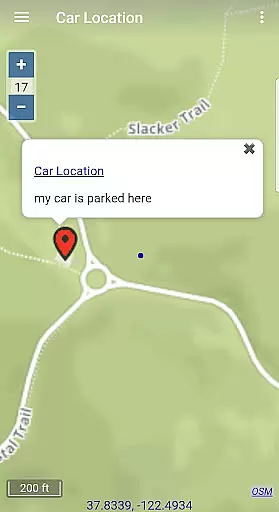
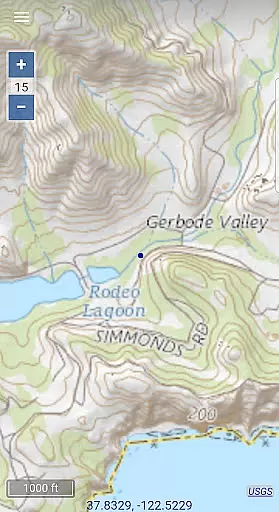
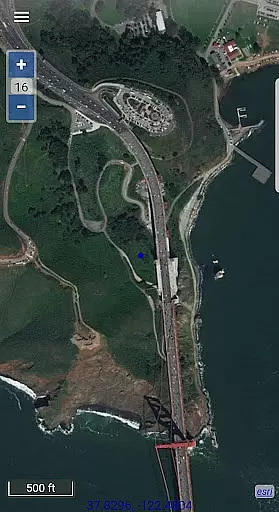
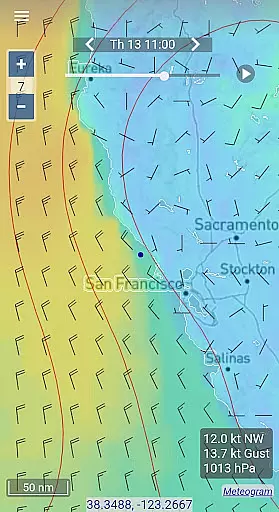
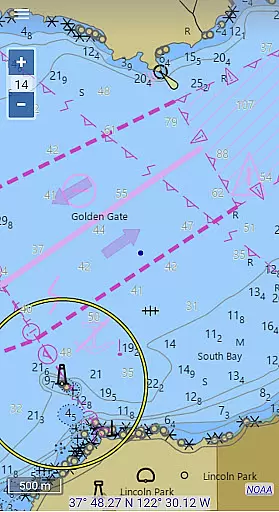
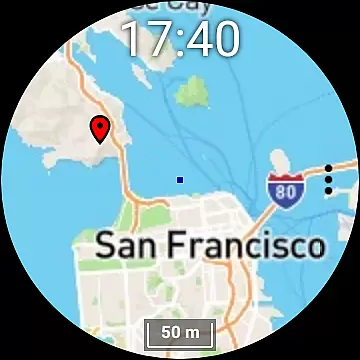
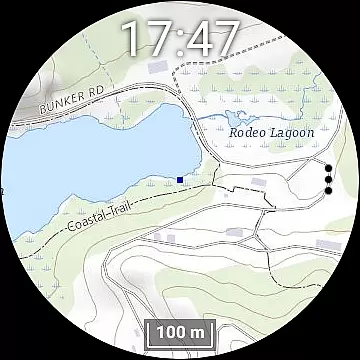
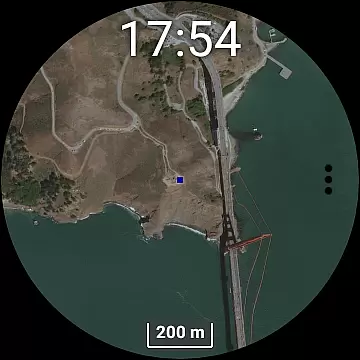
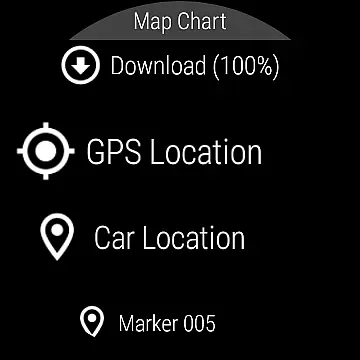
Map Chart Mosaic is a versatile offline mapping application designed for both smartphones and smartwatches. The app offers a comprehensive suite of map types, including topographic maps, satellite imagery, GRIB weather forecasts, and road maps complete with cycling and hiking trails. Users can seamlessly switch between different map sources to access detailed location information. A key feature is its offline functionality, allowing users to store map views in a local cache on their devices, enabling map access without an internet connection.
In addition to offline map viewing, the app supports advanced functionalities such as adding map markers and notes, creating travel routes, recording GPS tracks, and sharing data in GPX file format. It also provides essential GPS travel information like speed, course, odometer readings, and estimated time of arrival (ETA). For smartwatch users, Map Chart Mosaic offers Wear OS compatibility, allowing independent use from the phone after initial setup. This makes it an ideal tool for outdoor enthusiasts who require reliable navigation data even in areas with limited connectivity.
One of the standout features of Map Chart Mosaic is its ability to download and store offline maps directly on your smartwatch, providing true standalone functionality. This allows users to view maps without needing to connect to their phones, which is particularly useful during outdoor activities where carrying a phone might be inconvenient. The app's support for various map types, including nautical charts for USA and Canada, ensures that users have access to specialized mapping data tailored to their specific needs.
Map Chart Mosaic also excels in its data management capabilities. Users can add custom map markers and notes, create detailed travel routes, and record GPS tracks. These features are complemented by the ability to share map-related data as GPX files, making it easy to exchange information with other devices or applications. Additionally, the app provides GRIB weather forecast maps through multiple channels, including internet downloads, email, and Iridium Go satellite connections. This comprehensive approach to map data acquisition and management sets Map Chart Mosaic apart from other mapping applications in its category.
Map Chart Mosaic offers a diverse range of offline maps including topographic maps, satellite images, and road maps with cycling and hiking trails. The app ensures map accuracy by sourcing data from various reliable providers and allowing users to switch seamlessly between different map sources.
The application automatically stores map views in an offline cache on your phone, enabling you to access detailed location information without an internet connection. This feature not only enhances the user experience by providing uninterrupted access but also guarantees that the maps are up-to-date and accurate at the time of download.
For those exploring nautical environments, Map Chart Mosaic provides nautical charts for USA and Canada, ensuring sailors have precise and reliable information for safe navigation. Users can trust the accuracy of these charts for their maritime adventures within these regions.
One of the standout features of Map Chart Mosaic is its comprehensive route planning capabilities. Users can create travel routes, record GPS tracks, and even share this data as GPX files. This functionality supports meticulous trip preparation and allows outdoor enthusiasts to document their journeys accurately.
In addition to creating routes, the app delivers essential GPS travel information such as speed, course, odometer readings, and estimated time of arrival (ETA). These details empower users to make informed decisions during their travels, enhancing both safety and efficiency on the road or trail.
Map Chart Mosaic further extends its route planning utility to smartwatches running Wear OS. By downloading offline maps directly to their smartwatches, users gain the freedom to navigate without needing a connection to their phones, making it an invaluable tool for adventurers who require reliable guidance in remote areas.
User-friendly interface
Offline map functionality
Smartwatch integration
Comprehensive map types
Advanced GPS features
Limited nautical charts
No turn-by-turn navigation
Complex setup process
High storage requirements
Occasional sync issues

CamSam PLUS - The speed and red light camera warning system!
 4.40
4.40
OpenCPN is a full featured ChartPlotter and Navigator for Android.
3.60
"Balad" is a map and navigator with a Persian voice assistant and a complete city guide
4.40
NJ TRANSIT information and ticketing at your fingertips
3.70
Drive safe with real-time speed camera radar, police, and traffic alerts
3.80
Explore with GPS Navigation with GPS offline, voice GPS, speed camera radar
4.60
Bolt is a ride-hailing app for requesting fast, safe, and affordable transport
4.80
Explore offline maps with radar, satellite view, and real-time alerts.
3.60
Route Planner is travel map to get turn by turn navigation & driving directions
3.90
Order a cab online. An affordable taxi ride and driver in no time. What a bolt!
4.80
Truck Safe GPS Navigation & Maps: Parking, Fuel, Diesel, Weight Station
4.80
Park in Chicago, NYC, Boston, SF, Houston & more!
4.70
Complete offline 1:50k South Island topo map including DOC Hunting Permit Areas
4.60
Neshan: map & navigation app with 20M+ monthly active users
4.50
Route tracker, Speedometer, Odometer, Fuel, HUD mode, save route as .GPX
4.40
Plan routes, share locations, and set custom alert zones
4.40
Number locator, real connection map
4.10
Get route map navigation with 3D satellite view, and live earth camera streaming
3.70
Compass is an accurate compass and a great tool for any outdoor activities
4.2
Complete DiDi Rider review—pricing comparison vs Uber, safety features, service areas, driver quality, and whether it saves you money.



User Reviews