
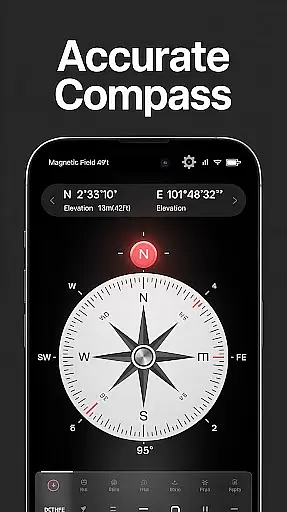
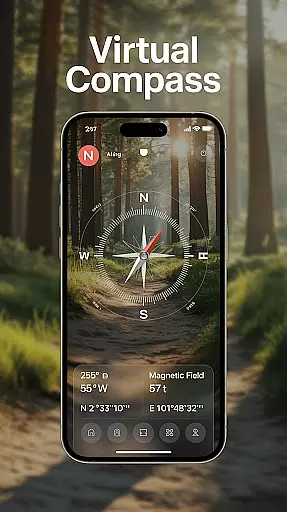
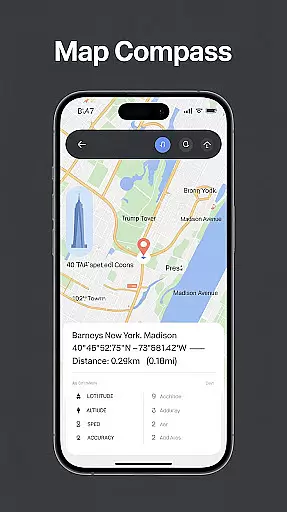
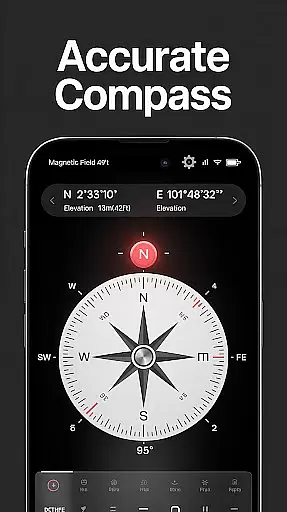
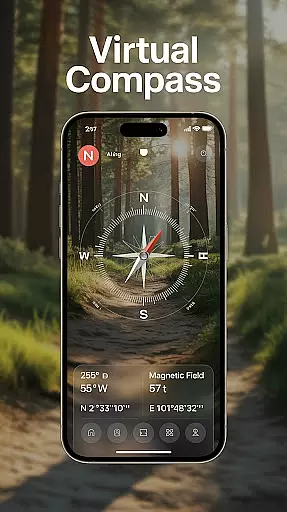
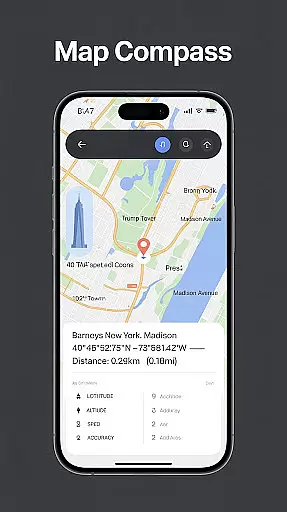
Compass - Directional Compass is a precise navigation tool designed for both casual users and outdoor enthusiasts. This app provides highly accurate directional guidance, ensuring you can confidently find your way whether hiking in the wilderness or navigating urban environments. The app combines traditional compass functionality with advanced digital features.
Key features include real-time direction tracking, GPS coordinates display, and magnetic field detection to ensure accuracy even in challenging environments. With additional tools like map integration, tilt meter, and offline mode, this app proves invaluable for various scenarios from travel to professional use.
Whether you're an adventurer exploring remote areas or someone who needs reliable directions in daily life, Compass - Directional Compass offers a dependable solution that works seamlessly on your mobile device.
Compass - Directional Compass stands out with its comprehensive feature set tailored for navigation enthusiasts. The app offers a real-time digital compass that supports both classic and modern compass modes, providing smooth and accurate directional readings.
Beyond basic navigation, the app includes GPS functionality to display exact latitude, longitude, and altitude, making it ideal for outdoor activities. It also detects magnetic interference, ensuring more reliable readings. Additional tools such as map integration, a built-in inclinometer for measuring tilt and angles, and customizable themes like night mode enhance usability.
The inclusion of an offline mode ensures that users can rely on the app even without internet connectivity, making it perfect for remote locations. These features collectively create a versatile navigation tool suitable for various applications.
Map accuracy is essential for any navigation app, and Compass - Directional Compass excels in this area. The app provides real-time directional guidance with pinpoint precision, ensuring users can accurately locate North, South, East, or West.
The inclusion of GPS and location info enhances the map accuracy by providing exact latitude, longitude, and altitude, which are crucial for better positioning in both urban and remote environments.
Moreover, the magnetic field detection feature helps users stay aware of potential magnetic interference that could affect compass readings, thus maintaining high accuracy even in challenging conditions.
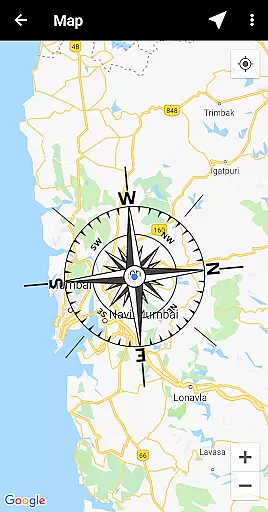
Route planning is made effortless with the Compass - Directional Compass app. By integrating map functionality with the compass, users can enjoy enhanced route planning capabilities, making it easier to navigate through unfamiliar terrains.
The app's tilt and level meter further aids in route planning by allowing users to check surface alignment and tilt angles, which is particularly useful when plotting courses over varied landscapes.
Additionally, the offline mode ensures that users can plan their routes anywhere, without needing an internet connection, providing flexibility and reliability when it's most needed.
Accurate readings
User-friendly UI
Offline functionality
Customizable themes
GPS integration
Drains battery
Occasional glitches
Limited maps
No voice guidance
Ads in free version

Find AI powered cameras, ALPRs, and other surveillance infrastructure near you
 4.70
4.70
Start your next adventure confidently using our Accurate Compass App
3.70
Turn your tablet or Android powered unit into a full blow Android Auto headunit.
2.30
America’s largest public fast charging network, with over 500 charging stations.
4.50
Maps, Driving Directions & GPS navigation using directions app & GPS App
4.30
GPS Speedometer & Odometer: Track car, bike, truck speed & distance in real-time
4.70
NJ TRANSIT information and ticketing at your fingertips
3.70
Live Satellite view app for find GPS navigation Direction and live location map
3.70
Get there with the Waymo Driver — The World’s Most Experienced Driver™
4.90
Navigate confidently with our precise Digital Compass app & Direction Compass!
4.70
Explore with GPS Navigation with GPS offline, voice GPS, speed camera radar
4.60
Track friends in real-time and explore worldwide live cameras.
4.60
GPS navigation offers route finder, compass, translator, currency converter, etc
4.30
Find radar, speed camera, flight tracker. Use hud, location tracker, speedometer
4.20
Get directions, Maps, GPS navigation & GPS Maps using GPS App
4.10
Easy, Moderate and difficult offroad adventures.
4.00
TACNAV-X: Precision MGRS navigation, built specifically for the military.
4.00
Explore offline maps with radar, satellite view, and real-time alerts.
3.60
Offline maps for phone and smart watch: topographic maps, satellite images...
3.30
Honest Uber review—pricing surge charges, driver quality, safety features, hidden fees, and how it compares to Lyft and local taxis.



User Reviews