
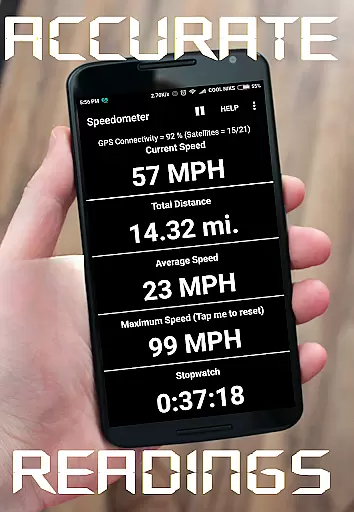
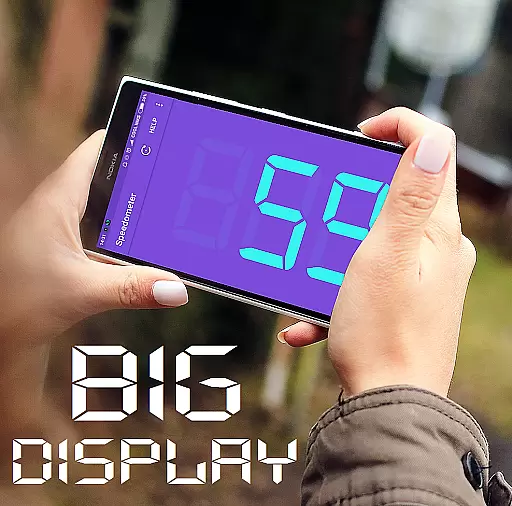
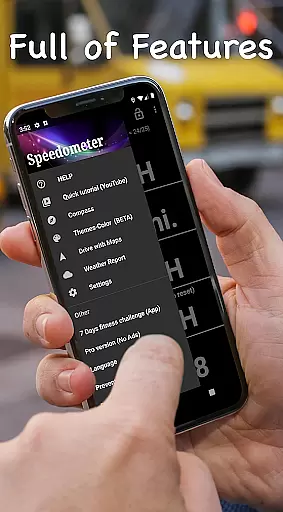
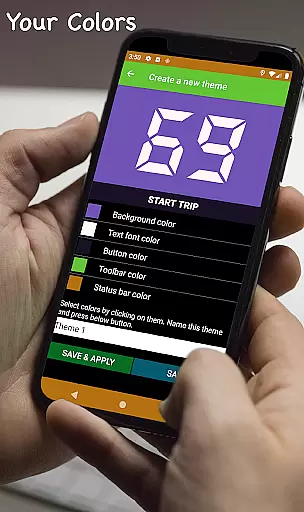
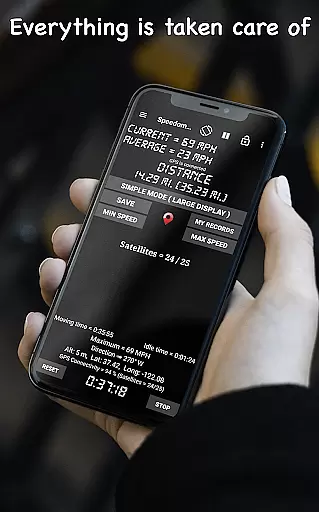
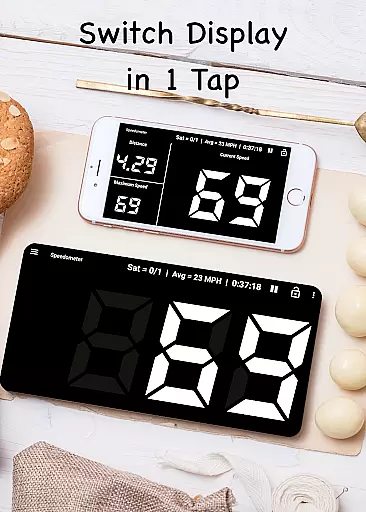
GPS Speedometer is a feature-rich navigation app designed to provide real-time speed tracking with GPS accuracy. Whether you're driving, cycling, or walking, this app delivers precise speed and distance data through its intuitive interface. The app supports multiple units of measurement including mph, km/h, m/s, and knots, making it versatile for various users worldwide.
One standout feature is the Heads-Up Display (HUD) mode, which projects your speed onto your windshield for easy viewing during night drives. Additionally, the app offers customizable speed alerts, trip history with detailed statistics, and a floating window mode that allows speed monitoring over other apps like Google Maps. These features make it an essential tool for drivers, cyclists, and logistics professionals who need reliable speed and distance tracking.
The app's offline functionality ensures that you can track your speed without needing an internet connection. Its compact size and battery-efficient design mean it won't drain your device's resources, providing a smooth user experience. With millions of users globally, GPS Speedometer is trusted for its accuracy and ease of use, making it ideal for anyone looking to enhance their travel or work journeys.
GPS Speedometer stands out with its comprehensive set of features tailored for accurate speed and distance tracking. The app provides real-time GPS speed tracking with remarkable precision, ensuring users always know their current speed. It includes a digital odometer that records trip distances for cars, bikes, or any vehicle, allowing users to keep detailed logs of their travels.
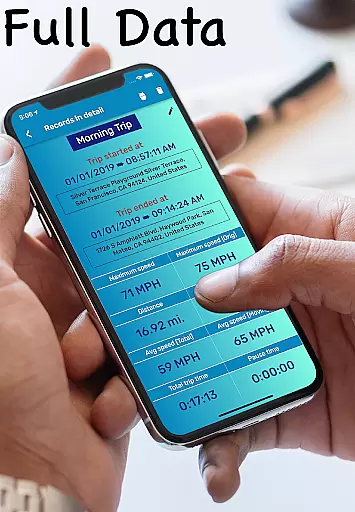
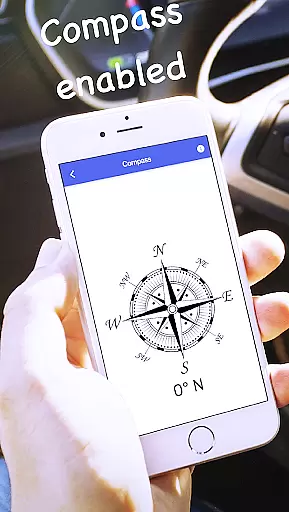
Another innovative feature is the HUD mode, which displays mirrored speed readings on your windshield, perfect for nighttime driving. Users can also set up customizable speed alerts to stay within safe limits. The app saves trip histories, enabling users to review past routes with detailed stats such as average speed and total distance covered. Additionally, the built-in compass mode helps users maintain direction awareness at all times.
For those who require constant monitoring, the floating window feature allows users to overlay speed information on top of other apps like Google Maps. The app is optimized for low power usage, ensuring it doesn't quickly drain your device’s battery. These robust features collectively offer a powerful solution for anyone needing reliable speed and distance tracking in a lightweight, efficient package.
Map accuracy is essential for any navigation or tracking application, and GPS Speedometer excels in this area. The app uses advanced GPS technology to provide real-time speed and location data with remarkable precision.
The digital odometer feature tracks trip distances accurately, whether you're driving a car, riding a bike, or operating a truck. This ensures that users can rely on the app for precise mileage information, which is crucial for both personal and professional purposes.
With its high level of accuracy, GPS Speedometer supports various units of measurement including mph, km/h, m/s, and knots. This versatility allows the app to cater to a global audience with differing regional standards, making it an indispensable tool for travelers and logistics professionals alike.
Route planning is a critical component of any journey, and GPS Speedometer offers features that enhance this process. While primarily a speed tracking app, it includes functionalities like compass mode and live weather updates that contribute to efficient route management.
The app's HUD (Heads-Up Display) mode projects your speed onto the windshield, allowing drivers to maintain focus on the road while receiving important navigational cues. This feature is particularly useful during night driving or in conditions where maintaining attention on the route is paramount.
Additionally, GPS Speedometer provides speed alerts with customizable warnings, helping drivers to stay within safe limits and plan their routes accordingly. These alerts, combined with the app's offline functionality, ensure that users can navigate confidently without worrying about internet connectivity issues.
Accurate GPS
User-friendly UI
Customizable alerts
Offline support
Battery efficient
Limited free features
Occasional lag
No voice guidance
Ads in free version
Complex settings

The fastest and most convenient way to pay for parking on our lots.
 4.40
4.40
GPX Viewer PRO shows tracks, routes and waypoints from gpx and kml files.
4.60
Complete offline 1:50k South Island topo map including DOC Hunting Permit Areas
4.60
Find EV & Tesla charging stations with PlugShare
4.70
NJ TRANSIT information and ticketing at your fingertips
3.70
Navigate via GPS Maps of GPS Voice Navigation, driving directions to find routes
3.60
Explore Live Earth Map with 3D World Map & locate cites, mountains real time.
3.80
Get route, find shortest path, near by places and weather update
3.90
Get real-time bus and train schedules for easy, hassle-free city transportation.
3.90
Get there with the Waymo Driver — The World’s Most Experienced Driver™
4.90
Order a cab online. An affordable taxi ride and driver in no time. What a bolt!
4.80
Offline maps & GPS for hiking, travel, fieldwork & outdoor adventures
4.70
Get matched with a nearby driver — you’ll be on your way in minutes.
4.30
Simple & easy to use a compass app. Get accurate directions.
4.20
Lets explore the world's famous places by using Live Cams, GPS & Satellite View.
4.20
Number locator, real connection map
4.10
Find routes fast with GPS Maps, GPS Navigation & driving directions.
4.10
Off-Roading Navigation App With Trails, Public Lands, & Private Property Info
3.30
Compass is an accurate compass and a great tool for any outdoor activities
4.0
Complete DiDi Rider review—pricing comparison vs Uber, safety features, service areas, driver quality, and whether it saves you money.



User Reviews