
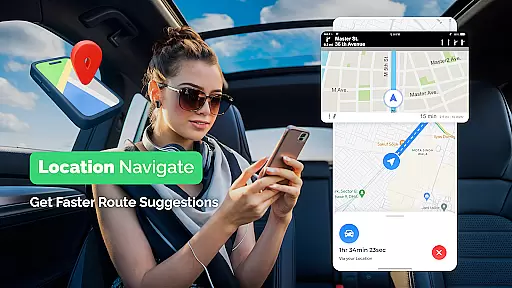
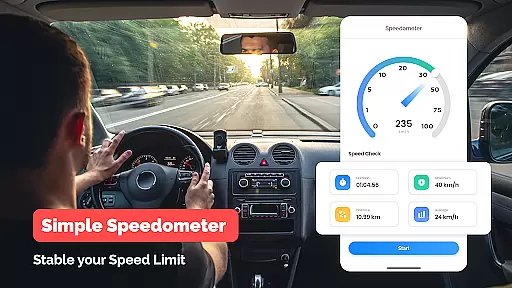
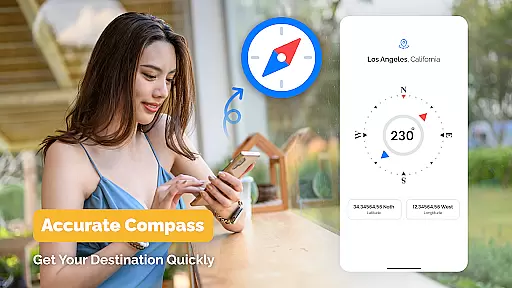
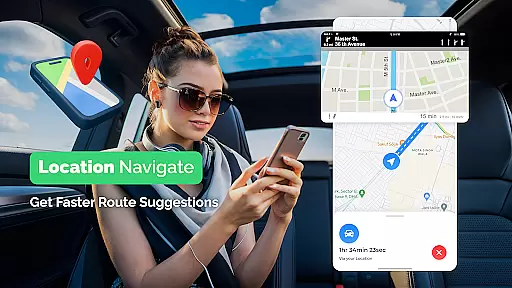
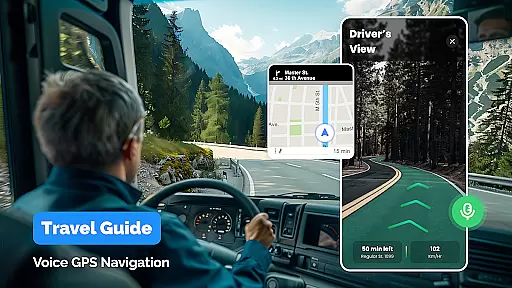
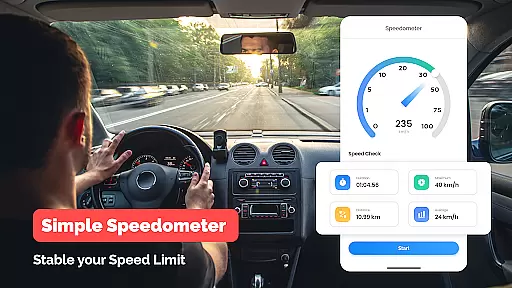
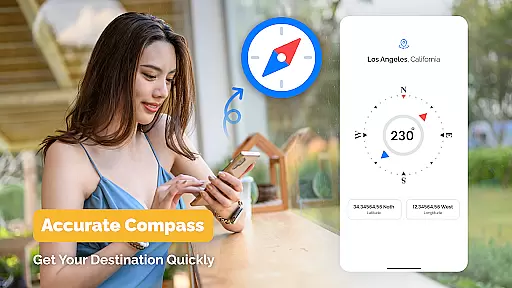
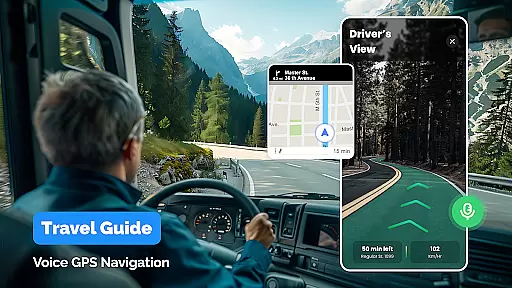
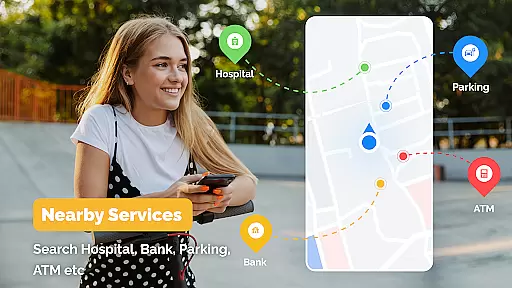
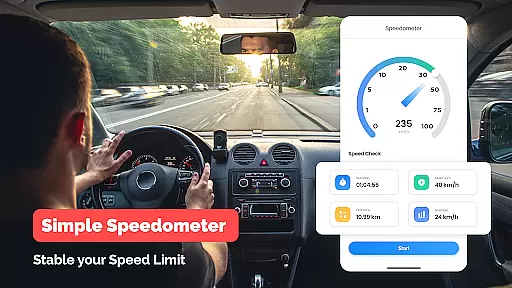
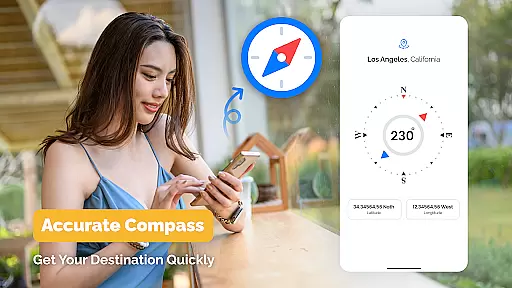
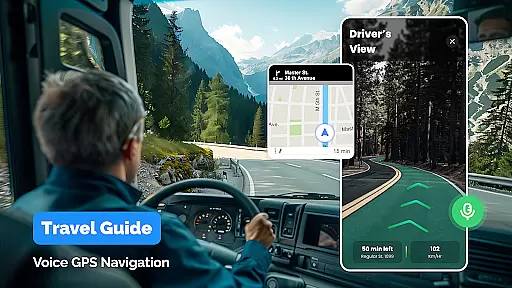
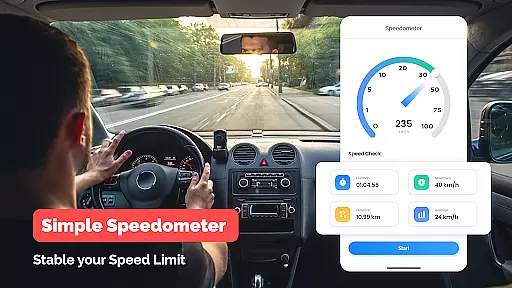
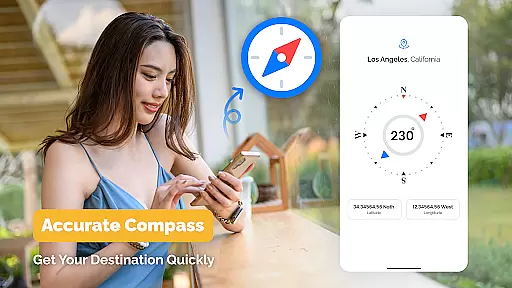
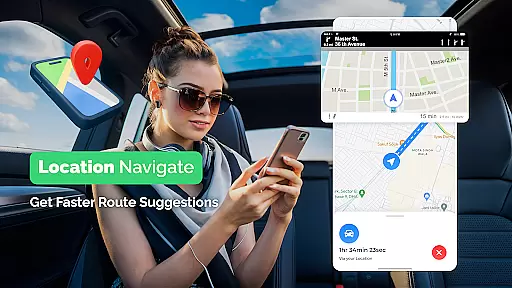
GPS, Maps Driving Directions is a comprehensive navigation app designed to make your travel seamless and stress-free. Whether you're driving, walking, or cycling, this app provides real-time voice navigation with accurate GPS maps to help you reach your destination effortlessly. The app supports multiple travel modes and offers detailed maps for both local and international journeys.
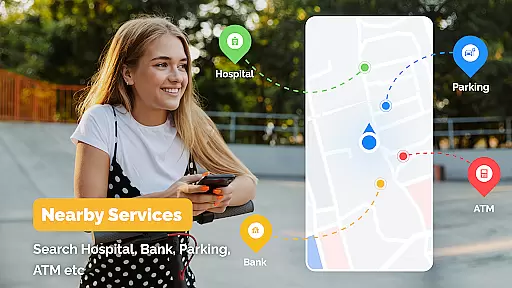
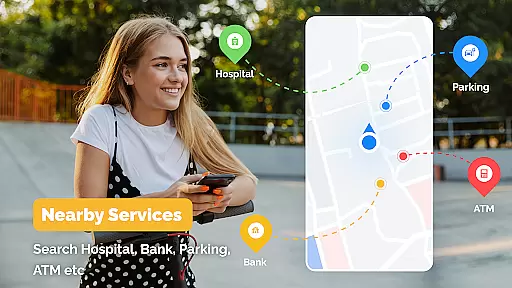
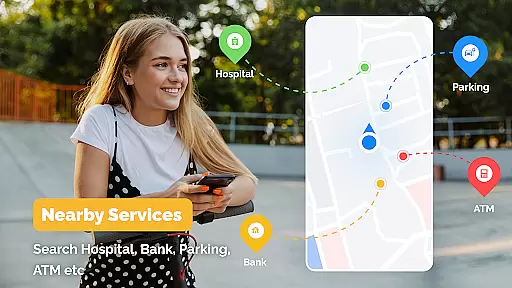
One of the standout features of GPS, Maps Driving Directions is its turn-by-turn navigation with live traffic updates, ensuring that you avoid delays and congestion. Additionally, the app allows users to discover nearby points of interest such as restaurants, gas stations, and landmarks, making it an essential tool for exploration and travel planning. With reliable maps and optimized route planning, this app ensures you navigate confidently and efficiently.
GPS, Maps Driving Directions boasts a variety of advanced features tailored to enhance your navigation experience. The app provides clear voice-guided directions, ensuring you never miss a turn while driving or walking. Its accurate GPS navigation system delivers precise driving directions, making it suitable for various travel modes including driving, walking, and cycling.
Another key feature is the real-time traffic updates and alerts, which help users avoid traffic jams and find alternative routes quickly. The app also includes a route planner that optimizes paths for different transportation methods like buses, metros, and taxis. Furthermore, users can explore nearby places such as restaurants and gas stations, adding convenience to every journey. These robust features collectively ensure a smooth and informed travel experience.
Map accuracy is a fundamental aspect of any navigation application, and GPS Maps Driving Directions excels in this area. This app provides users with reliable and up-to-date maps that cover both local and international terrains, ensuring that whether you're navigating familiar streets or exploring new cities, the information presented is precise.
The app achieves this accuracy through regular updates and comprehensive data sourcing. It integrates advanced mapping technologies that constantly refresh map details to reflect the latest road changes, landmarks, and points of interest. This means users can trust the app to guide them through the correct routes without encountering unexpected detours or missing roads.
For the user, this level of precision translates into confidence while traveling. Whether driving in a different country or walking through an unfamiliar neighborhood, accurate maps ensure that users reach their destinations efficiently and safely. The app's dedication to maintaining high standards of map accuracy makes it an indispensable tool for seamless travel experiences.
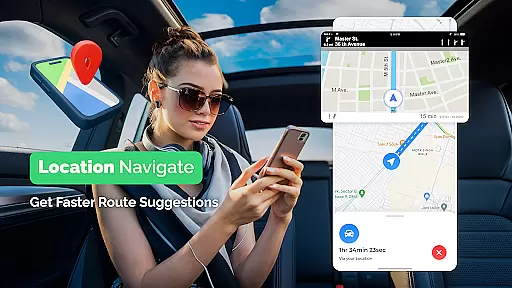
Route planning is where GPS Maps Driving Directions truly shines, offering users multiple options to reach their destination. Upon entering a destination, the app quickly calculates various routes, taking into account different factors such as distance, traffic conditions, and user preferences like the fastest or shortest path.
This flexibility in route selection empowers users to make informed decisions about their journeys. For instance, if there's heavy traffic on the quickest route, the app will suggest alternatives that might take longer but could be faster given current conditions. Additionally, features like turn-by-turn navigation and live traffic updates further enhance the route planning experience by keeping users aware of any changes on the road ahead.
Ultimately, effective route planning saves time and reduces stress for travelers. With GPS Maps Driving Directions, users gain a reliable co-pilot that not only plans efficient journeys but also adapts to real-time conditions, ensuring smooth and hassle-free travels regardless of the destination.
User-friendly interface
Accurate GPS navigation
Real-time traffic updates
Multiple travel modes
Voice-guided directions
Occasional voice delay
Heavy battery usage
Limited offline maps
Ads in free version
Large app size

Your guide to the recreational opportunities of the Bureau of Land Management!
 3.40
3.40
Turn your tablet or Android powered unit into a full blow Android Auto headunit.
2.30
Find radar maps, GPS coordinates, altitude, offline maps, location, travel route
4.40
Parcel map, property lines, owner, acres, land use, zoning and more from Regrid.
4.60
Your real-time window to the world. Explore anywhere, anytime.
3.30
NJ TRANSIT information and ticketing at your fingertips
3.70
GPS Navigation: Get map directions and find the shortest routes to avoid delays!
4.00
Bolt is a ride-hailing app for requesting fast, safe, and affordable transport
4.80
Navigate MTA, NJ Transit, MBTA, SEPTA, BART, MARTA, CTA & 900+ cities
4.60
Navigate confidently with our precise Digital Compass app & Direction Compass!
4.70
Explore with GPS Navigation with GPS offline, voice GPS, speed camera radar
4.60
America’s largest public fast charging network, with over 500 charging stations.
4.50
Voice GPS with driving directions, offline maps navigation GPS for safe travel
4.50
Turn your Android device into a real off-road GPS using off-line topo maps!
4.40
Simple & easy to use a compass app. Get accurate directions.
4.20
Find routes fast with GPS Maps, GPS Navigation & driving directions.
4.10
Use GPS Maps and GPS Voice Navigation to find your way and get directions
4.10
Avoid delays. Get real-time GPS navigation, safety alerts and live traffic.
4.10
All of NHSA's trail information at your fingertips for the 2025-2026 season
4.3
Complete DiDi Rider review—pricing comparison vs Uber, safety features, service areas, driver quality, and whether it saves you money.



User Reviews