
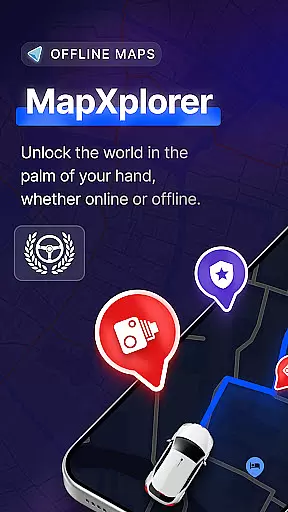
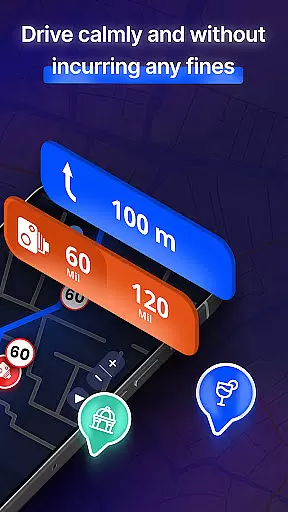
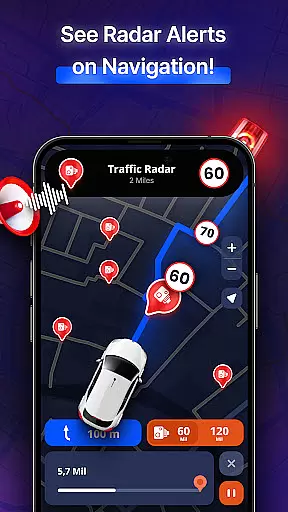
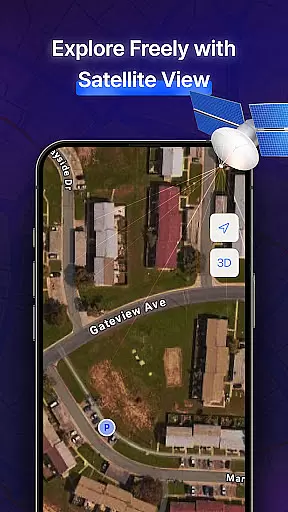
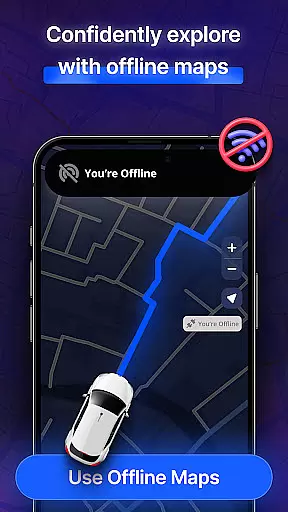
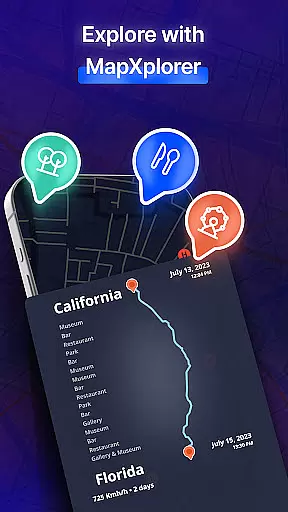
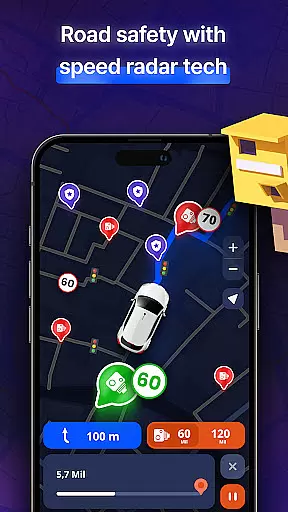

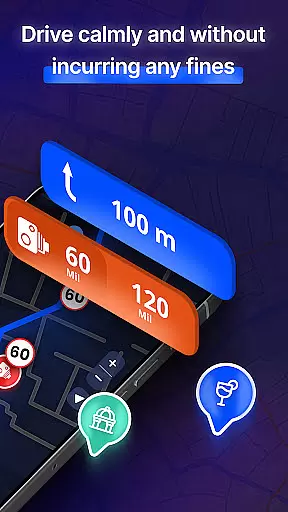

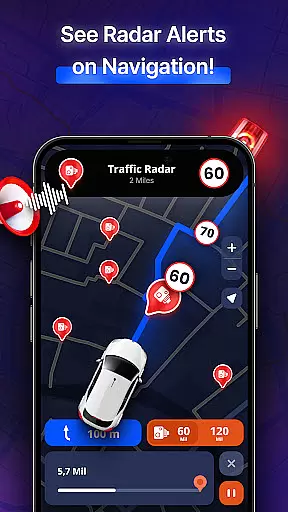
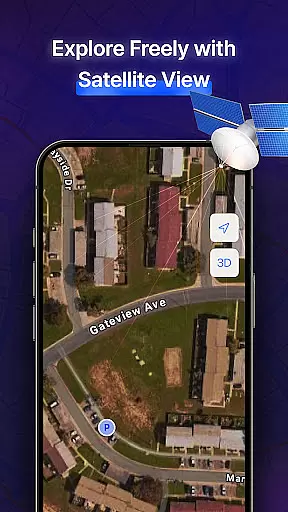
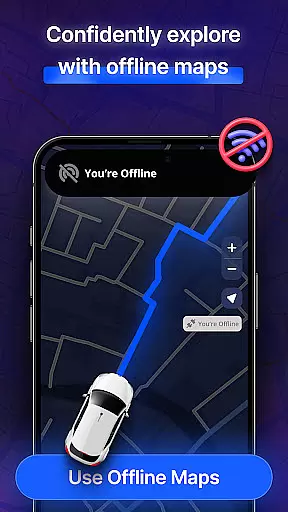
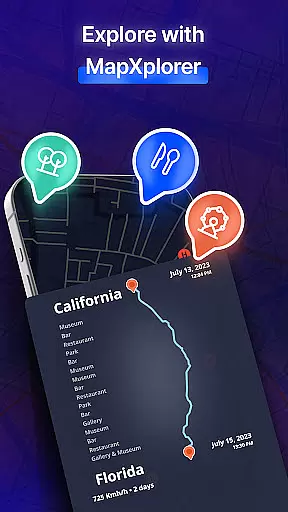
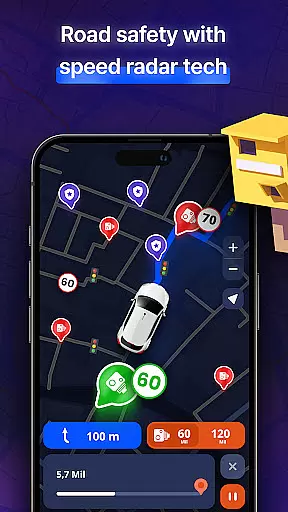
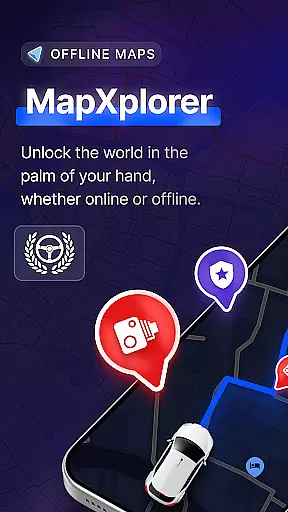
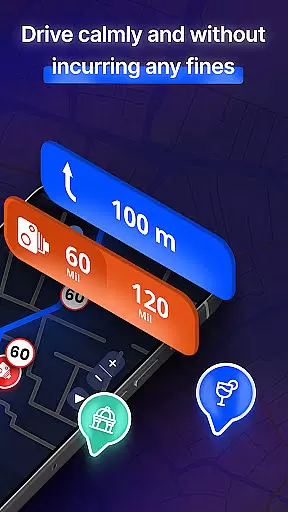

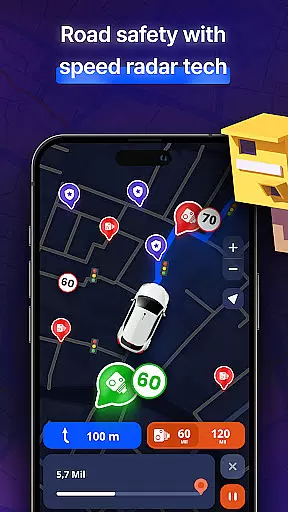
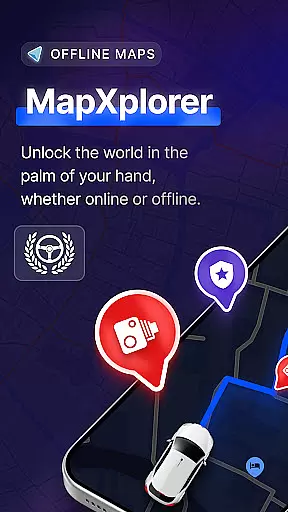
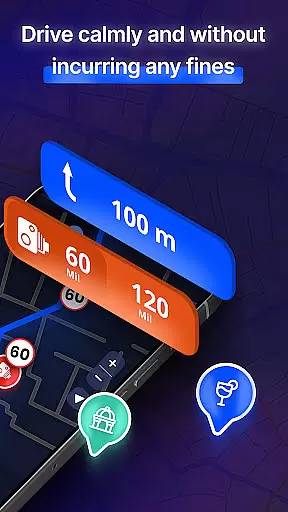

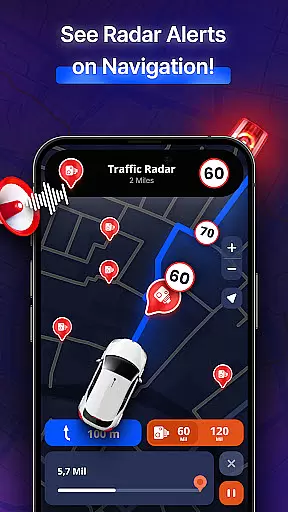
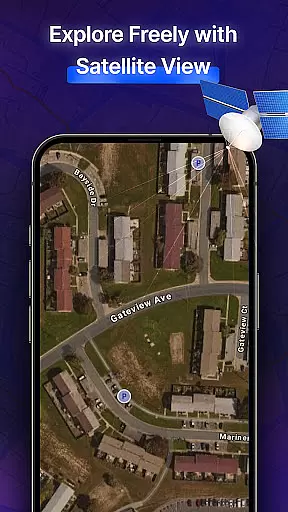
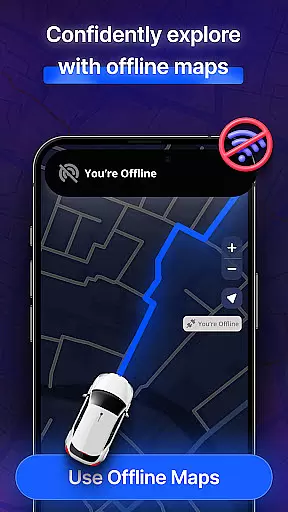
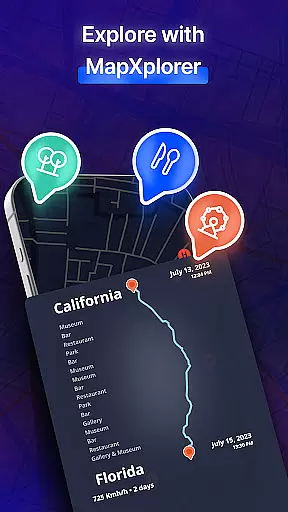
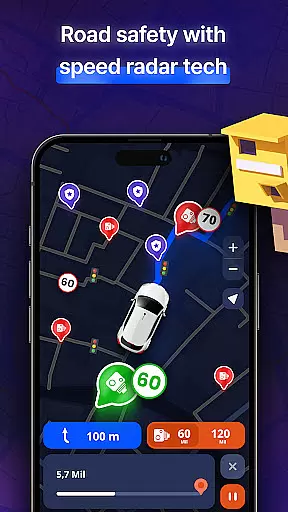
MapXplorer is a cutting-edge offline 3D map application designed to revolutionize your travel experience. This app offers powerful navigation tools including radar, AI Co-Pilot for real-time guidance, and detailed satellite views. With its offline functionality, users can download maps and access them without an internet connection, making it perfect for remote areas. The app also features Points of Interest (POI) discovery, speed trap alerts, and multi-vehicle route planning.
The application stands out with its user-friendly interface that simplifies smart navigation. It ensures data security and privacy, using location information solely for navigation purposes. Whether you're driving through city traffic or exploring off-the-beaten-path destinations, MapXplorer provides reliable and secure navigation assistance. Its comprehensive features cater to various travel needs, ensuring a stress-free journey every time you hit the road.
MapXplorer boasts an array of sophisticated features tailored to enhance your navigation experience. One standout feature is the AI Co-Pilot, which offers real-time voice guidance, smart route recommendations, and personalized driving tips. This virtual assistant adapts to your driving style, providing a safer and more efficient journey whether you're commuting or on a road trip.
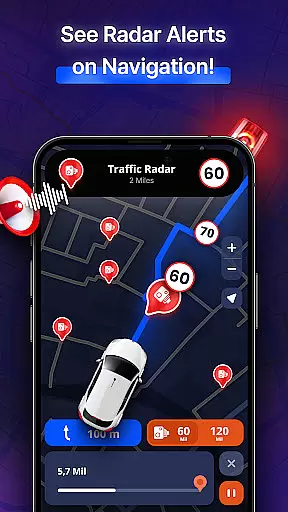
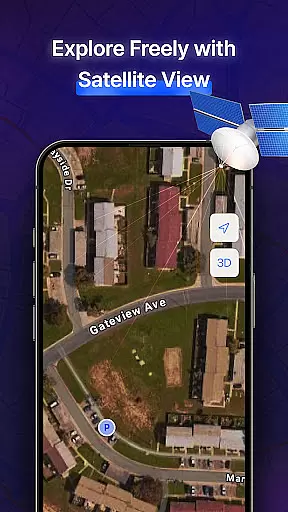
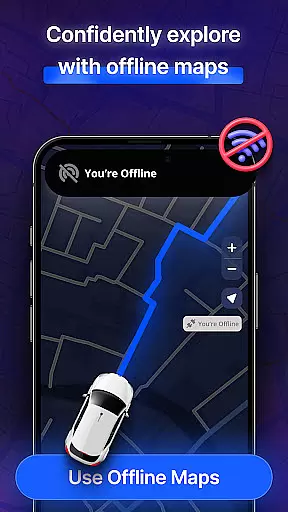
In addition to the AI Co-Pilot, the app includes a robust radar system and speed trap alerts, keeping you informed about nearby points of interest and potential road hazards. The 3D & Satellite View allows users to explore cities and roads in realistic detail, while the offline maps ensure uninterrupted navigation even without an internet connection. These features collectively create a comprehensive navigation tool that prioritizes both convenience and safety.
Furthermore, MapXplorer supports multiple vehicle types, enabling users to plan routes for cars, trucks, or motorcycles effortlessly. The app's real-time alerts notify drivers about traffic jams, accidents, and other road issues, ensuring they stay informed and prepared. With its intuitive interface and reliable performance, MapXplorer is an indispensable companion for modern travelers seeking seamless navigation solutions.
Map accuracy is crucial for any navigation app, and MapXplorer excels in this area. The app offers detailed 3D and satellite views that provide realistic representations of cities and roads.
With offline map functionality, users can download maps for their destinations and access them without an internet connection. This ensures that even in areas with poor connectivity, the app maintains high map accuracy.
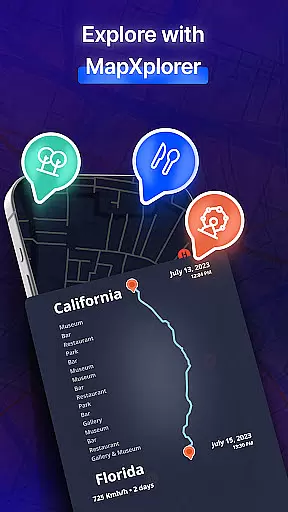
The inclusion of points of interest and real-time alerts further enhances the precision of the maps. Users can discover nearby amenities and receive warnings about road issues, contributing to a reliable navigation experience.
Overall, MapXplorer's commitment to accuracy ensures that users can navigate confidently, whether they are traveling through urban centers or remote areas.
Effective route planning is essential for efficient travel, and MapXplorer provides users with smart tools to optimize their journeys. The AI Co-Pilot feature offers real-time voice guidance and personalized driving tips.
Users can plan routes for various vehicles, including cars, trucks, and motorcycles, ensuring that the app caters to different travel needs. The radar feature helps in identifying nearby points of interest and potential speed traps.
By offering multiple route options and considering real-time traffic conditions, MapXplorer allows users to choose the best path to their destination. This flexibility in route planning saves time and reduces stress during travels.
In summary, MapXplorer's advanced route planning capabilities make it an invaluable tool for both everyday commutes and long-distance trips.
Offline functionality
AI Co-Pilot feature
Real-time alerts
User-friendly interface
Multi-vehicle support
Premium subscription required
Limited free features
Occasional bugs
High storage usage
Complex settings

Route schedules, maps, and real-time tracking of MTA buses in New York City.
 4.20
4.20
Find 93 Octane Gas: Locate Gasoline Stations Selling Premium 93 Octane or Higher
4.0
TACNAV-X: Precision MGRS navigation, built specifically for the military.
4.00
Airport parking, with airport shuttle (TPS shuttle), reservations, and Spot Club
4.80
Find EV & Tesla charging stations with PlugShare
4.70
Voice GPS with driving directions, offline maps navigation GPS for safe travel
4.50
Use GPS maps or search by property owner, address or parcel to view parcel data
4.30
Drive safe with real-time speed camera radar, police, and traffic alerts
3.80
ParkWhiz, an Arrive Mobility brand, part of the Arrive Network
4.30
Find trails, organize your locations and navigate with offline maps.
4.60
Affordable rides and food delivery with incredible discounts in just one app.
4.50
"Balad" is a map and navigator with a Persian voice assistant and a complete city guide
4.40
Phone Tracker and GPS Location Sharing
4.20
Easy, Moderate and difficult offroad adventures.
4.00
Get route map navigation with 3D satellite view, and live earth camera streaming
3.70
OpenCPN is a full featured ChartPlotter and Navigator for Android.
3.60
Play in the outdoors with Android as your Handheld GPS and offline topo maps!
3.50
Off-Roading Navigation App With Trails, Public Lands, & Private Property Info
3.30
All of NHSA's trail information at your fingertips for the 2025-2026 season
4.0
Complete Lyft review—pricing comparison, driver quality, safety features, rewards program, and how it stacks up against Uber and competitors.



User Reviews