
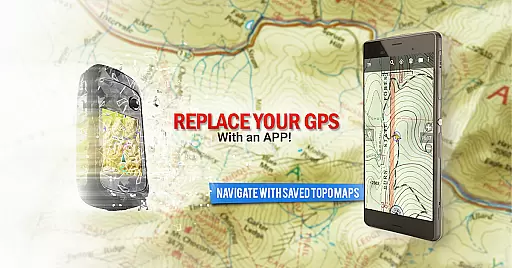
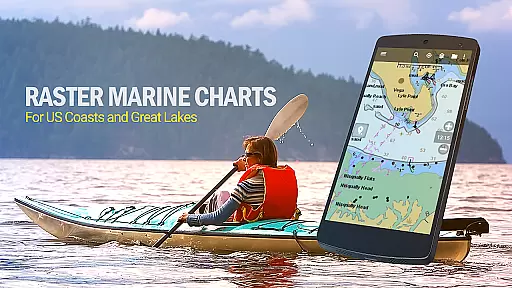
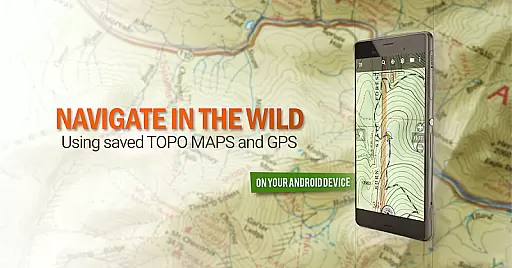
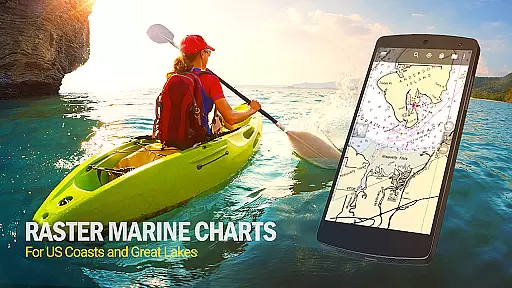
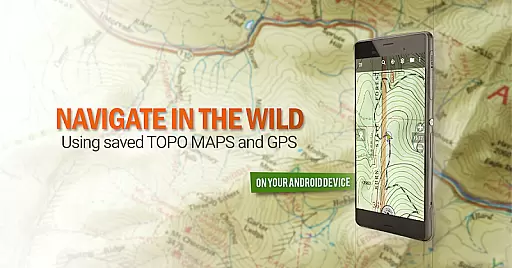
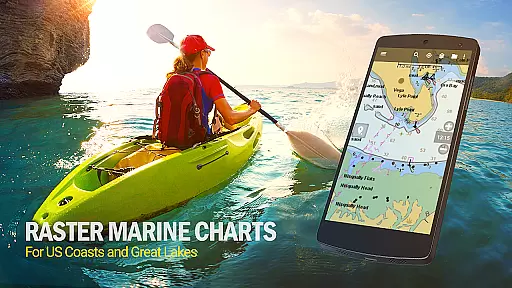
BackCountry Navigator GPS PRO is a premium outdoor navigation app designed for adventurers who require reliable mapping solutions beyond cell coverage. This application transforms your Android device into a powerful offline GPS tool, offering topographic maps for hiking, hunting, kayaking, and various outdoor activities.
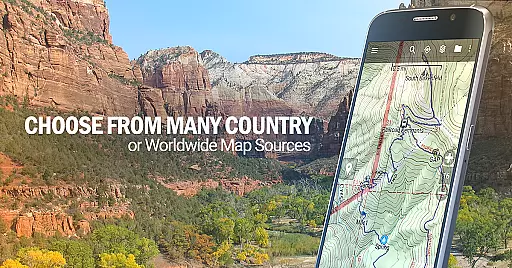
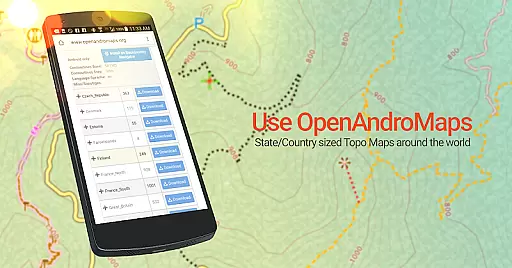
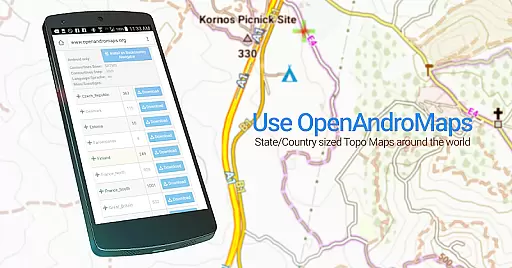
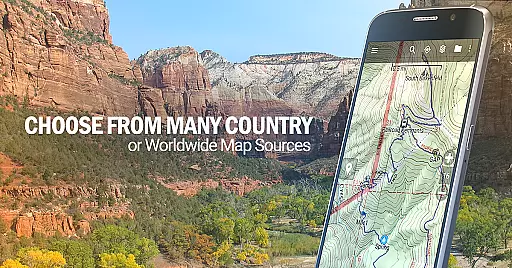
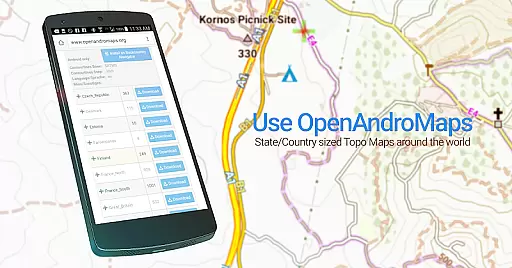
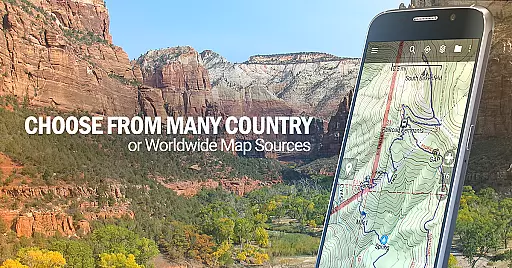
The app supports multiple map sources including OpenStreetMaps, US Topo Maps, Canada Topo Maps, and marine charts. Users can download maps in advance and utilize the GPS functionality without an internet connection. With additional features like Android Wear support and compatibility with GPX/KML files, this app serves as an all-in-one geocaching and navigation solution.
Whether you're trekking through wilderness areas or exploring coastal waters, BackCountry Navigator ensures safe and enjoyable adventures by providing accurate terrain information and precise location tracking.
BackCountry Navigator GPS PRO stands out with its comprehensive feature set tailored for outdoor enthusiasts. The app provides access to numerous topographic map sources, allowing users to download maps for offline use across the US and many other countries. Its support for various coordinate systems, including longitude/latitude and UTM, makes navigation intuitive and versatile.
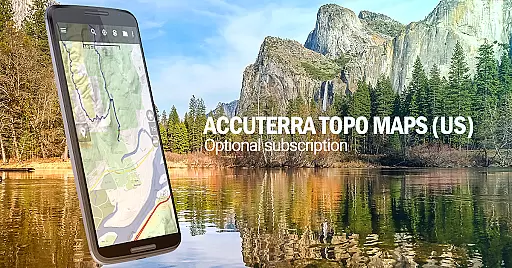
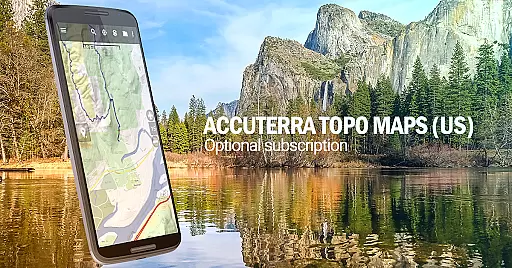
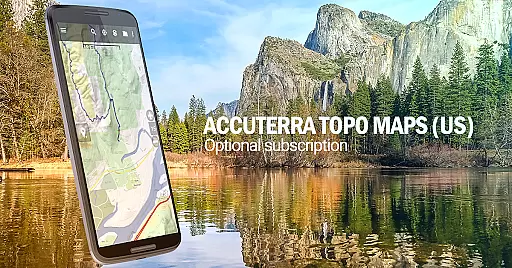
One of the key highlights is the ability to overlay specialized content such as Boundary maps from the Bureau of Land Management (BLM) and Lake Contours, which are particularly valuable for hunters and anglers. Additionally, users can enhance their experience with optional in-app purchases like Accuterra Topo Map Source and Thunderforest Map Sources.
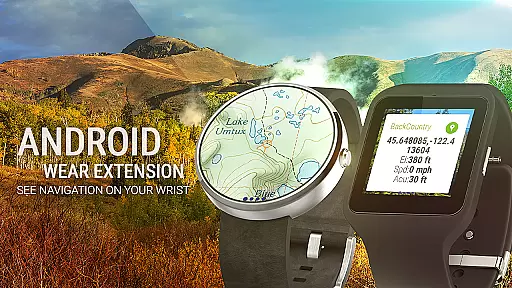
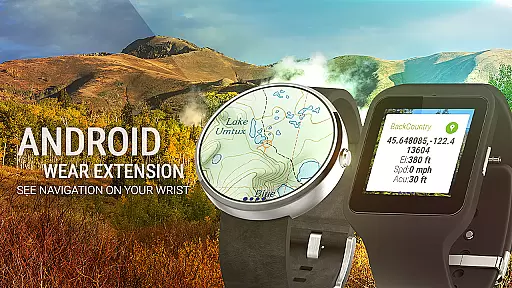
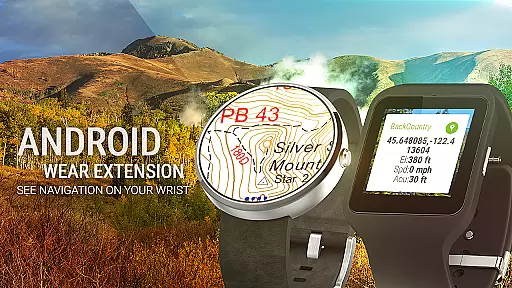
The inclusion of Android Wear support enables quick glance navigation on smartwatches, while compatibility with GPX/KML files facilitates seamless integration with existing geocaching databases. These robust features make BackCountry Navigator an indispensable tool for both casual explorers and seasoned outdoorsmen.
Map accuracy is a critical feature for any navigation app, and BackCountry Navigator GPS PRO excels in this area. The application provides access to a wide array of topographic maps from reputable sources, ensuring that users receive precise and reliable geographical information. These maps cover various terrains and are continually updated to reflect the latest changes in landscapes and trails.
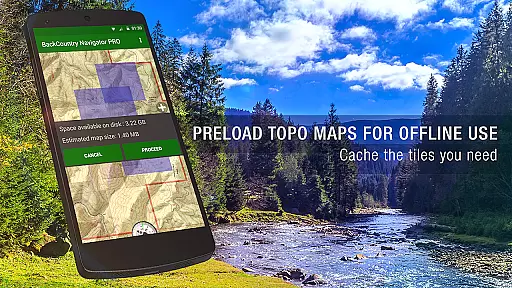
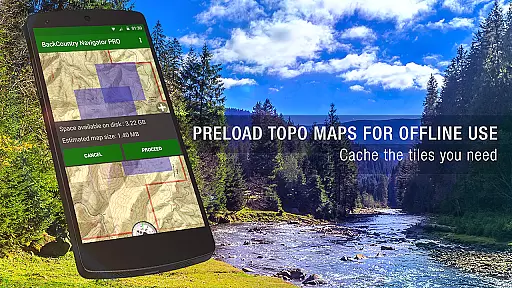
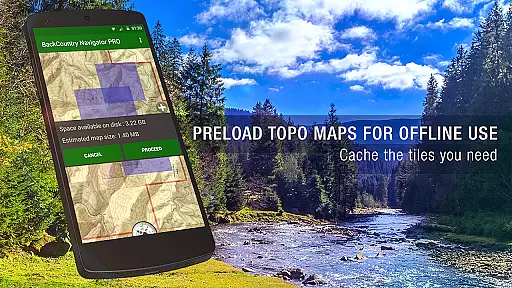
The app supports offline map downloads, which means you can have accurate map data at your fingertips even without cell coverage. This is particularly beneficial for outdoor enthusiasts who venture into remote areas where network connectivity is unavailable. By storing maps locally on your device, BackCountry Navigator ensures that the accuracy of the maps remains uncompromised regardless of your location.
Furthermore, the inclusion of detailed topographic maps allows for enhanced terrain visualization through color and contour lines. Users can make informed decisions about their routes by understanding elevation changes and natural obstacles. Whether it's hiking, hunting, or kayaking, having such accurate mapping capabilities significantly improves safety and navigation efficiency in the great outdoors.
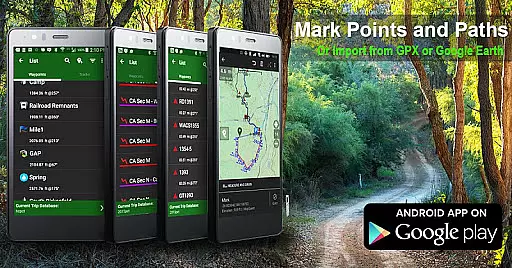
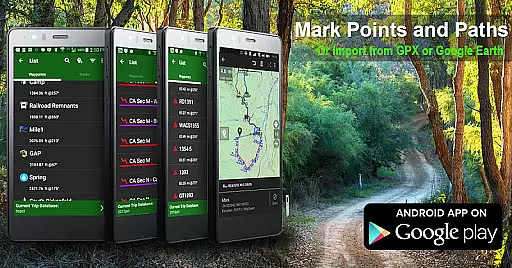
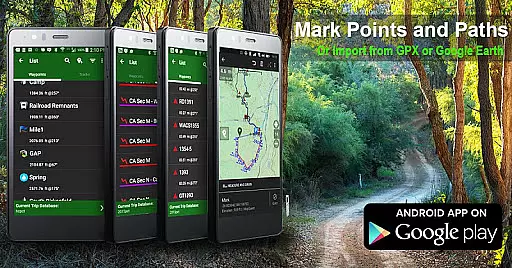
Route planning is an essential aspect of any outdoor adventure, and BackCountry Navigator GPS PRO offers robust tools to assist with this task. With the ability to download and utilize numerous map sources, including topographic maps from various countries, users can plan their routes with confidence. The app's support for different map formats, such as GPX and KML files, enables seamless integration of pre-existing waypoints and tracks into your route planning process.
In addition to using publicly available map sources, BackCountry Navigator also provides premium content options that enhance route planning. For example, Accuterra Topo Map Source and Thunderforest Map Sources offer detailed and specialized maps that cater to specific activities like hiking, mountain biking, or off-road adventures. These paid add-ons provide more granular detail and up-to-date information, allowing for more precise route planning tailored to individual needs.
Moreover, the appu2019s intuitive interface makes it easy to plot and adjust routes on the fly. Users can enter custom coordinates using multiple formats, including longitude/latitude, UTM, MGRS, or grid references. This flexibility ensures that whether you're navigating established trails or exploring uncharted territories, BackCountry Navigator GPS PRO equips you with the tools necessary for effective and adaptable route planning.
Comprehensive map sources
Offline functionality
Customizable overlays
Android Wear support
GPX/KML compatibility
Some features require subscription
Occasional map update delays
Higher cost for premium maps
Complex interface for beginners
Limited international map availability

Compass is an accurate compass and a great tool for any outdoor activities
 4.3
4.3
Discover over 800 points of interest along the canal.
3.70
Find trails, organize your locations and navigate with offline maps.
4.60
LIRR and Metro-North tickets and trips
4.80
Navigate via GPS Maps of GPS Voice Navigation, driving directions to find routes
3.60
Navigate seamlessly with Real-Time Traffic, Offline Maps, and Voice Navigation.
4.10
Off-Roading Navigation App With Trails, Public Lands, & Private Property Info
3.30
Track friends in real-time and explore worldwide live cameras.
4.60
Use GPS Maps and GPS Voice Navigation to find your way and get directions
4.10
Order a cab online. An affordable taxi ride and driver in no time. What a bolt!
4.80
Navigate with your watch and keep the phone in your pocket!
4.60
Turn your Android device into a real off-road GPS using off-line topo maps!
4.40
"Balad" is a map and navigator with a Persian voice assistant and a complete city guide
4.40
Maps, Driving Directions & GPS navigation using directions app & GPS App
4.30
Get matched with a nearby driver — you’ll be on your way in minutes.
4.30
Phone Tracker and GPS Location Sharing
4.20
Lets explore the world's famous places by using Live Cams, GPS & Satellite View.
4.20
Get directions, Maps, GPS navigation & GPS Maps using GPS App
4.10
Get route, find shortest path, near by places and weather update
3.90
Complete Waymo autonomous vehicle review—how it works, safety record, pricing vs Uber, service areas, and the real experience of riding without a driver.



User Reviews